- Cloud Email
Microsoft 365 Backup: Why You Need It and What to Use
17 Oct, 2025
£158.92 inc. VAT
AI-generated summary
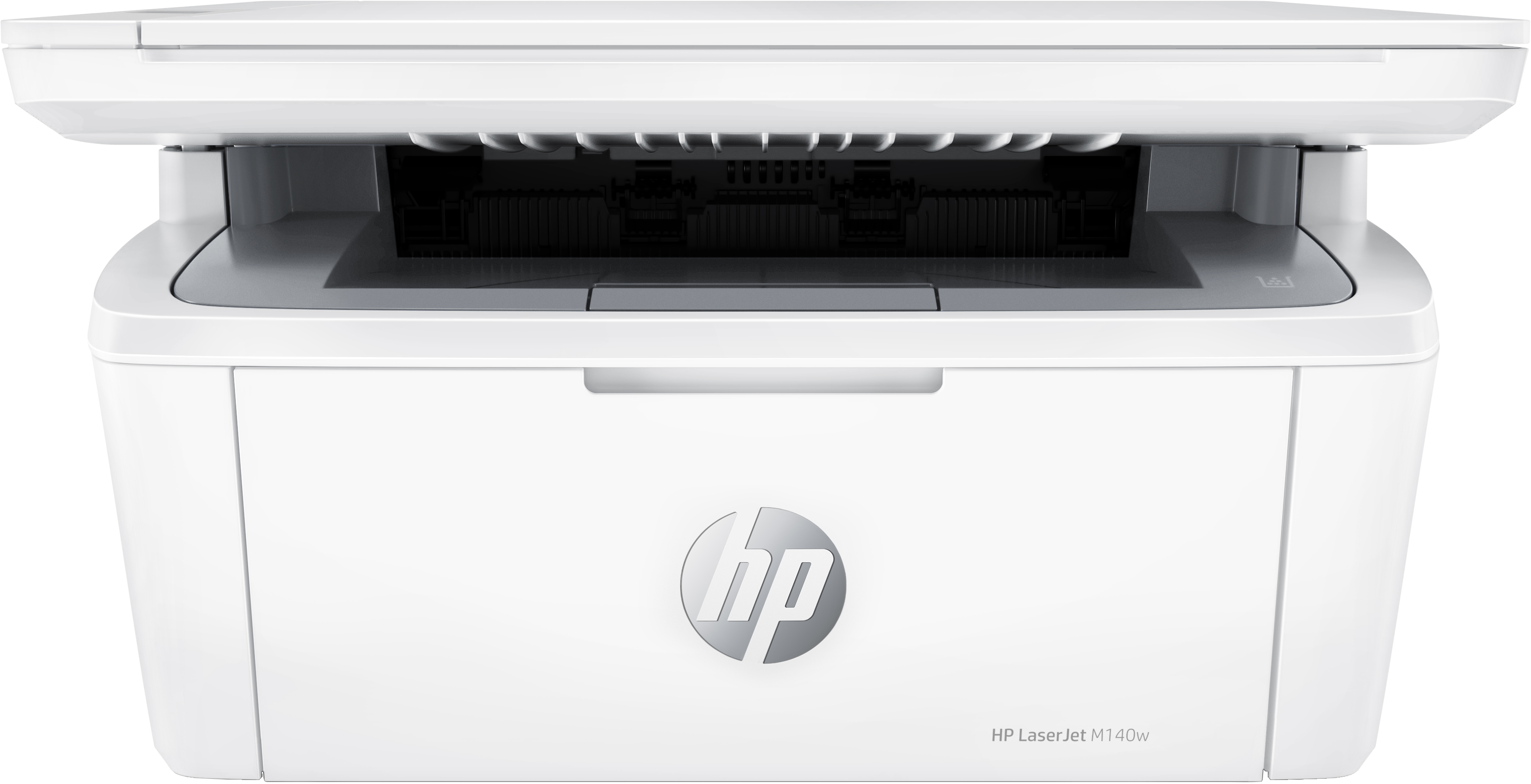
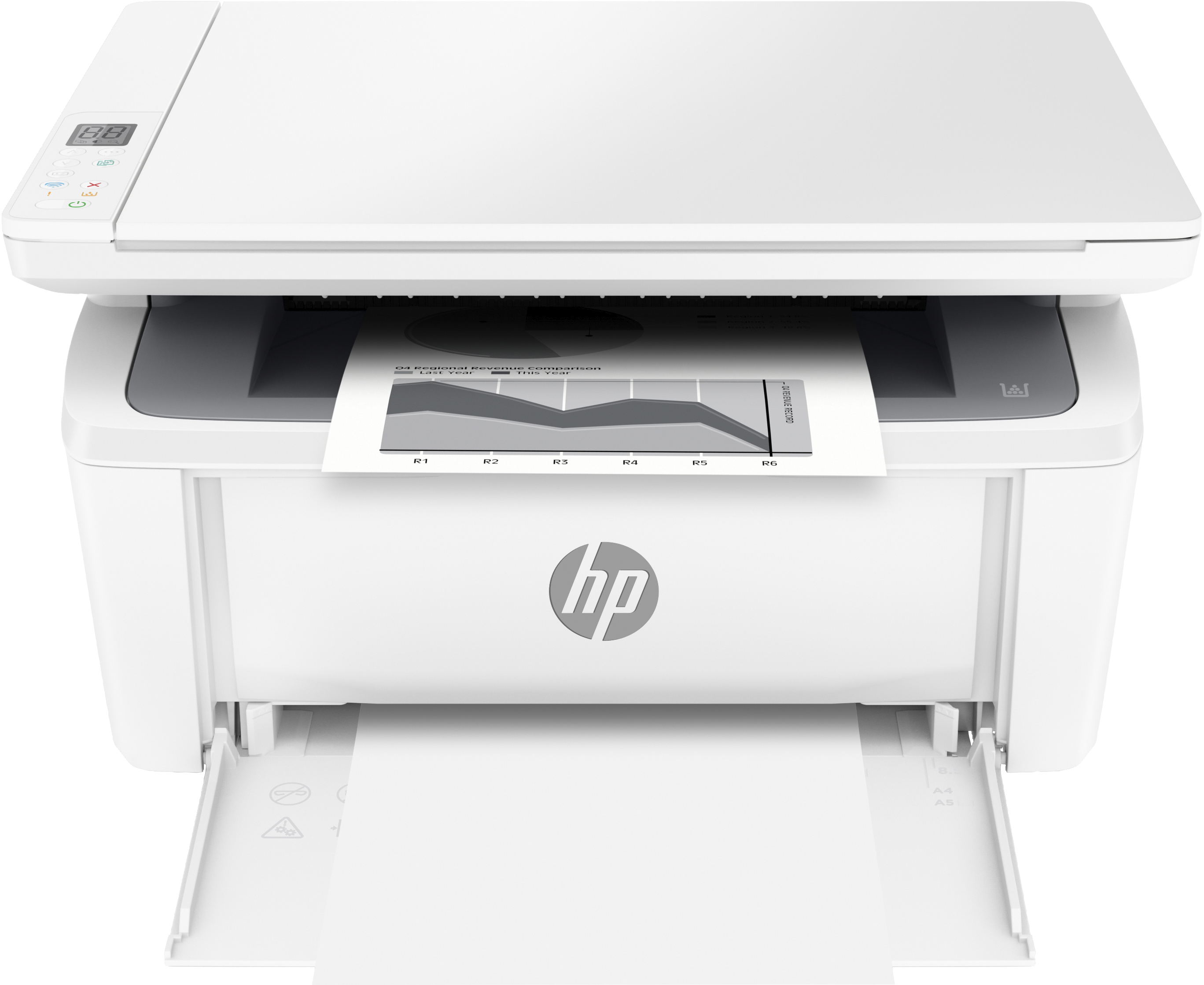
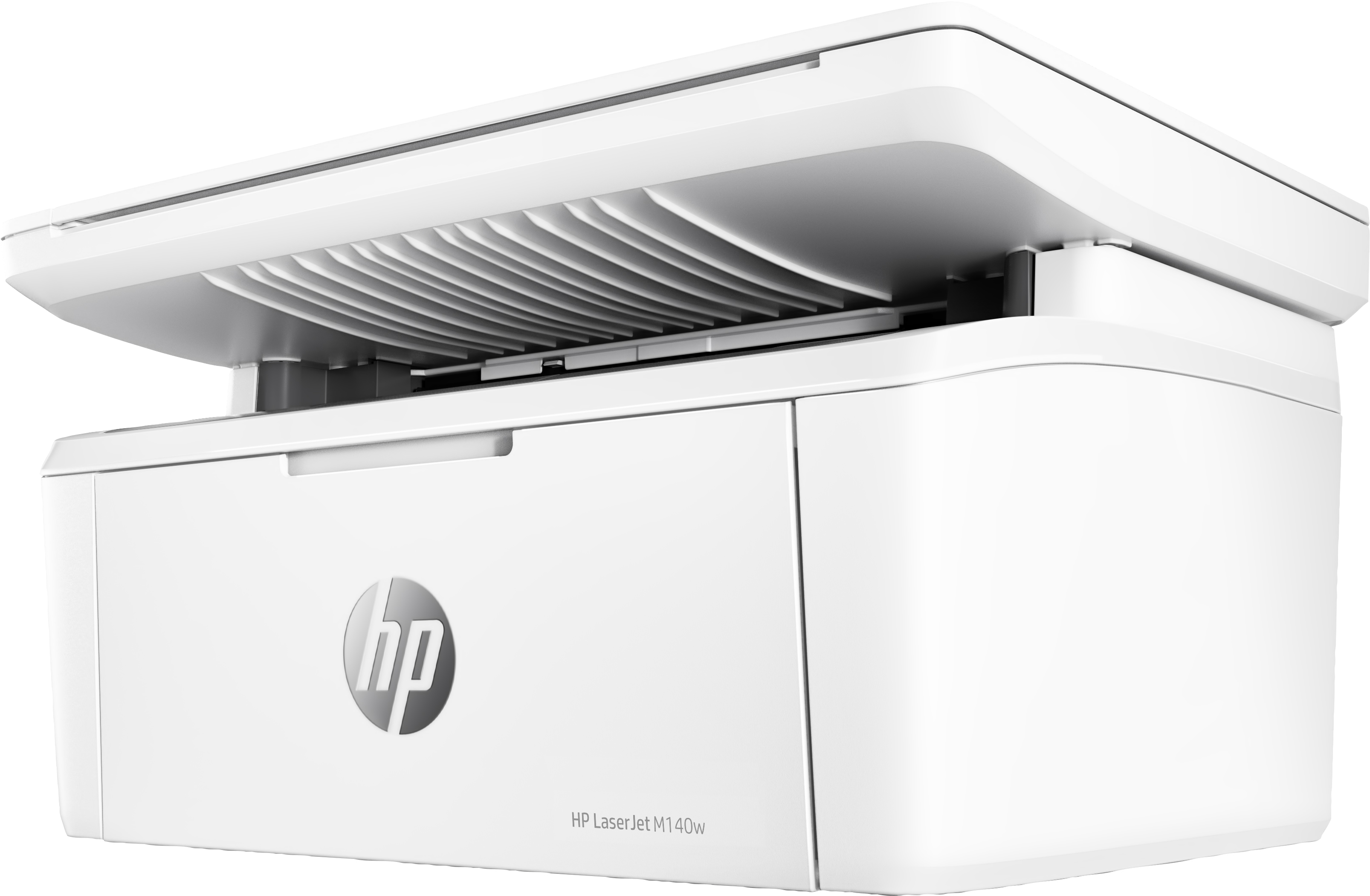
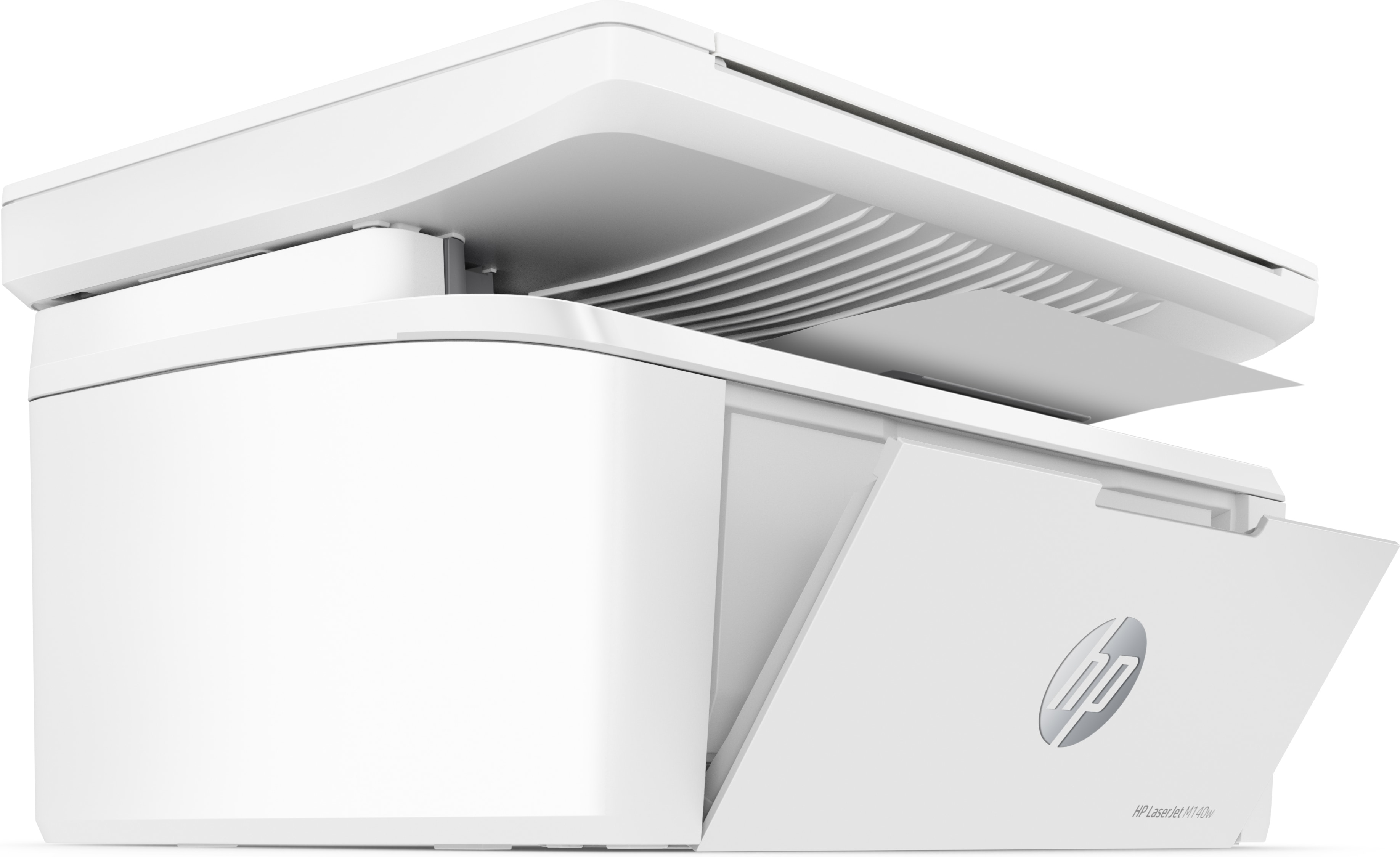
For £132.43 ex-VAT, the HP LaserJet MFP M140w is a decent “get stuff printed and scanned reliably” option—especially if you’re equipping a small office or a single user who doesn’t want to mess around. Where it makes sense is day-to-day documents: quick print jobs, basic scanning, and the kind of straightforward workflow where you just need it to work. HP’s Laser line tends to be dependable for budget setups, and the cost sits in that sensible bracket for teams that don’t want to commit to a pricier MFP.
That said, I wouldn’t buy it for heavy usage, large print volumes, or anyone expecting it to be a “power office” machine. Budget Laser MFPs like this typically trade speed and paper-handling flexibility for price, and you may start feeling the limits if you’re churning through lots of pages or printing a variety of sizes. Also, if your office prints mostly colour, you’ll likely feel like you’re paying for something that isn’t optimised for the work you do—monochrome-only setups can get frustrating fast.
**Who should buy it:** small offices, home offices, and lean workgroups needing monochrome prints plus scanning, without fuss. **Who should skip it:** teams with high volumes, demanding mixed media needs, or anyone who relies on frequent colour printing. If that sounds like you, it’s good value; if not, you’ll regret the “cheap enough” trade-off within months.
HP's smallest multifunction LaserJet
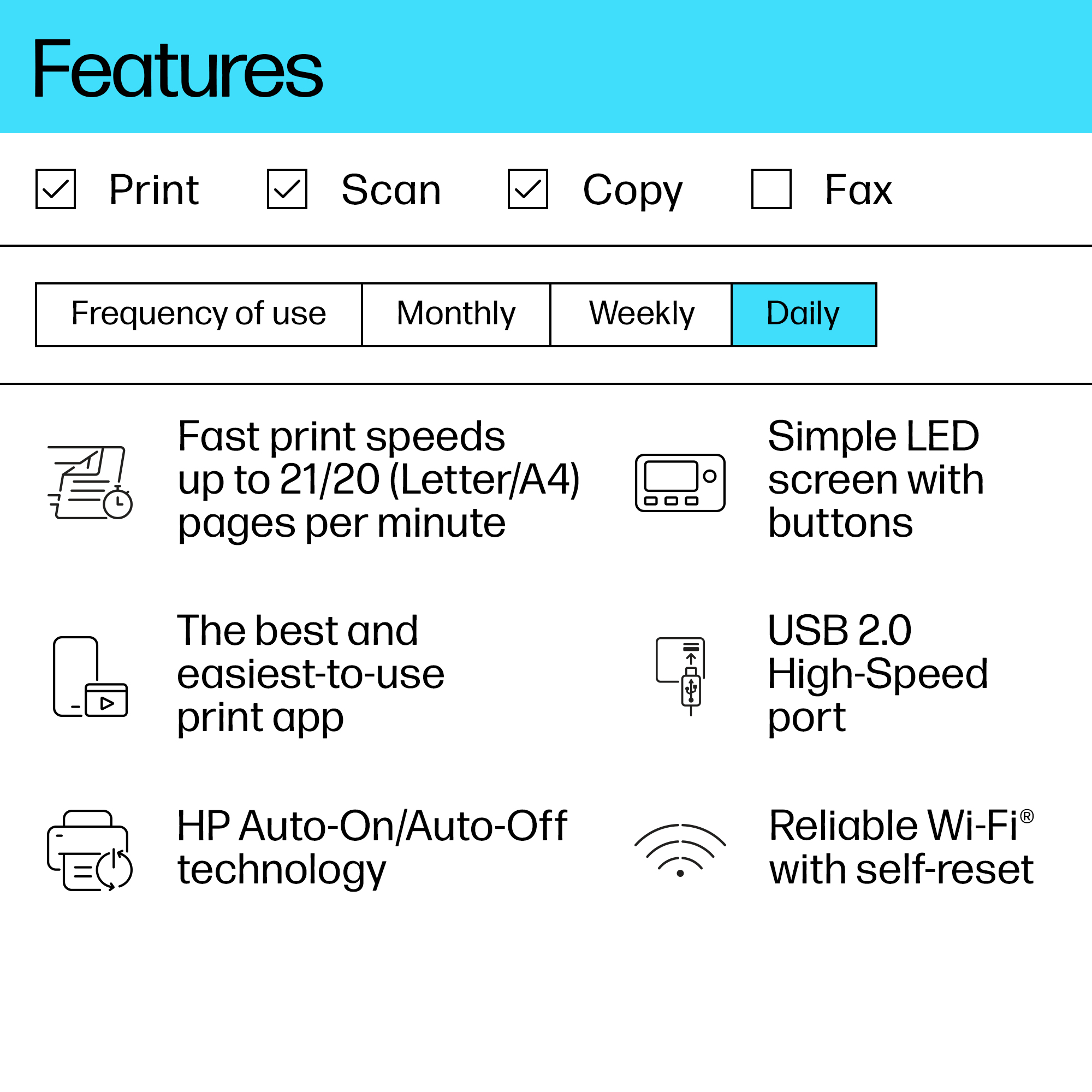
Efficient performance from HP's smallest multifunction laser. Business doesn’t need to wait for your printer. Maximise your uptime with print speeds up to 20 ppm in A4.[3] Smartly and elegantly des...
Productivity from your phone
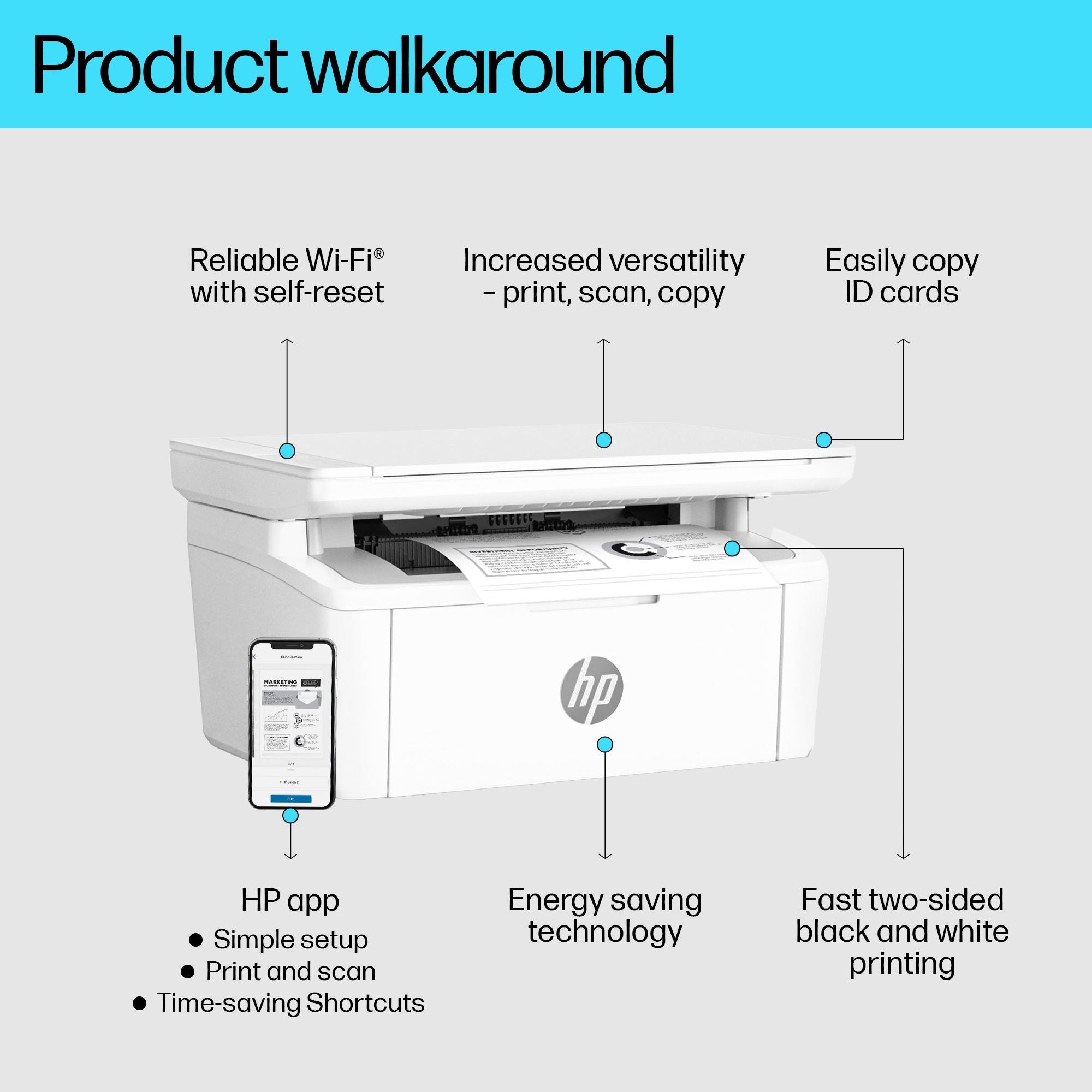
Get high-quality scanning, and share to Dropbox, Google Drive or cloud – from your phone with HP Smart app.[1] Access and print documents from your phone with HP Smart app, even from Dropbox and Go...
Help save resources without sacrificing performance
HP Auto-On/Off Technology – intelligence can turn your printer on when you need it and off when you don’t.[5] This HP LaserJet meets ecolabel requirements, including ENERGY STAR® and BLUE ANGEL.
Tackle the essentials – print, scan, copy
Easily handle tasks and get a lot from one device – print, scan, and copy.
Legendary laser quality
This surprisingly small laser delivers exceptional quality, page after page.
Easy ID copying
Easily copy both sides of identification cards onto one side of paper.
Canon
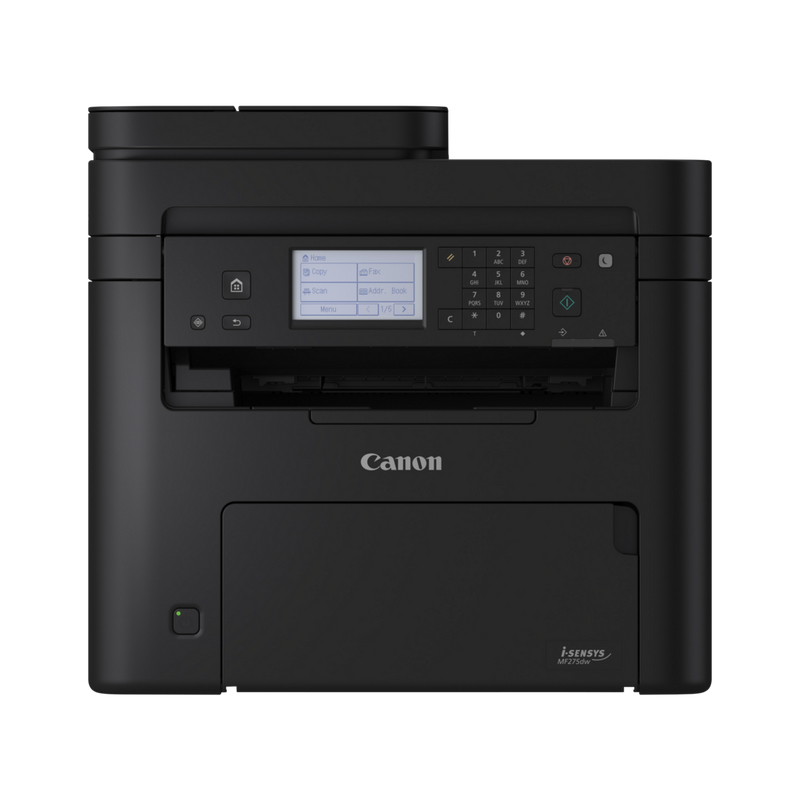
Canon i-SENSYS MF275dw Monochrome laser Print, copy, scan, fax Single sided: Up to 29 ppm (A4) Double sided: Up to 18.5 ipm (A4) Up to 600 x 600 dpi
HP
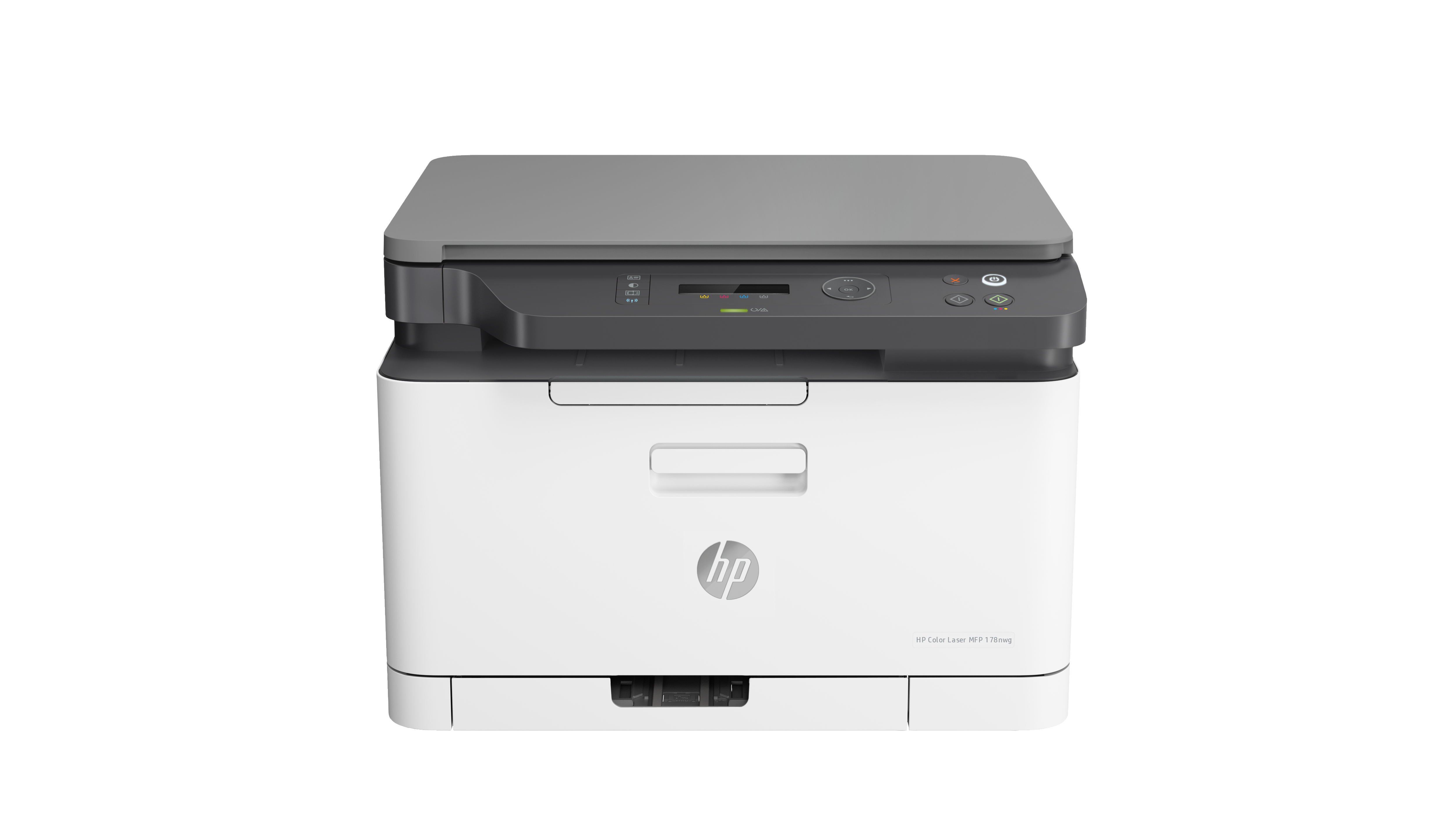
HP Color Laser MFP 178nw - Multifunction printer - colour - laser - Legal (216 x 356 mm)/A4 (210 x 297 mm) (original) - A4/Legal (media) - up to 14 ppm (copying) - up to 18 ppm (printing) - 150 sheets - USB 2.0, LAN, Wi-Fi(n)
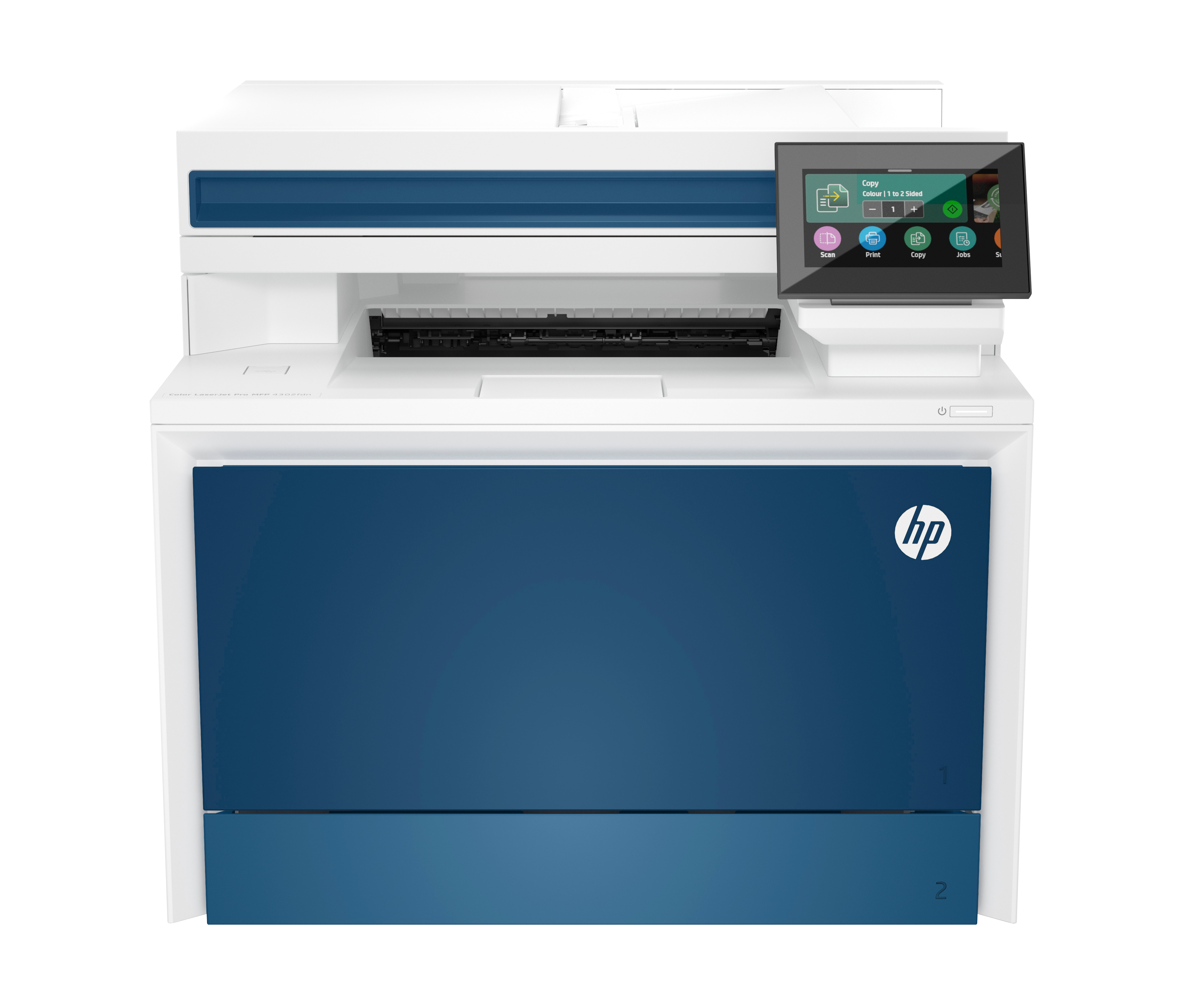
HP
HP Color LaserJet Pro MFP 4302fdn - Multifunction printer - colour - laser - Legal (216 x 356 mm) (original) - A4/Legal (media) - up to 33 ppm (copying) - up to 35 ppm (printing) - 300 sheets - 33.6 Kbps - USB 2.0, Gigabit LAN
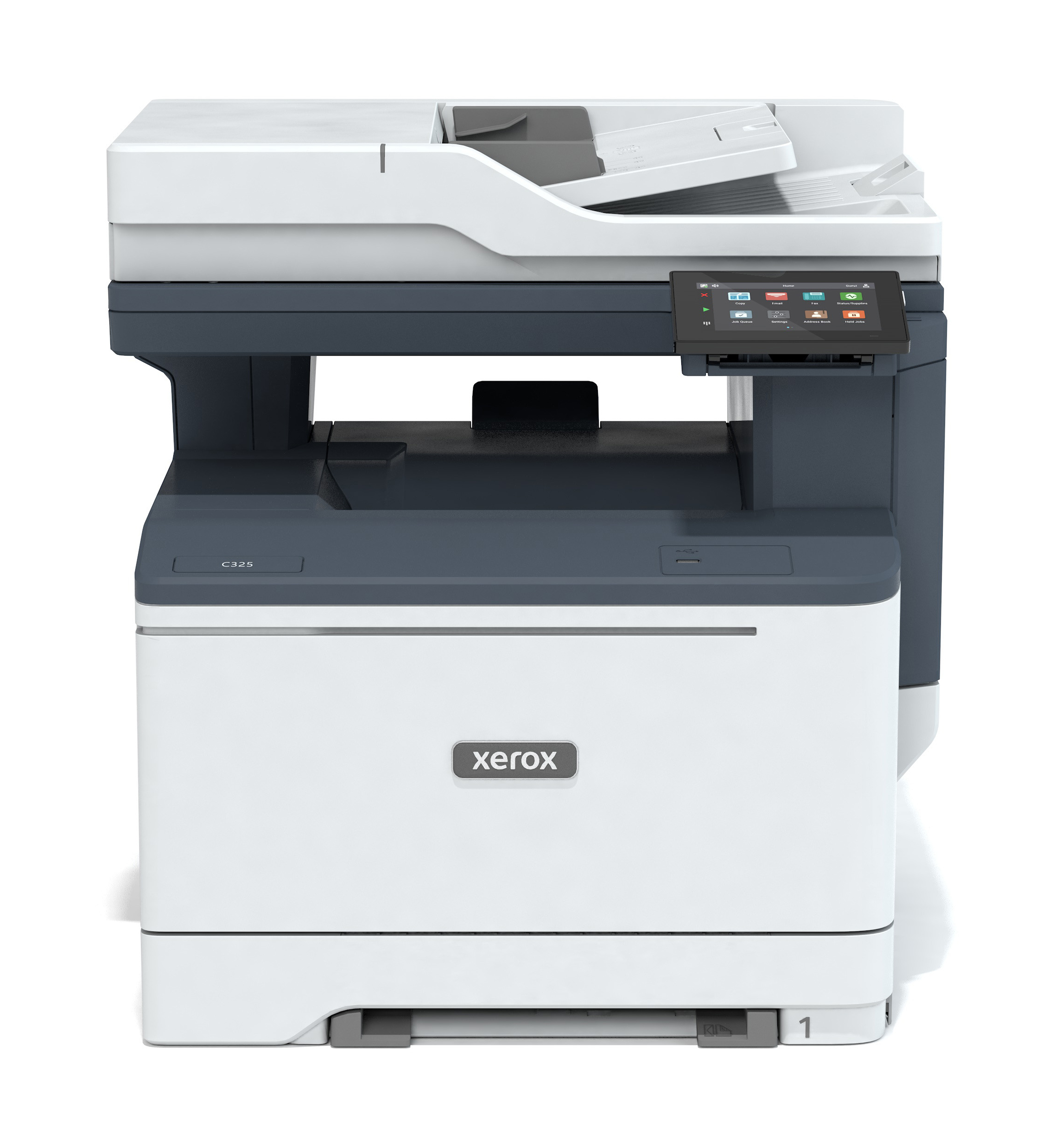
Xerox
K/Xerox C325 A4 33ppm Wless Duplex CPSF