- IT Support
IT Support for Remote Teams: What You Need to Know
11 Mar, 2026
£3326.33 inc. VAT
AI-generated summary
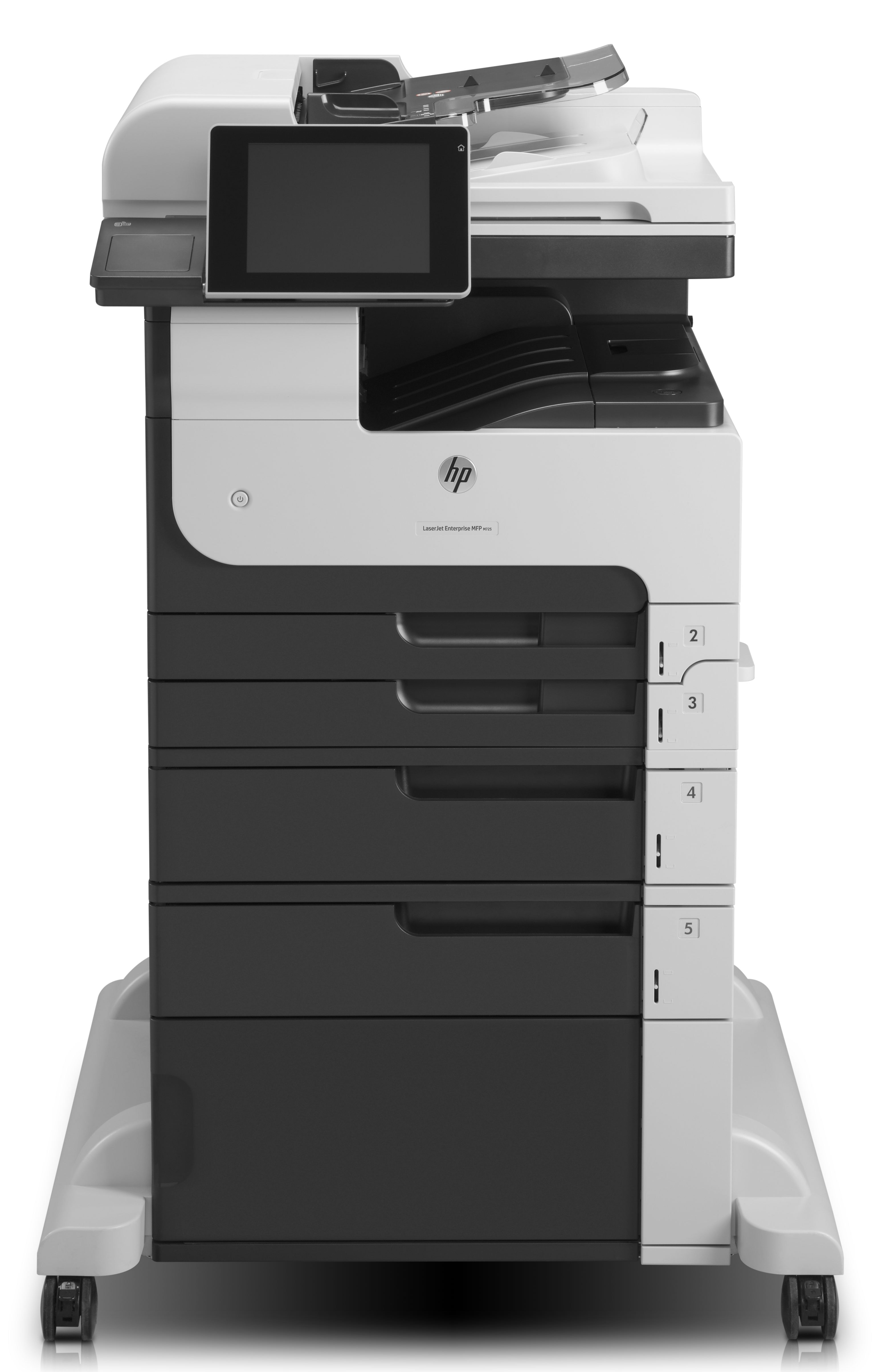
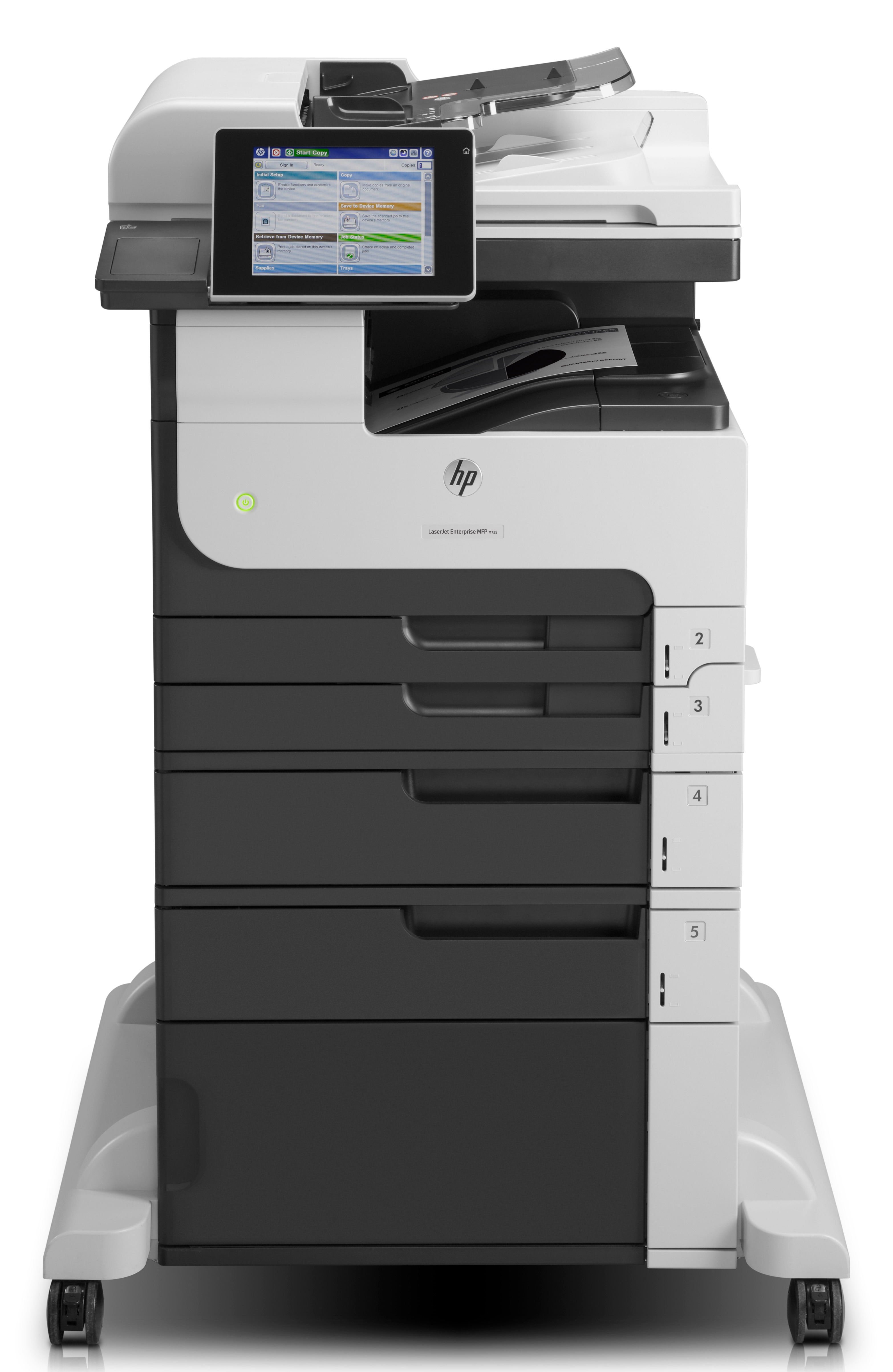
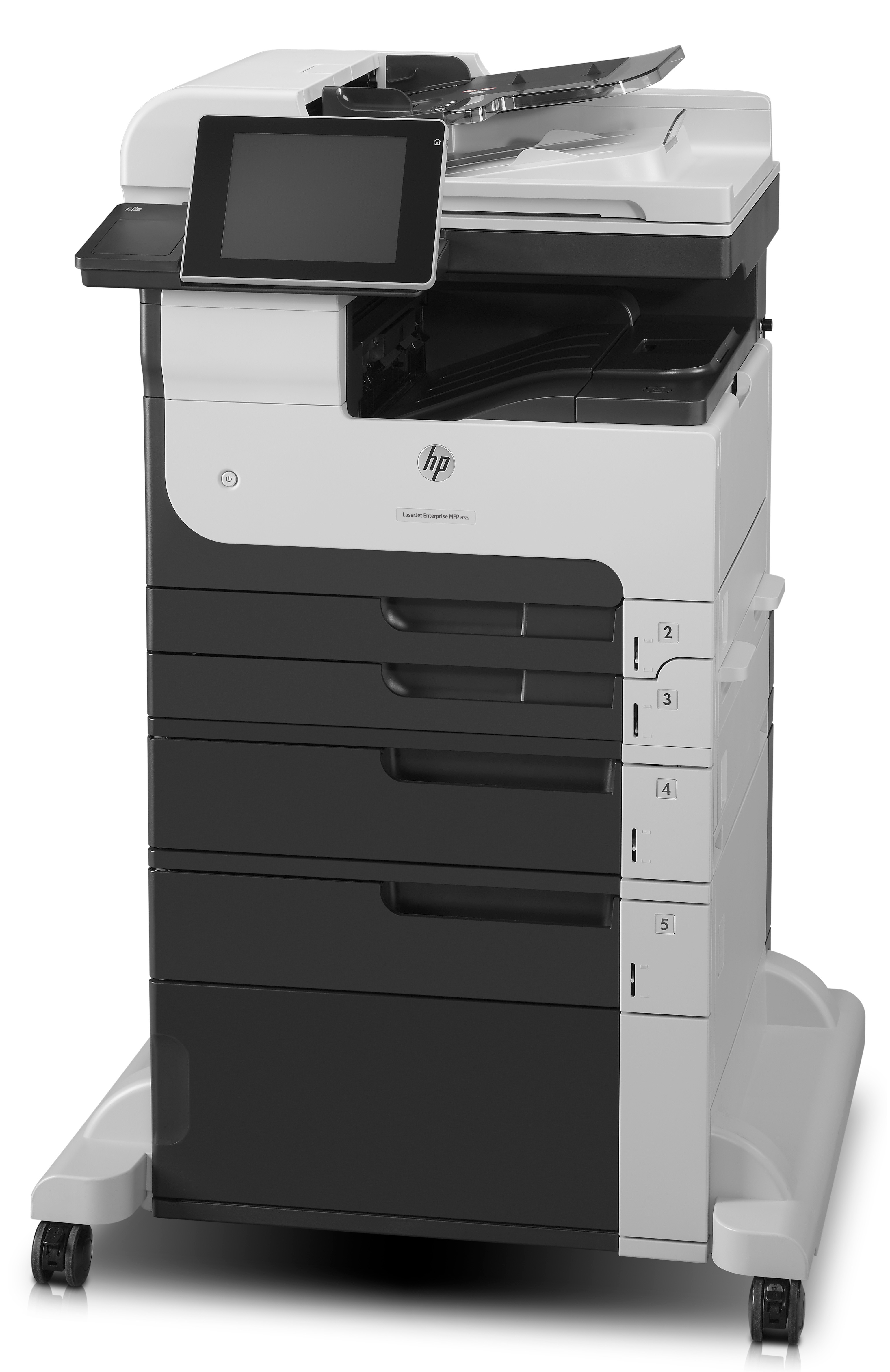
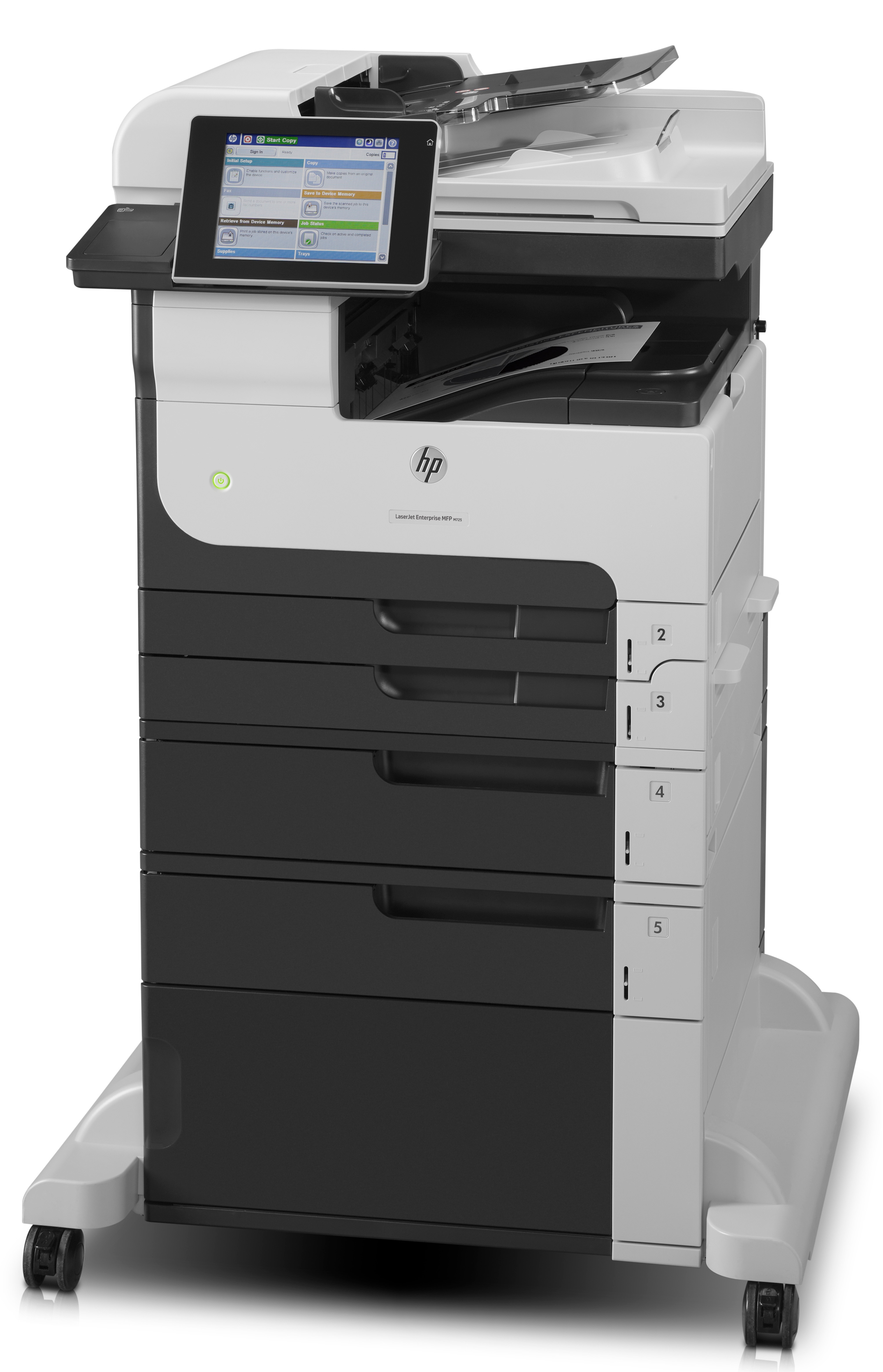
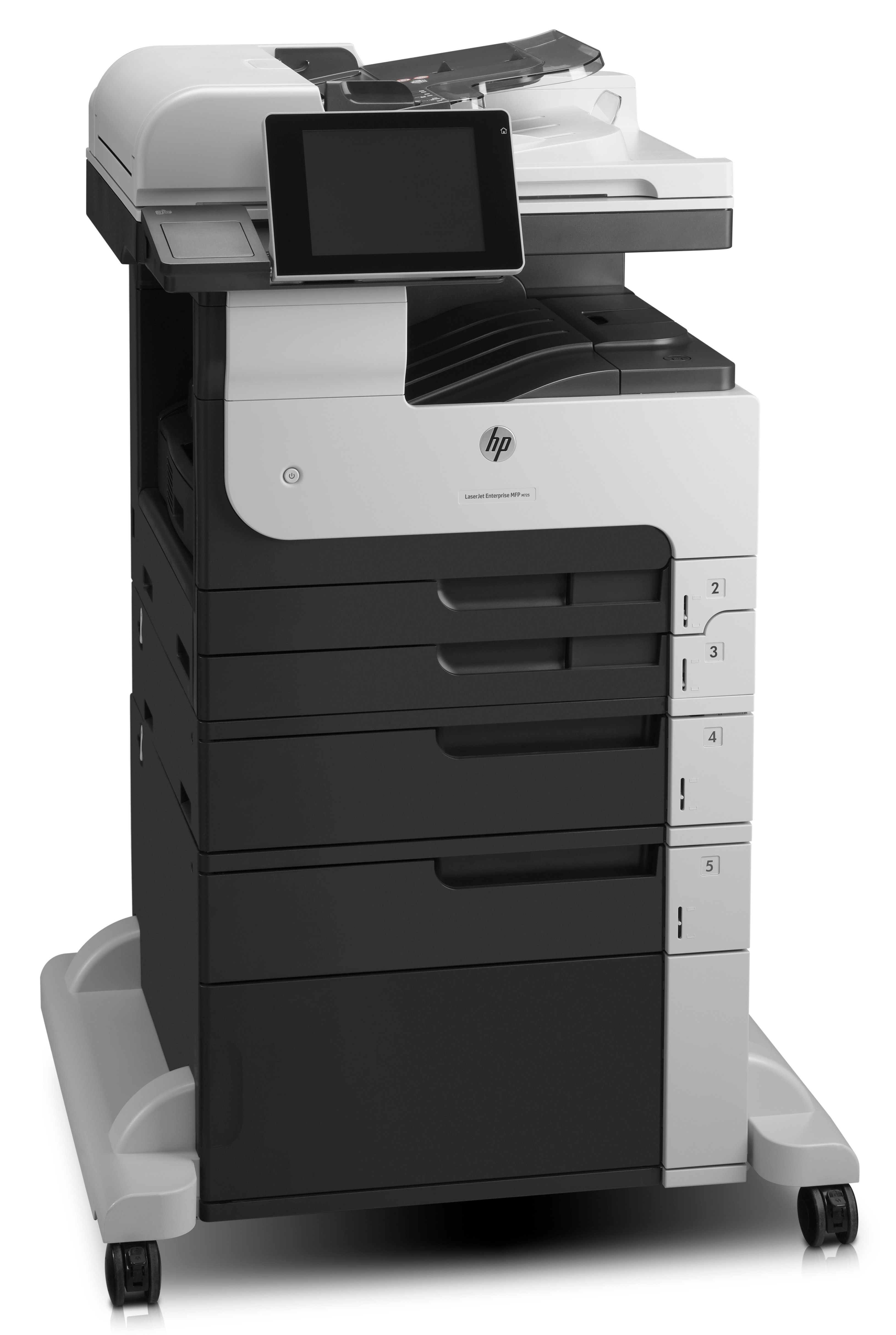
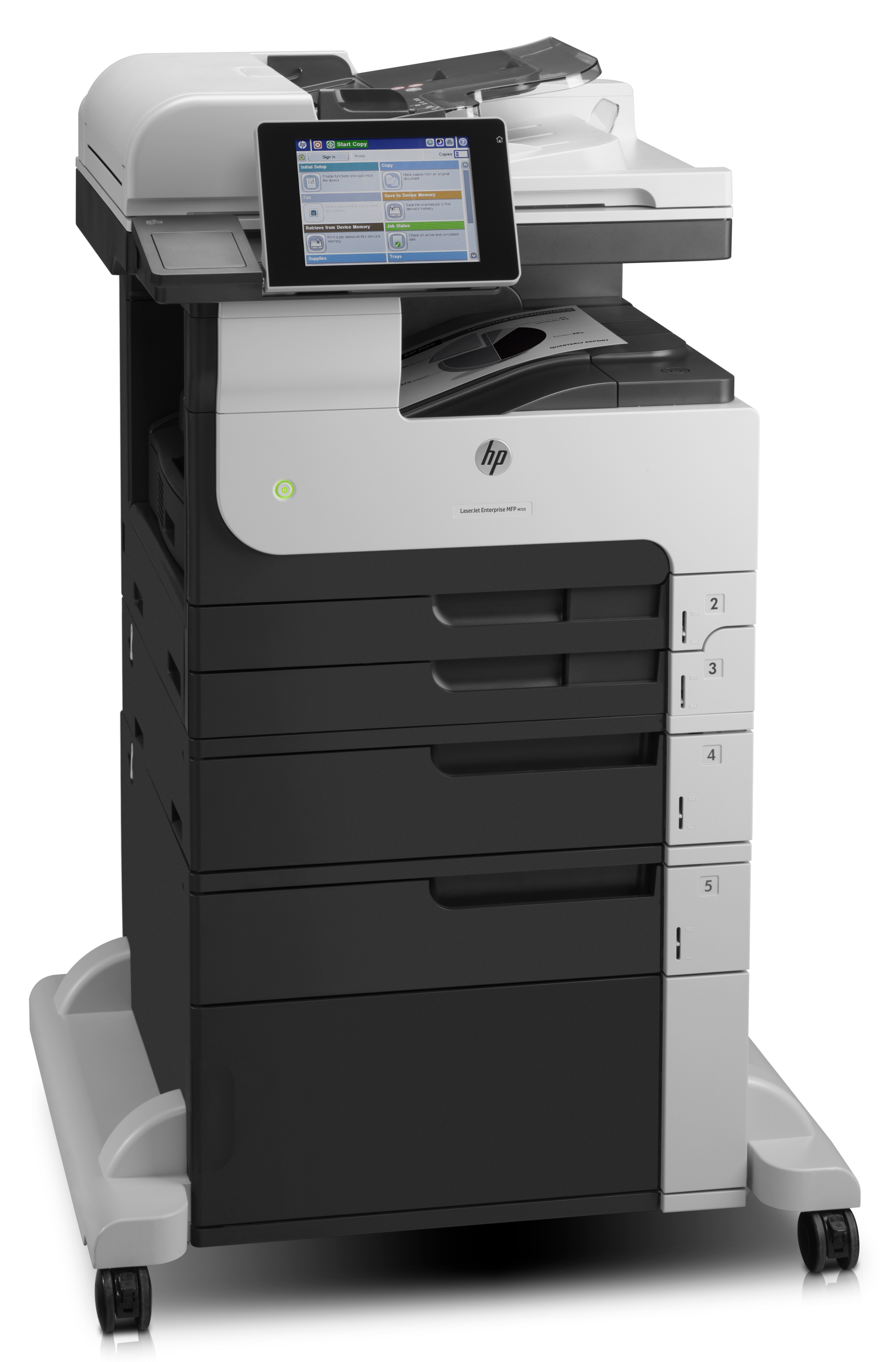
The HP LaserJet Enterprise MFP M725f is the kind of machine you buy when you’re done messing around: dependable daily printing, solid enterprise firmware/management options, and it’s built for environments where uptime matters more than novelty. If you’ve got a busy office with a real volume of documents, people who need reliable scanning/printing workflows, and IT/office managers who want something that plays nicely with fleet management, this is a sensible choice. It’s also a good fit if you value “set it up once and it just works” behaviour—this isn’t a gadgetty prosumer printer.
That said, at £2,771.94 ex-VAT, it’s not for small teams that print occasionally. The price only makes sense if you’ll use the machine enough to justify the spend and you can take advantage of its enterprise support ecosystem and management. If your priority is colour printing, ultra-low running costs, or you mostly print and scan a handful of pages per day, you’ll likely be overpaying. In short: buy it for a heavier workload and an organisation that benefits from enterprise-grade reliability—don’t buy it if you just need a basic office MFP and want to keep initial cost under control.
Empower teams to do more – print, scan, copy and fax[1] on paper sizes up to A3 – from a desktop MFP
Stay focused on work – paper capacity up to 4,600 sheets and high-capacity cartridges limit interruptions.[2] Get impressive document quality with near edge-to-edge printing and a convenient, built...
Quicken your business pace.
Set a swift pace – use this powerful MFP to keep your work moving. Save time and make your job easier, using HP Quick Sets. Efficiently capture the right content: automatically remove blank pages,...
Simplify fleet management and safeguard devices using world-class tools.[7]
Monitor your devices with industry-leading tools, including HP Web Jetadmin.[7] Help protect data both in transit and at rest. Enhance security with PIN printing. Add safeguards via the hardware in...
Reduce energy use with HP Auto-On/Auto-Off Technology[9] and HP Instant-on Technology.[10]
Help conserve resources and meet corporate environmental goals. HP Auto-On/Auto-Off Technology helps reduce energy use.[9] Easily recycle Original HP LaserJet toner cartridges through HP Planet Par...
Scan to network
Have an instant digital copy of anything you scan stored on your network server.
Ethernet (printer)
Add this device to your office Ethernet network to share with your workgroup.
Xerox
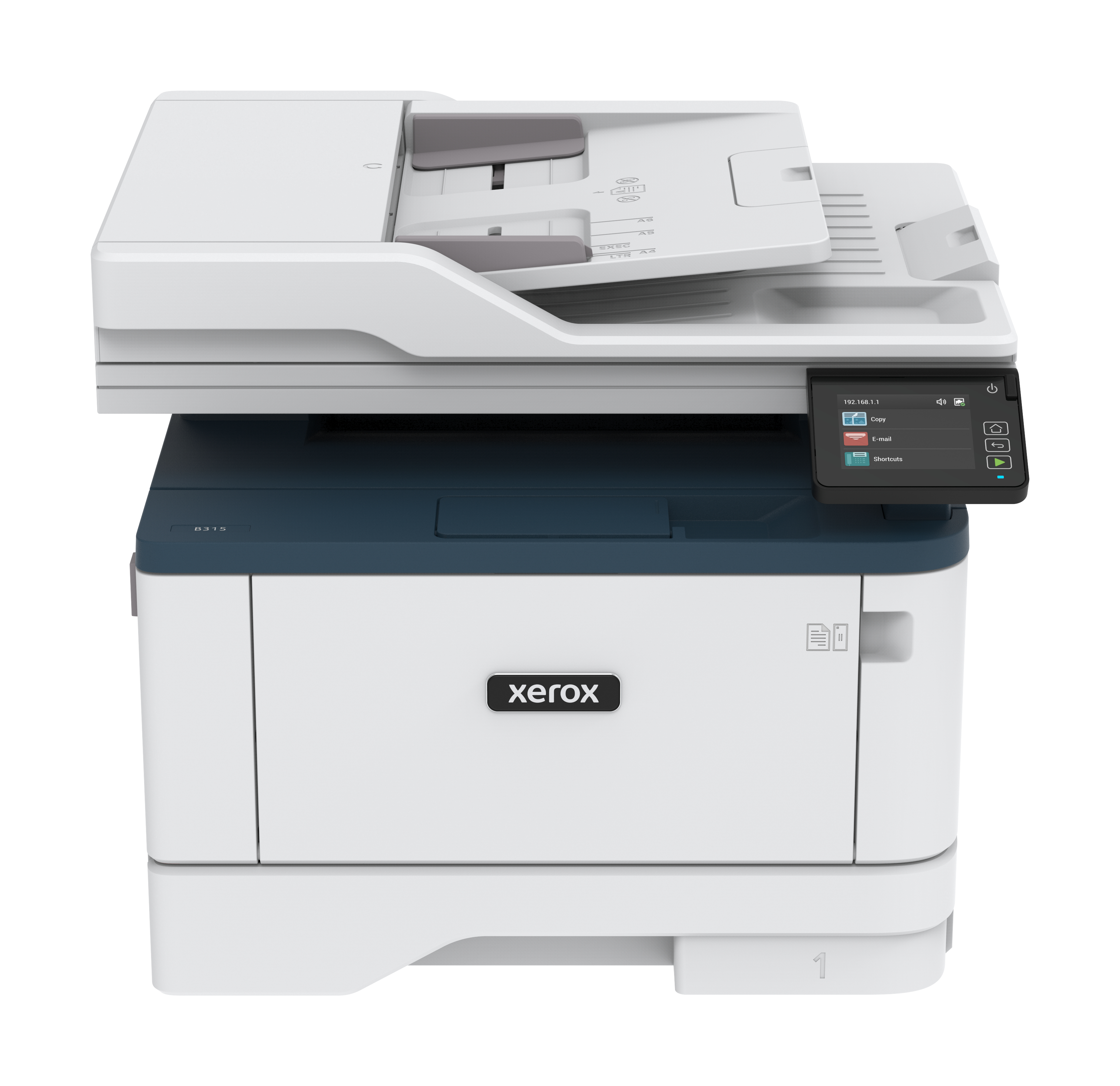
Xerox B315V_DNIUK - Multifunction printer - B/W - laser - Legal (216 x 356 mm) (original) - A4/Legal (media) - up to 39 ppm (copying) - up to 40 ppm (printing) - 350 sheets - 33.6 Kbps - USB 2.0, LAN, Wi-Fi(n), USB 2.0 host - Green World Alliance return programme
Canon
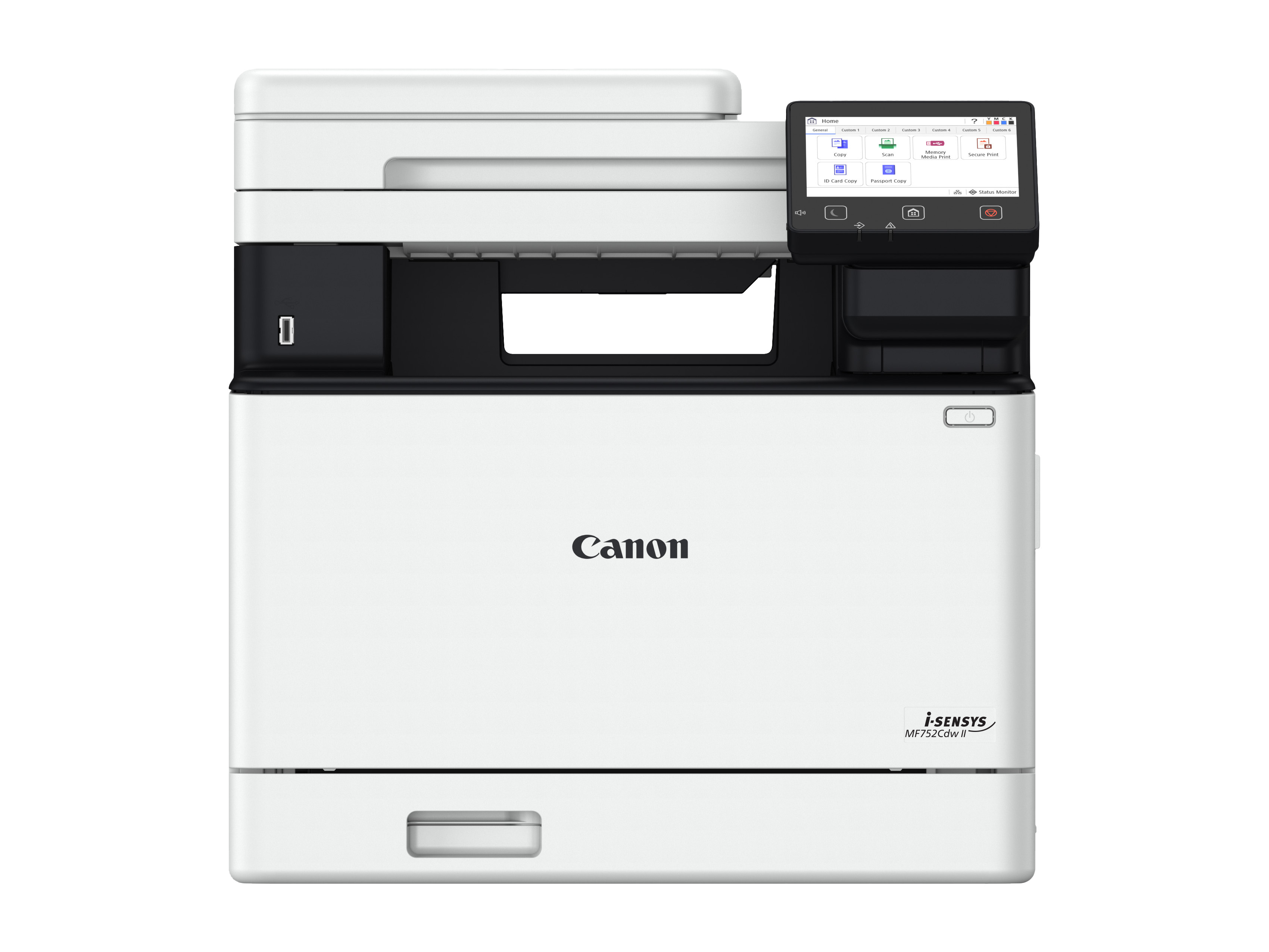
Canon i-SENSYS MF752Cdw II - Multifunction printer - colour - laser - A4 (210 x 297 mm), Legal (216 x 356 mm) (original) - A4/Legal (media) - up to 33 ppm (copying) - up to 33 ppm (printing) - 300 sheets - USB 2.0, Gigabit LAN, Wi-Fi(n), USB host
Canon
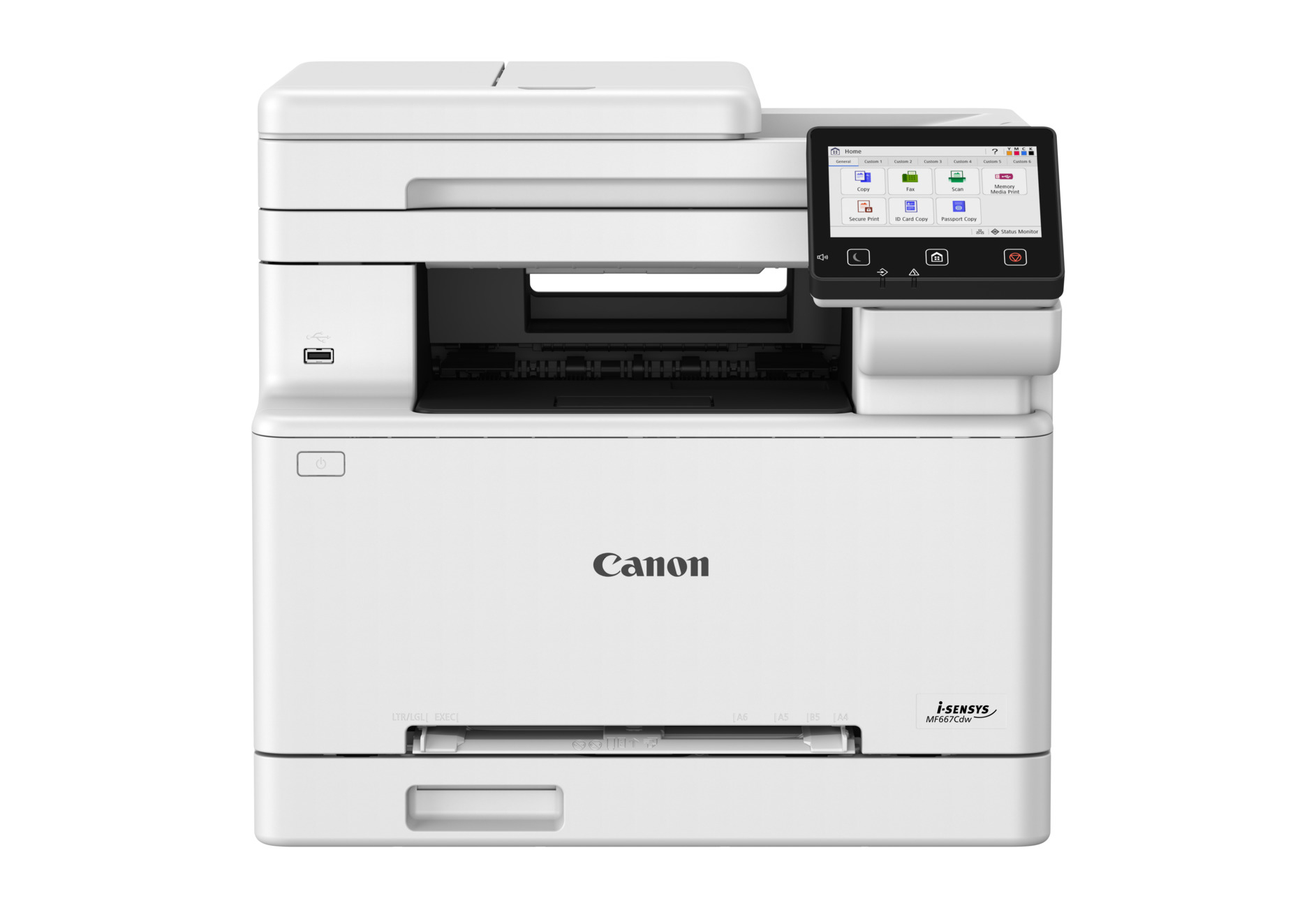
Canon i-SENSYS MF667Cdw - Multifunction printer - colour - laser - A4 (210 x 297 mm), Legal (216 x 356 mm) (original) - A4/Legal (media) - up to 25 ppm (copying) - up to 25 ppm (printing) - 300 sheets - 33.6 Kbps - USB 2.0, Gigabit LAN, Wi-Fi(n), USB host
HP
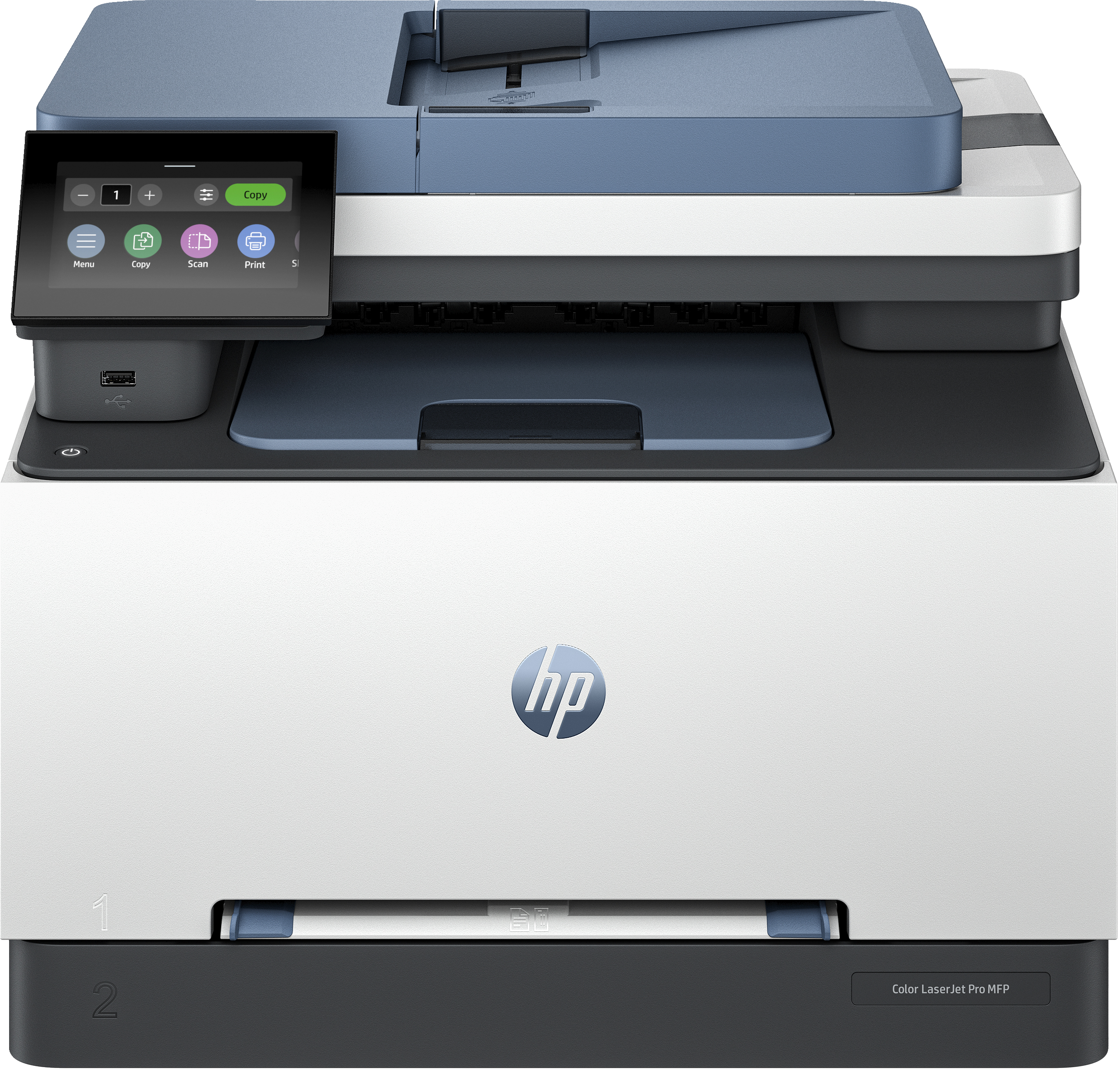
HP Color LaserJet Pro MFP 3302fdn - Multifunction printer - colour - laser - Legal (216 x 356 mm) (original) - A4/Legal (media) - up to 25 ppm (copying) - up to 25 ppm (printing) - 250 sheets - 33.6 Kbps - Gigabit LAN, USB 2.0, USB 2.0 host