- Internet & Connectivity
How to Set Up Quality of Service for Business Applications
18 Mar, 2026
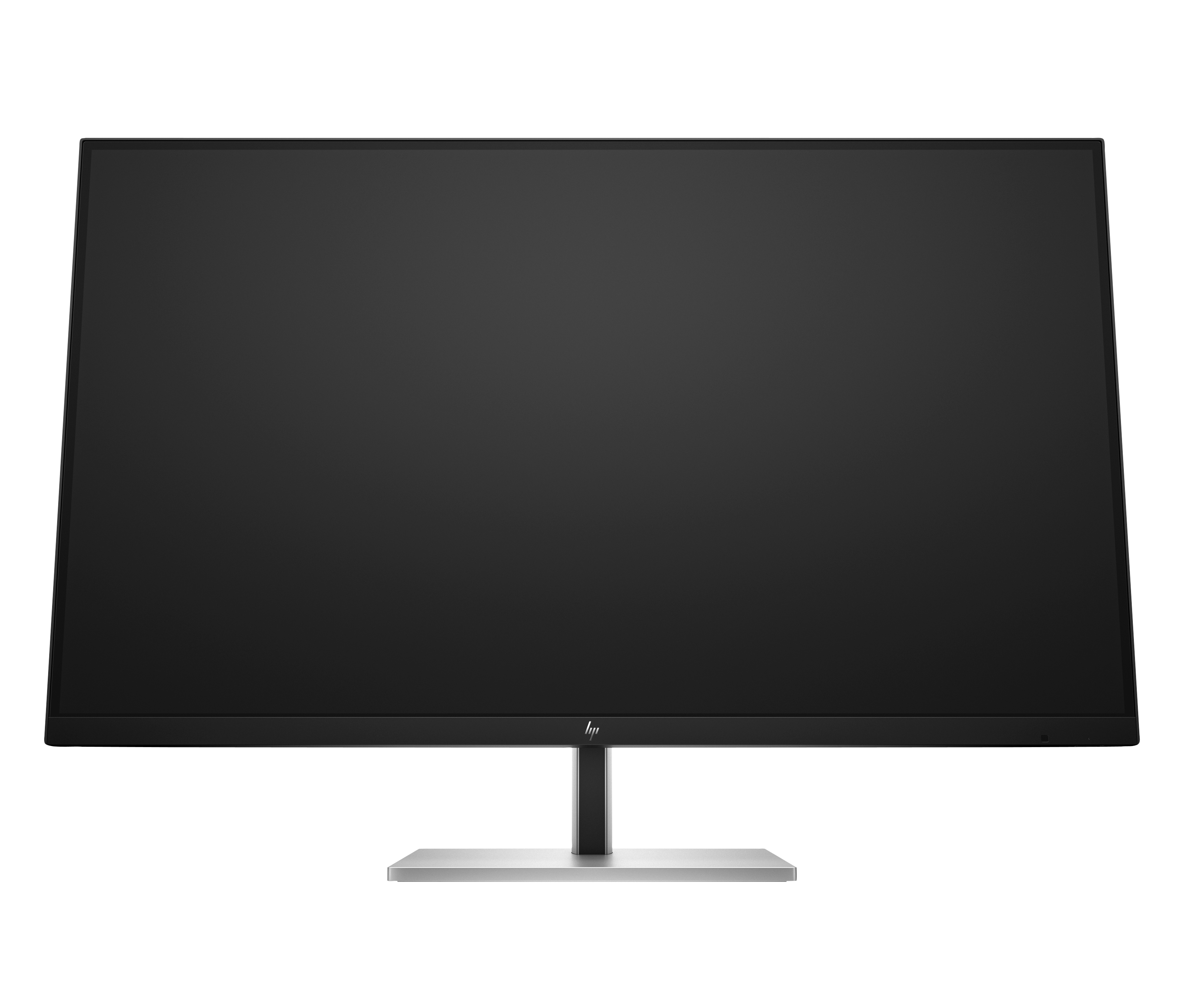
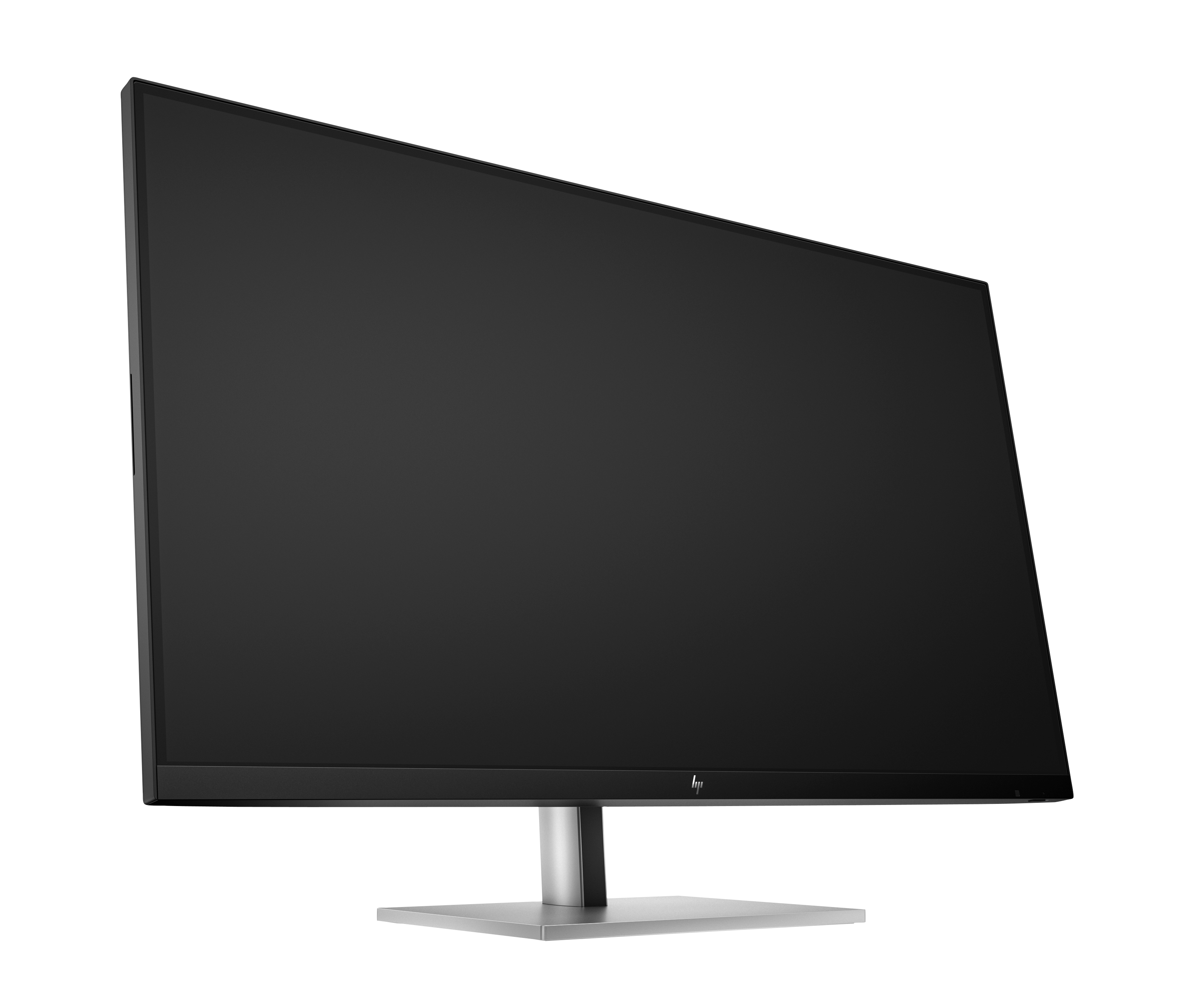
£675.80 inc. VAT
AI-generated summary
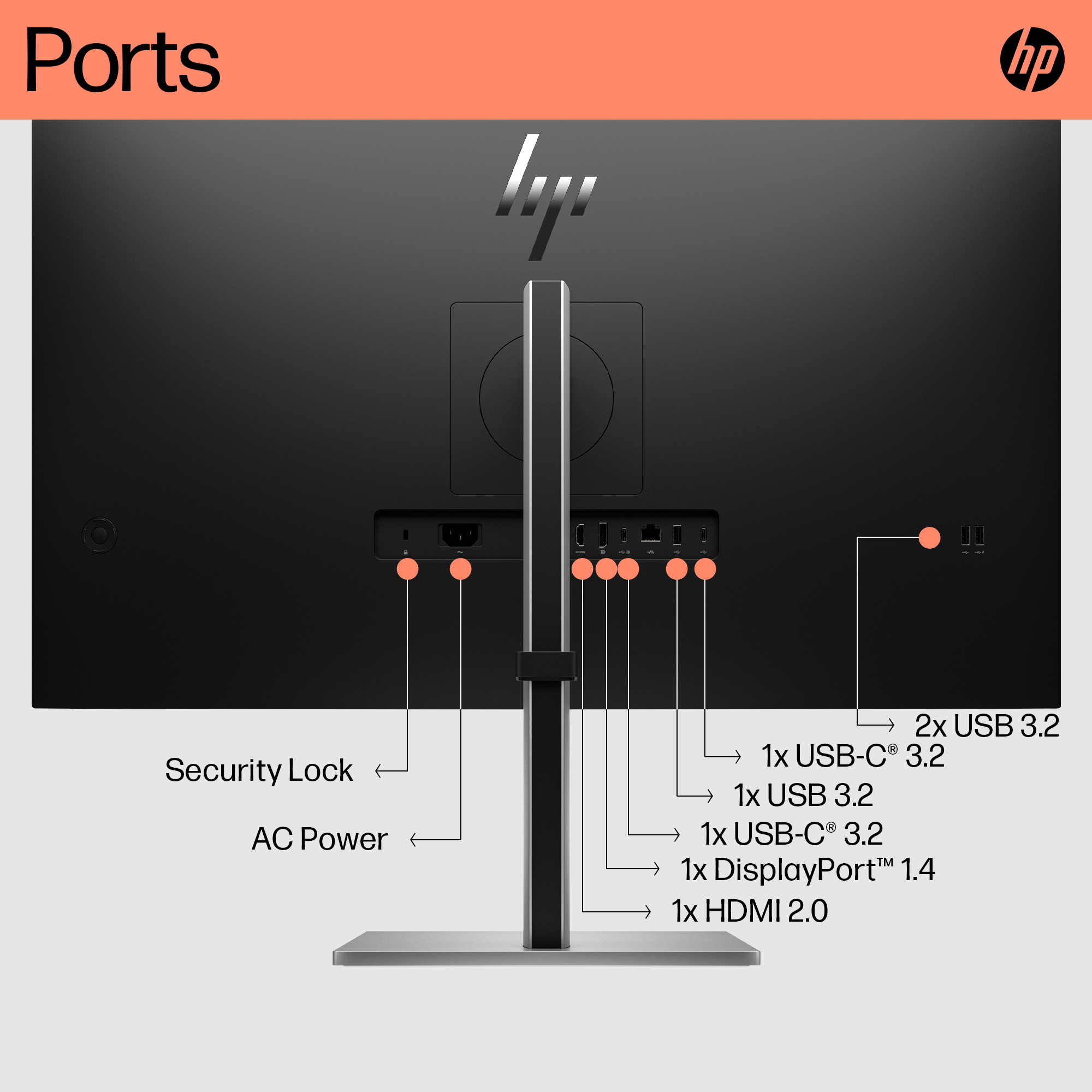
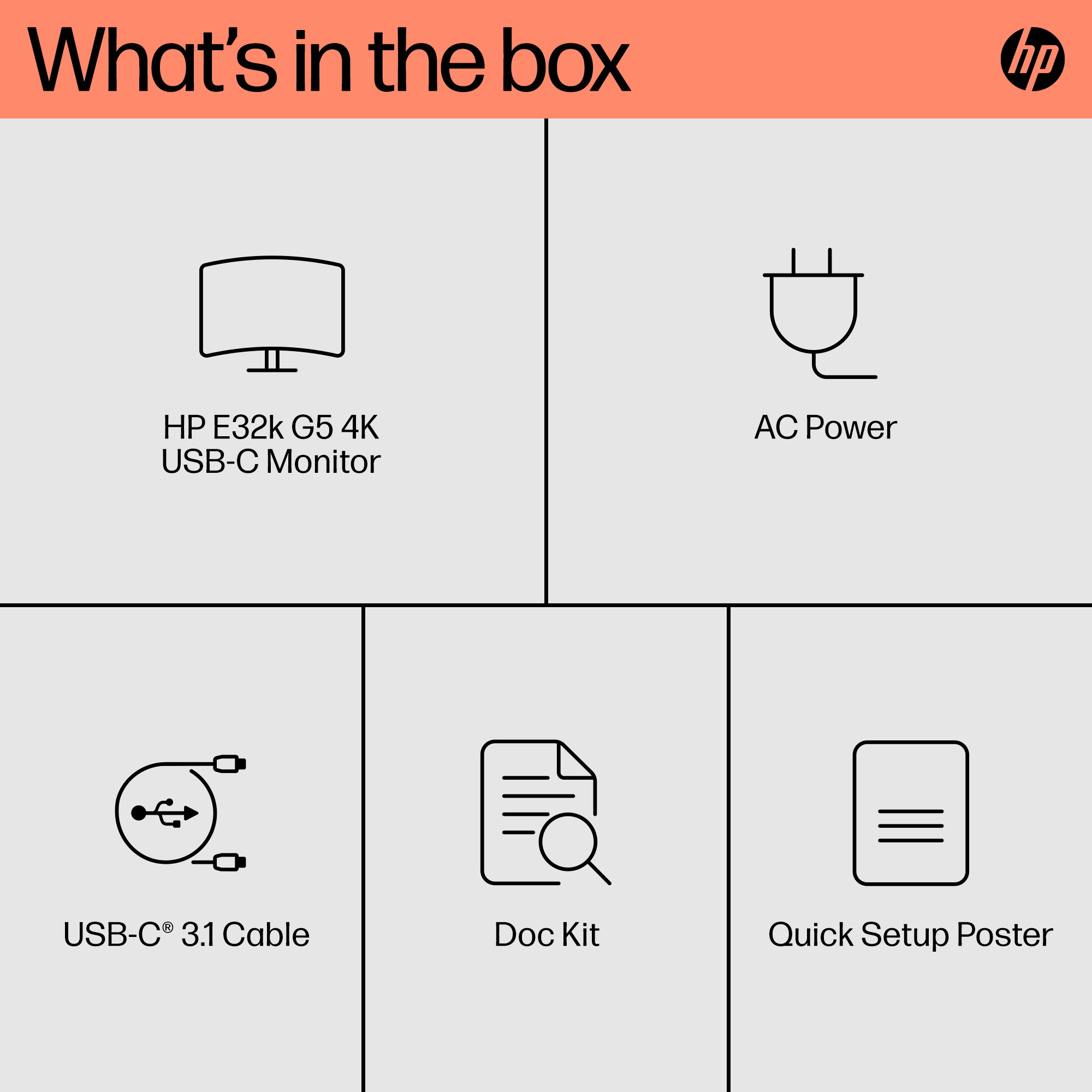
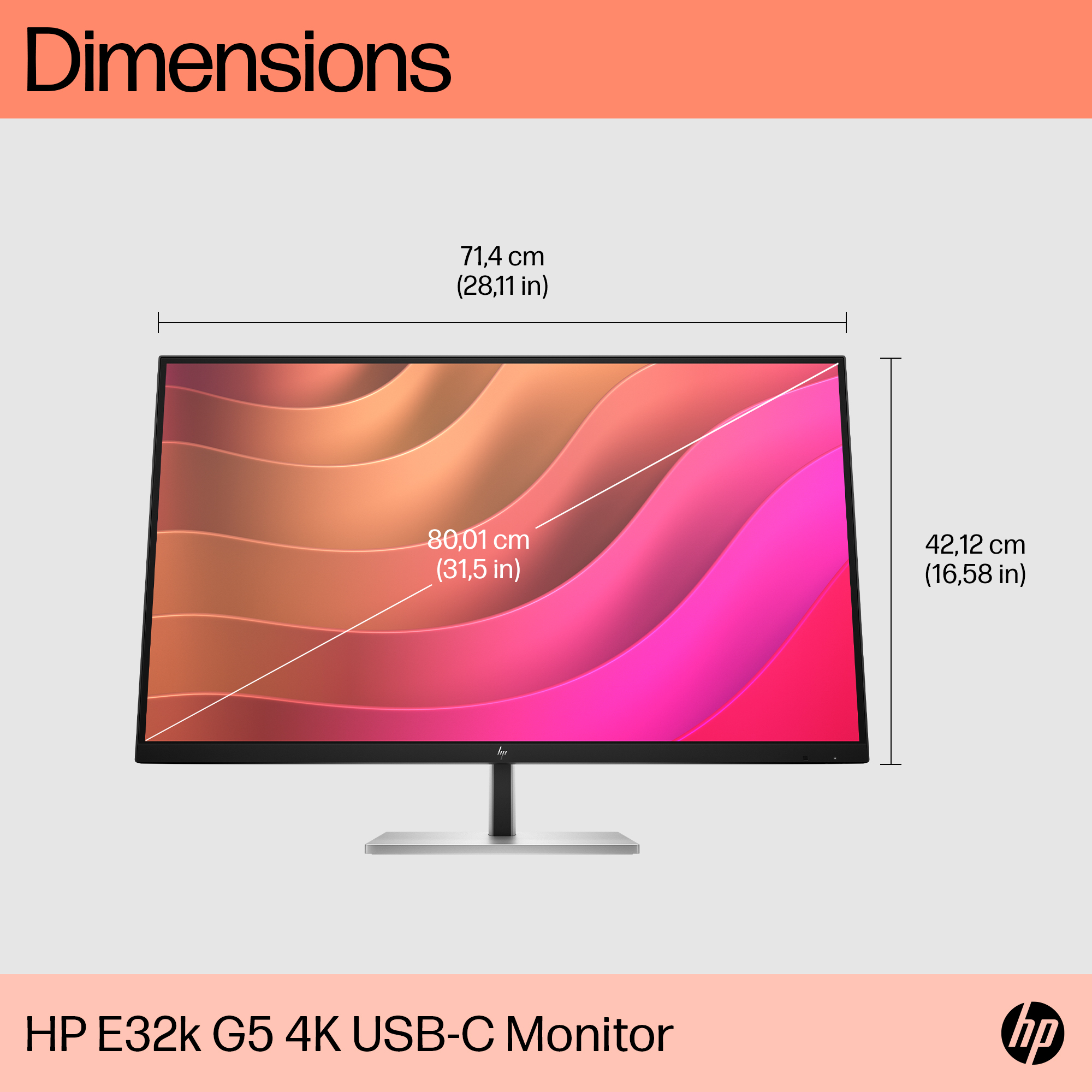
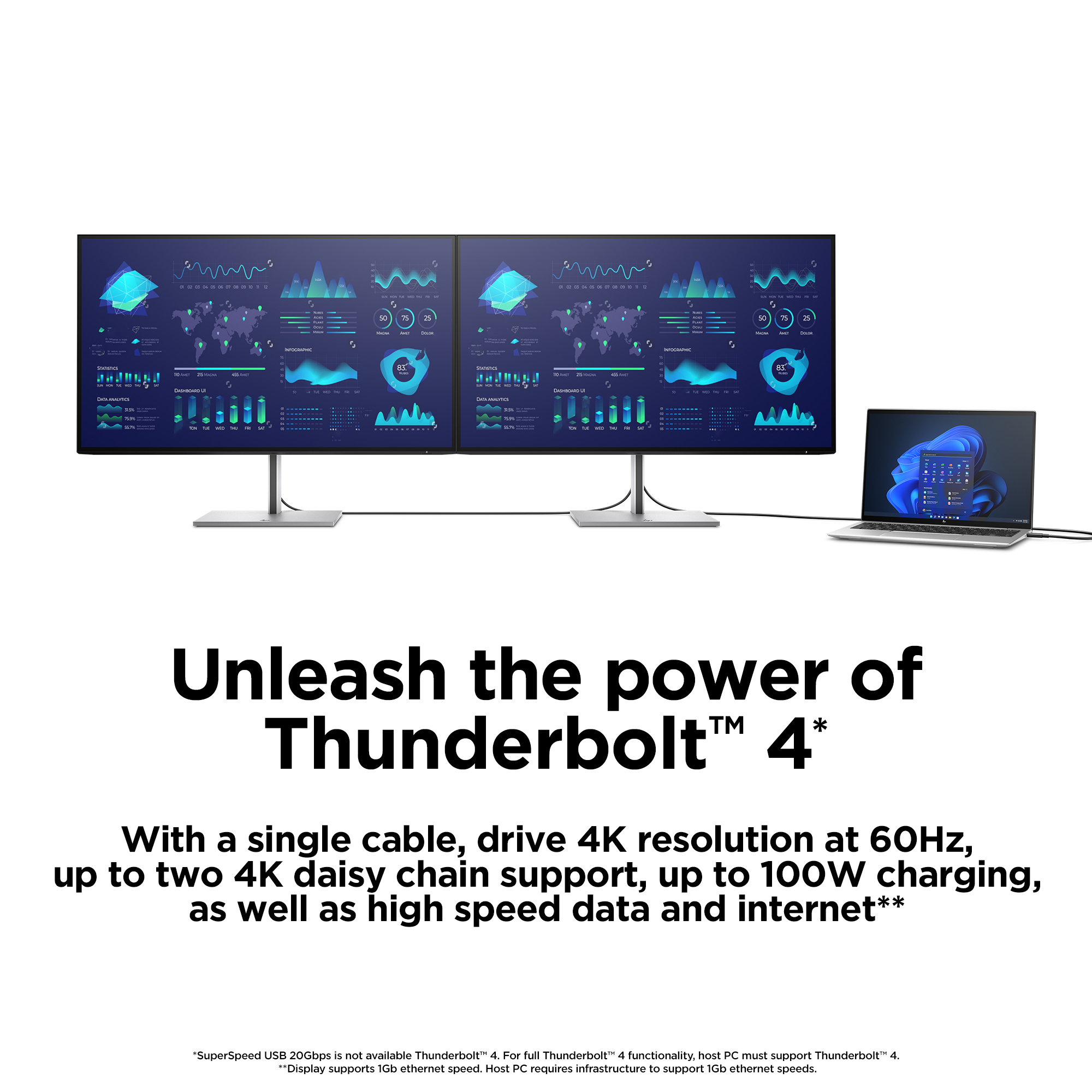
The HP E32k G5 is the kind of 32-inch 4K USB‑C monitor that makes sense if you want a clean desk setup and you’re fed up with lots of little cables. For hybrid/office use, the USB‑C approach is genuinely convenient (one connection for power/video) and the size is great for doing real work—spreadsheets, reports, dual-window design work—without feeling cramped. At £563.51 ex‑VAT, though, it’s not an impulse buy; you’re paying for a more “business” feel than the cheaper office monitors.
You should consider it if you’re equipping a small team where consistency matters (same docking/connection approach for everyone) and your day is split between laptop work and desktop-style productivity. It’s also a decent choice for accounts/finance, admin teams, and anyone who benefits from a sharp, roomy canvas. I’d be cautious if you mainly do light browsing or you’re trying to keep spend as low as possible—at this price, you’ll find better value deals on similarly sized 4K panels from brands that undercut HP. And if your environment needs very specific ergonomics/inputs, make sure it’s the right fit before you commit—HP’s business monitors are usually solid, but the “right” monitor depends on how your desk is set up.
Ergonomic Setup Guide
Achieve all-day comfort when you apply the best practices from the Ergonomic Setup Guide.[3]
HP Eye Ease
HP Eye Ease is an always-on, low-blue light filter that helps keep your eyes comfortable throughout the day by reducing blue light without impacting color accuracy or adding a yellow color shift.[7]
Ambient Light Sensor
Automatically adjusts your screen's brightness to the lighting of your environment for comfortable viewing.
4K Resolution
Get lost in the captivating definition and ultra-precise details of 4K resolution. The pixel dense 3840 x 2160 resolution expands your workspace and transforms all your content into a remarkable, l...
IPS Panel
No matter where you stand, IPS technology ensures image accuracy and consistency across wide 178-degrees horizontal and vertical viewing angles.
99% sRGB Color Space
Ideal color reproduction with minimal effort.[7]

Philips
Philips Evnia 8000 27M2N8500 - OLED monitor - gaming - 27" (26.5" viewable) - 2560 x 1440 QHD @ 360 Hz - 1000 cd/m� - 1500000:1 - DisplayHDR 400 True Black - 0.03 ms - 2xHDMI, DisplayPort - speakers - white
Iiyama
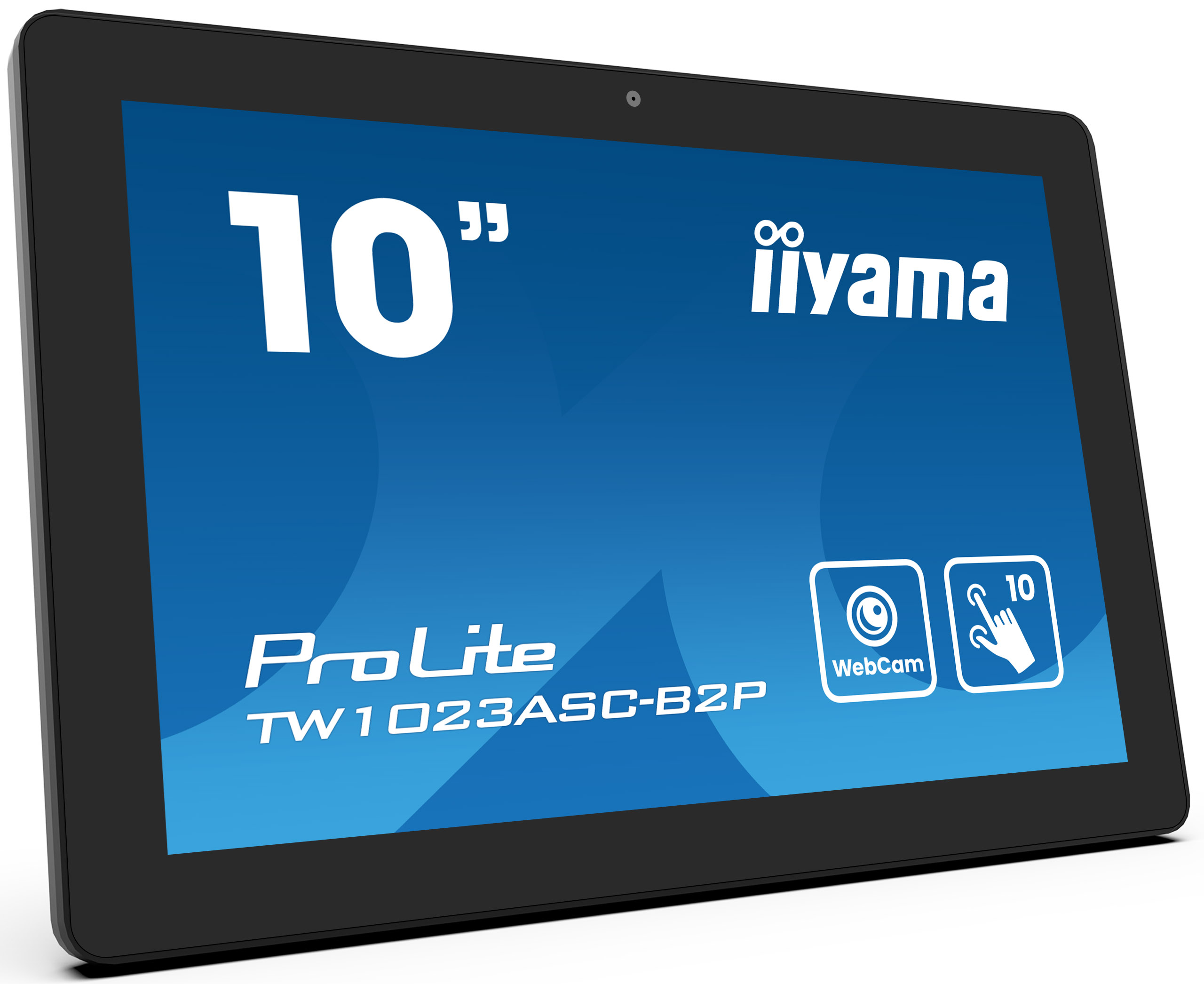
iiyama ProLite TW1023ASC-B2P - LED monitor - 10.1" - stationary - touchscreen - 1280 x 800 WXGA @ 60 Hz - IPS - 450 cd/m� - 1000:1 - 25 ms - HDMI - speakers - black bezel with matte finish
Asus
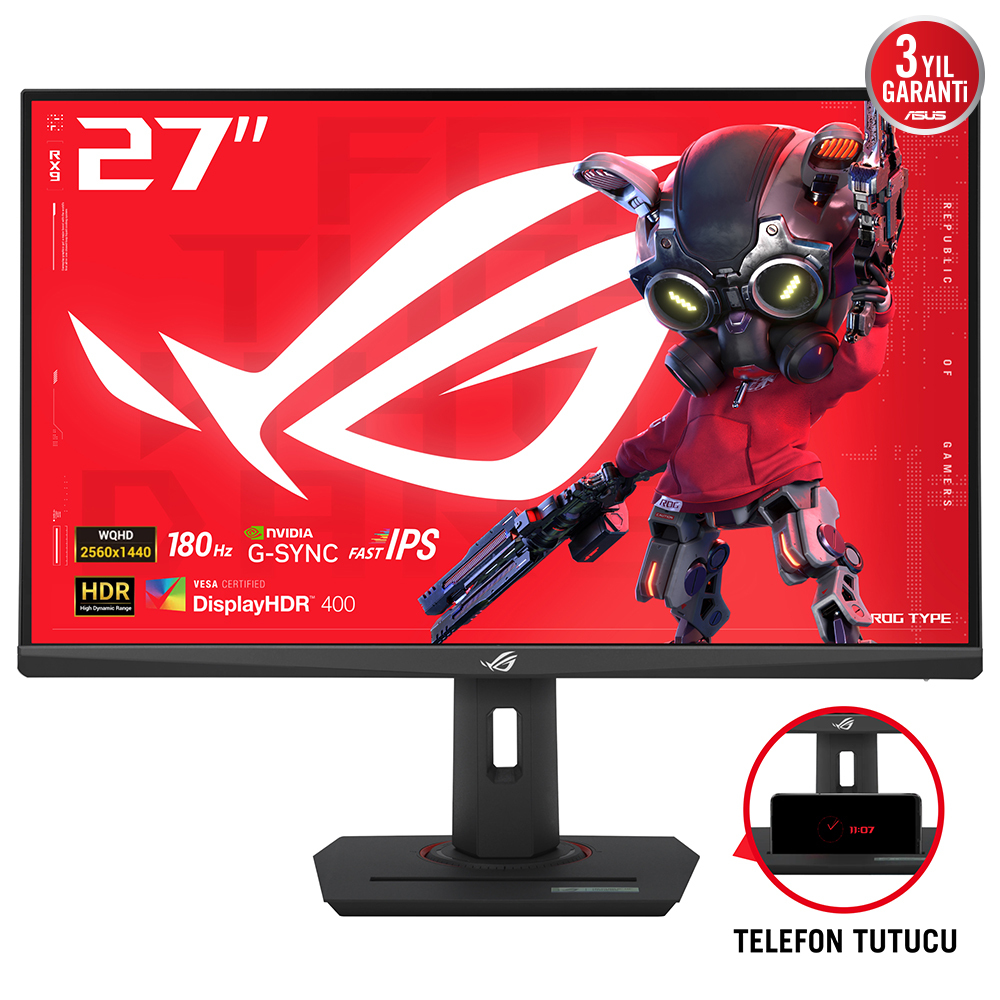
ASUS ROG Strix XG27ACS - LED monitor - gaming - 27" - 2560 x 1440 WQHD @ 180 Hz - Fast IPS - 400 cd/m� - 1000:1 - DisplayHDR 400 - 1 ms - HDMI, DisplayPort, USB-C - dark grey
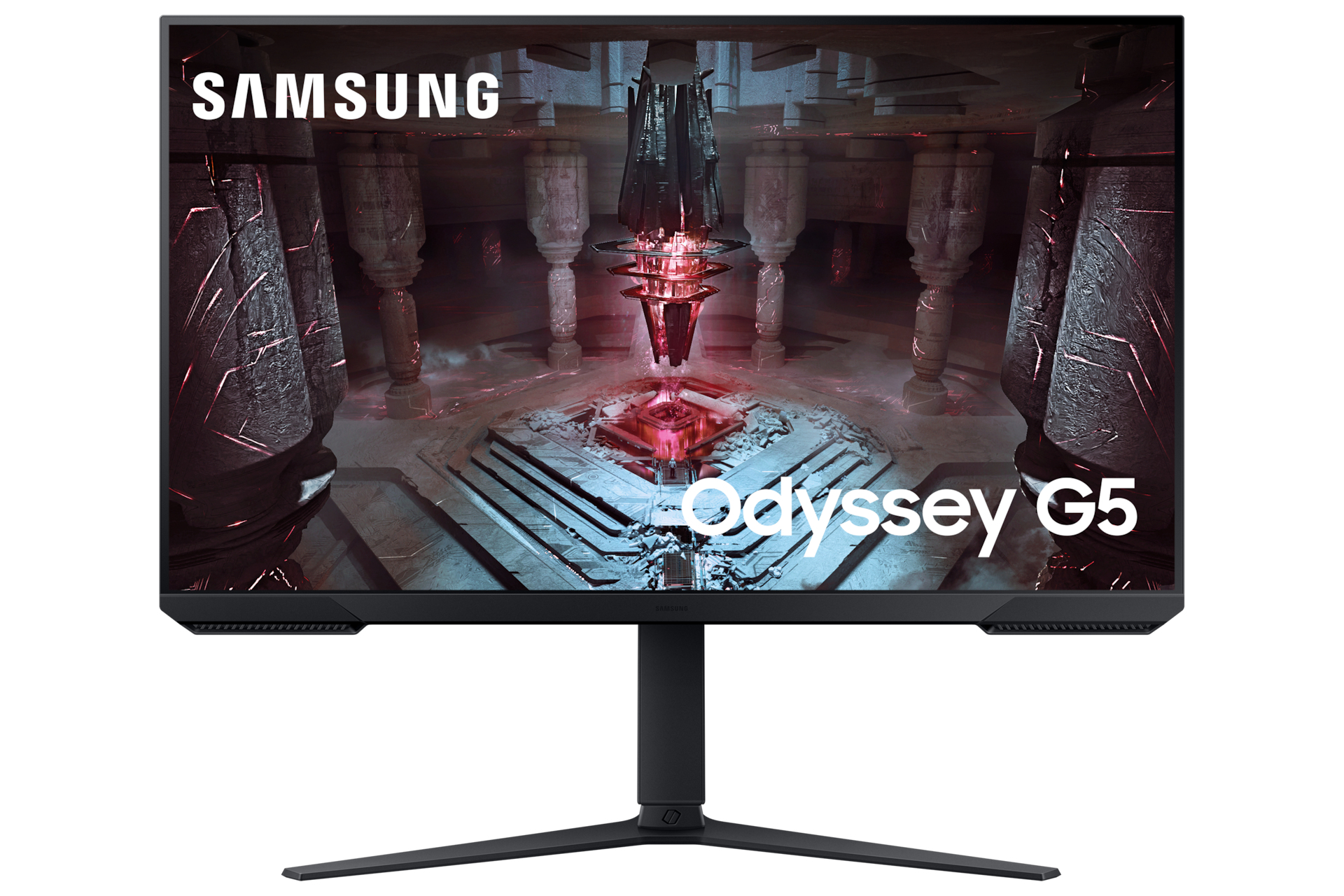
Samsung
Samsung Odyssey G5 S32CG510EU - G51C Series - LED monitor - gaming - 32" - 2560 x 1440 QHD @ 165 Hz - VA - 300 cd/m� - 3000:1 - HDR10 - 1 ms - 2xHDMI, DisplayPort - black