- Cloud Backup
How to Choose a Cloud Backup Provider for Your Business
12 Jul, 2025
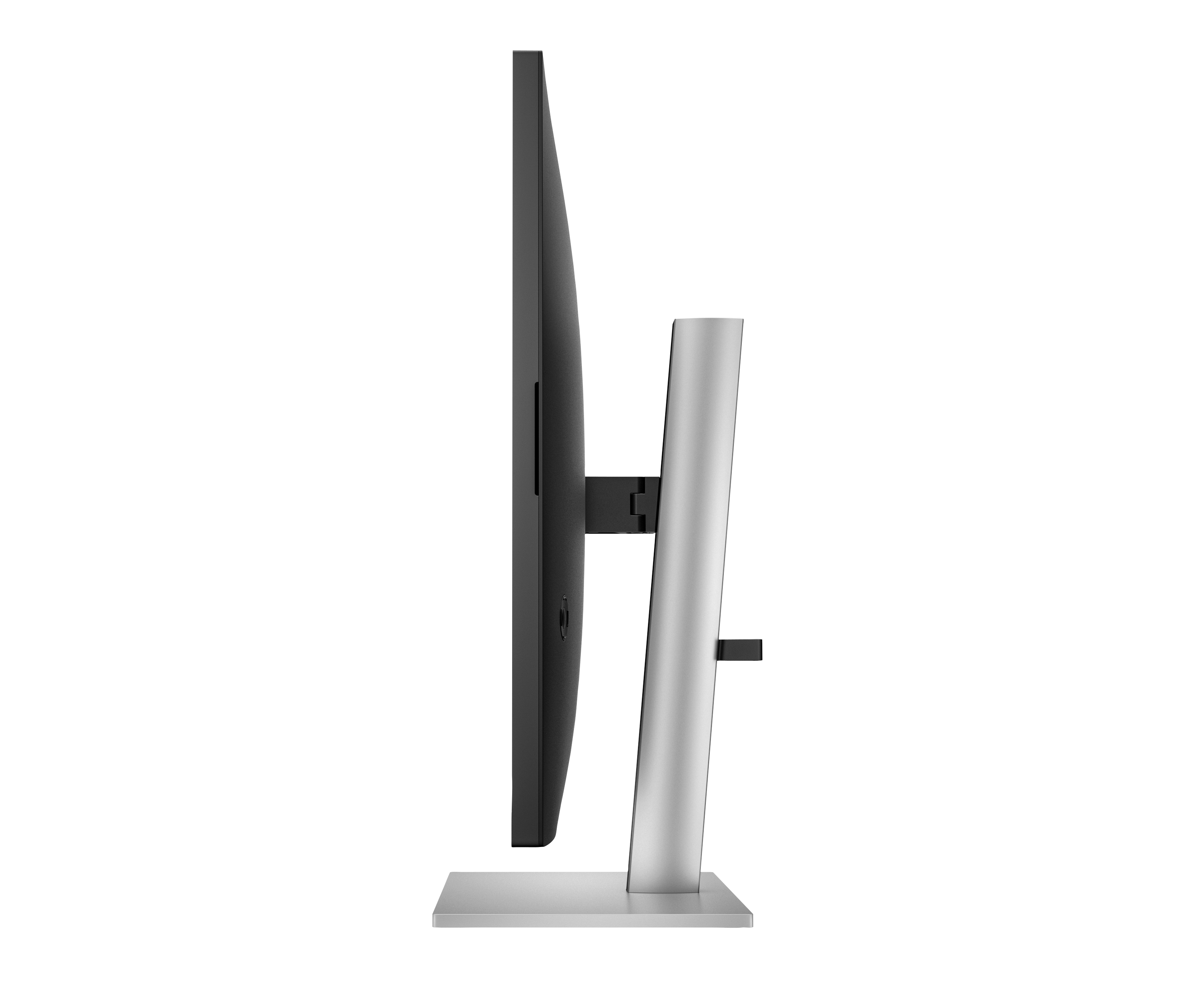
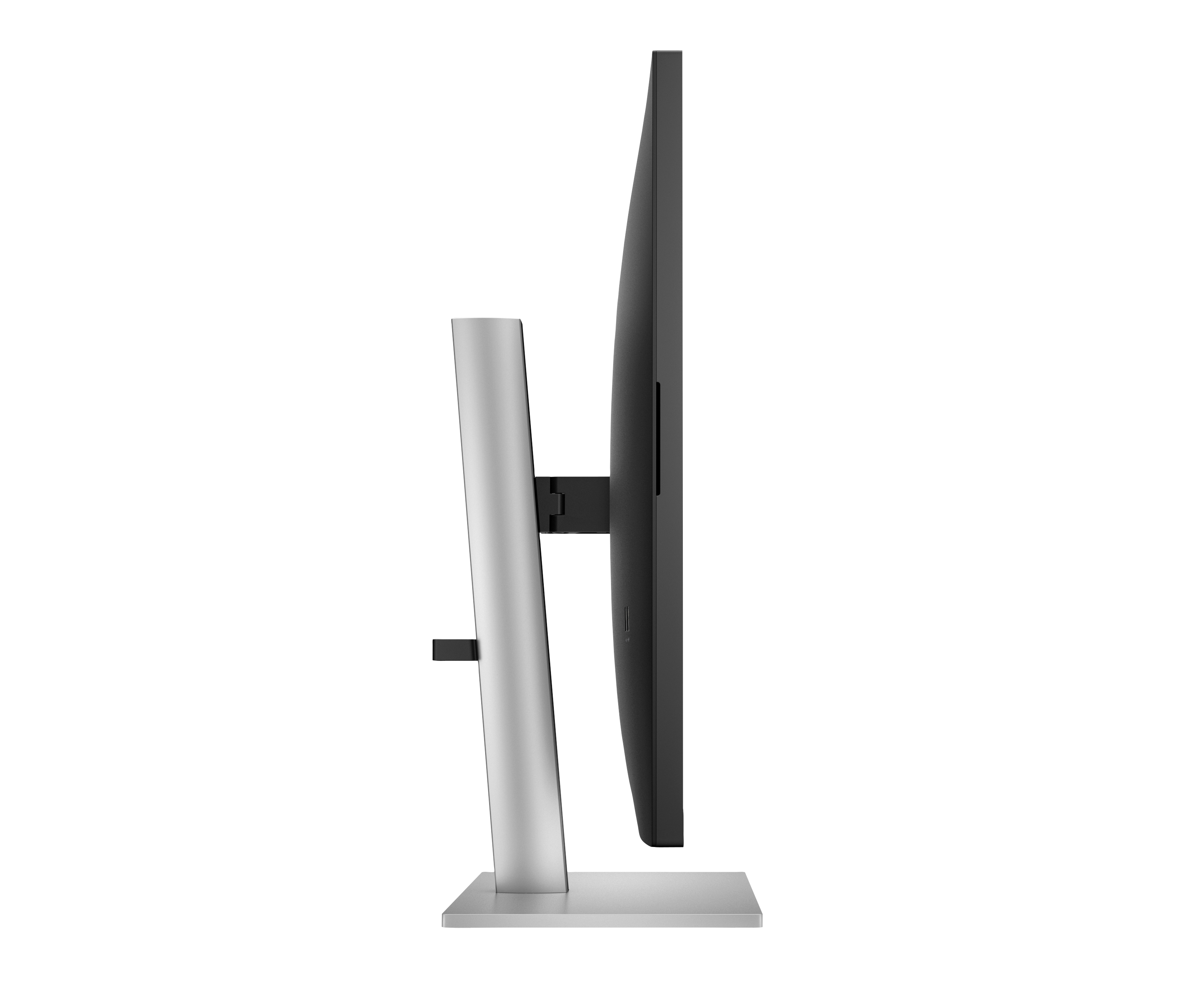
£673.18 inc. VAT
AI-generated summary
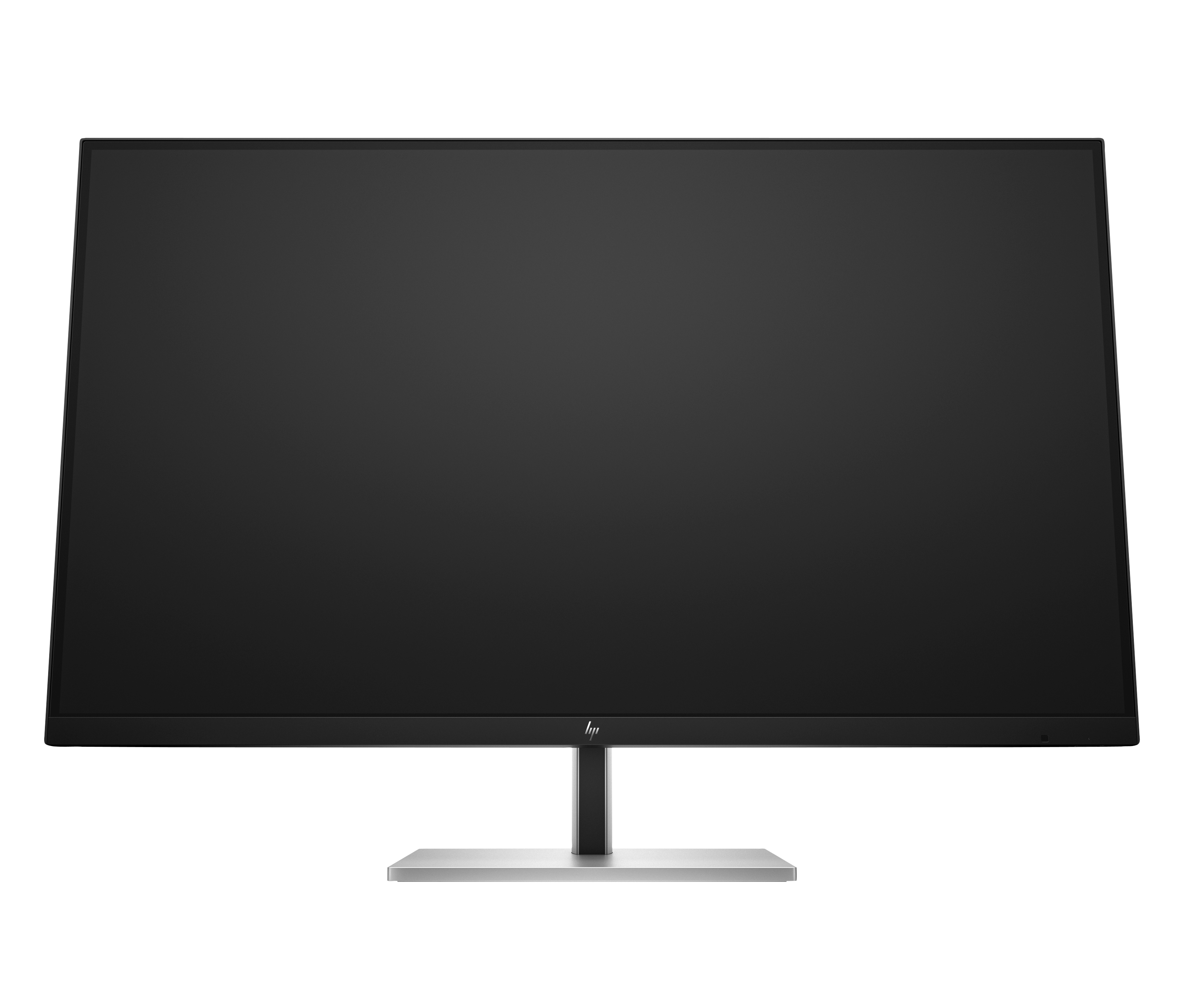
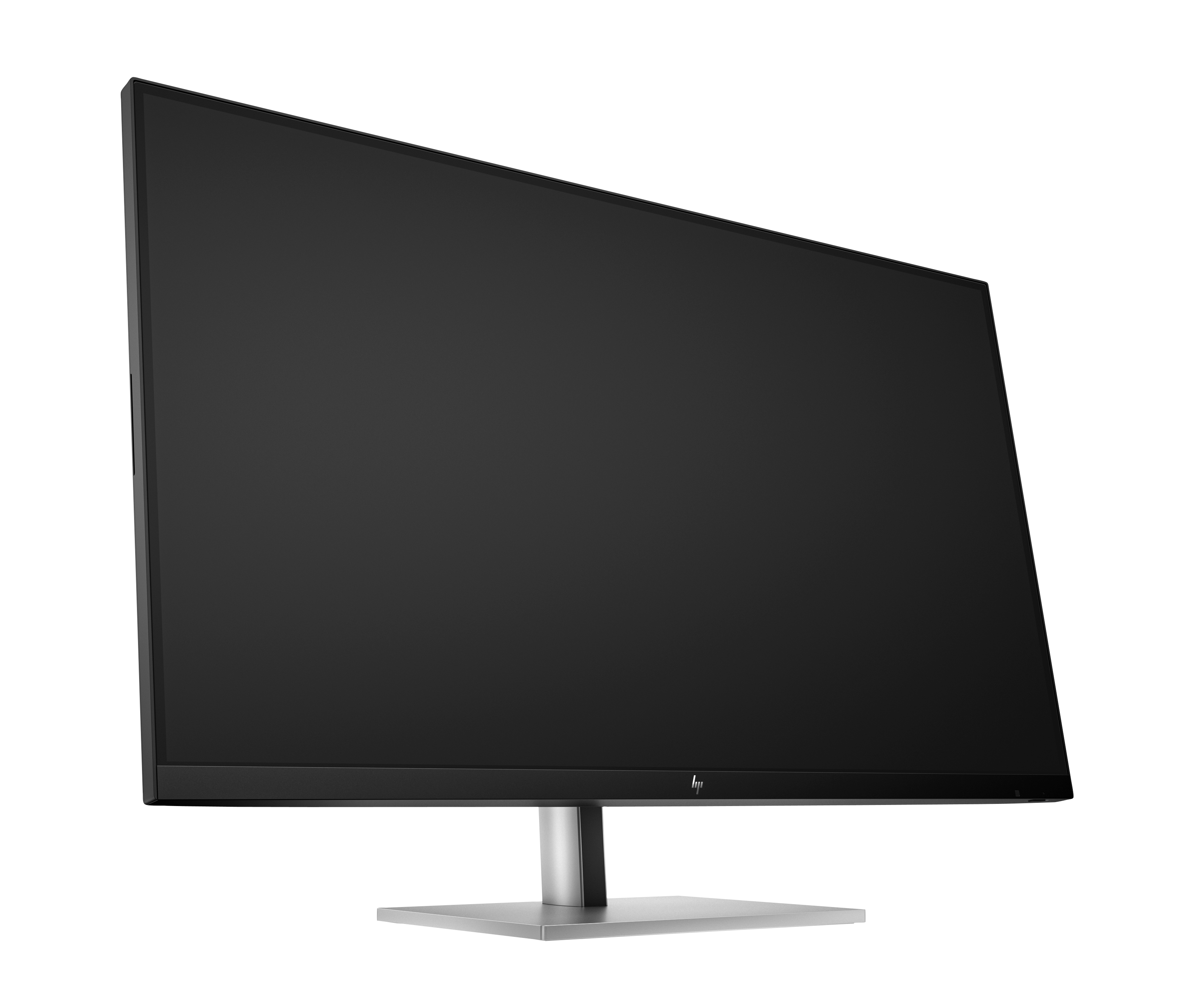
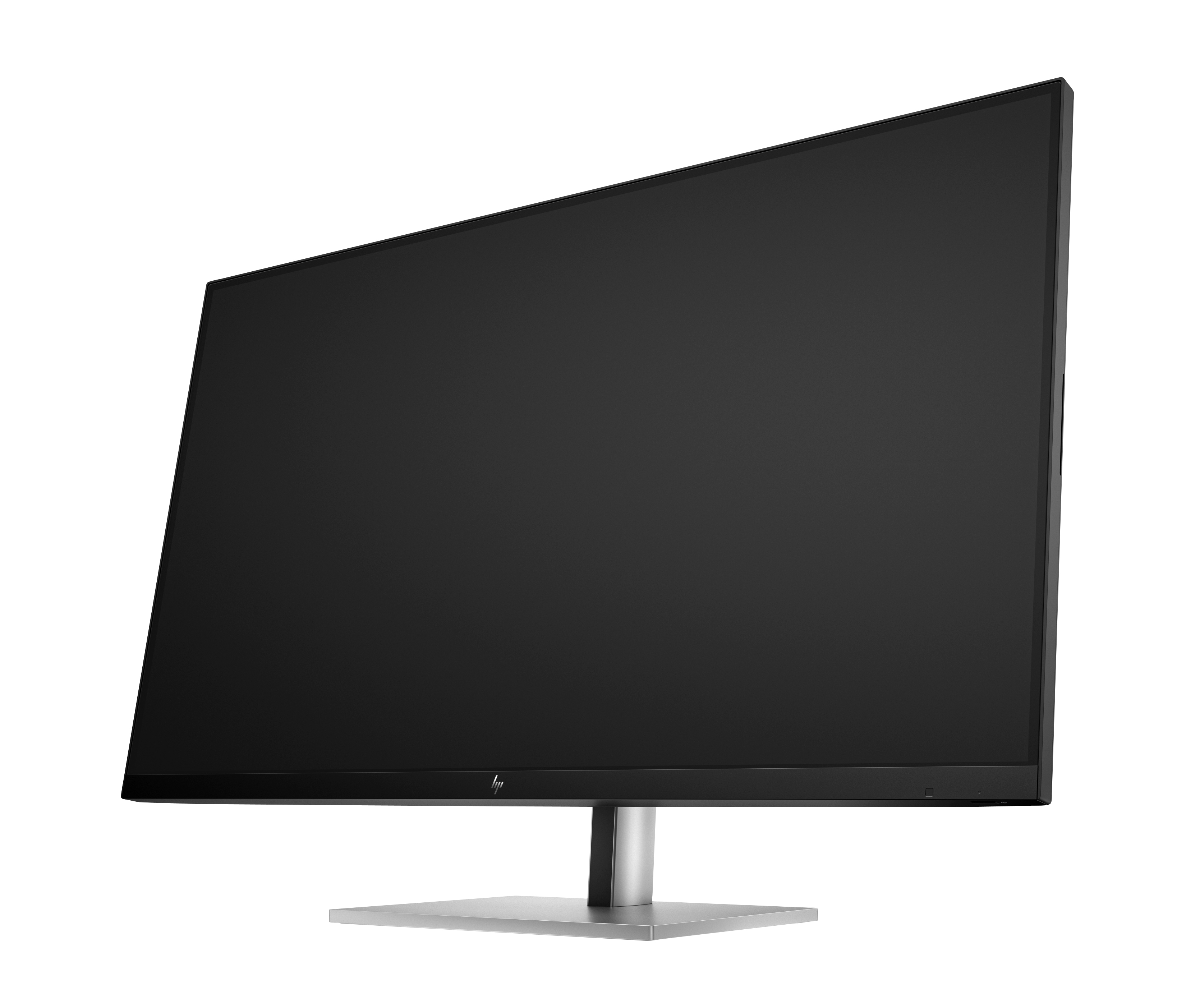
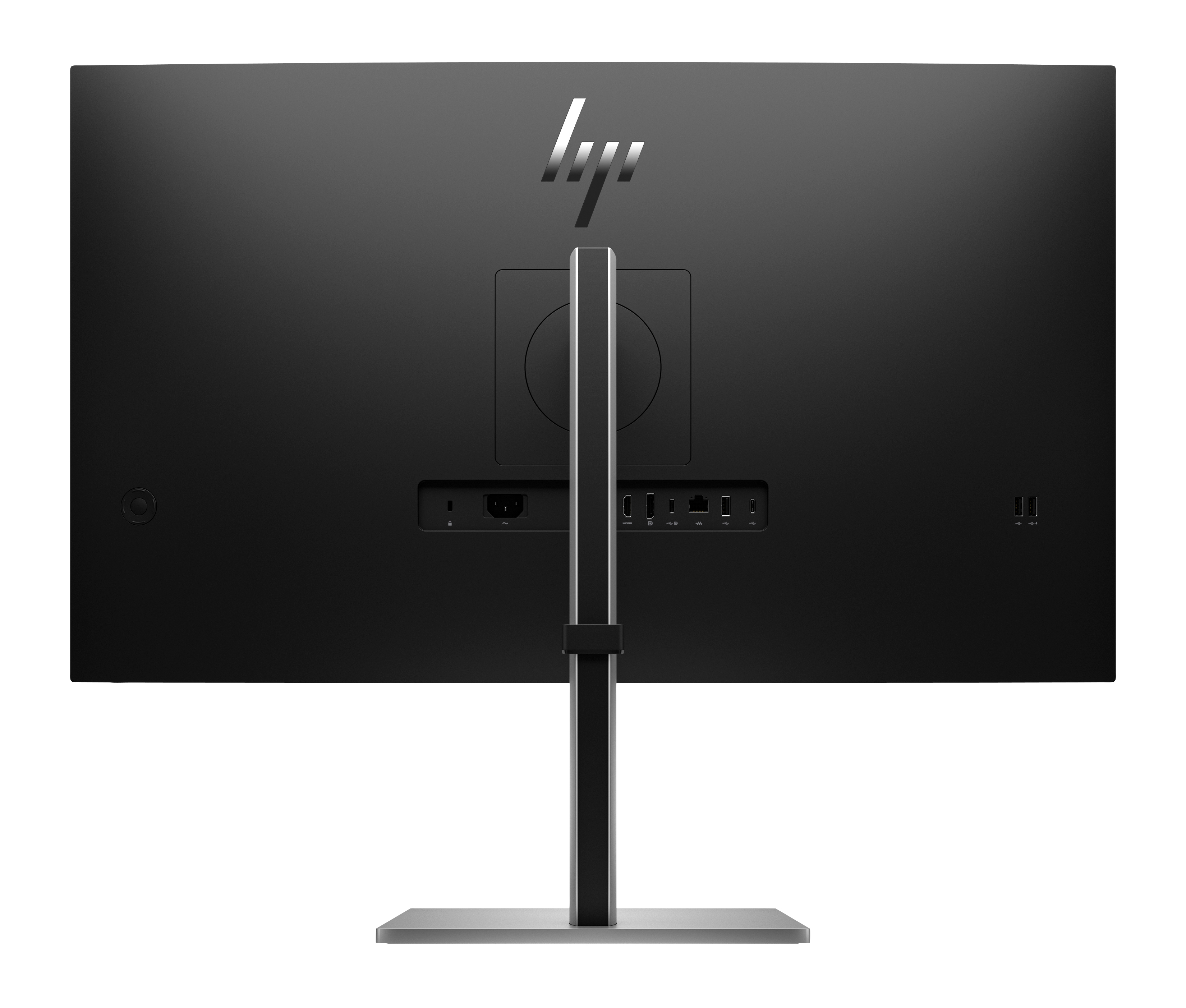
The HP E32k G5 is a sensible choice if you want a big, sharp 4K workspace that’s practical day-to-day, especially for office setups where your laptop docking/desk cable management matters. The USB‑C angle is the real win in the real world: fewer plug-fests, easier switching between devices, and it tends to suit anyone working in a typical UK business environment (finance, ops, IT admin, marketing) who just wants a reliable screen that doesn’t turn your desk into a wiring project. At £561.31 ex‑VAT, it’s not “impulse buy” money, but it’s in the territory where you should expect sturdier usability and good ergonomics rather than gimmicks.
That said, I wouldn’t recommend it blindly. If most of your work is spreadsheets and document reading, you may not notice enough benefit over cheaper 27" class options to justify the spend—unless you genuinely value the extra screen real estate. And if you’re building a mixed creative workflow (colour-critical work, heavy photo/video), you’d want to sanity-check calibration/performance before committing; monitor pricing can hide variability depending on the exact panel behavior.
**Who should buy:** teams standardising on USB‑C for desks with frequent laptop use, or businesses that want a clean, dependable 32" 4K setup with fewer cables. **Who shouldn’t:** buyers looking purely for “a 4K screen for the cheapest price” or anyone with strict colour-critical requirements who hasn’t validated the panel.
Ergonomic Setup Guide
Achieve all-day comfort when you apply the best practices from the Ergonomic Setup Guide.[3]
HP Eye Ease
HP Eye Ease is an always-on, low-blue light filter that helps keep your eyes comfortable throughout the day by reducing blue light without impacting color accuracy or adding a yellow color shift.[7]
Ambient Light Sensor
Automatically adjusts your screen's brightness to the lighting of your environment for comfortable viewing.
4K Resolution
Get lost in the captivating definition and ultra-precise details of 4K resolution. The pixel dense 3840 x 2160 resolution expands your workspace and transforms all your content into a remarkable, l...
IPS Panel
No matter where you stand, IPS technology ensures image accuracy and consistency across wide 178-degrees horizontal and vertical viewing angles.
99% sRGB Color Space
Ideal color reproduction with minimal effort.[7]
LG Electronics
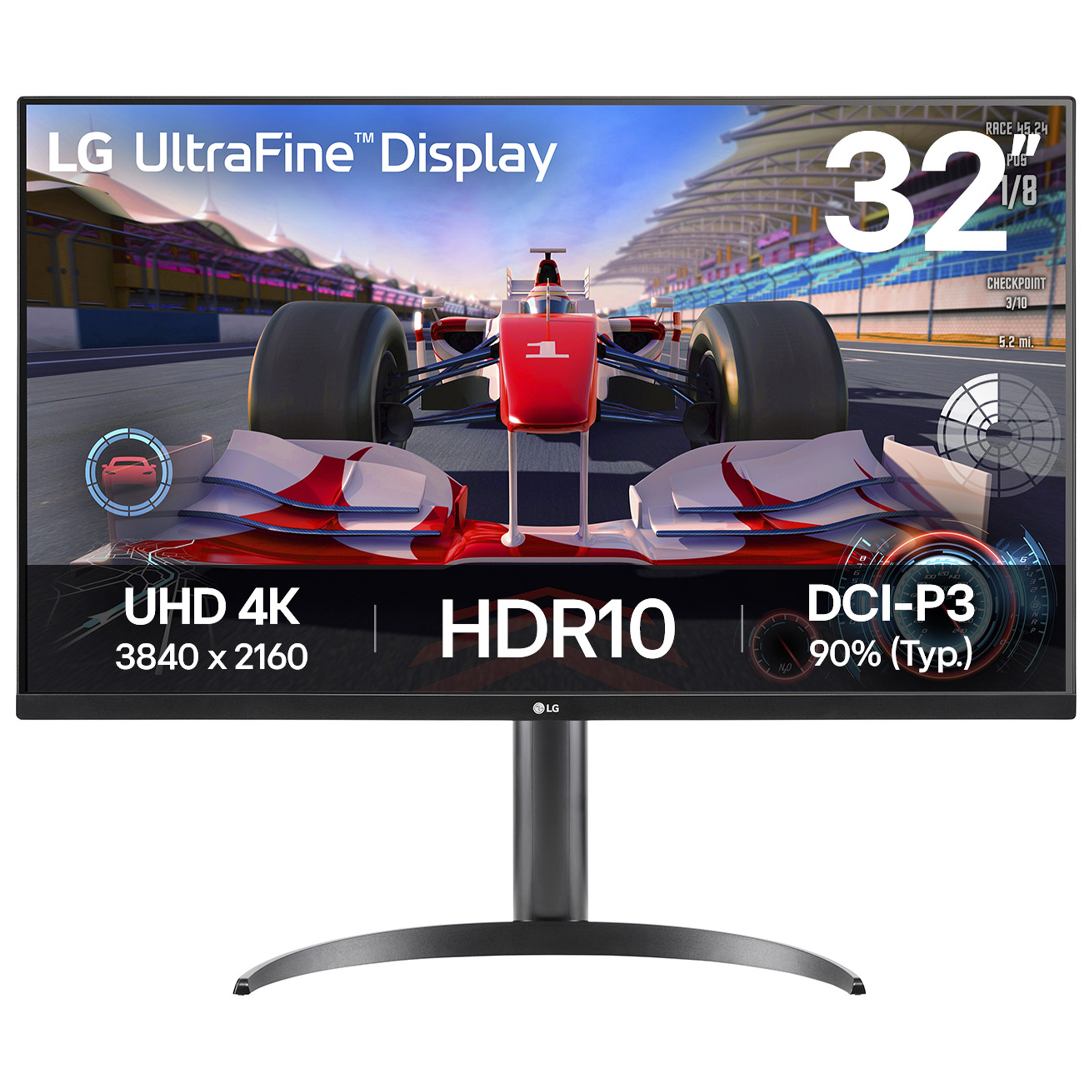
LG UltraFine 32UR500K-B - LED monitor - 32" (31.5" viewable) - 3840 x 2160 4K UHD (2160p) @ 60 Hz - VA - 250 cd/m� - 3000:1 - HDR10 - 4 ms - 2xHDMI, DisplayPort - speakers - black

AOC
AOC Gaming U32G4U - LED monitor - gaming - 32" (31.5" viewable) - 3840 x 2160 4K UHD (2160p) @ 160 Hz - Fast IPS - 400 cd/m� - 1000:1 - DisplayHDR 400 - 0.5 ms - 2xHDMI, DisplayPort - black, red

AOC
AOC AGON PRO AG246FK6 - AG6 Series - LED monitor - gaming - 24" - 1920 x 1080 Full HD (1080p) @ 600 Hz - Ultra-Fast TN eSports - 500 cd/m� - 1000:1 - DisplayHDR 400 - 0.5 ms - 2xHDMI, DisplayPort - black
Dell
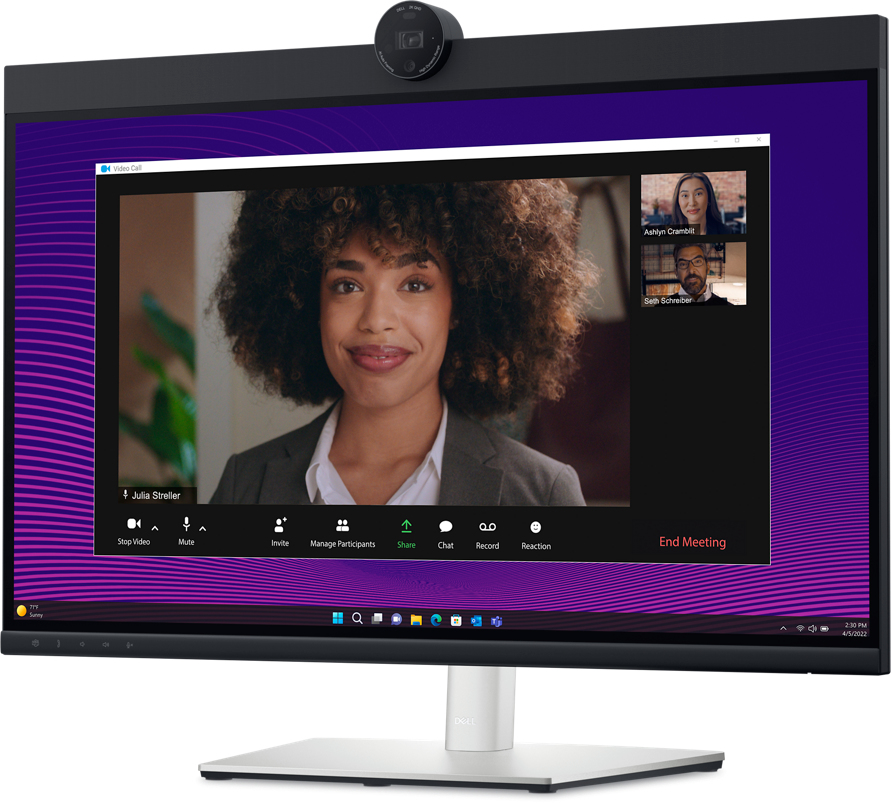
Dell 27 Video Conferencing Monitor P2724DEB - LED monitor - 27" - 2560 x 1440 QHD @ 60 Hz - IPS - 350 cd/m� - 1000:1 - 5 ms - HDMI, DisplayPort, USB-C - speakers - BTO - with 3 years Advanced Exchange Basic Warranty