- Web Development
How to Create a Multi-Language Business Website
8 Feb, 2026
£34.48 inc. VAT
AI-generated summary
At £28.73 ex-VAT, this DICOTA USB‑C docking is the sort of “just enough” accessory you buy when you need a simple desktop setup for a laptop—mainly an easy HDMI connection without spending more than the laptop’s worth of hassle. For day-to-day office use (PowerPoint on a second screen, admin work, general browsing), it’s likely to feel good: plug in, run the display, get on with it. DICOTA’s usually decent for basic portability and the build tends to be sturdier than the super-cheap no-name docks.
That said, I wouldn’t buy this for multi-monitor work, heavy daily docking, or anyone who expects it to behave like a proper office dock with lots of extras. These budget HDMI-focused units can be a bit temperamental with display setups—wake-from-sleep and odd refresh rate quirks are the kind of thing that can turn into “works most of the time” rather than “always works.” If your requirement is one external display and you’re cost-sensitive, it’s a sensible buy; if you’re building a critical workstation or rely on stable high-end display performance, you’ll probably be happier spending a bit more on a more fully featured dock.
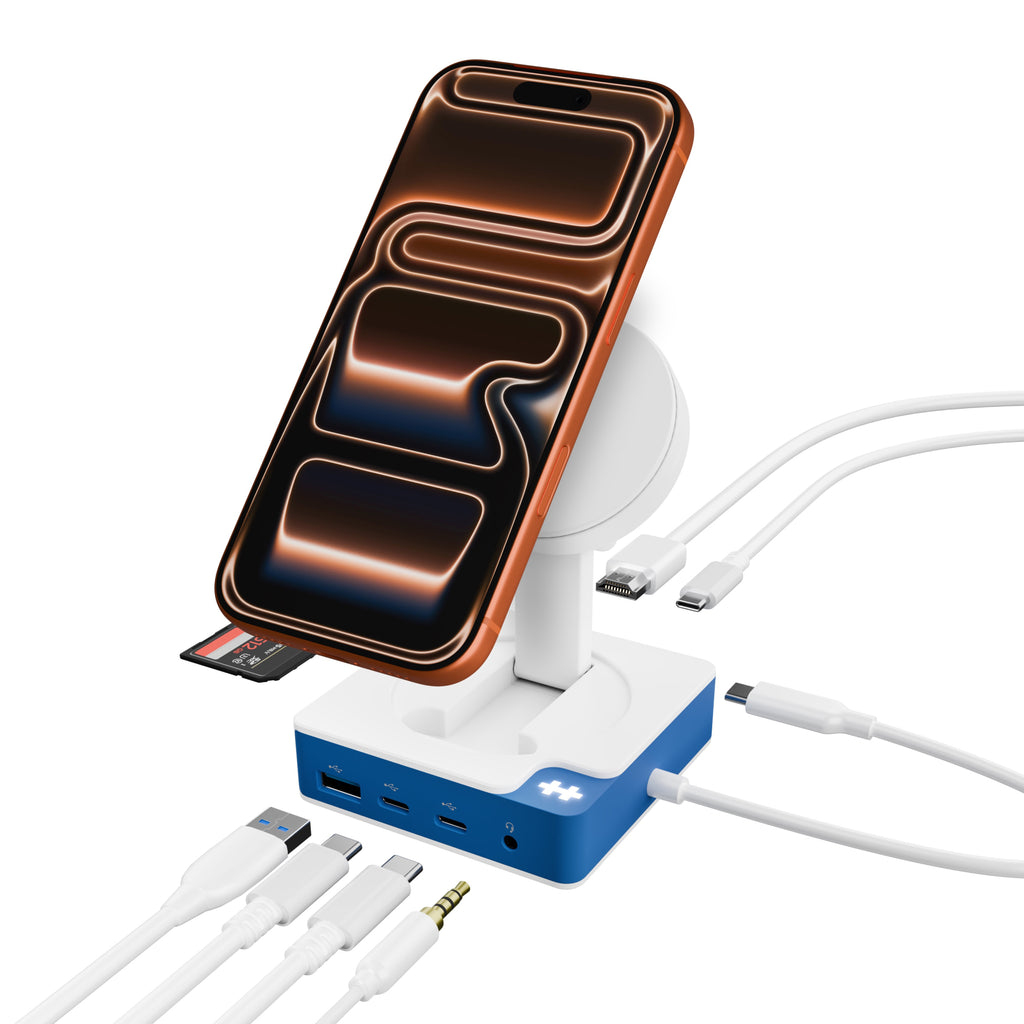
TARGUS HARDWARE
HyperDrive Flex MagCharge USB-C Hub Blu
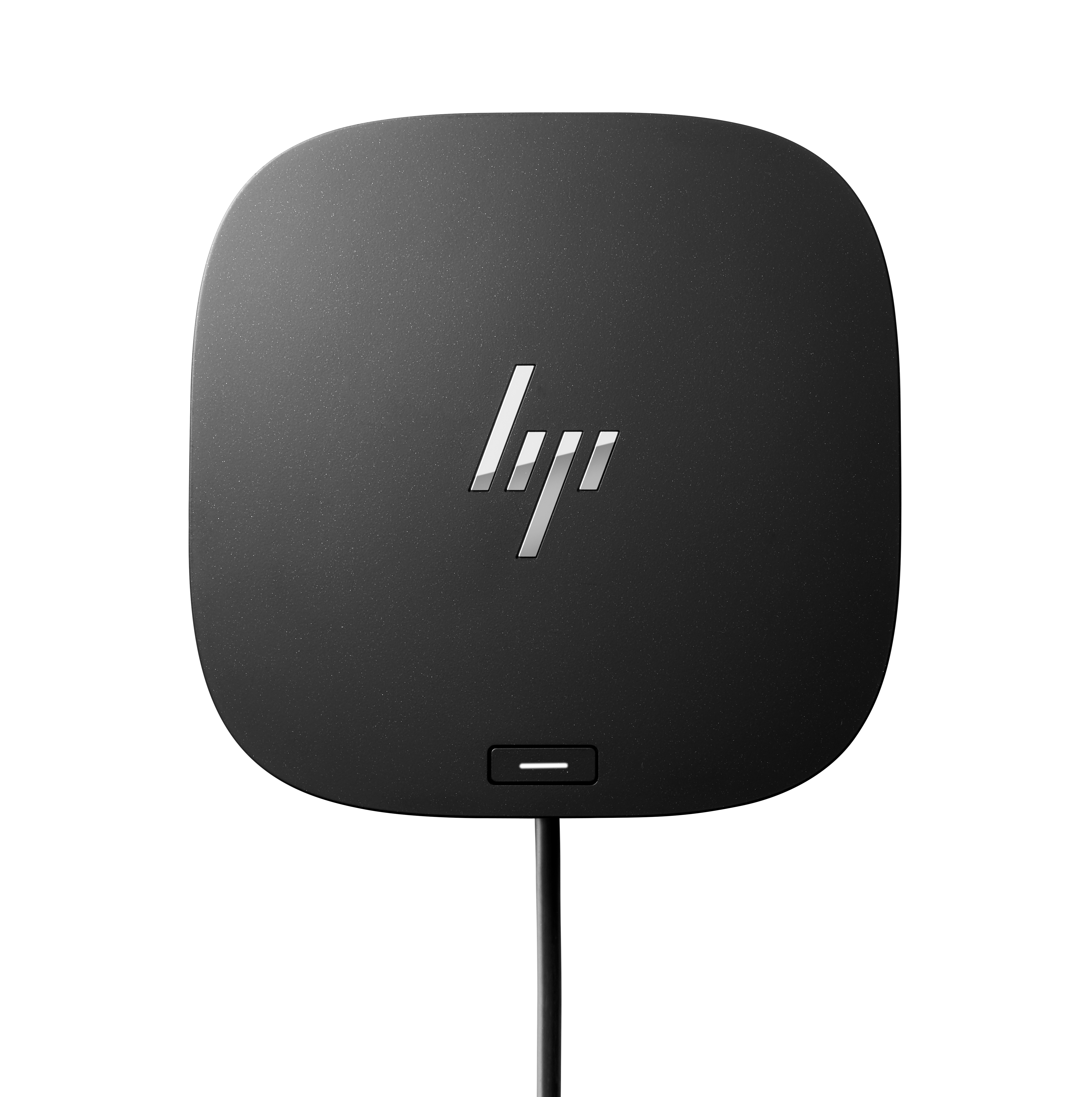
HP
HP USB-C/A Universal Dock G2 - Docking station - USB-C - HDMI, 2 x DP - 1GbE - 100 Watt - United Kingdom

STARTECH
StarTech.com Dual Monitor USB 3.0 Docking Station w/ DVI to VGA & HDMI Adapters, 5x USB 3.0 & Audio - Vertical DVI Dock for Mac & Windows (USB3SDOCKDD) - Docking station - USB - DVI - 1GbE - for P/N: ARMBARDUO, ARMDUAL, ARMDUAL30, ARMSLIMDUO, TB33A1C
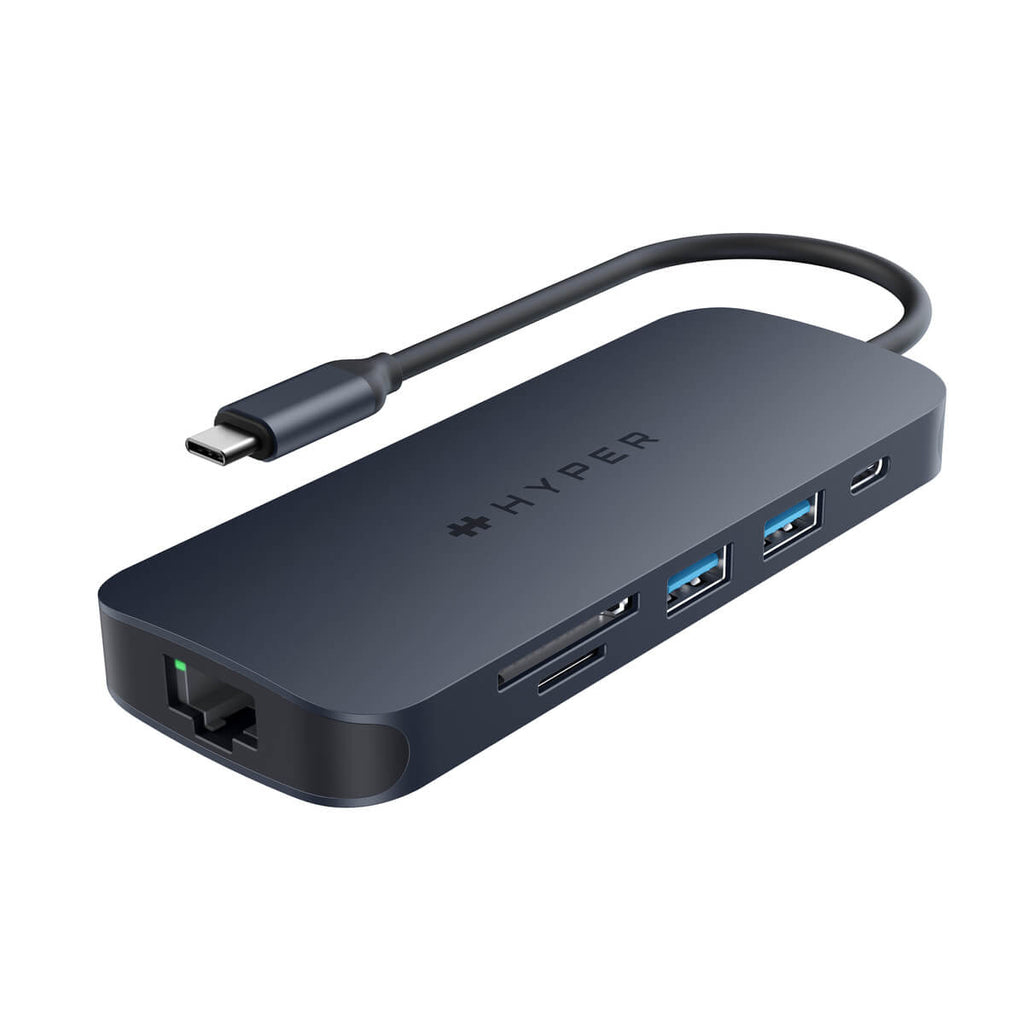
TARGUS HARDWARE
HyperDrive Next - Docking station - USB-C 3.2 Gen 2 / Thunderbolt 3 / Thunderbolt 4 - HDMI