- IT Support
How to Train Your Staff to Reduce IT Issues
1 Jan, 2026
£405.59 inc. VAT
AI-generated summary
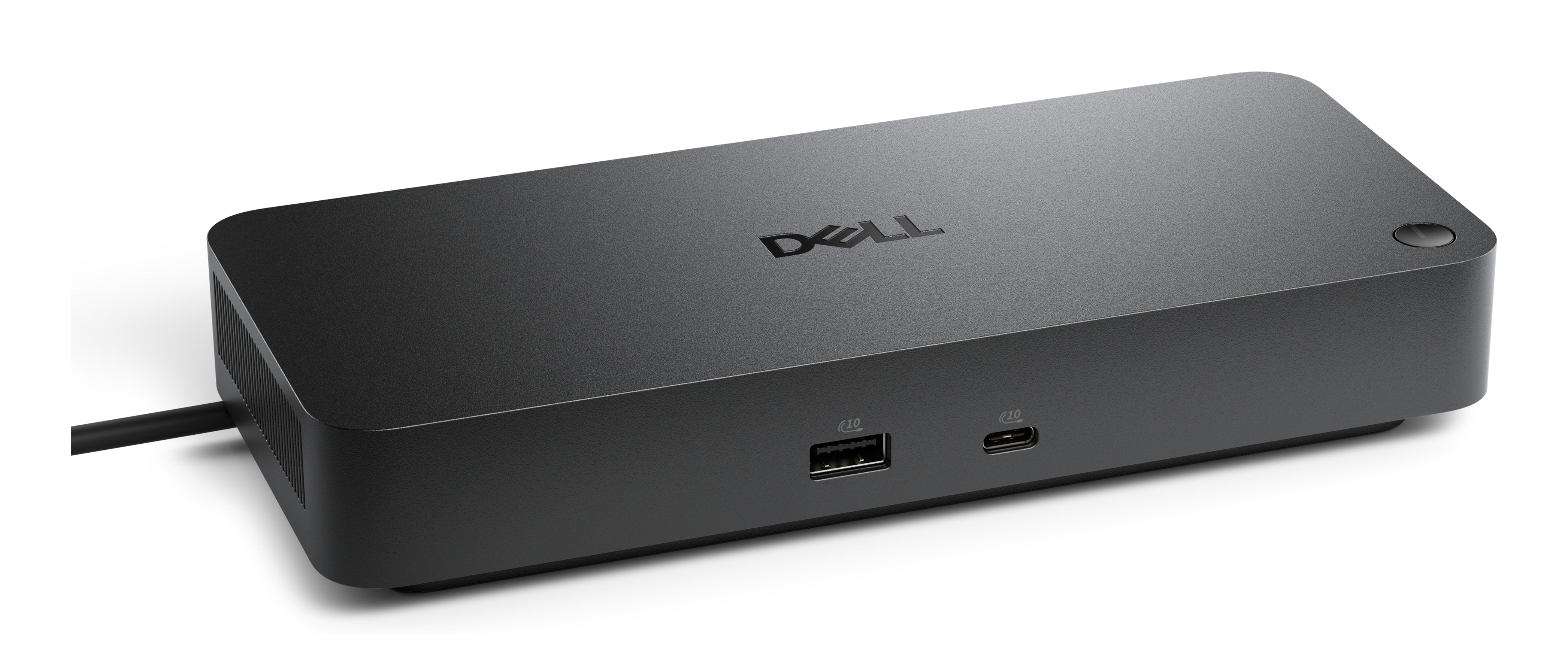
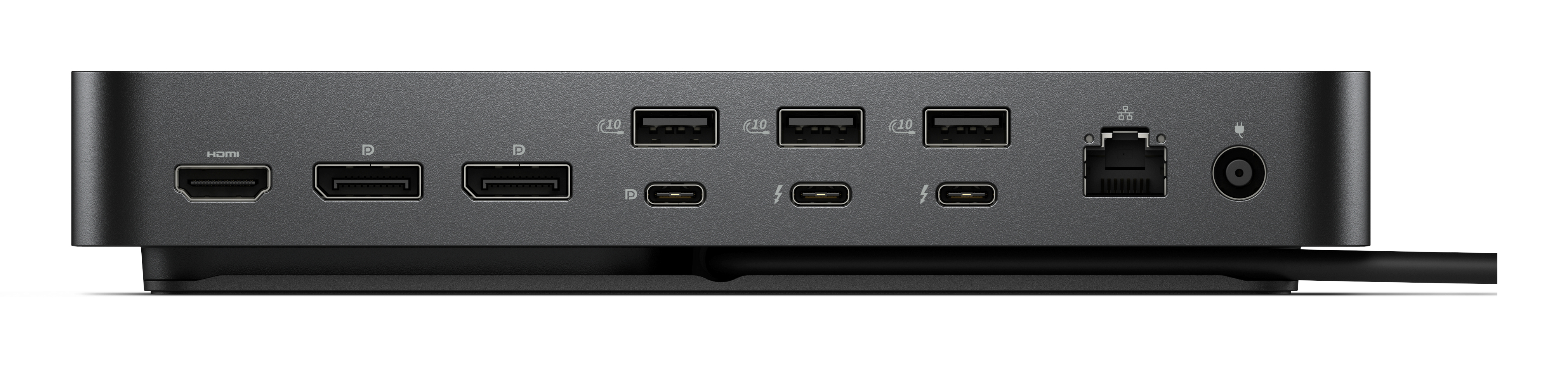
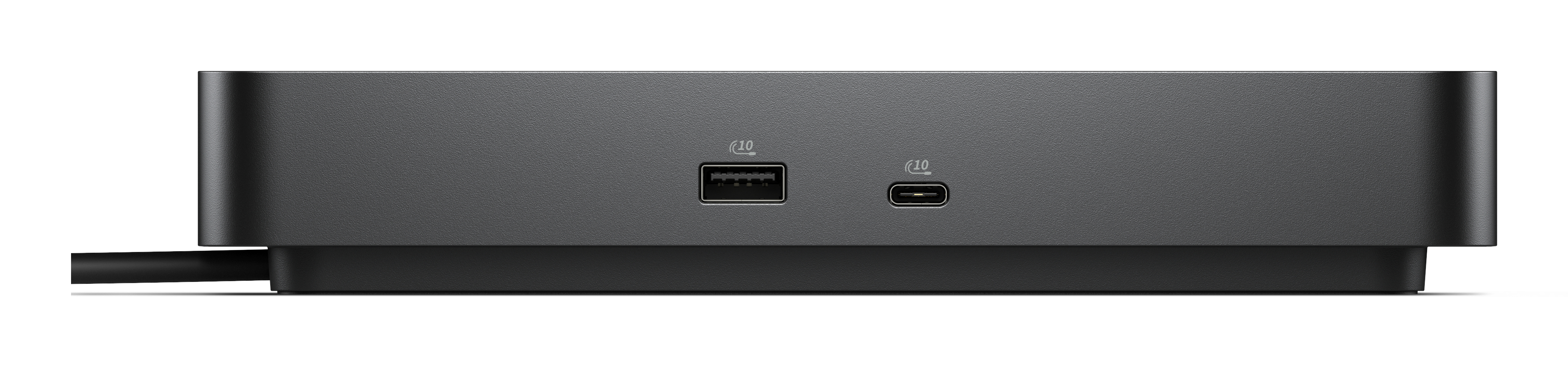
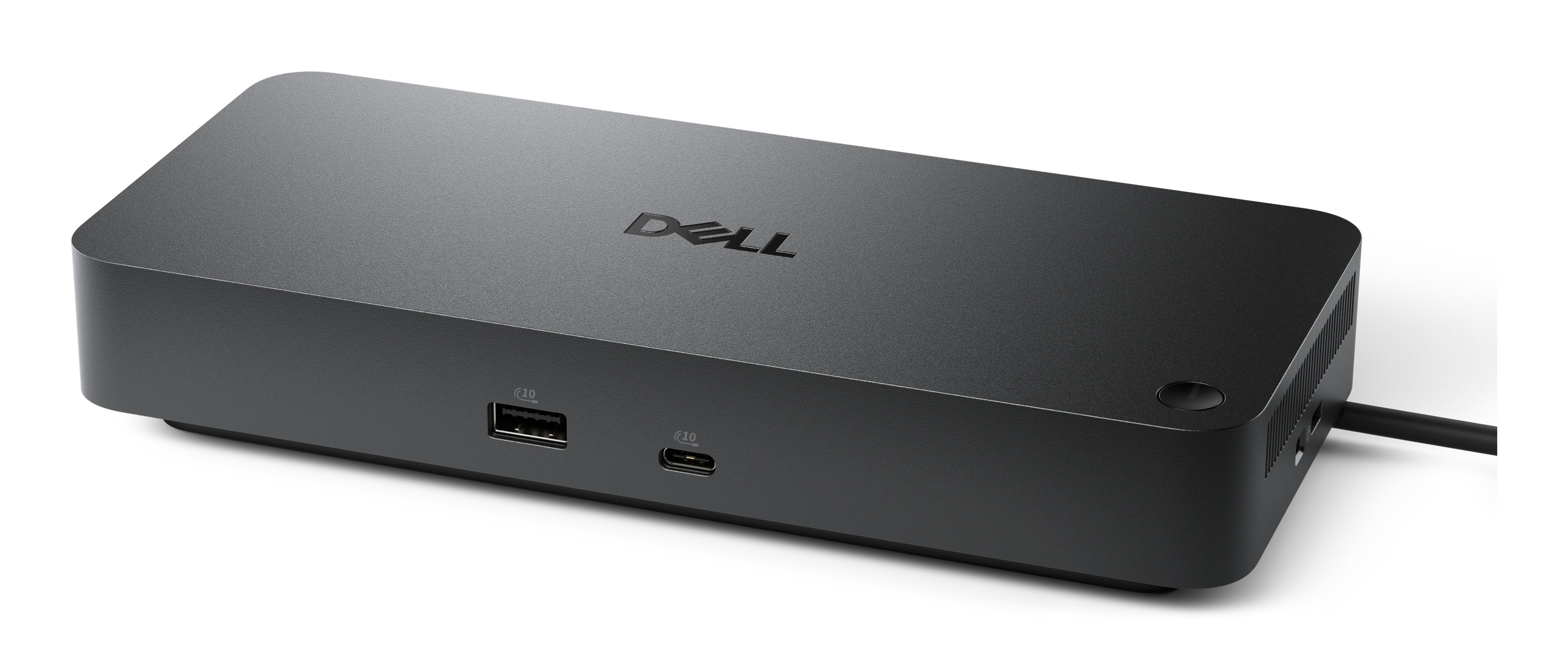
The Dell WD25TB5 is the kind of Thunderbolt dock you buy when you’re done playing USB/adapter roulette and just want your laptop to “snap into work mode” without fuss. In a UK B2B setting, it’s particularly sensible if you’ve got modern Thunderbolt 5-capable laptops and you care about consistent docking behaviour—fast external drives, stable multi-monitor setups, and fewer “why did it drop the display?” moments. At £337.99 ex-VAT, it’s not the cheapest option, but it feels priced for reliability and office-grade deployment rather than bargain-bin features.
That said, I wouldn’t buy this unless your fleet actually benefits from Thunderbolt 5. If most users are on older USB-C/DisplayLink-style setups, you may be paying for capability you can’t fully use, and cheaper docks can do 80–90% of the job. It’s also not ideal for people who only need a couple of ports occasionally—then a simpler dock or adapter will usually be better value. Overall: strong choice for IT-managed offices with newer TB5 laptops; questionable for mixed/older environments unless you’ve confirmed compatibility end-to-end.
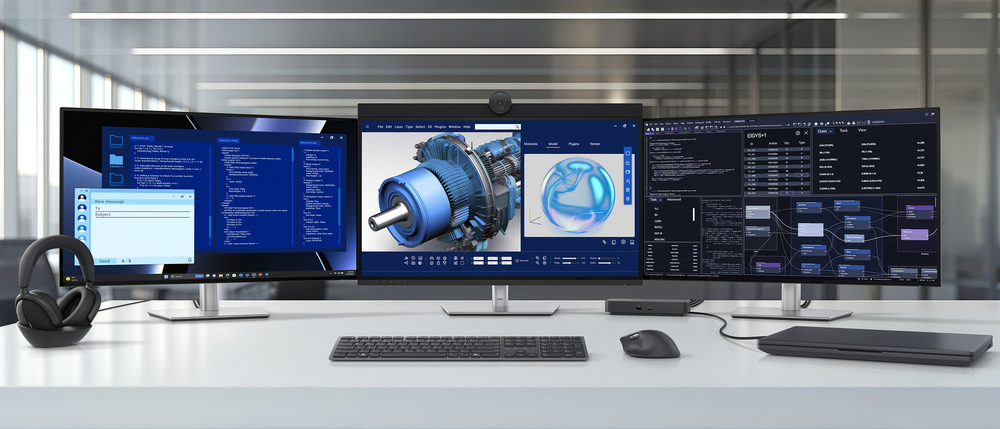
Power AI productivity
Maximise AI PC productivity with the industry’s most powerful Thunderbolt 5 dock and seamlessly run Gen AI tools across up to four 4K 120Hz displays. Featuring Extended Power Range, deliver up to 3...
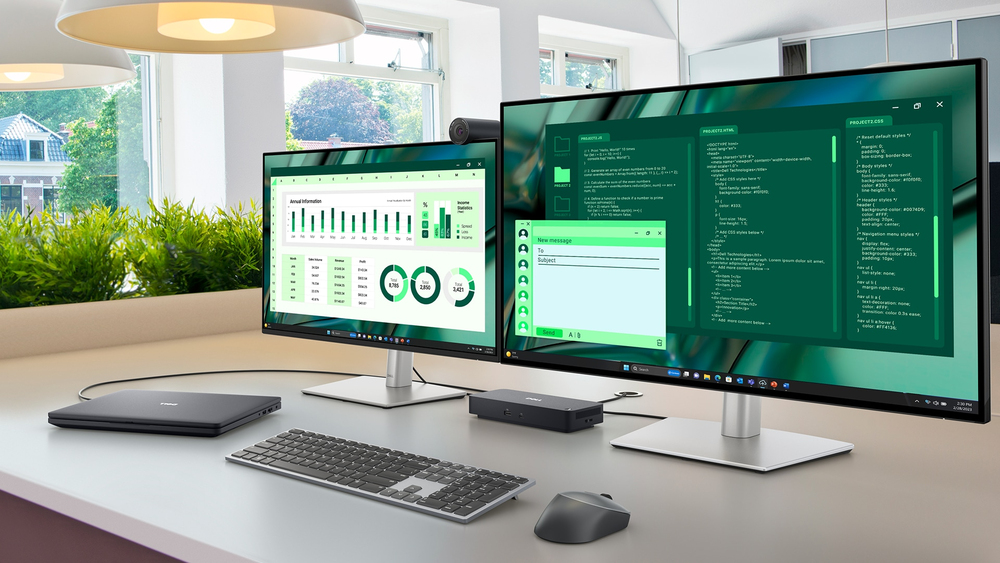
Accelerate manageability
Delivering ultimate IT efficiency across the modern workspace.

Improved manageability
Manage your dock through the Dell Device Management Console, using the Dell Display and Peripheral Manager along with the Dell Device Management Agent installed on your PC.
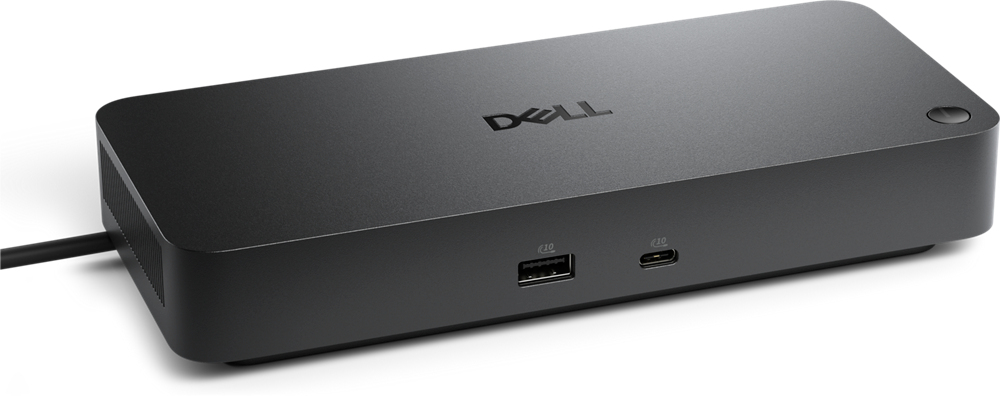
Simplify firmware updates
Reduce IT complexity by deploying a single firmware file across workspaces. Minimise end-user disruption with silent firmware updates, executed upon dock disconnection. Unlock out-of-band manageme...
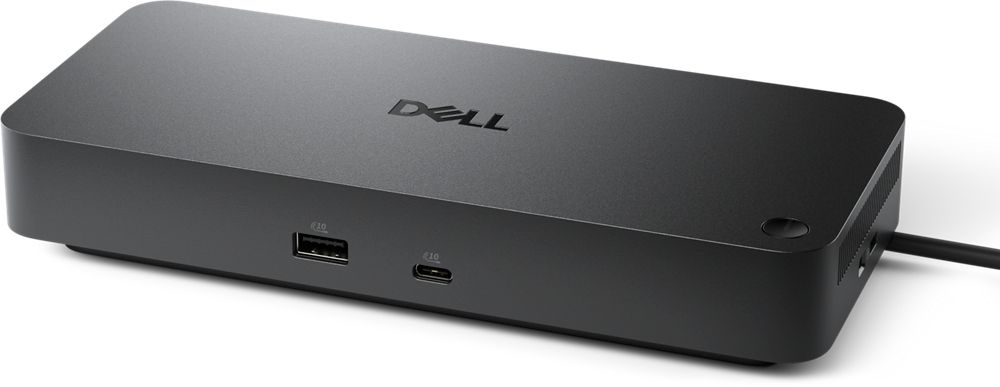
Work with confidence
Enhance your docking experience across brands with universally compatible features including MAC Address Pass-Through and Power Button Sync.
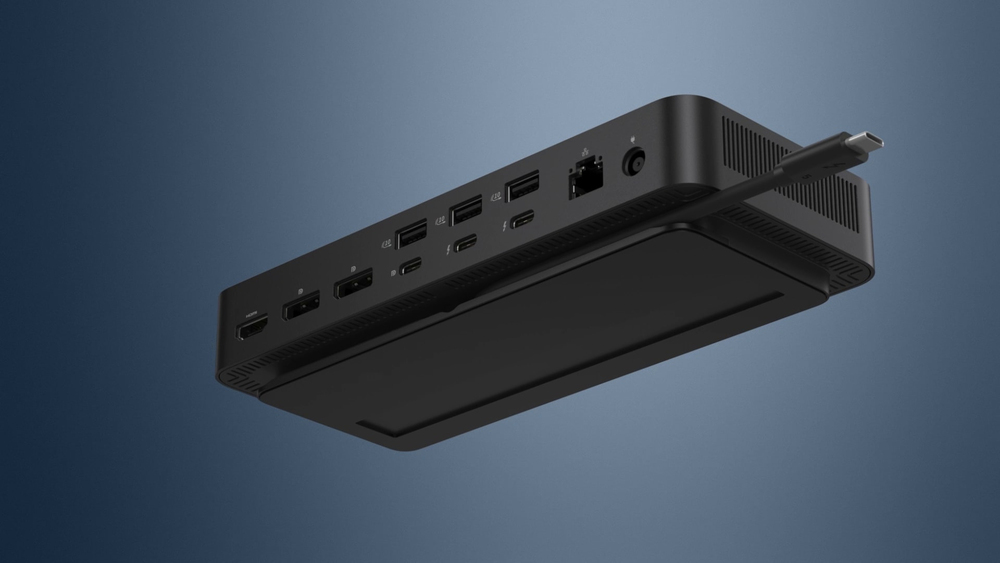
Connect your way
Configure your workspace to your liking with an ambidextrous USB-C cable that can be routed left or right.
Lifecycle CO₂ emissions — helping you make sustainable procurement decisions

STARTECH
StarTech.com USB C Multiport Adapter, USB C to 4K 60Hz HDMI 2.0, 2-Port 10Gbps USB Hub, 100W Power Delivery Pass-through, GbE, SD/MicroSD, USB Type-C Mini Dock, 10"/25cm Attached Cable - USB C Docking Station - Docking station - USB-C - HDMI
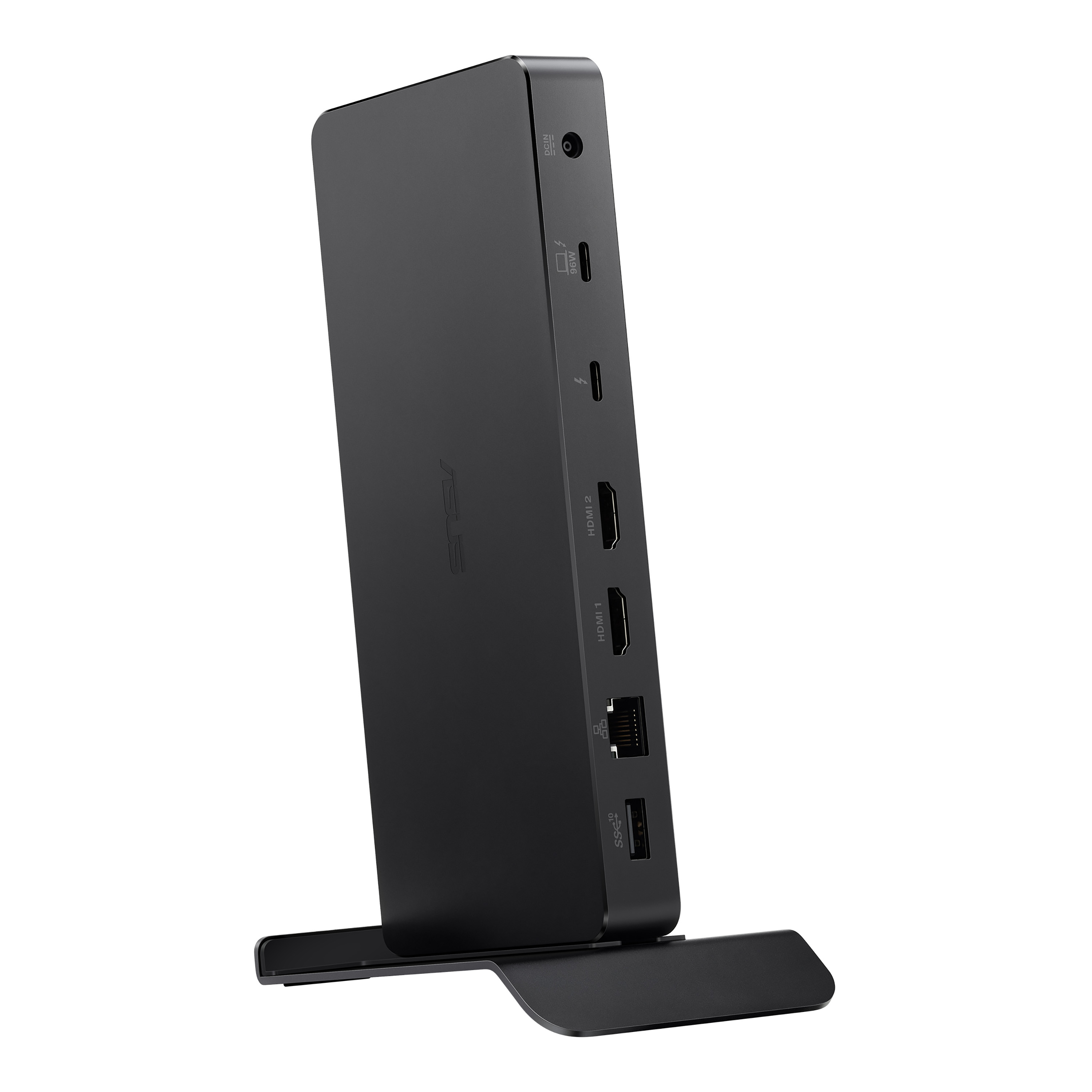
Asus
ASUS DC500 - Docking station - Thunderbolt 4 - 2 x HDMI, Thunderbolt 4 - 1GbE, 2.5GbE - 150 Watt
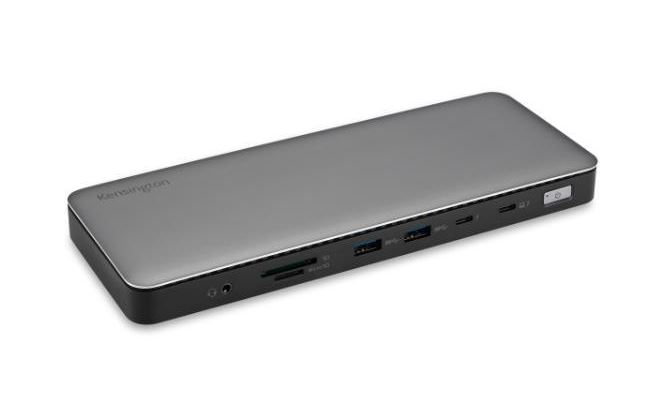
Kensington
Kensington - Docking station - USB-C 3.2 Gen 2 / USB-C 3.2 Gen 1 / Thunderbolt 4 - 2 x HDMI, Thunderbolt 4 - 10Mb LAN
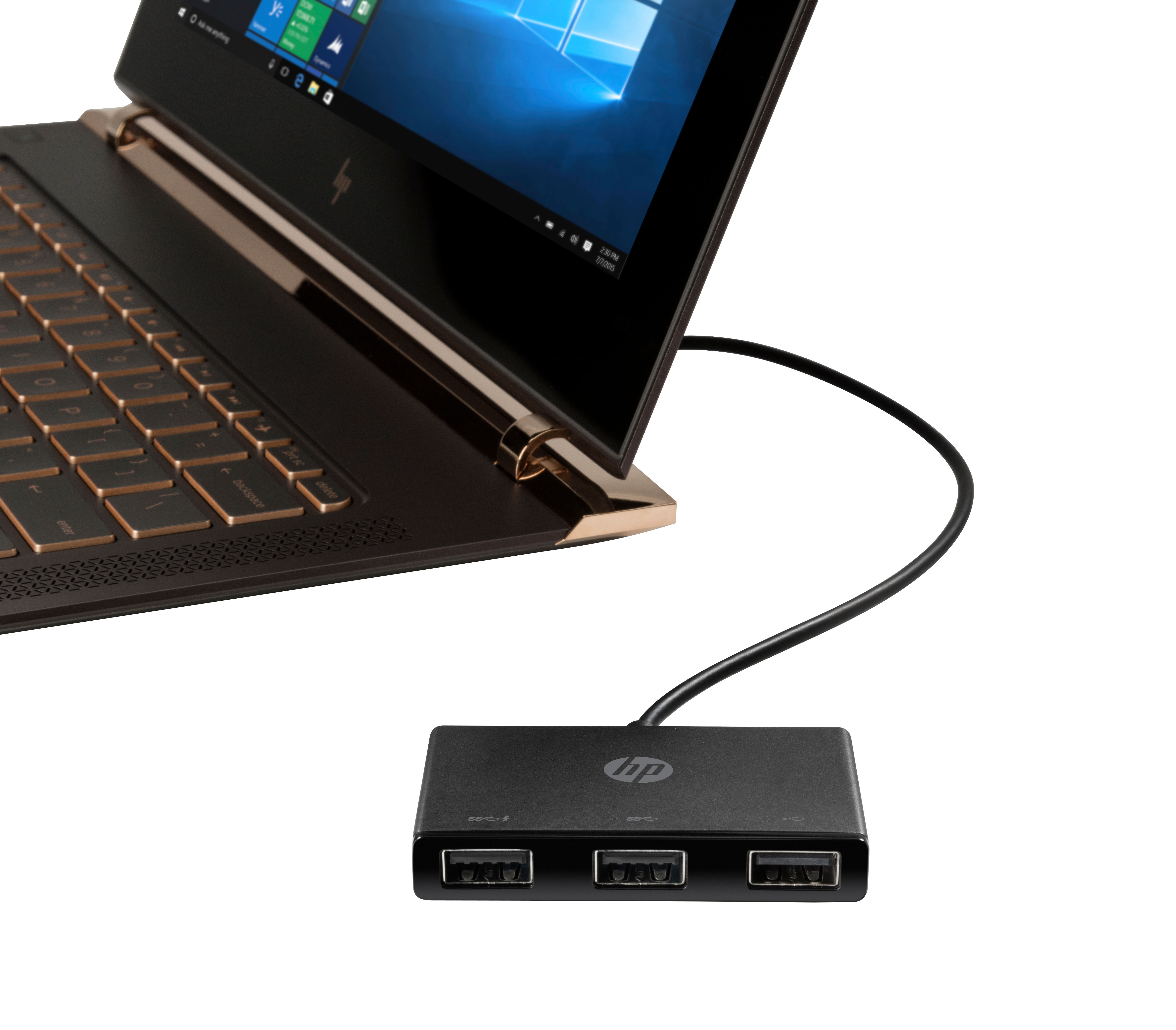
HP
HP USB-C to USB-A - Hub - 3 x SuperSpeed USB 3.0 - desktop - for Elite c640 G3 Chromebook Enterprise, Pavilion Aero Laptop 13-be2075ng