- IT Office Moves
How to Plan IT for a Multi-Floor Office Move
18 Mar, 2026
£295.78 inc. VAT
AI-generated summary
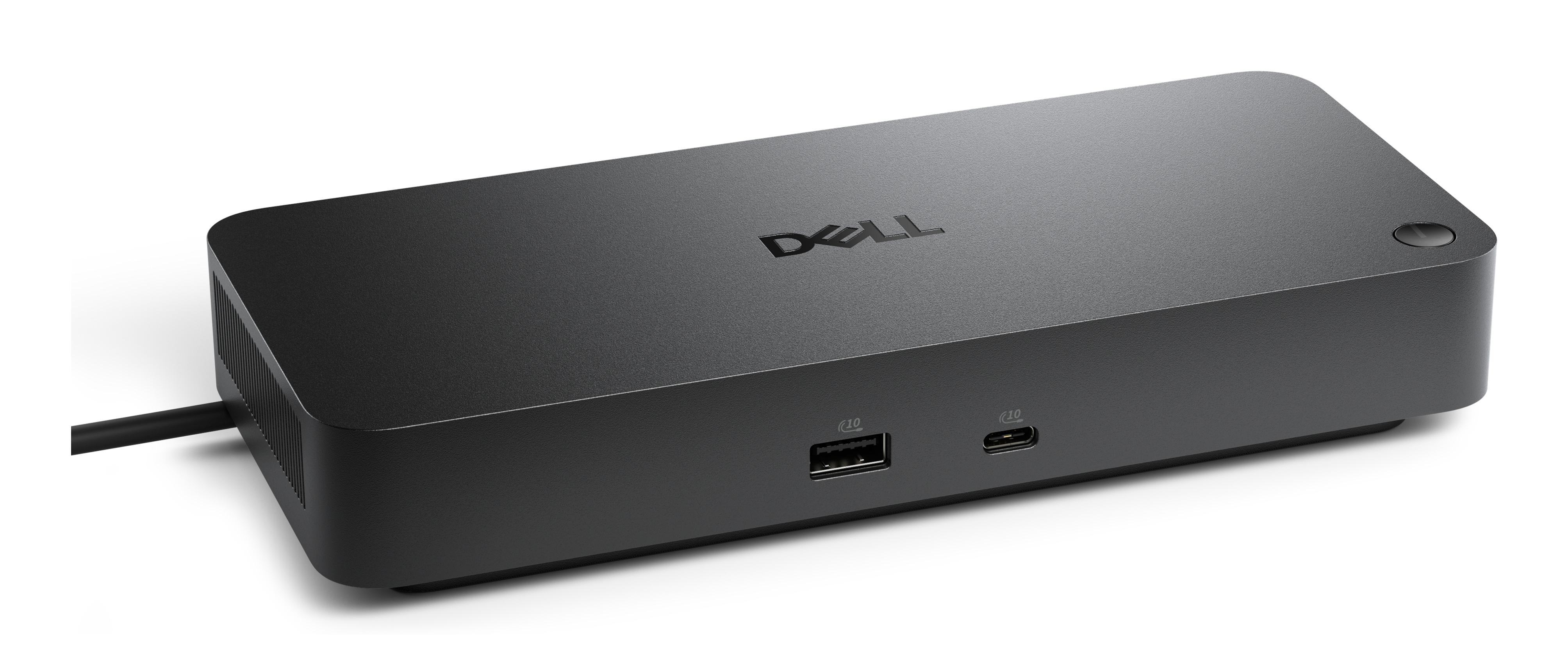
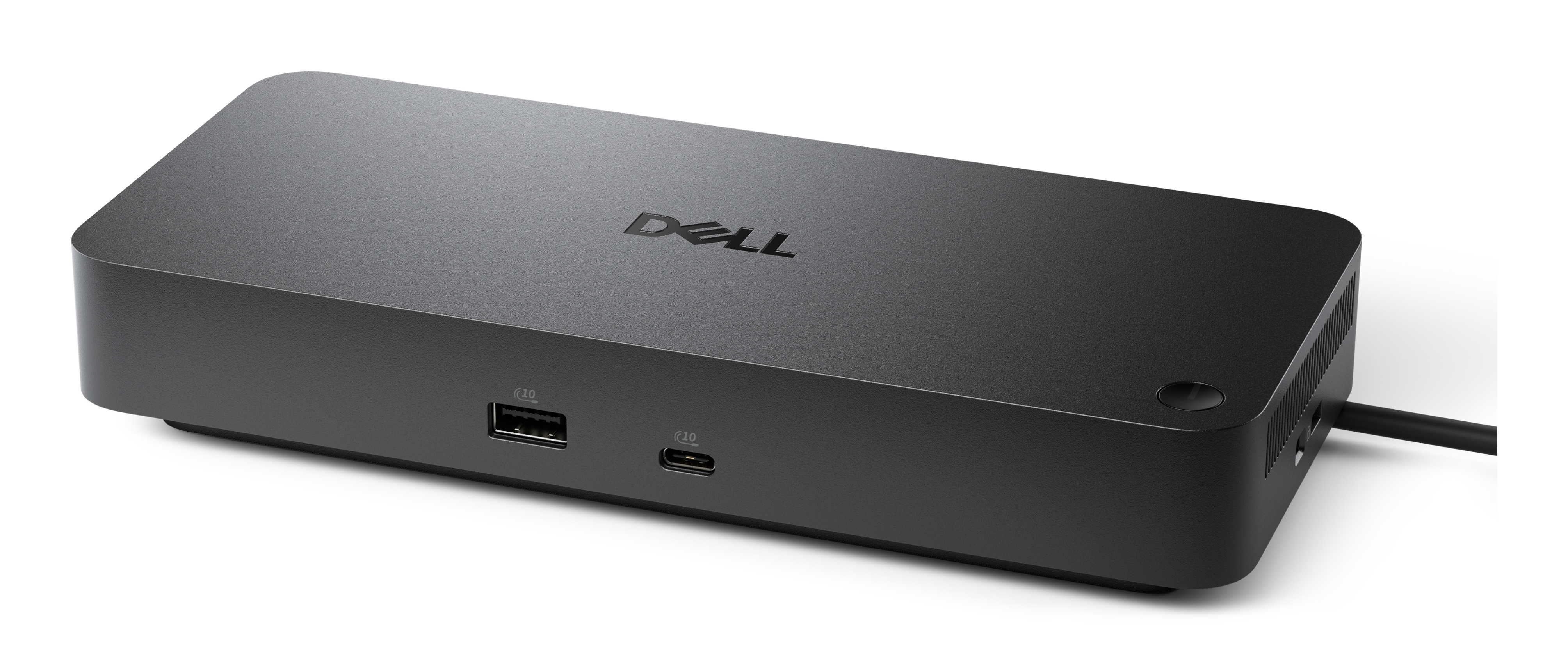
The Dell WD25TB4 is a solid, no-nonsense Thunderbolt 4 dock that’s aimed squarely at people who want reliable “plug in and it just works” docking for a business laptop. At £246.48 ex-VAT, it’s not the cheapest option, but the value tends to show up if you’re in a mixed or mobile office setup where you care about stable display connectivity, fast peripheral wake-up, and not fighting flaky third-party docks. Dell’s usually good on firmware consistency and compatibility in managed environments, which matters when you’re rolling it out across users.
That said, I wouldn’t buy it if you’re only connecting one monitor and a couple of USB devices—cheaper docks can do that job without paying the Thunderbolt premium. Also, if you’ve got a non-Thunderbolt laptop (or you’re unsure what your laptop supports), you’ll either be disappointed or forced into workarounds. This is best for: Windows business users with Thunderbolt-capable Dell laptops (or at least Thunderbolt laptops that match the dock’s expectations) who want dependable docking day after day. If you’re that type of user, it’s a safe bet; if you’re cost-optimising for light-duty desk use, it’s probably more dock than you need.
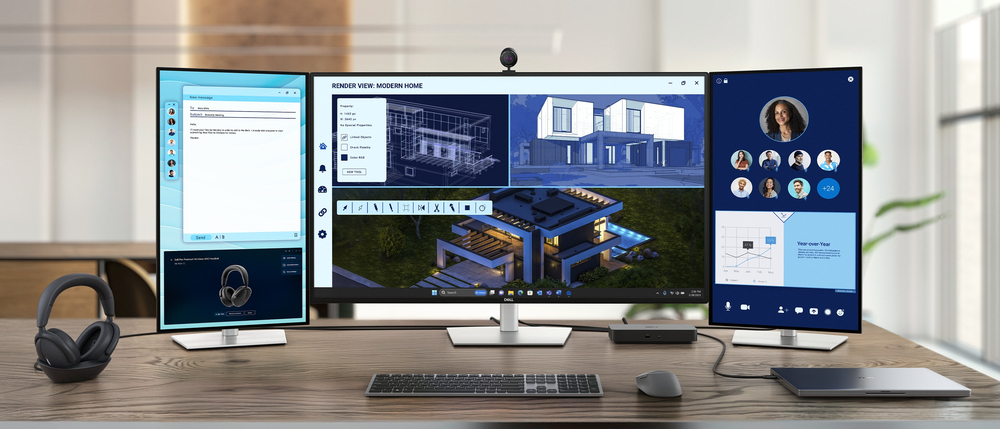
Power AI productivity
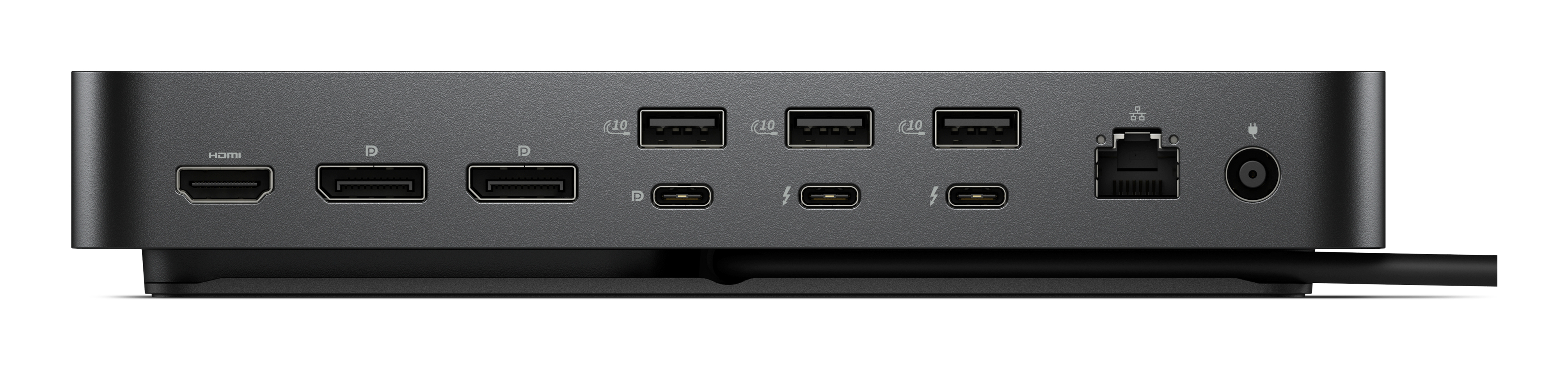
Maximise your AI PC productivity by seamlessly using Gen AI tools across up to four 4K 60Hz displays. Stay powered with up to 130W power delivery and connect all your peripherals effortlessly.
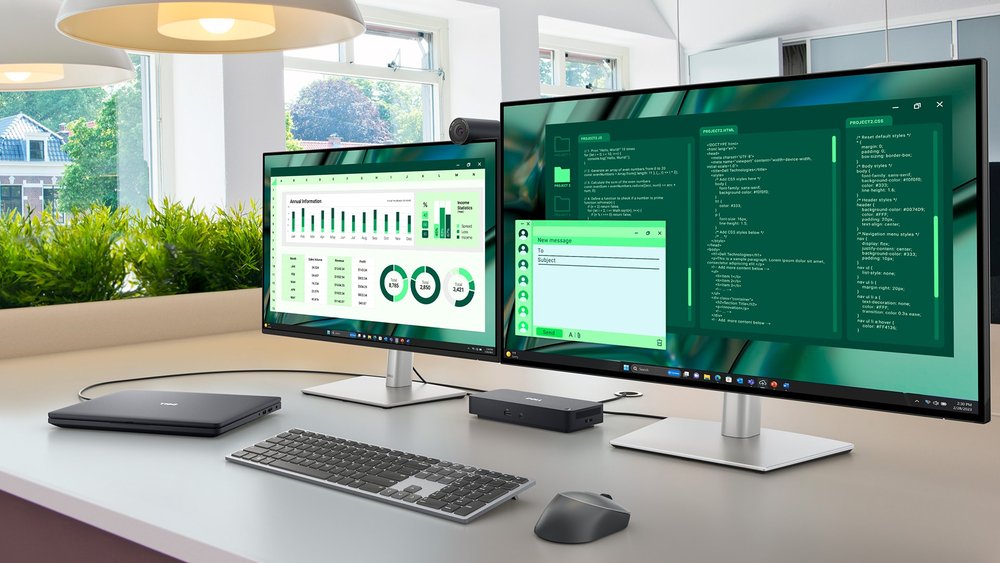
Accelerate manageability
Enhance IT efficiency across the modern workspace.
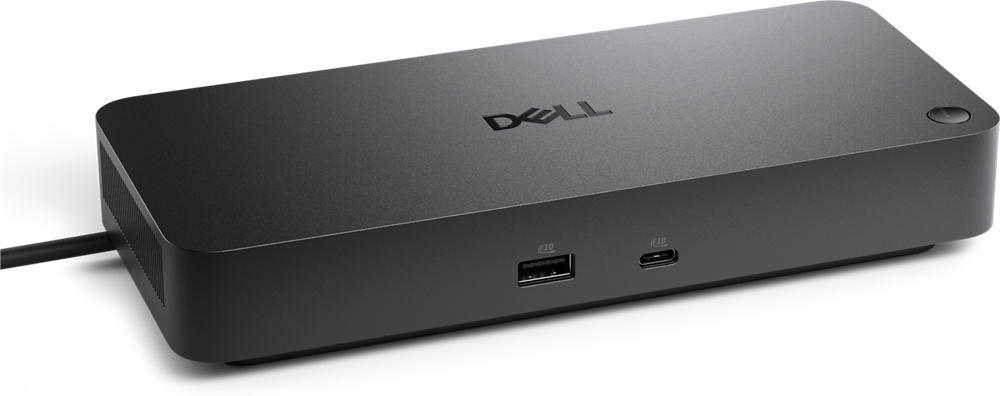
Improved manageability
Manage your dock through the Dell Device Management Console, using the Dell Display and Peripheral Manager along with the Dell Device Management Agent installed on your PC.
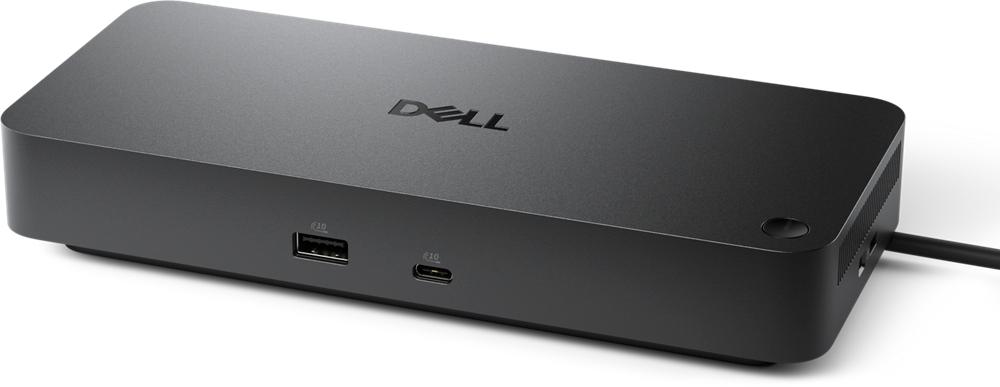
Simplify firmware updates
Reduce IT complexity by deploying a single firmware file across workspaces. Minimise end-user disruption with silent firmware updates, executed upon dock disconnection. Unlock out-of-band manageme...

Work with confidence
Enhance your docking experience across brands with universally compatible features including MAC Address Pass-Through and Power Button Sync.
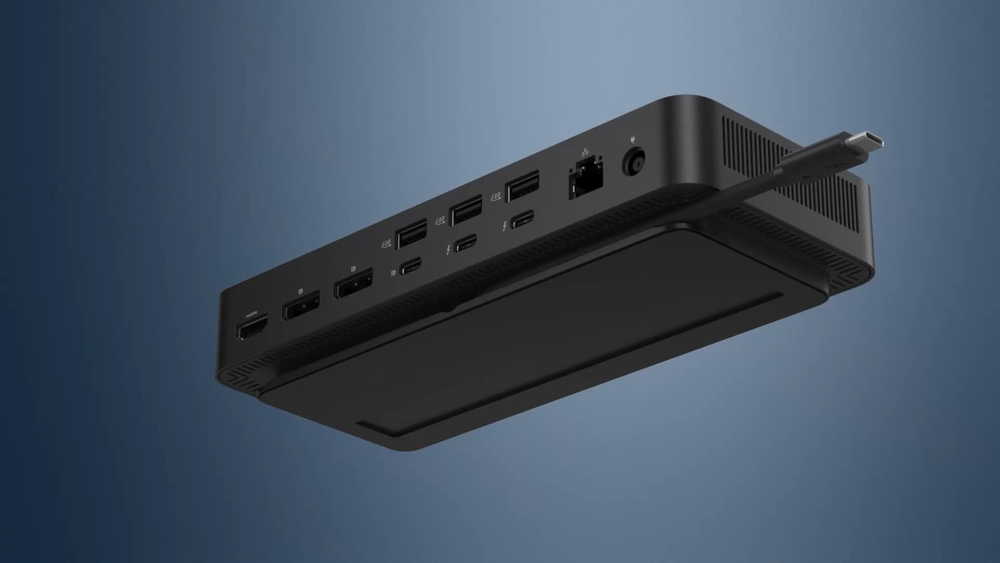
Connect your way
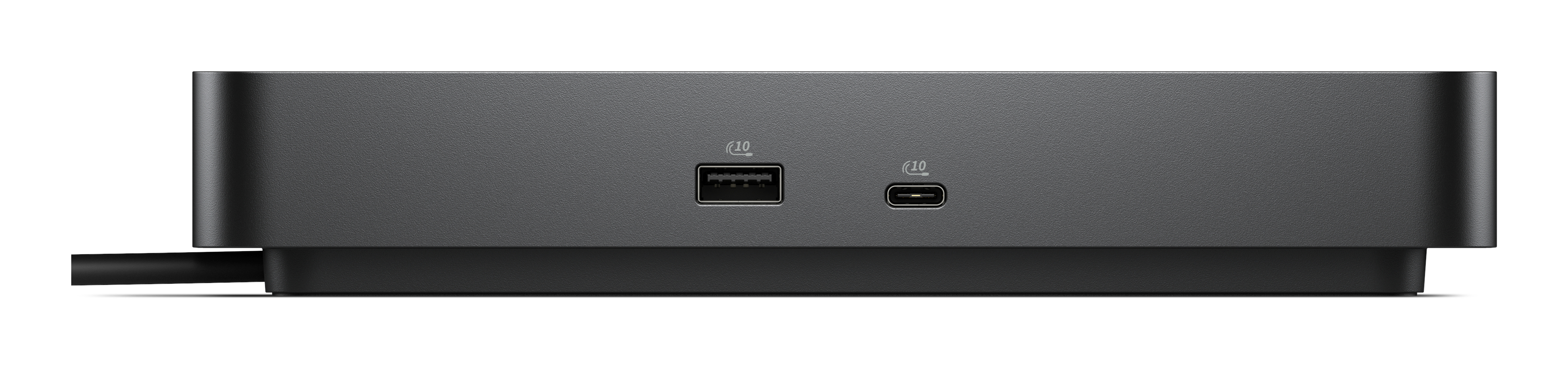
Configure your workspace to your liking with an ambidextrous USB-C cable that can be routed left or right.
Lifecycle CO₂ emissions — helping you make sustainable procurement decisions
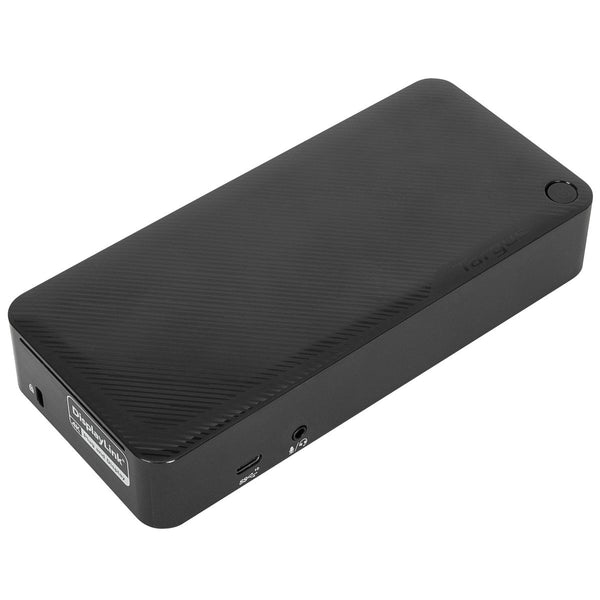
TARGUS HARDWARE
Targus - Docking station - USB-C - 2 x HDMI, 2 x DP - 1GbE
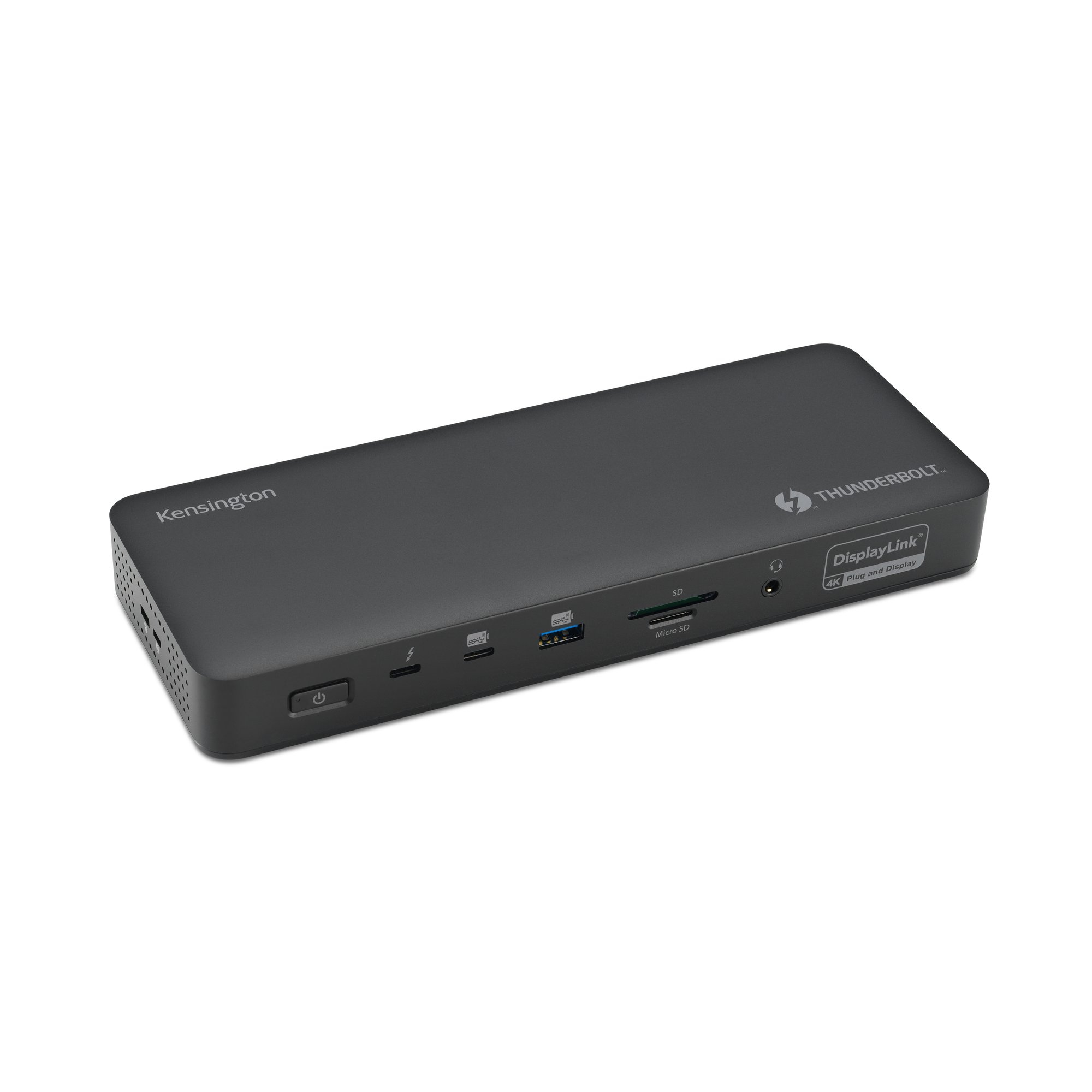
Kensington
Kensington SD5920T EQ - Docking station - for laptop - USB4 / Thunderbolt 4 - 2 x HDMI, 3 x DP, 2 x Thunderbolt 4 - 1GbE, 2.5GbE - 149.1 Watt - Europe
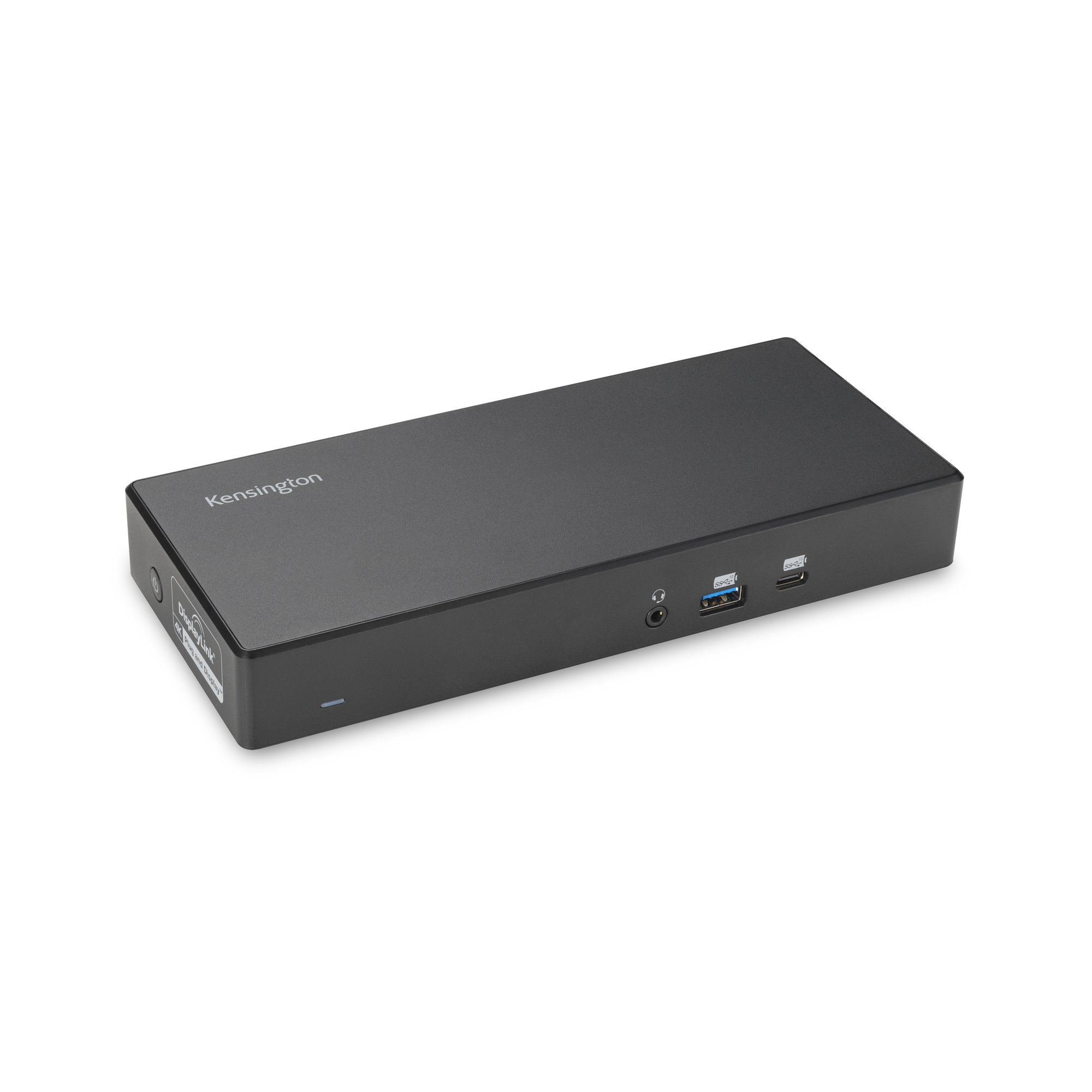
Kensington
Kensington SD4781P - Docking station - USB-C - 2 x HDMI, 2 x DP++ - 1GbE
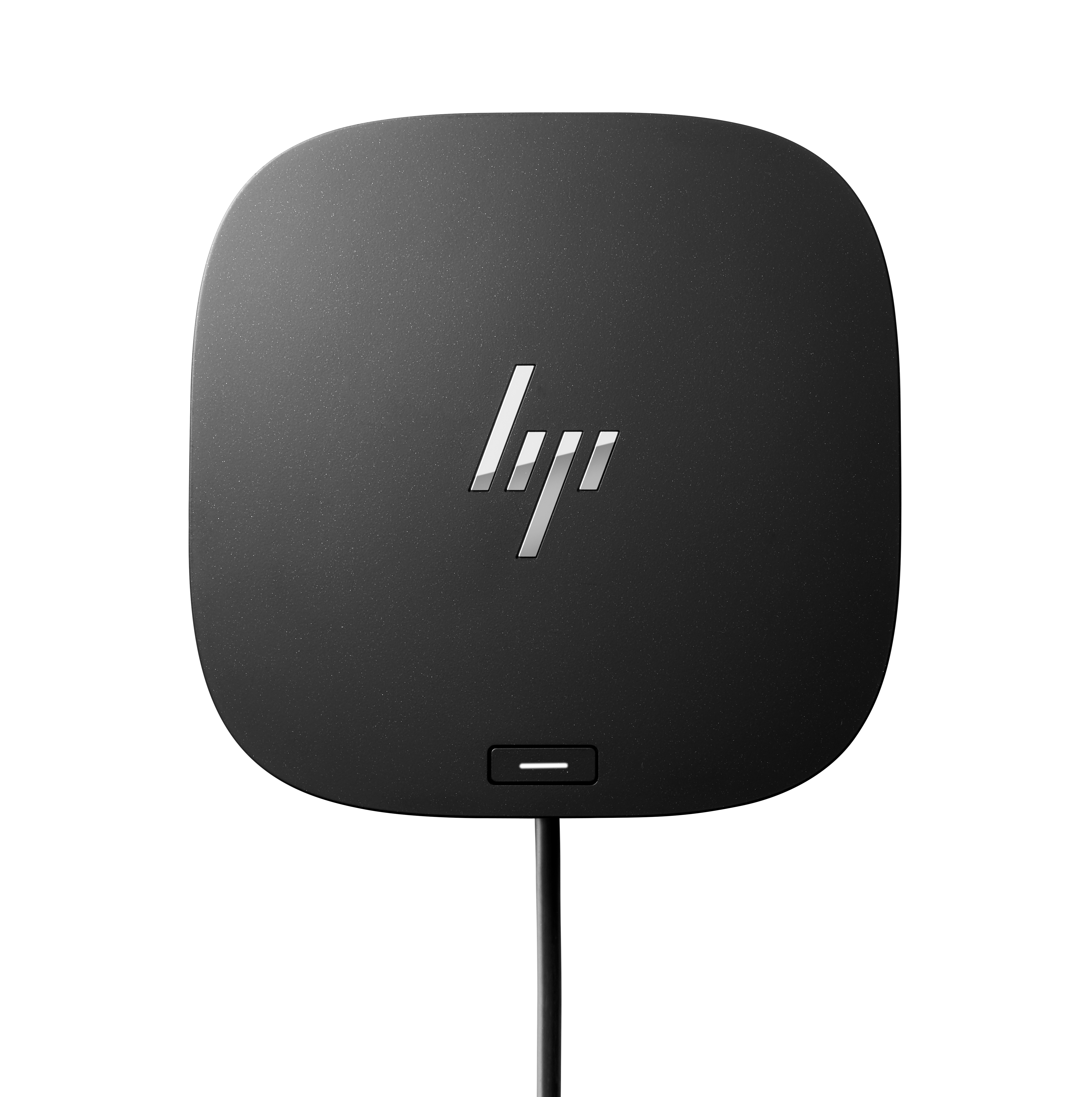
HP
HP USB-C/A Universal Dock G2 - Docking station - USB-C - HDMI, 2 x DP - 1GbE - 100 Watt - United Kingdom