- IT Office Moves
How to Plan IT for an Office Fit-Out
3 Mar, 2026
£138.36 inc. VAT
AI-generated summary
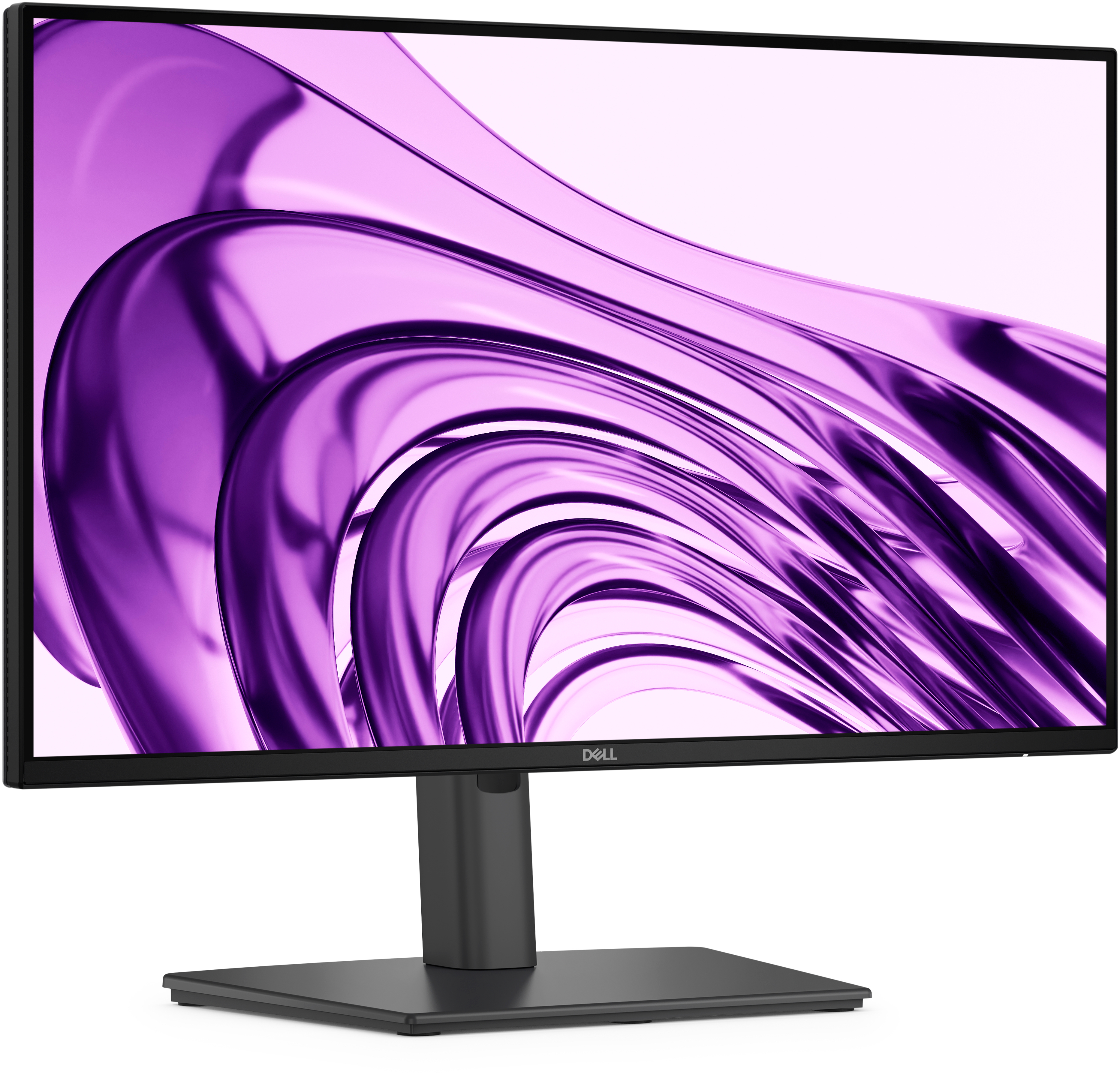
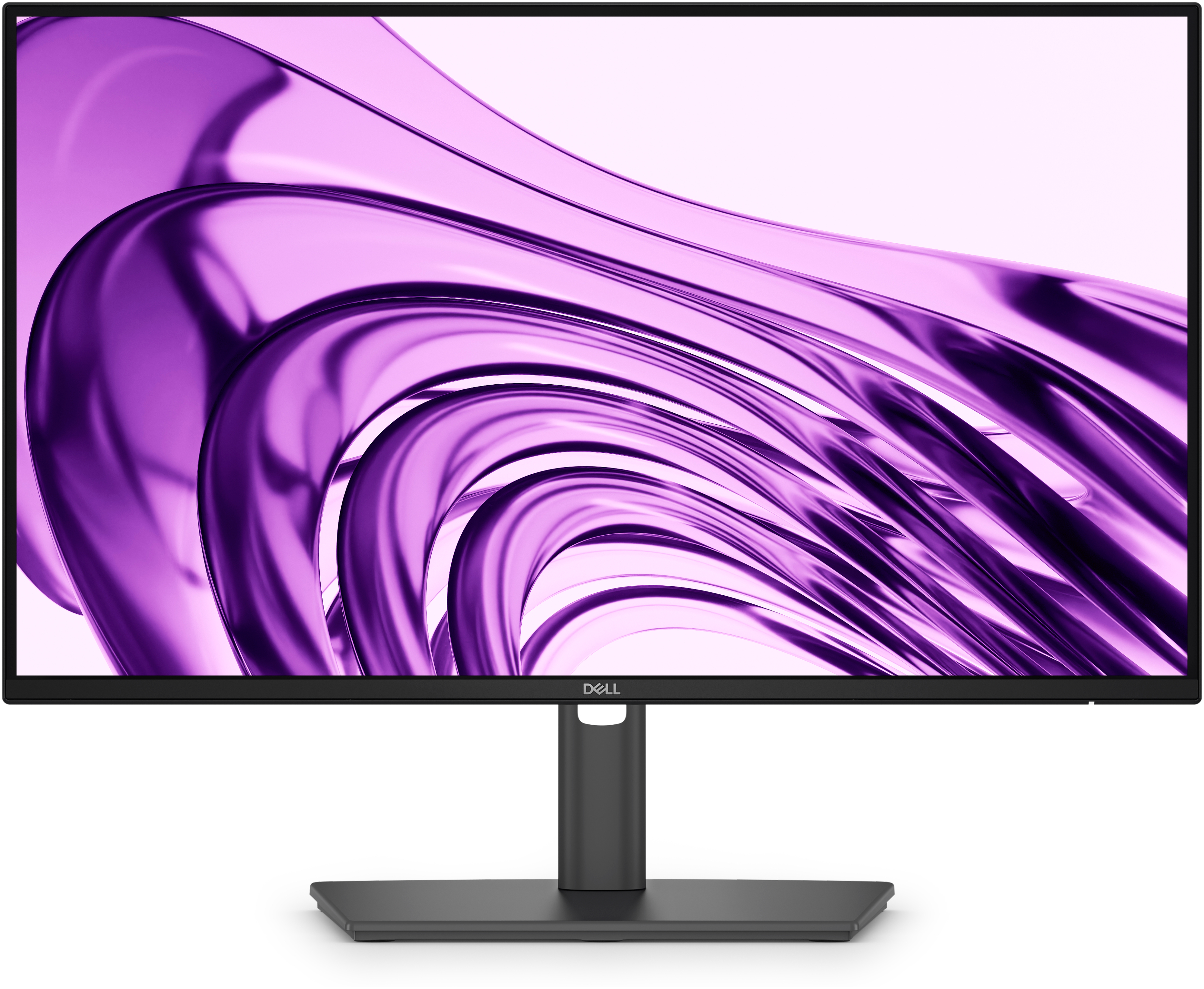
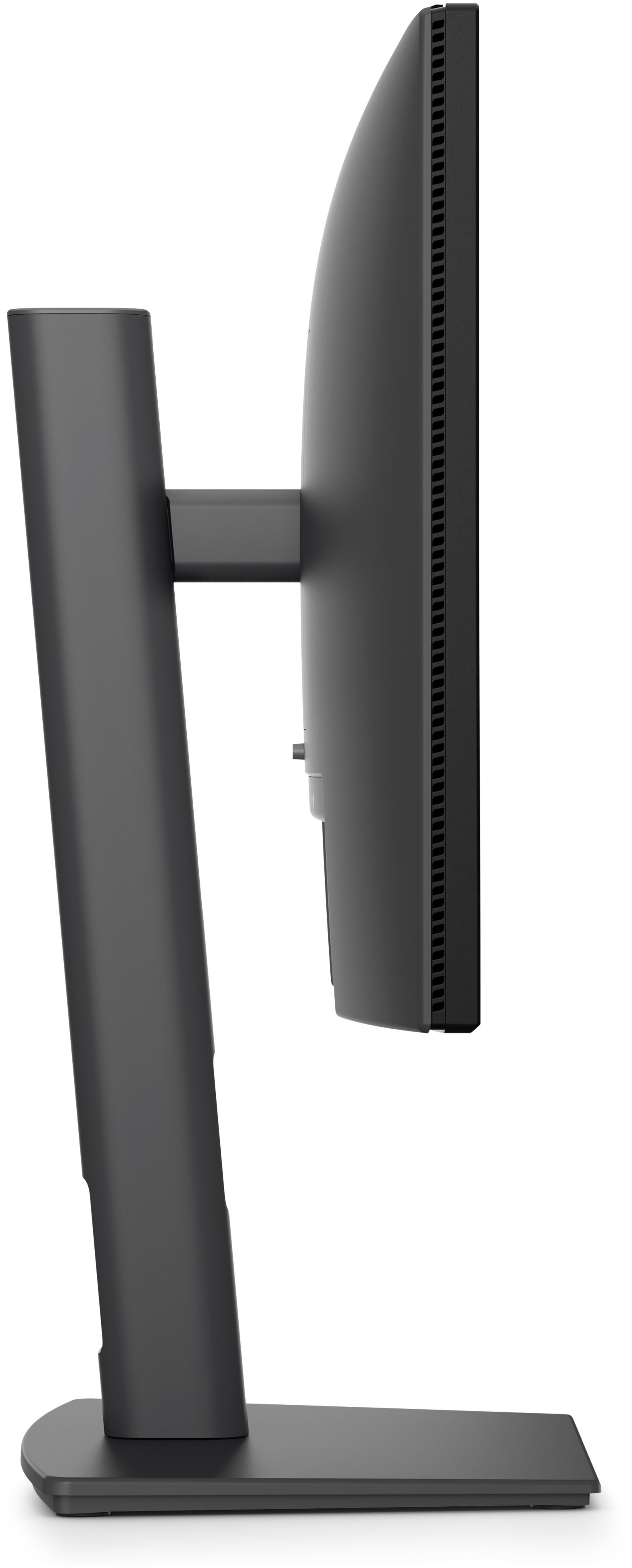
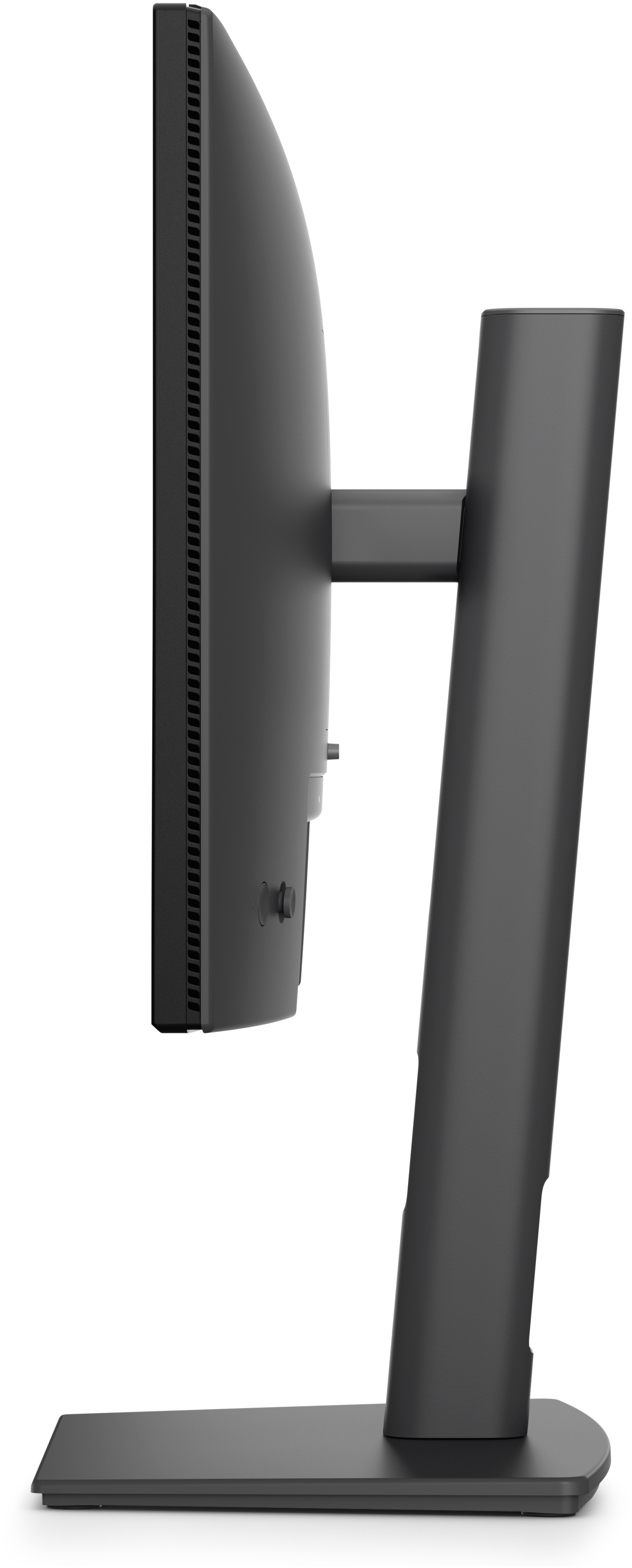
For £114 ex-VAT, the Dell Pro P P2226H is the sort of “boring but sensible” monitor a lot of UK offices end up standardising on. You’re basically paying for reliable day-to-day usability rather than wow-factor: a 21.5-inch Full HD panel that’s easy on the budget, works well for typical office work, spreadsheets, admin systems, and lots of windowed tasks. Dell’s Pro line tends to be decent on long-term consistency (stand stability, predictable settings, generally good value versus cheaper no-name alternatives).
That said, I wouldn’t buy it if your job needs more screen real estate or you’re doing design/analysis-heavy work where text clarity and workspace size matter—21.5-inch at this resolution is fine, but it’s not a productivity monster. Also, if you’re expecting strong multimedia performance (crisp colours for presentations, gaming, video editing), this isn’t the class of monitor I’d steer you toward. Overall: a good buy for standard office deployments and anyone who just wants a dependable, straightforward second/primary screen on a tight spend.
If you tell me what you’ll be using it for (accounts/CRM, coding, trading, design, etc.) and whether it’s single-monitor or a dual setup, I’ll say whether it’s the right call or if you’d be happier spending a bit more.
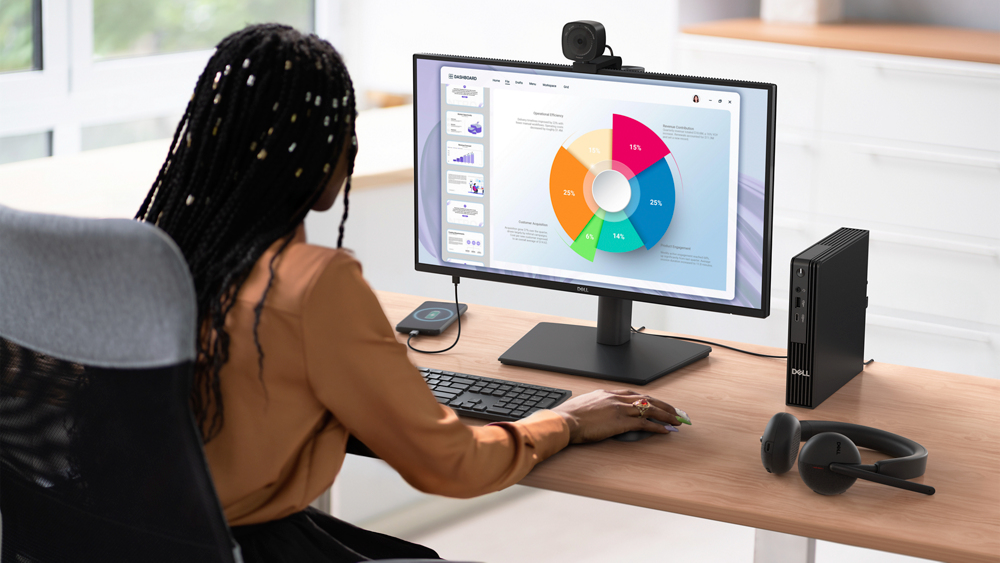
Connect to productivity
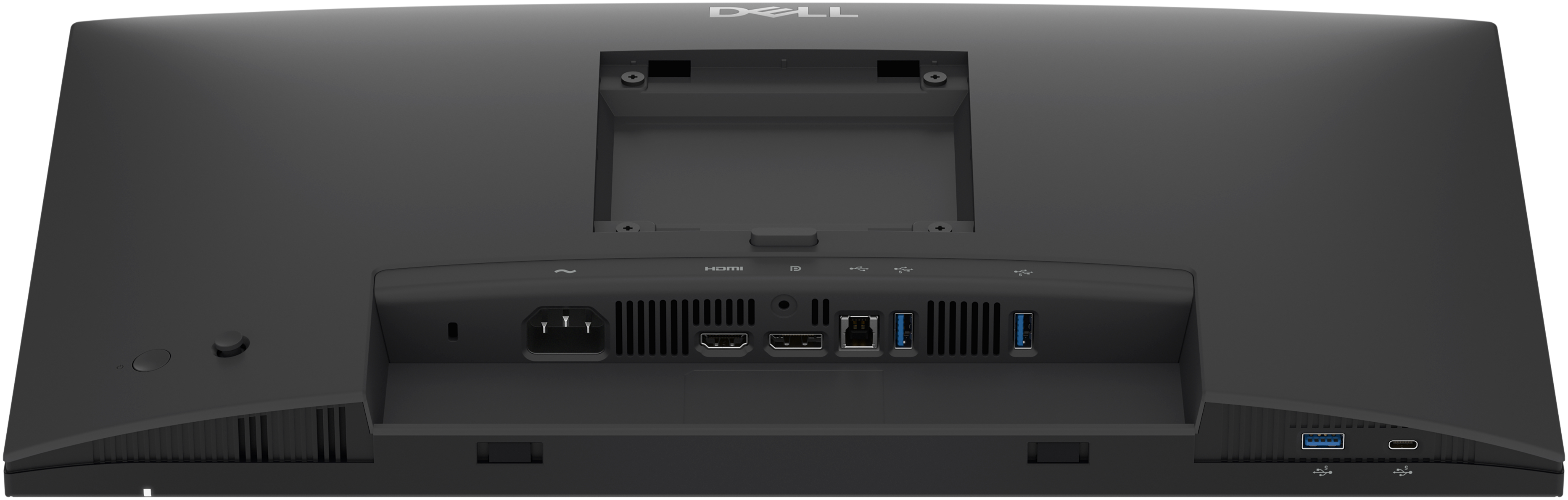
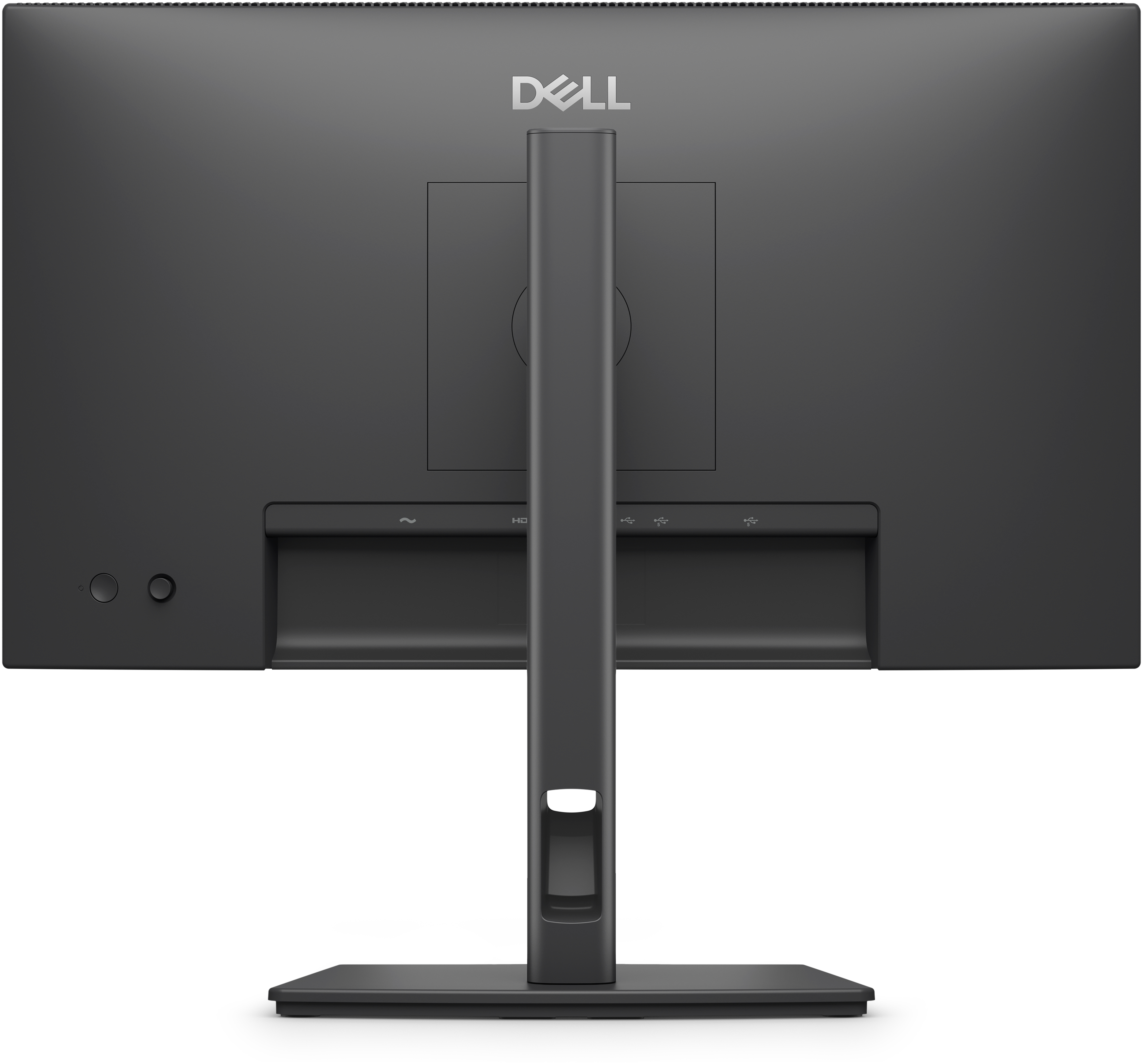
Equipped with a variety of ports for all your accessories and built for versatility.
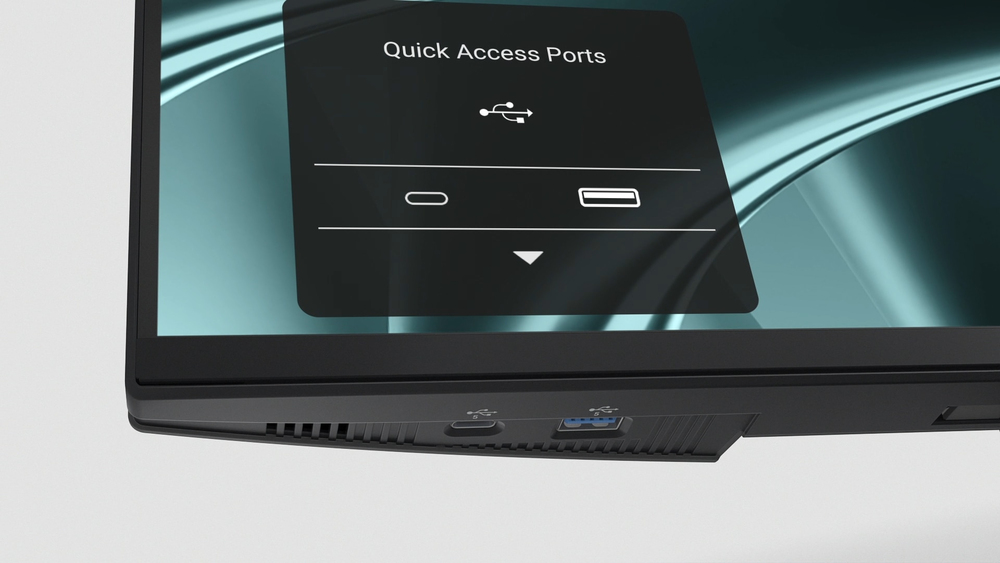
Quick access ports
Thoughtfully designed with a bottom bezel featuring 1 USB-C (with up to 15W charging) and 1 USB Type A quick-access port, this monitor offers the convenience of easy connectivity. An intuitive on-...
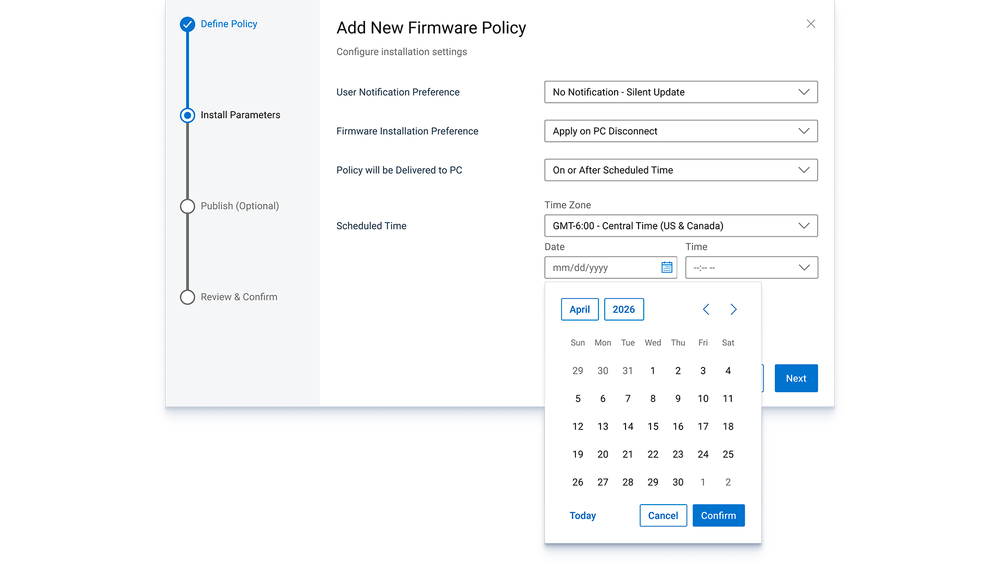
Silent Firmware Update
Deliver an exceptional user experience with seamless firmware updates completed in just 2-3 minutes, reducing update time by up to 90%. Updates run during PC disconnect or monitor sleep preventing...
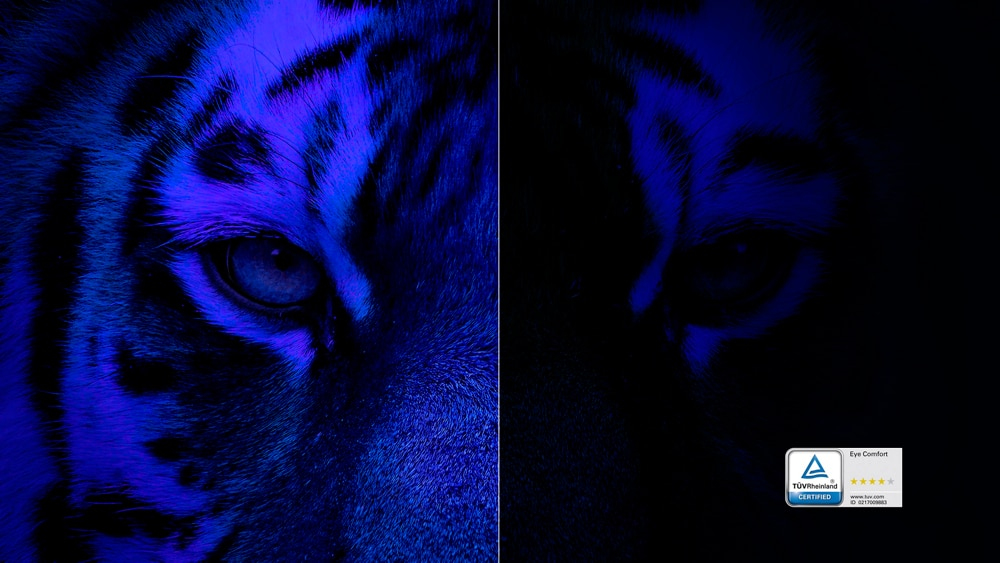
Reduces blue light
This monitor features hardware low blue light technology, reducing harmful blue light emissions to ≤35% for all day eye comfort without sacrificing colour.
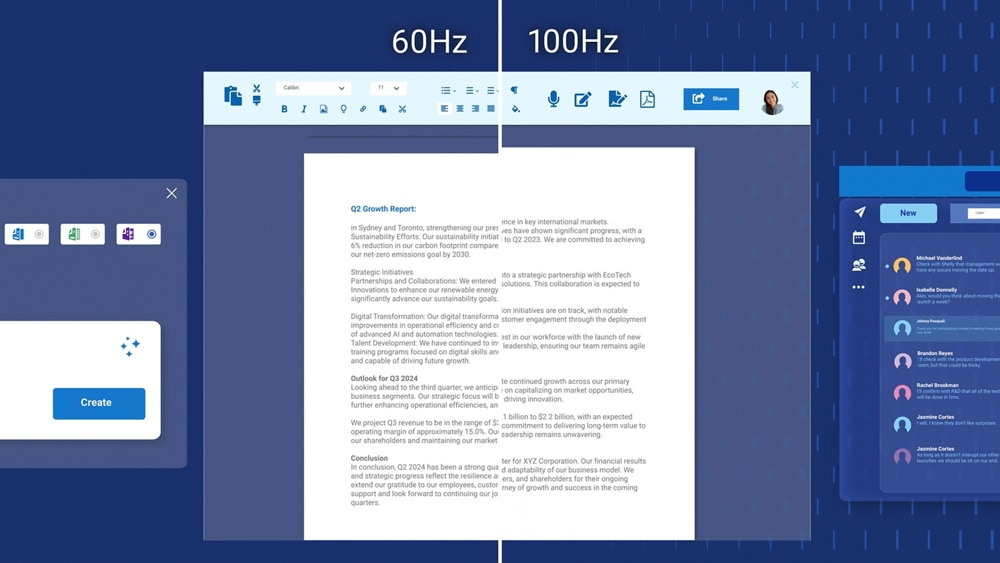
Refresh rate
100Hz refresh rate reduces flicker, enabling smoother scrolling and consistent motion.

Vivid colours
Experience wide colour coverage of 99% sRGB and 99% BT.709 with up to 16.7 million displayable colours for vibrant and accurate visuals.
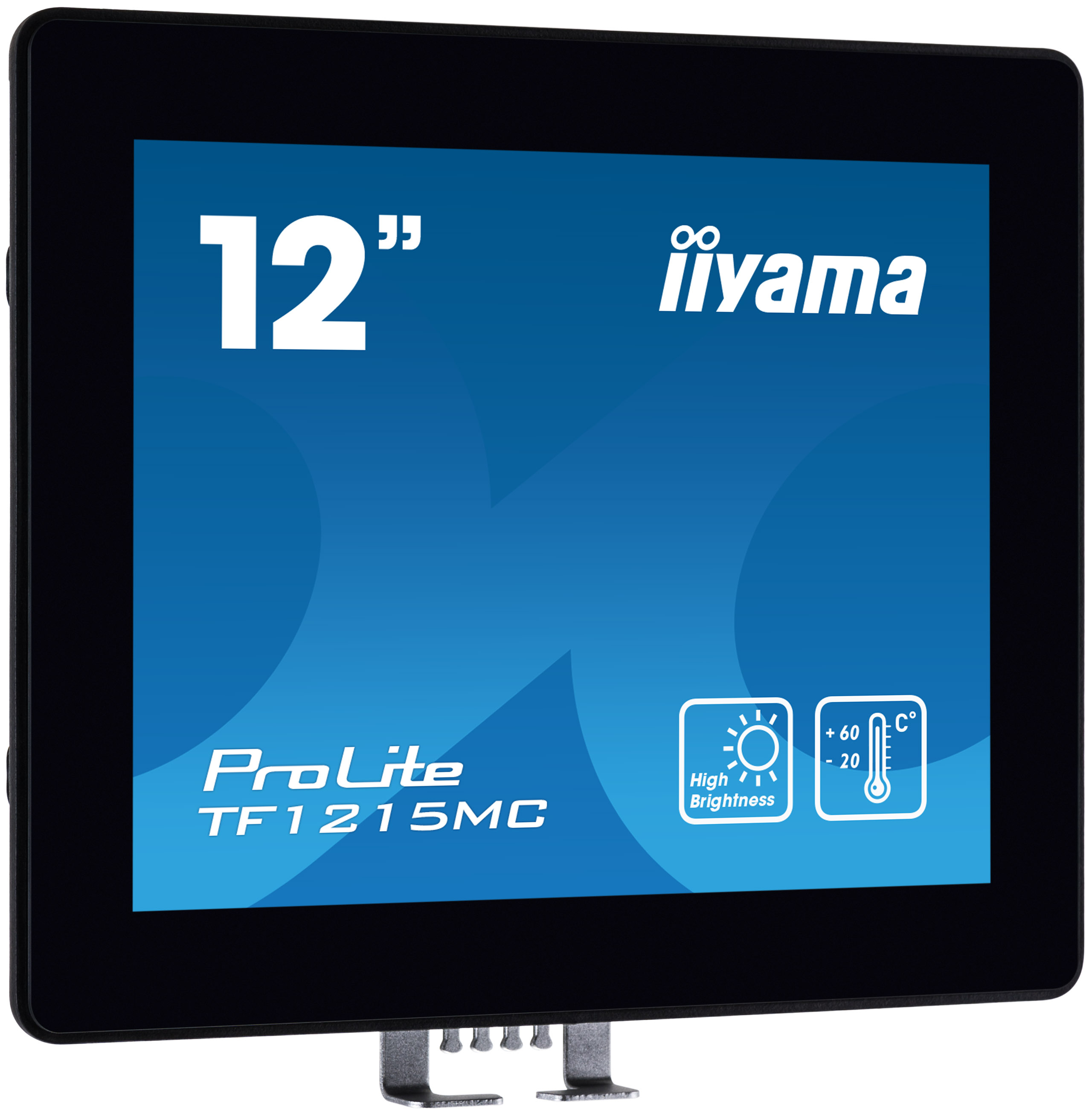
Iiyama
iiyama ProLite TF1215MC-B1 - LED monitor - 12.1" - open frame - touchscreen - 1024 x 768 - IPS - 540 cd/m� - 1000:1 - 25 ms - HDMI, VGA, DisplayPort - black
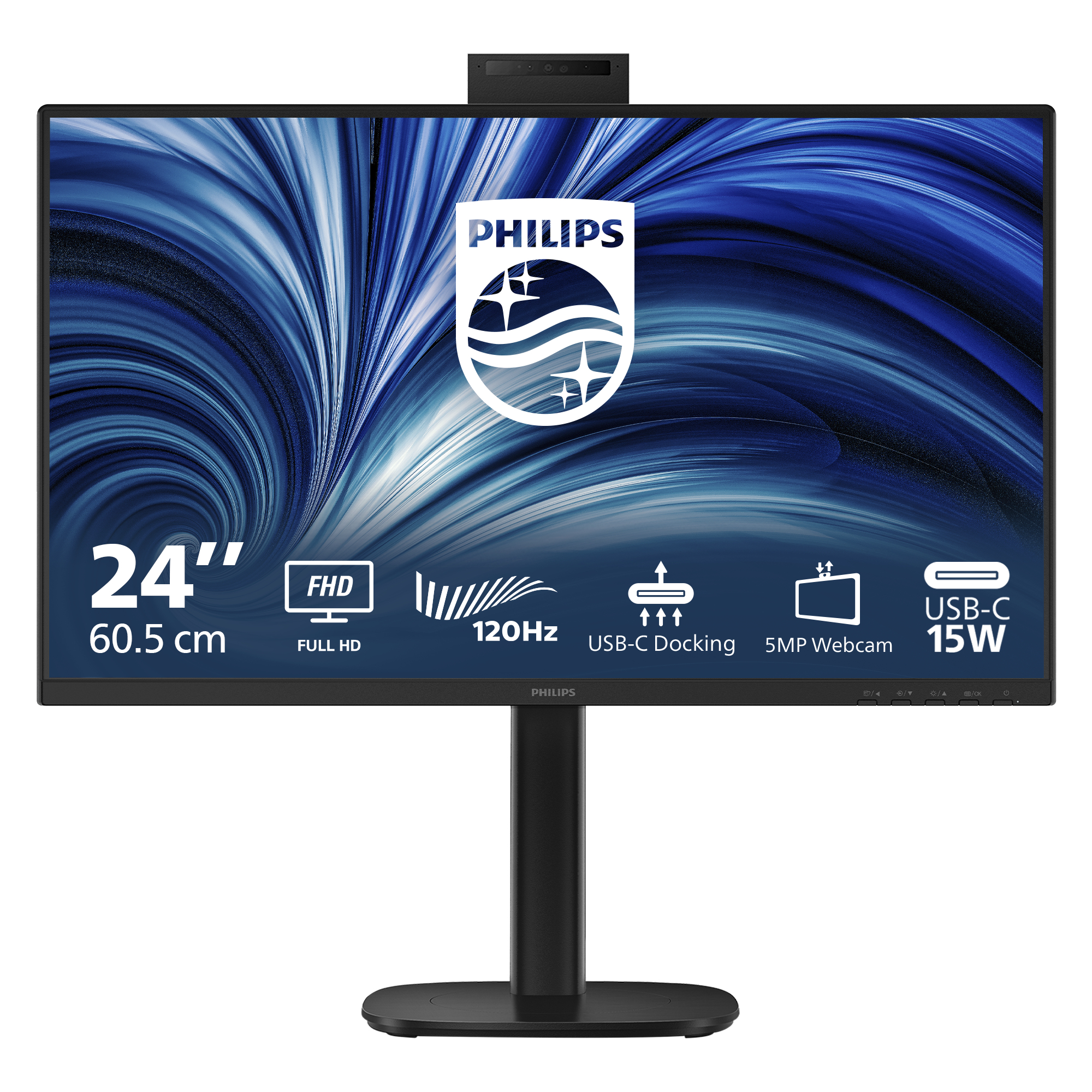
Philips
Philips 24B2U3301H - LED monitor - 1920 x 1080 Full HD (1080p) @ 120 Hz - IPS - 1500:1 - HDMI, DisplayPort, USB-C - speakers - black

Asus
ASUS ProArt PA328QV - LED monitor - 31.5" - 2560 x 1440 WQHD @ 75 Hz - IPS - 400 cd/m� - 1000:1 - HDR10 - 5 ms - 2xHDMI, DisplayPort - speakers
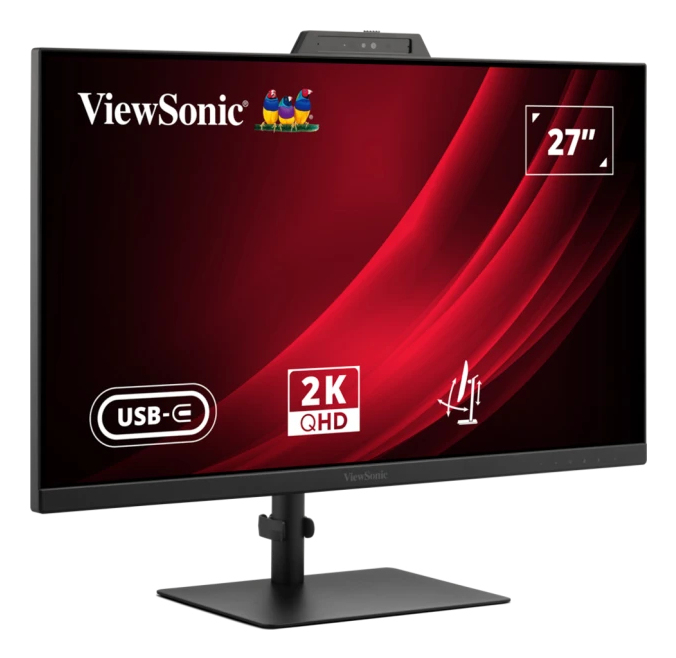
ViewSonic
ViewSonic VG2741V-2K - LED monitor - 27" - 2560 x 1440 QHD @ 120 Hz - IPS - 1500:1 - 4 ms - HDMI, DisplayPort, USB-C - speakers