- Azure Cloud
Azure Load Balancing for Business Applications
28 Oct, 2025

£47.88 inc. VAT
AI-generated summary

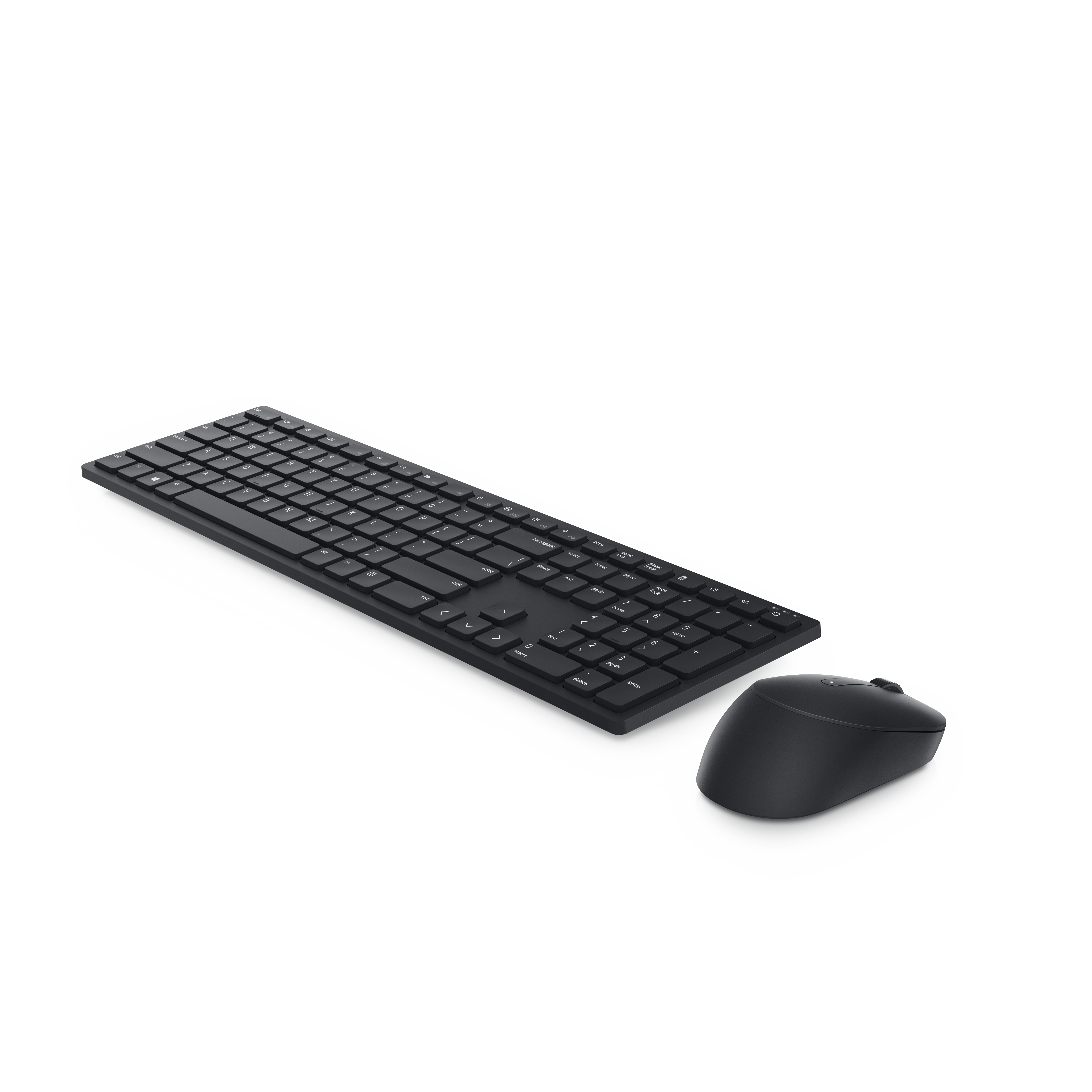
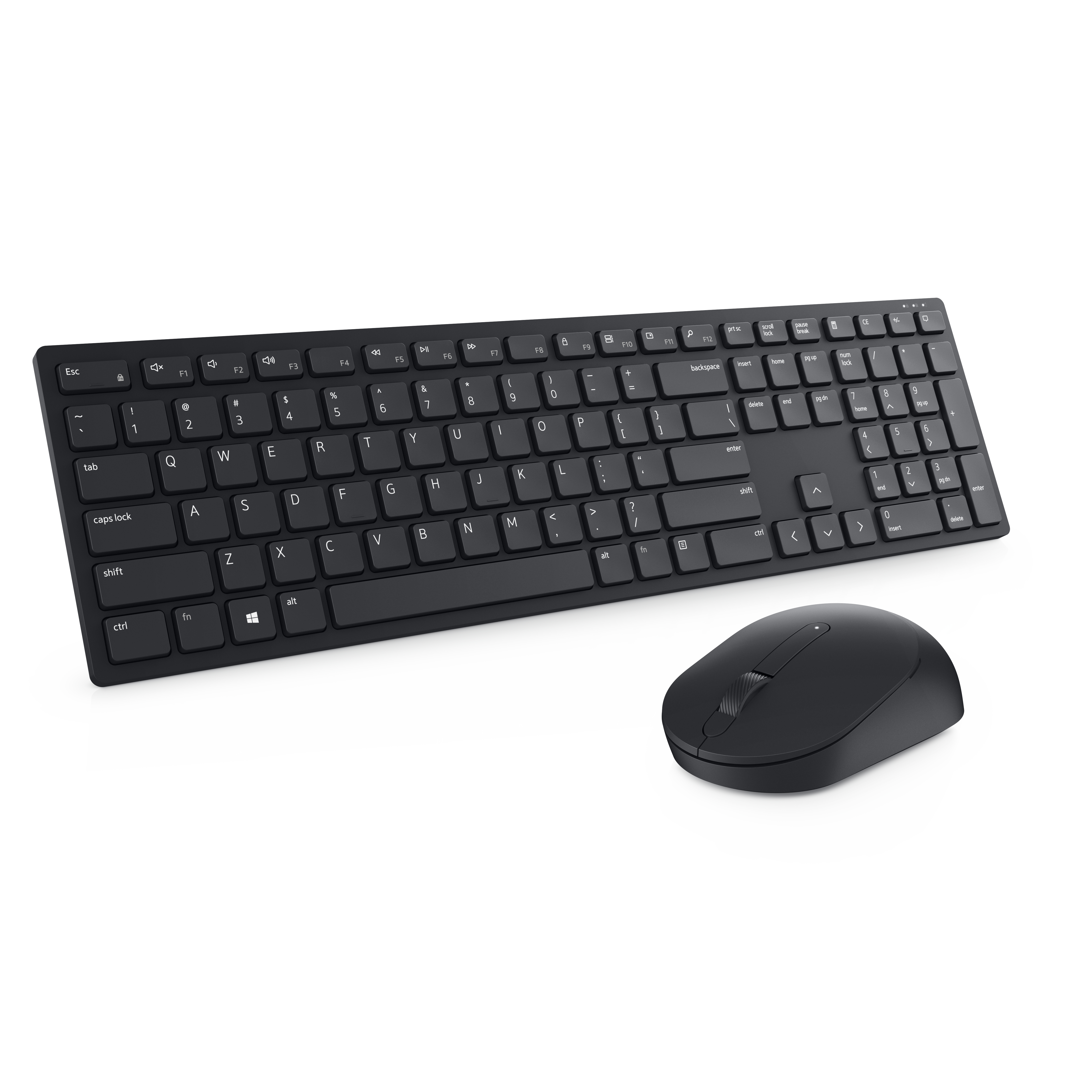
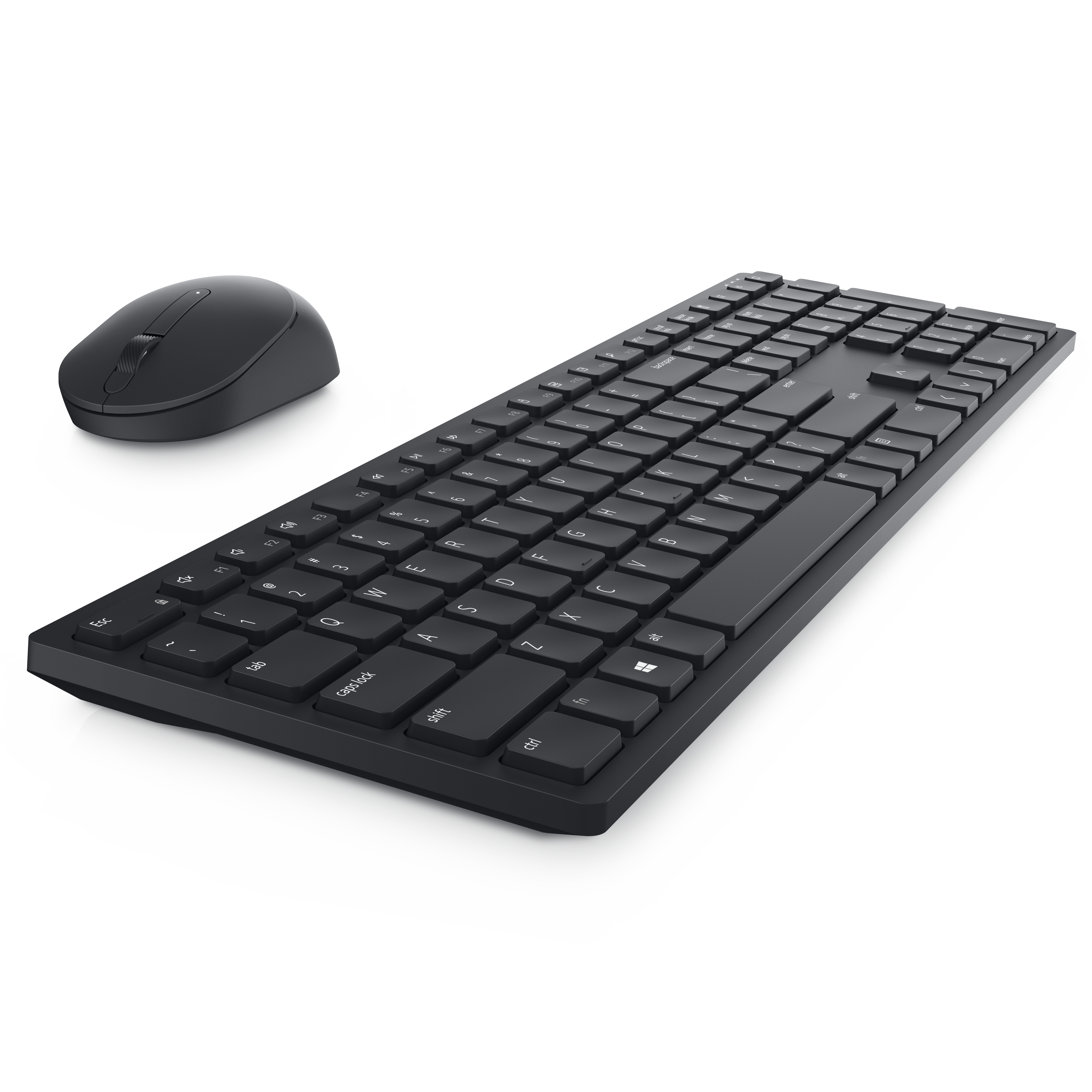

The Dell KM5221W is the kind of basic office set that earns its keep: dependable, no-nonsense, and usually good value if you just need a comfortable keyboard and a mouse that won’t be flaky after a few weeks. At **£39.83 ex-VAT**, it sits in the “cheap enough to standardise” bracket for busy desks, meeting rooms, shared hot-desks, or general admin users where you don’t want to overthink it. In day-to-day use, the keyboard layout is sensible and the combo generally feels coherent as a single kit rather than two mismatched peripherals.
That said, don’t buy it if you’re expecting “premium” typing feel, long-haul ergonomic support, or a mouse that’s particularly dialled for precision work. This is a straightforward productivity setup, not something you’ll love if your role is heavy on spreadsheets all day, CAD, or gaming. If you’re outfitting multiple users and want a safe, standard choice with low risk of complaints, it’s a solid pick. If you’re dealing with power users who already have strong preferences, you’ll likely be better off letting them choose a higher-end keyboard/mouse or an ergonomic alternative.

Productivity at your fingertips
Enhance your all-day productivity with this RF 2.4GHz wireless keyboard and mouse combo. With 12 programmable keys and 1 programmable scroll wheel click, you can gain quick access to your frequentl...
Easy management
Easily navigate across monitors of varying resolutions at home or in the office. Dell Peripheral Manager (DPM) software enables you to manage your input devices and adjust to your preferred preset ...

Work in comfort
Work with one of the quietest wireless keyboards whether on a conference call or in proximity with others. Symmetrically designed, the wireless mouse is great for both left and right-handed users....
Durable and secure
The Dell Pro Wireless Keyboard and Mouse is built to last with one of the industry’s leading battery lives at up to 36 months. Rest assured that this keyboard and mouse combo has been rigorously te...
Dell

Dell Pro Plus Keyboard and Mouse KM7321W - Keyboard and mouse set - wireless - 2.4 GHz, Bluetooth 5.0 - QWERTY - UK - titan grey - with 3 years NBD Advance Exchange
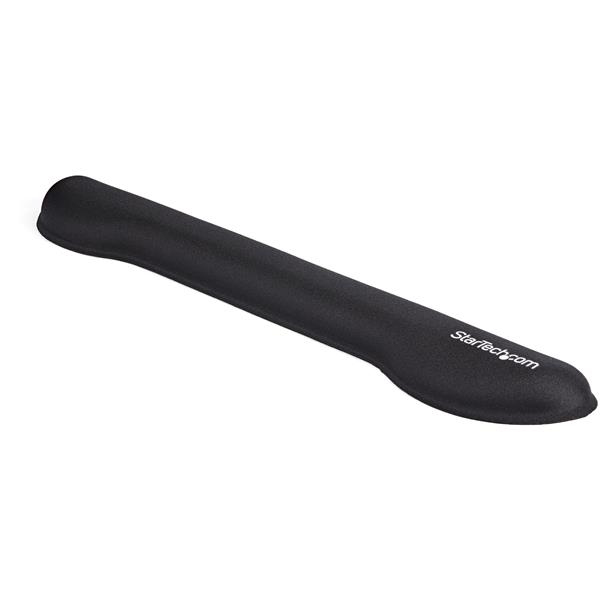
STARTECH
StarTech.com Foam Keyboard Wrist Rest for Ergonomic Typing Support, Padded Non-Slip Keyboard Cushion, Laptop or Desktop Computer Keyboard Wrist, Hand & Arm Rest, Soft Black Nylon Rest Pad - Soft Black Wrist Rest (WRSTRST) - Keyboard wrist rest - black - for P/N: LAPTOP-SIT-STAND
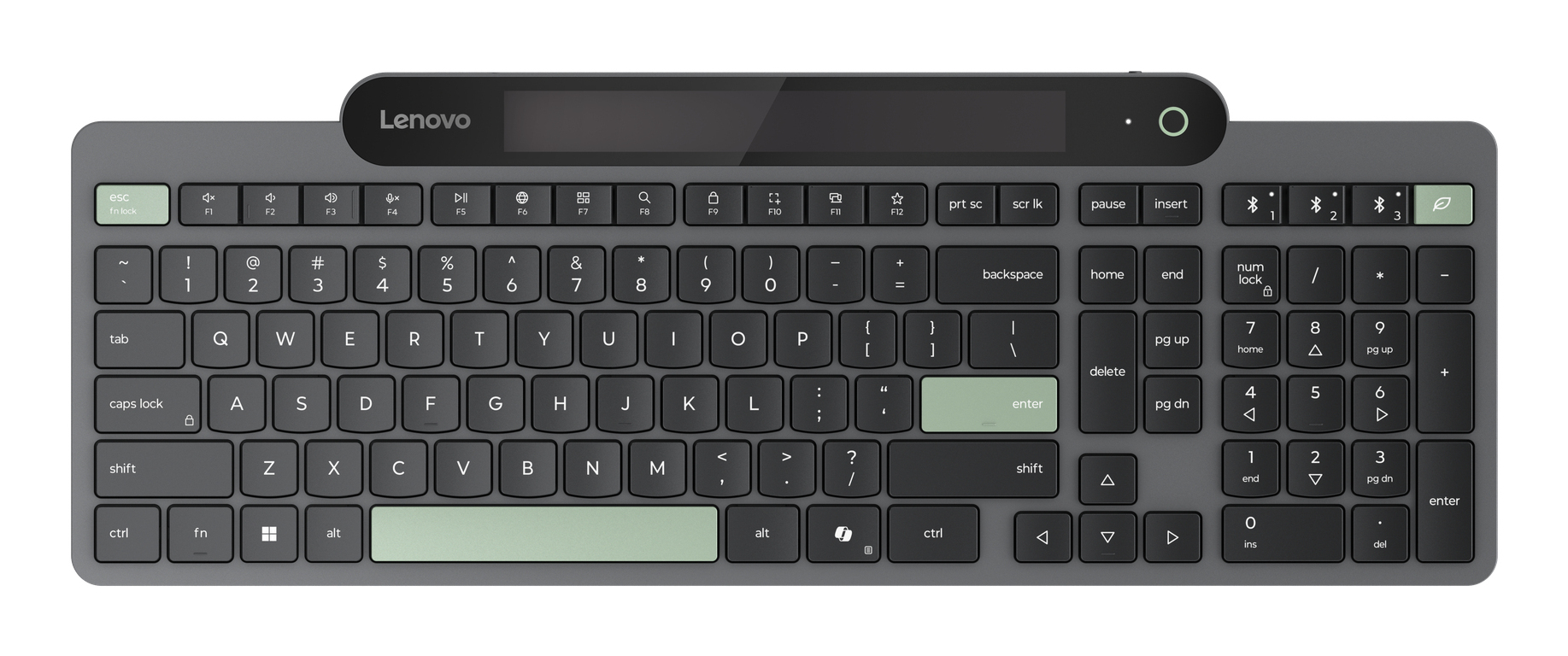
Lenovo
Lenovo - Keyboard - self-charging - wireless - Bluetooth 5.1 - QWERTY - UK - black - brown box
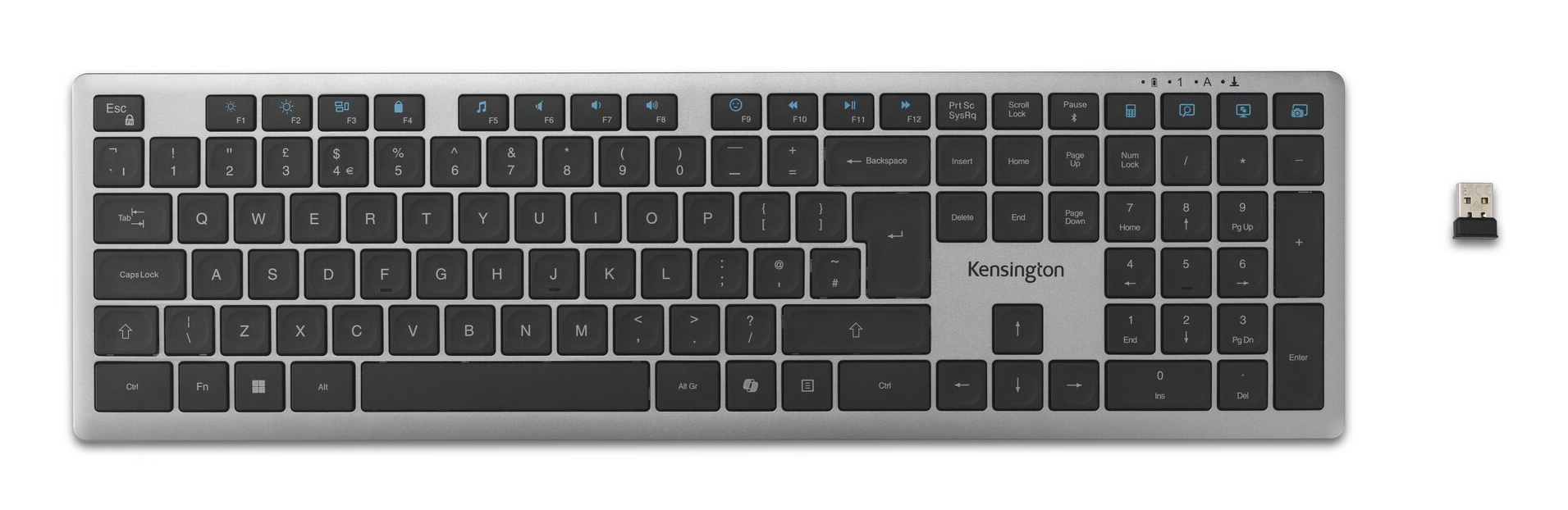
Kensington
Kensington KB535 EQ - Keyboard - multi-device, rechargeable - full size - wireless - 2.4 GHz, Bluetooth, USB - QWERTY - UK - space grey - retail - FSC cardboard