- SEO
Local SEO: How to Rank in Google Maps and Local Pack
5 Apr, 2026

£147.55 inc. VAT
AI-generated summary
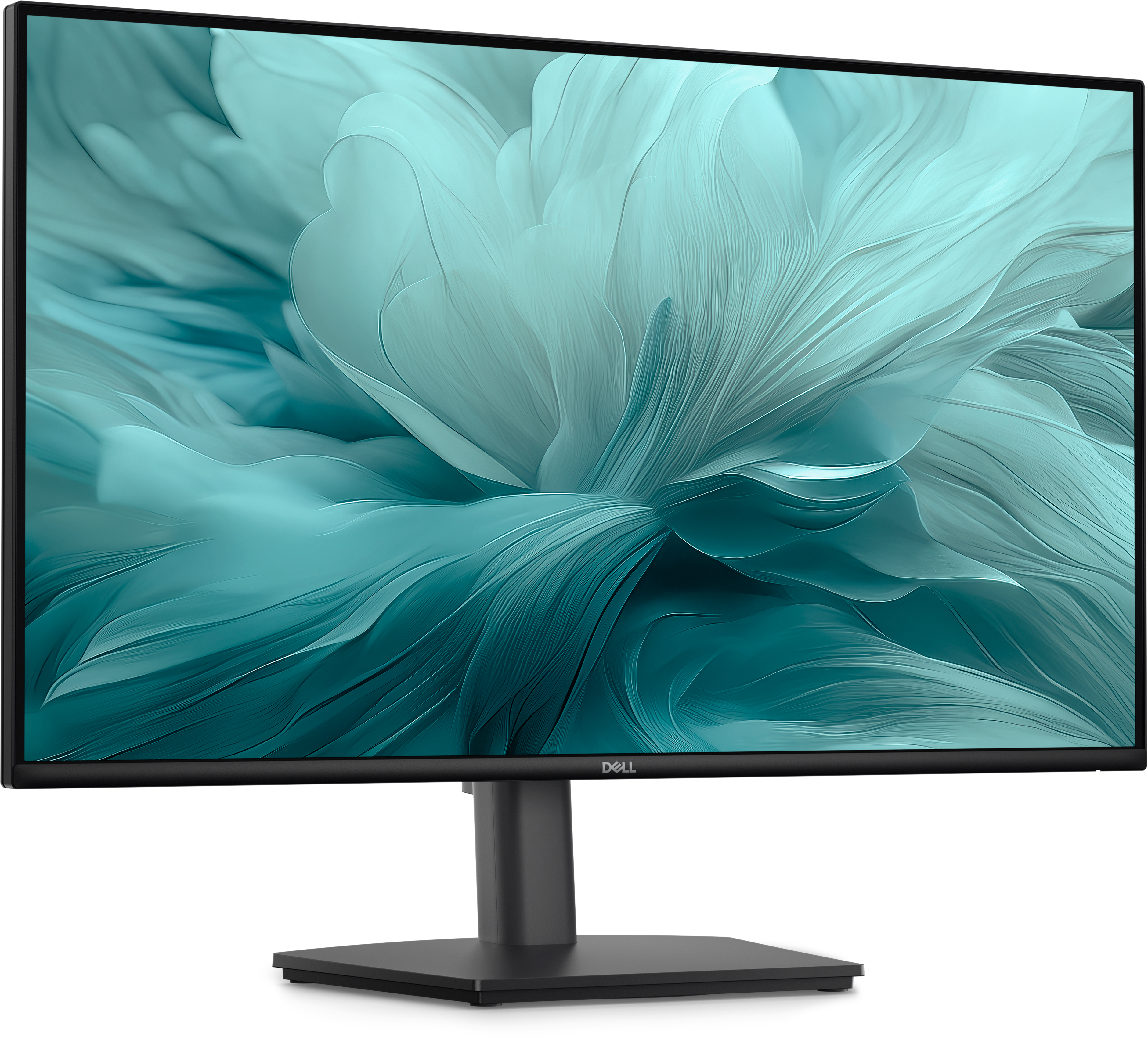
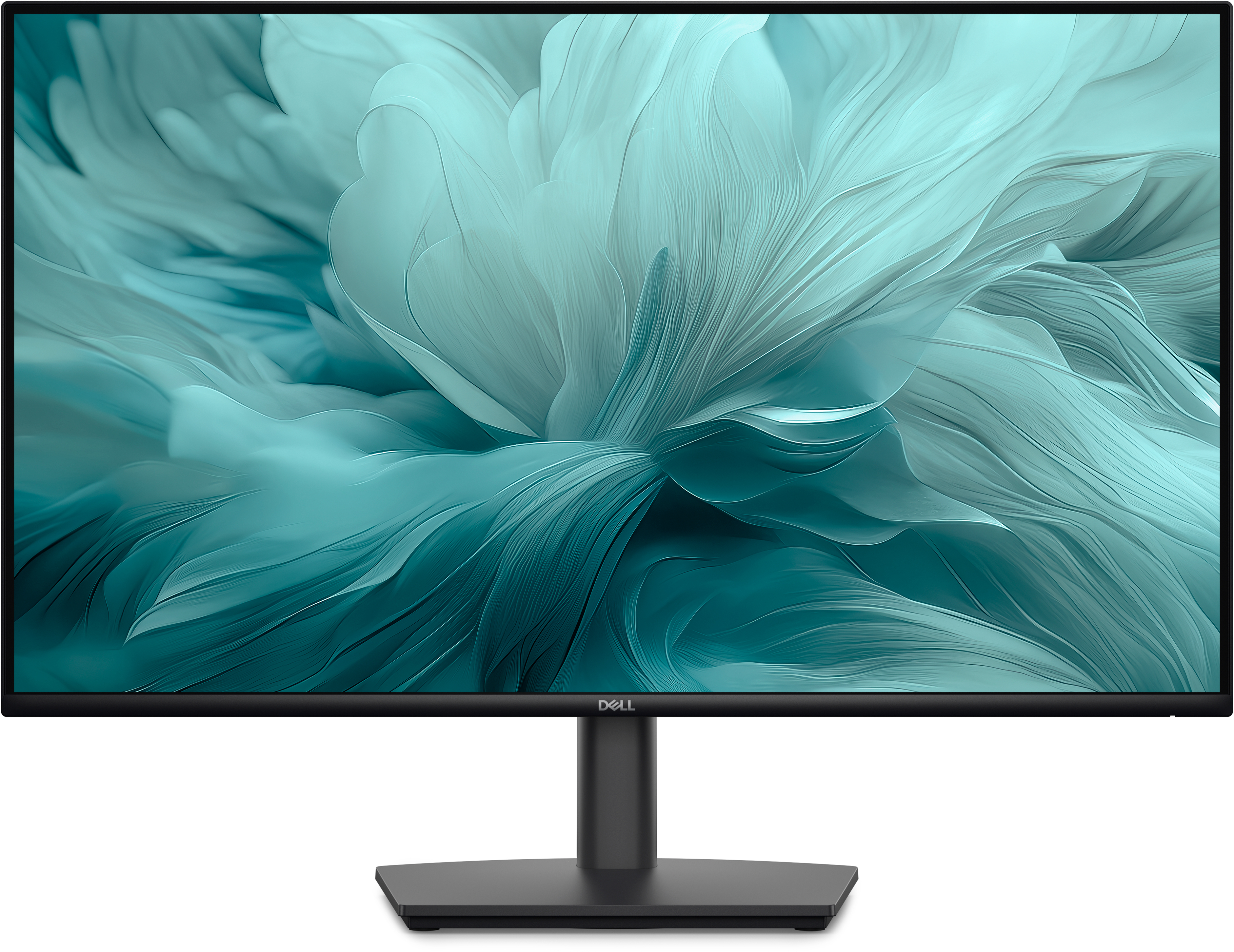
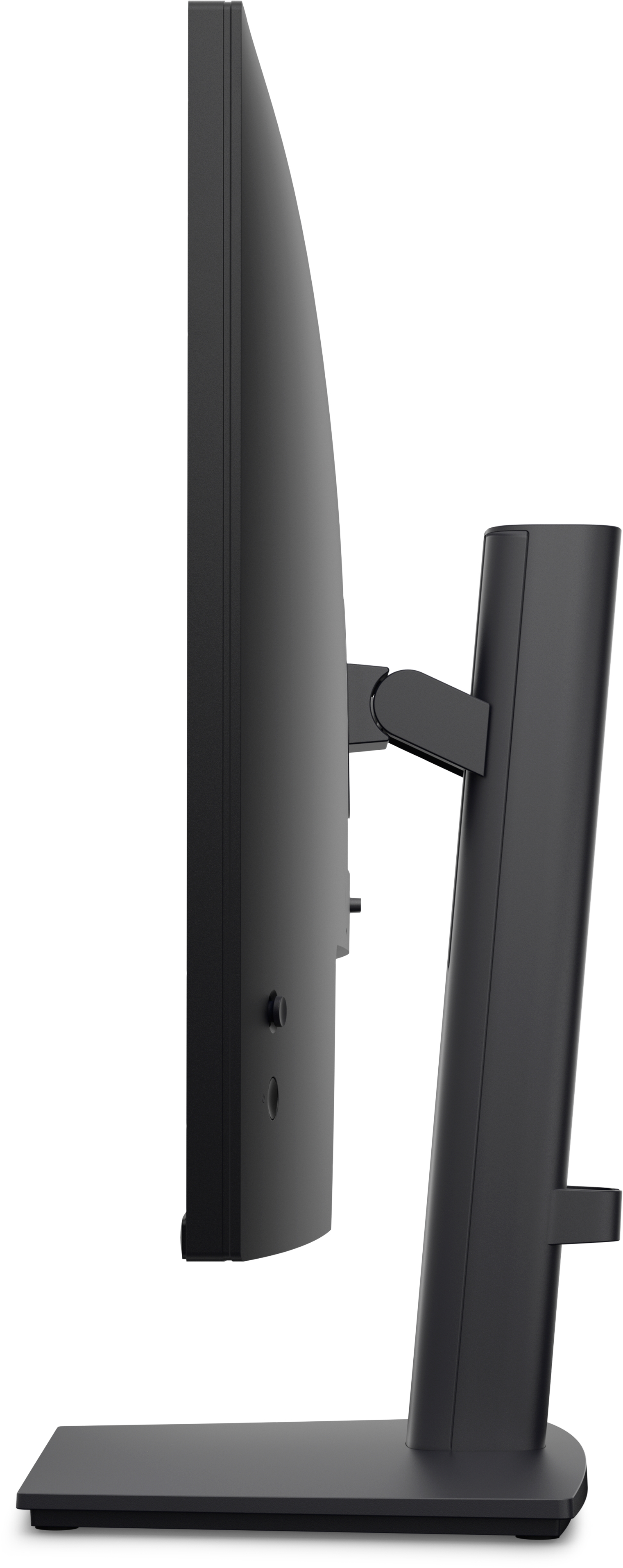
For £123 ex-VAT, the Dell Pro E2726HS looks like one of those sensible “just works” business buys—ideal if you’re equipping office desks with something reliable and easy to live with. The 27" size is a sweet spot for everyday work (spreadsheets, documentation, admin dashboards) without feeling cramped like smaller screens. Dell’s Pro line generally tends to be steady on basics: decent ergonomics for normal use, sensible display behaviour for office lighting, and lower hassle than bargain-bin alternatives. If you’re refreshing a small team’s setup and want consistency across the estate, this is exactly the kind of monitor I’d recommend.
That said, don’t buy it expecting a premium experience. It’s Full HD on a 27" panel—fine for typical office tasks, but text and fine detail won’t look as sharp as you’d get on higher-resolution options. If your users are doing design, heavy spreadsheet work where they live in lots of cells, or anything where screen clarity is a big deal, I’d steer you toward a higher-res model even if it costs a bit more. If you’re mainly office productivity and value matters, this Dell is a good “budget but not nasty” choice.
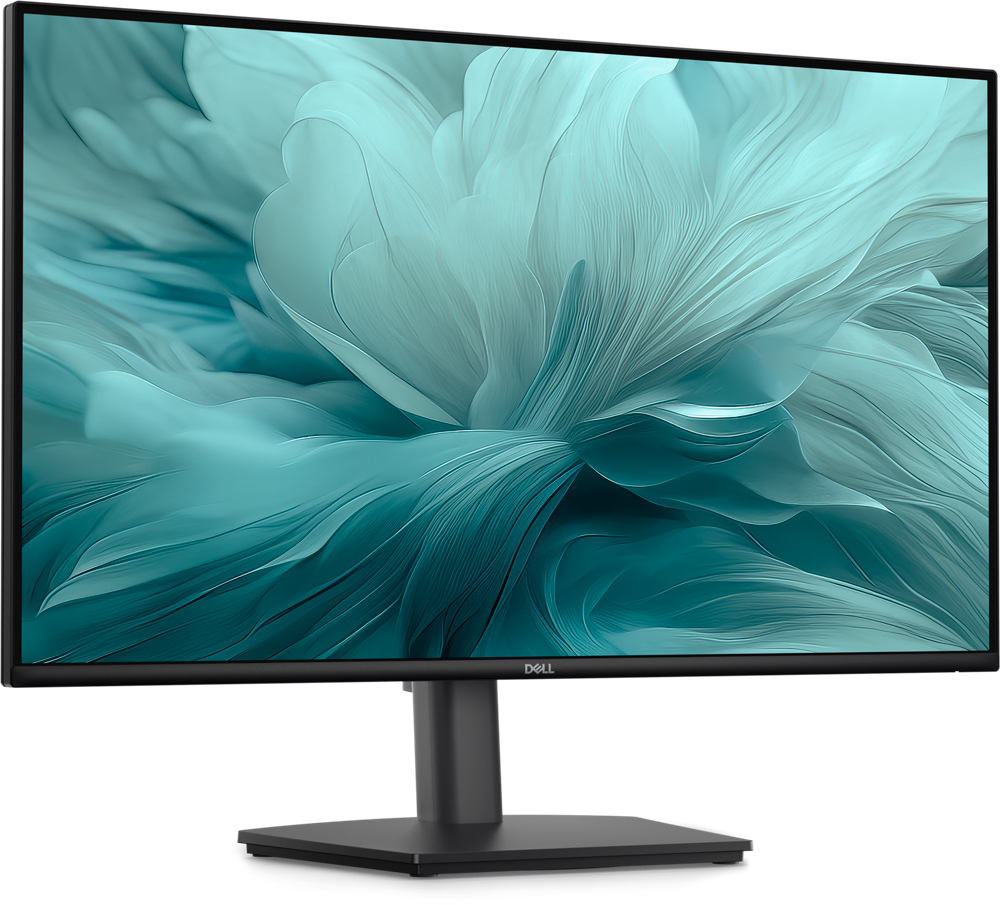
An improved viewing experience
Work with a high 100Hz refresh rate across your tasks, supported by a TÜV Rheinland 3-star certified viewing experience coupled with ComfortView Plus.
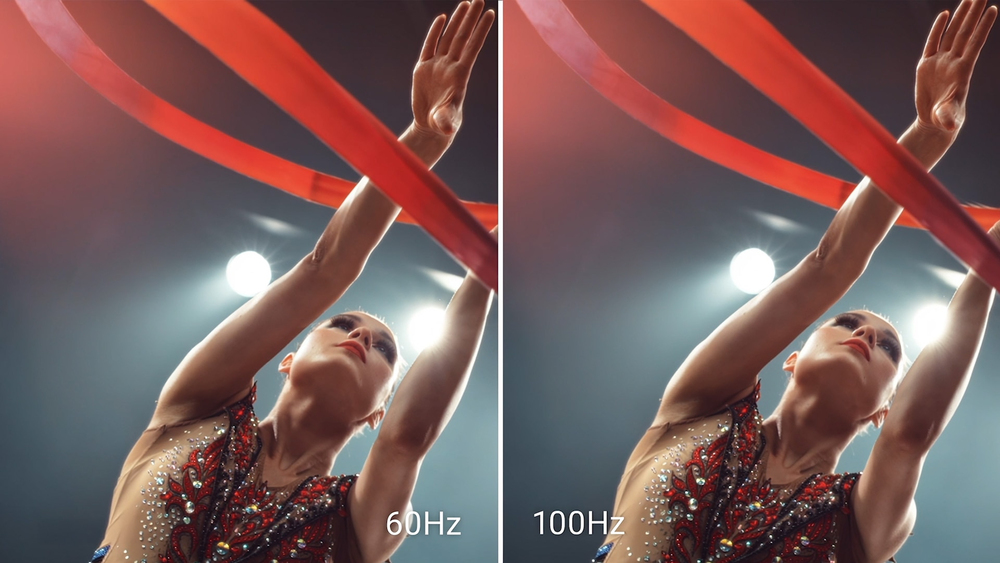
High refresh rate
A high 100Hz refresh rate delivers less flicker, more seamless scrolling and smoother motion.

ComfortView Plus
Minimise harmful blue light exposure without sacrificing colour accuracy with Dell’s always-on, built-in ComfortView Plus. See the difference when ComfortView Plus helps dial back the yellow hues ...
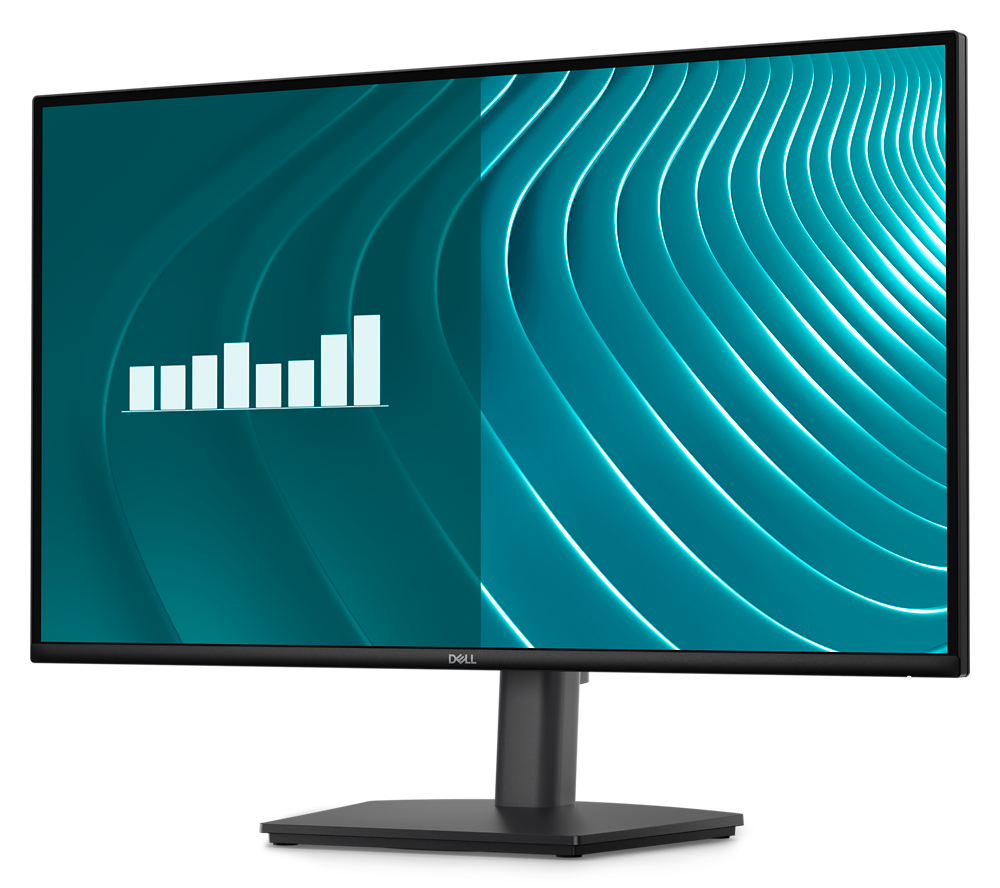
Dependable from every angle
Wide viewing angle With In-Plane Switching (IPS) technology, you get consistent views across a wide 178°/178° viewing angle. Ultra-thin bezel design See more with fewer distractions. Built-in dua...
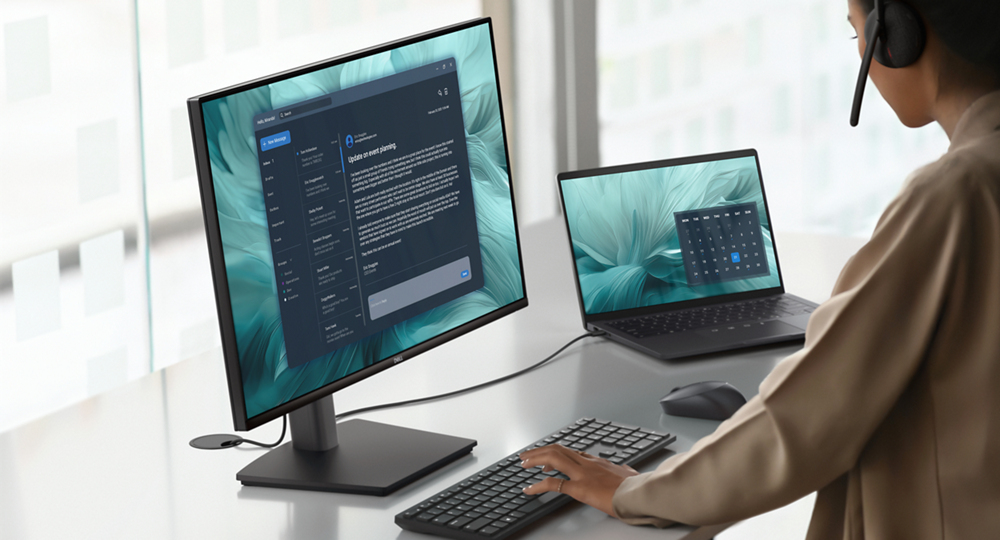
Functional, space-saving design
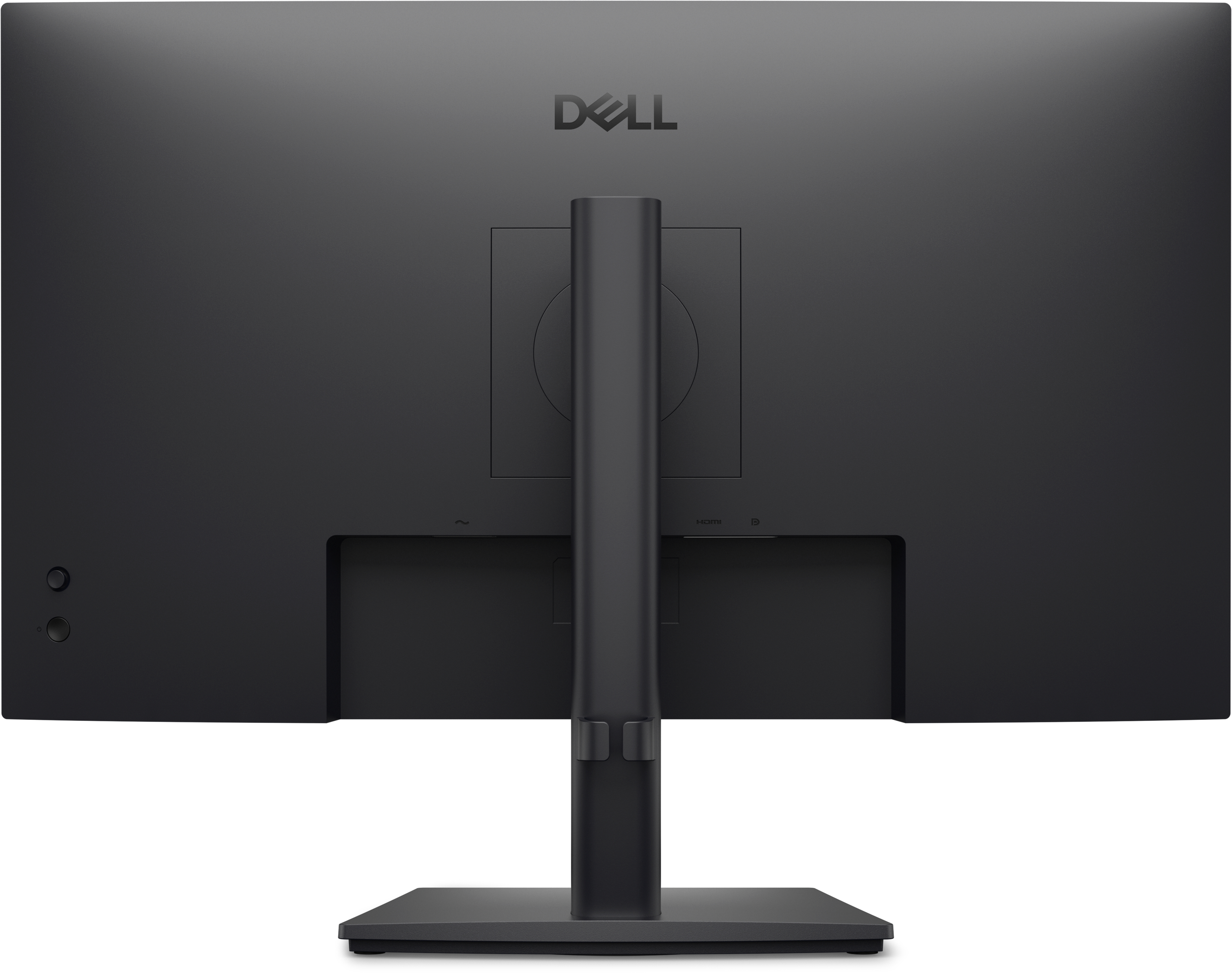
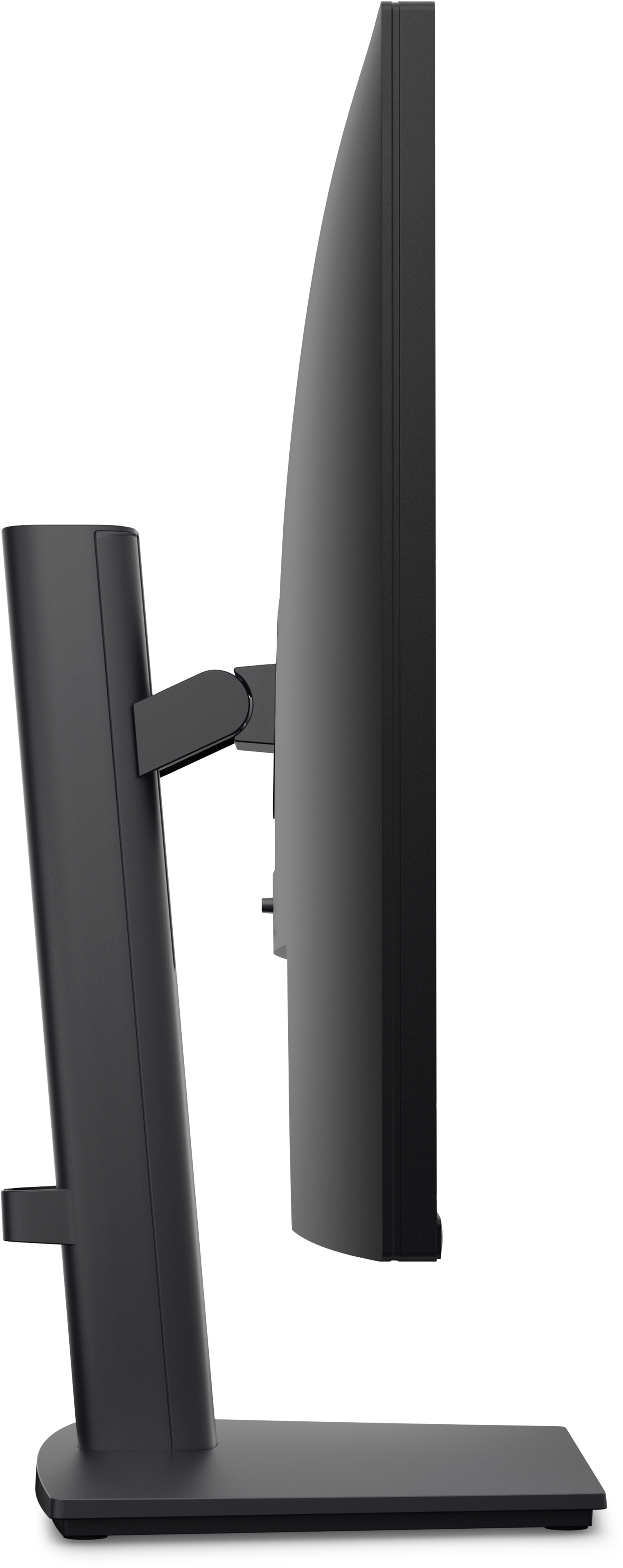
Adapts to your needs Work comfortably with a height-adjustable stand that extends up to 5.1 inches (130 mm). Suitable for any desk size with versatile VESA-compatible mounts and stands. Convenient ...
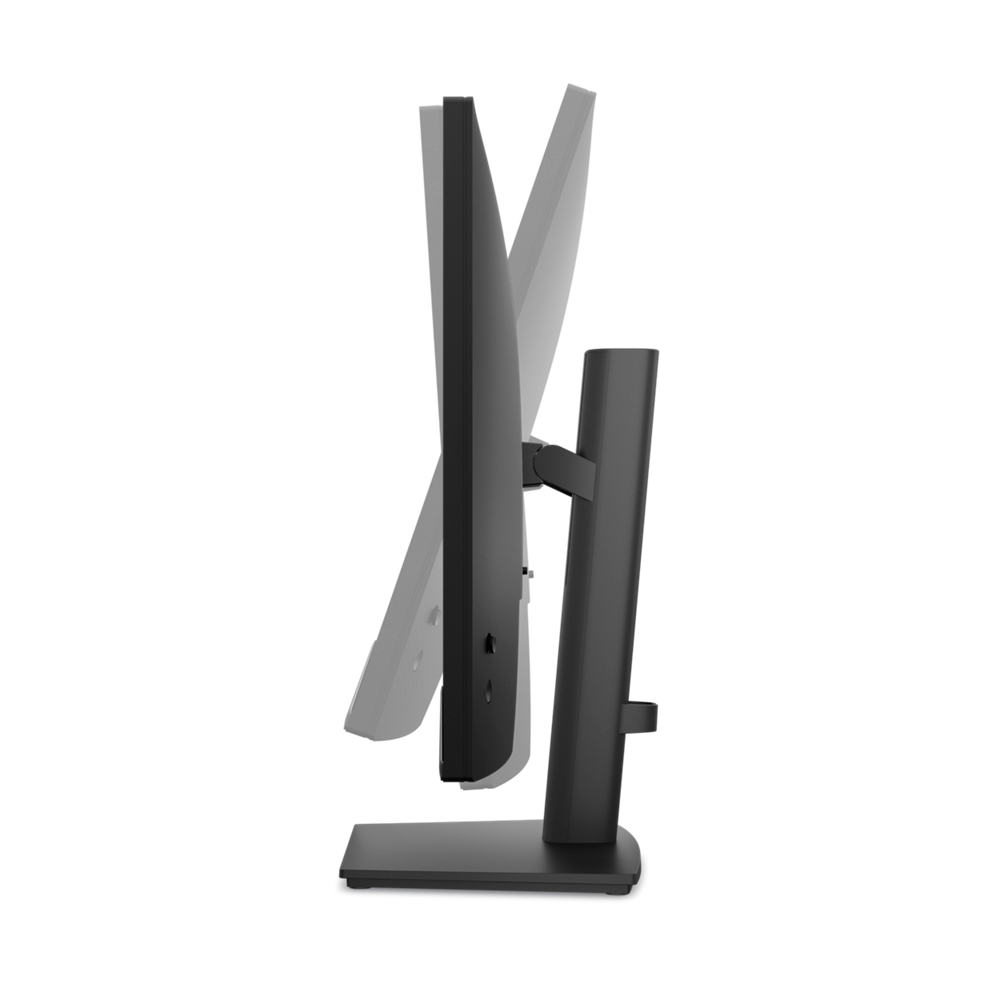
Tilt
-5°/+21°
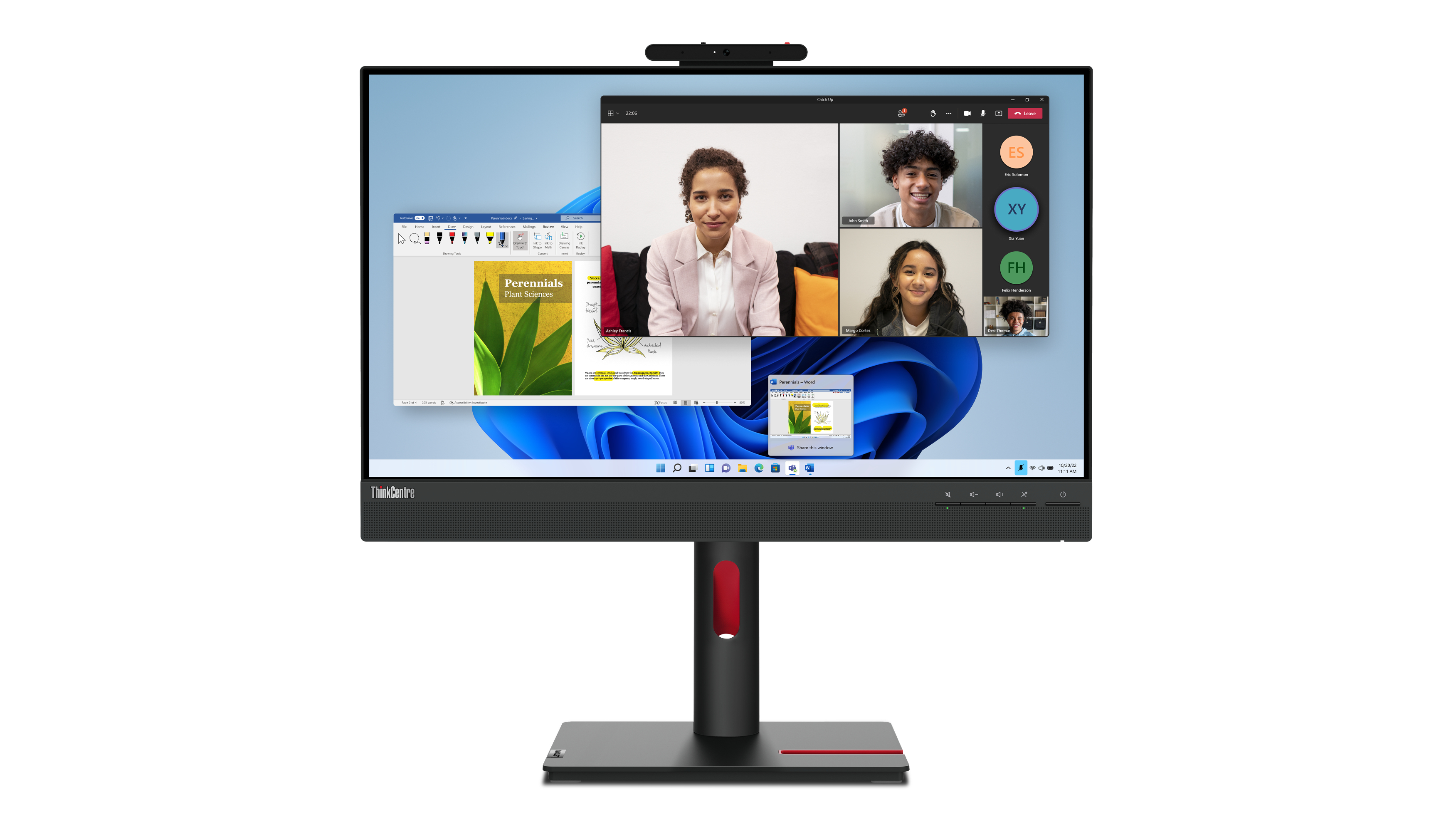
Lenovo
Lenovo ThinkCentre Tiny-in-One 24 Gen 5 - LED monitor - 24" (23.8" viewable) - touchscreen - 1920 x 1080 Full HD (1080p) @ 60 Hz - IPS - 250 cd/m� - 1000:1 - 4 ms - HDMI, DisplayPort - speakers - raven black
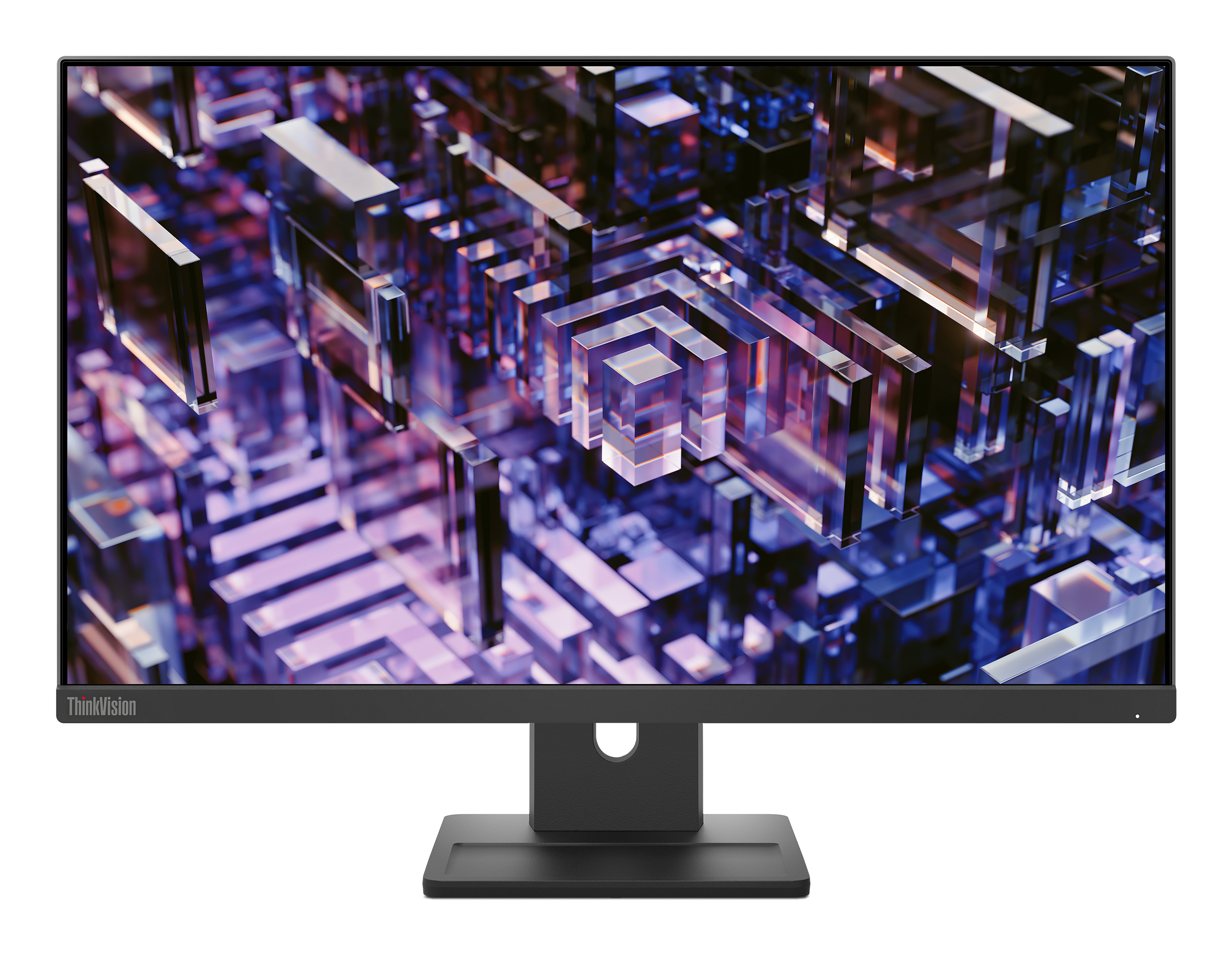
Lenovo
Lenovo ThinkVision E24q-30 - LED monitor - 24" (23.8" viewable) - 2560 x 1440 QHD @ 100 Hz - IPS - 300 cd/m� - 1300:1 - 4 ms - HDMI, DisplayPort - speakers - raven black
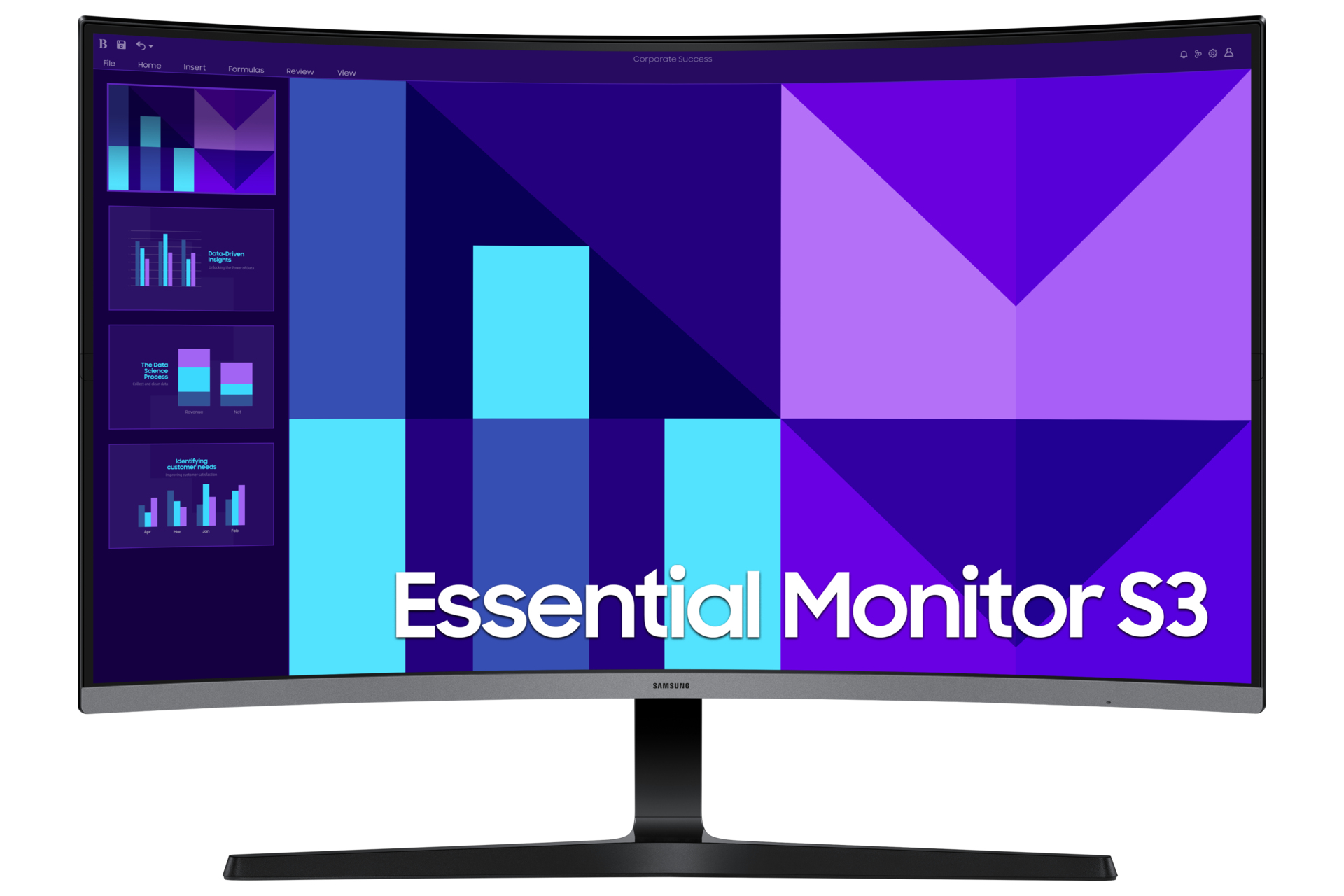
Samsung
Samsung Essential S3 S32D396GAU - S39GD Series - LED monitor - curved - 32" - 1920 x 1080 Full HD (1080p) @ 100 Hz - VA - 250 cd/m� - 3000:1 - 4 ms - HDMI, VGA - speakers - black
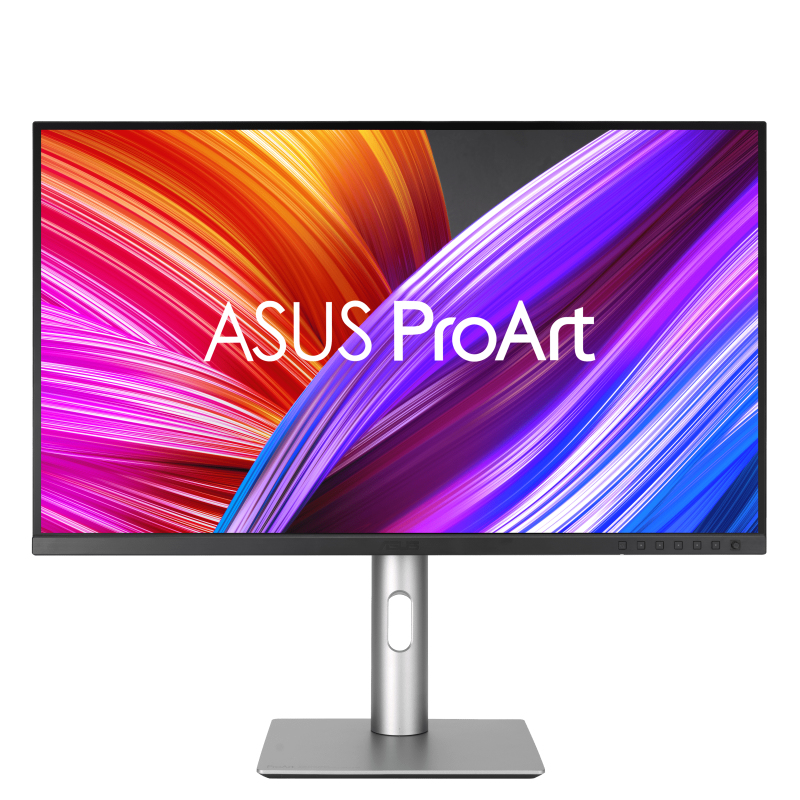
Asus
ASUS ProArt PA329CRV - LED monitor - 31" - 3840 x 2160 4K UHD (2160p) @ 60 Hz - IPS - 350 cd/m� - 1000:1 - DisplayHDR 400 - 5 ms - 2xHDMI, 2xDisplayPort, USB-C - speakers