- Cyber Security
Cyber Essentials Plus and Cyber Insurance: Reducing Your Premiums
15 Jun, 2026
£227.71 inc. VAT
AI-generated summary
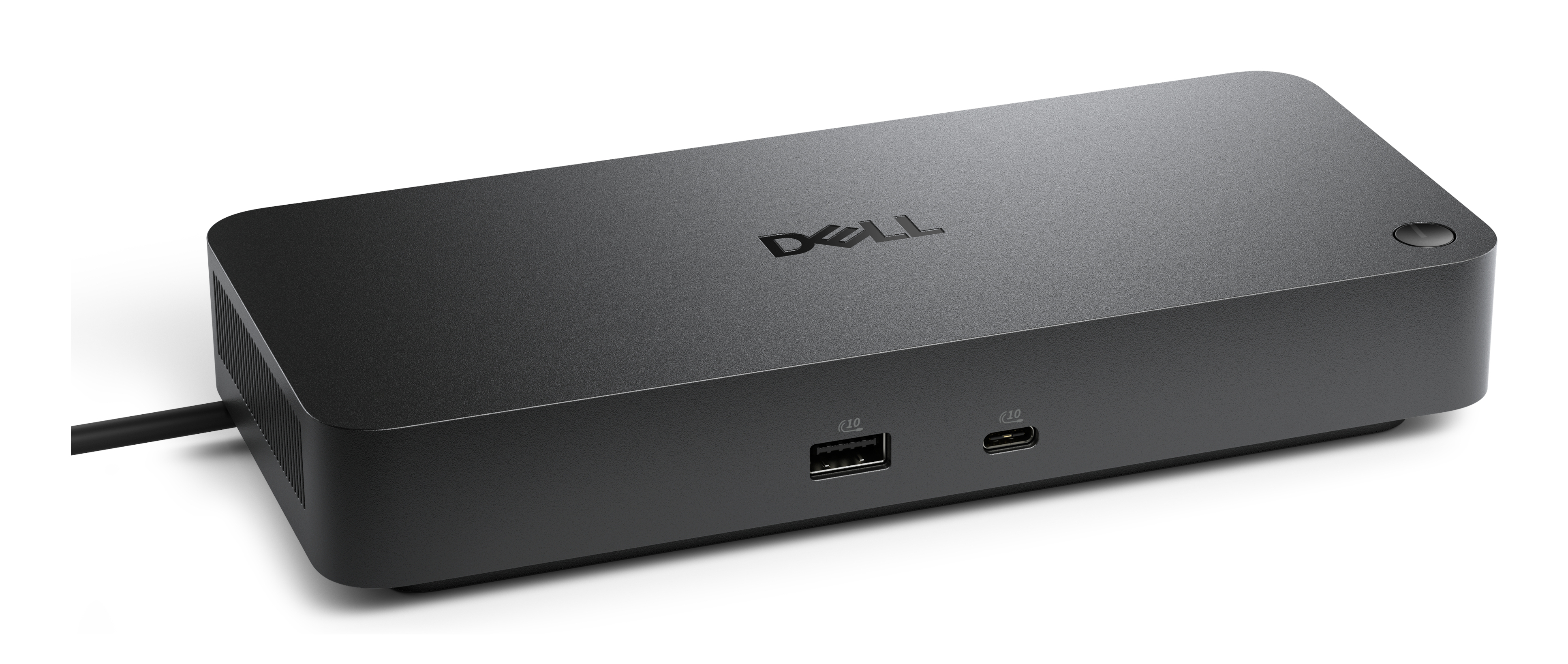
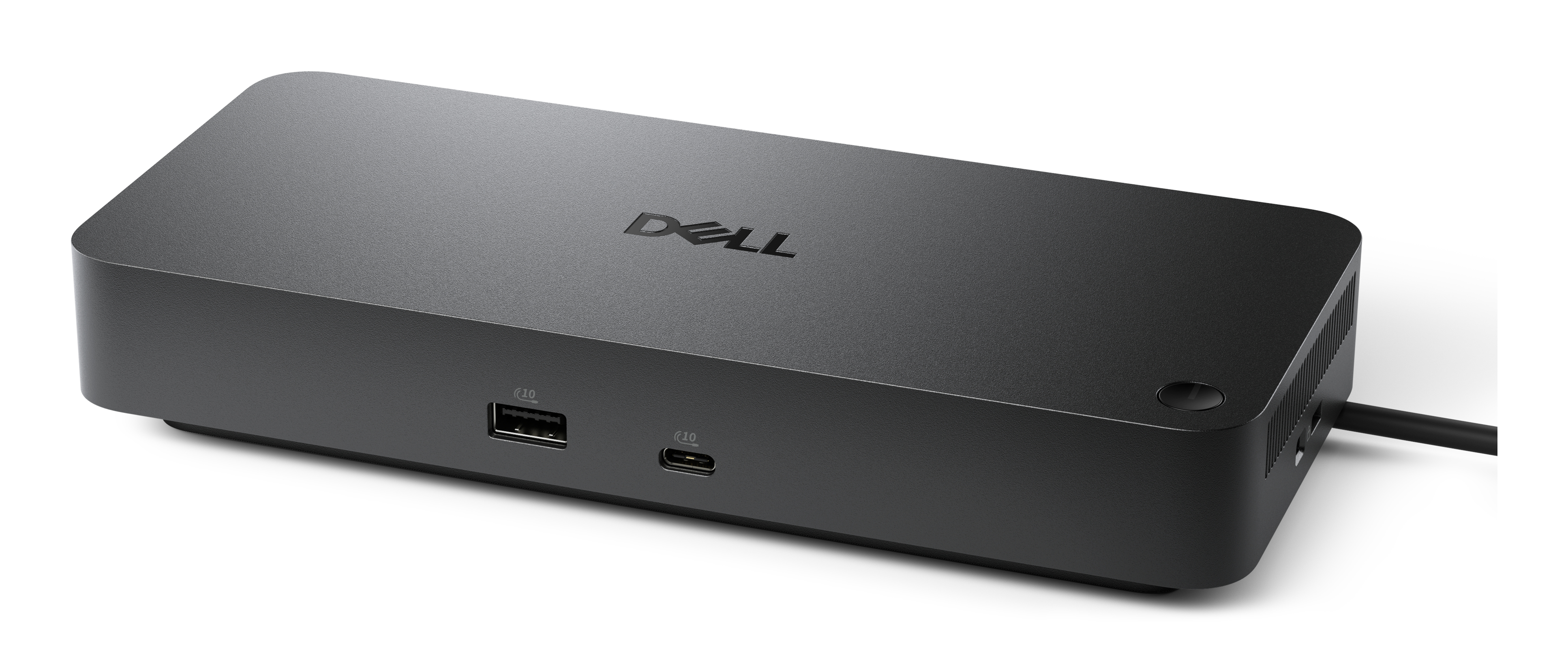
The Dell Pro Dock WD25Z is one of those “boring but dependable” portable docks that earns its keep if you move between a desk and somewhere else (client sites, meeting rooms, home office) and want a consistent, no-drama connection. For £189.79 ex-VAT, it’s not cheap, but the value makes sense if you care about build quality and reliability more than chasing the absolute cheapest option. It’s a good fit for busy business users who want a single cable solution and don’t want to wrestle with flaky compatibility.
That said, “portable” often gets exaggerated in this price bracket—don’t expect it to feel like a pocket device. If you’re mainly docking at one fixed station, you’ll usually get better long-term value from a full-size desk dock. Also, if your setup is particularly complex (multiple high-res displays, lots of peripherals), make sure it matches your exact expectations before committing—some portable docks are brilliant, others feel limited depending on the screen/connection mix. If your environment is mostly standard business kit, though, this Dell is a safe recommendation.
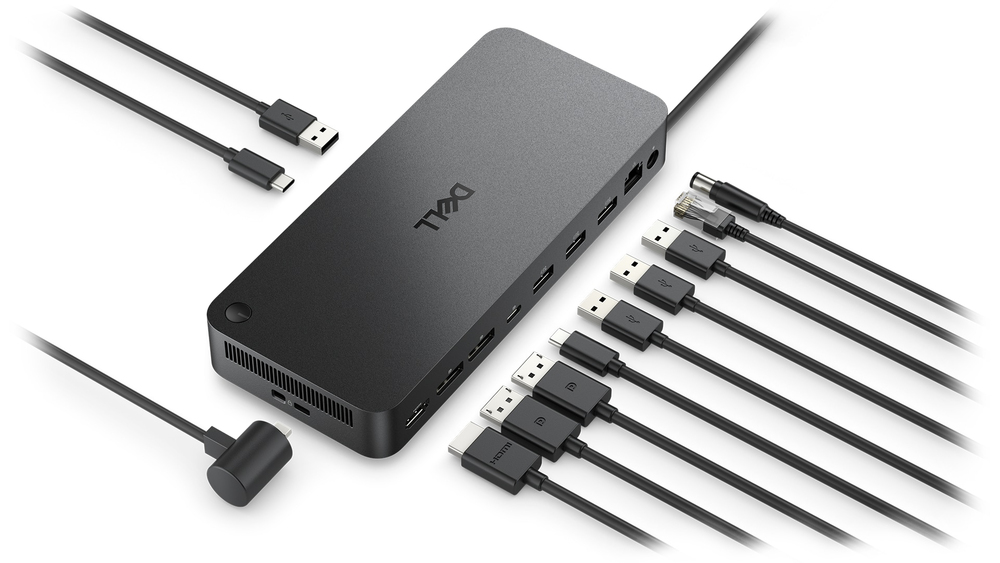
Fuel your AI productivity
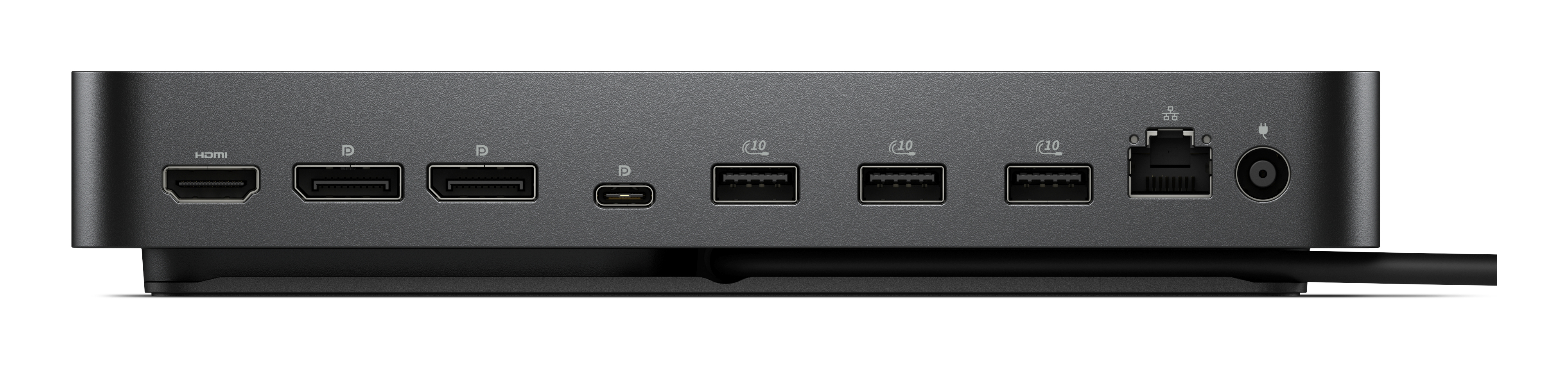
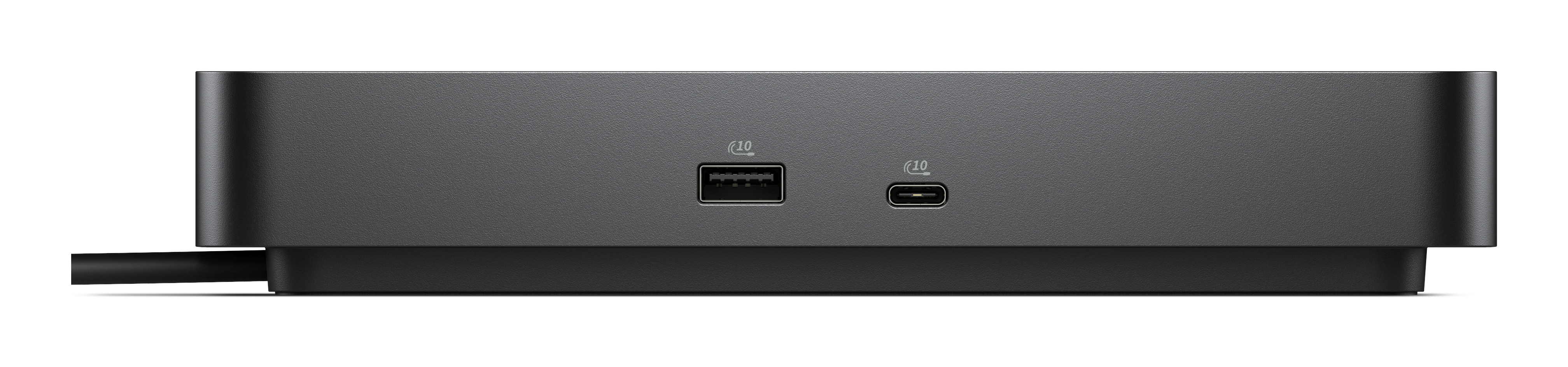
Create a highly compatible, single-cable workspace with a dock that features six USB ports, supports up to four displays, and delivers up to 130W of power to the latest Dell AI PCs, ensuring optima...
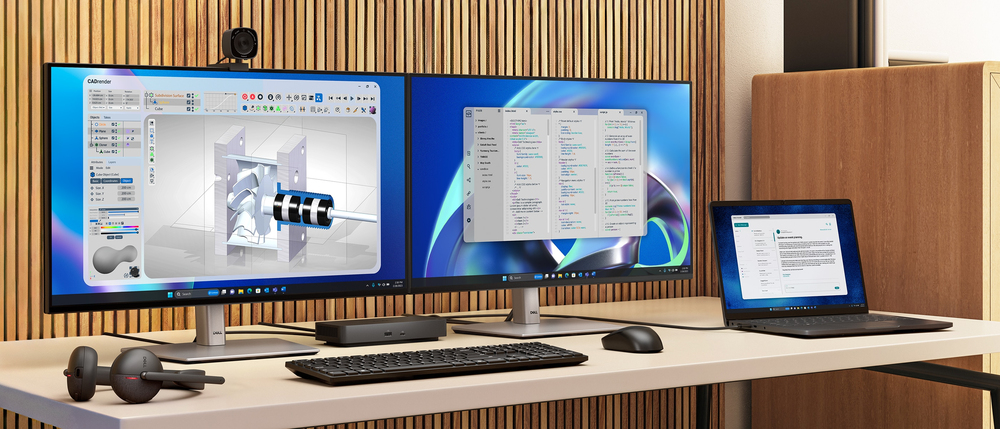
Accelerate manageability
Easily keep your dock updated, ensuring uninterrupted productivity.

Improved manageability
Manage your dock from the Dell Device Management Console by utilizing Dell Display and Peripheral Manager, and Dell Device Management Agent installed on your PC.
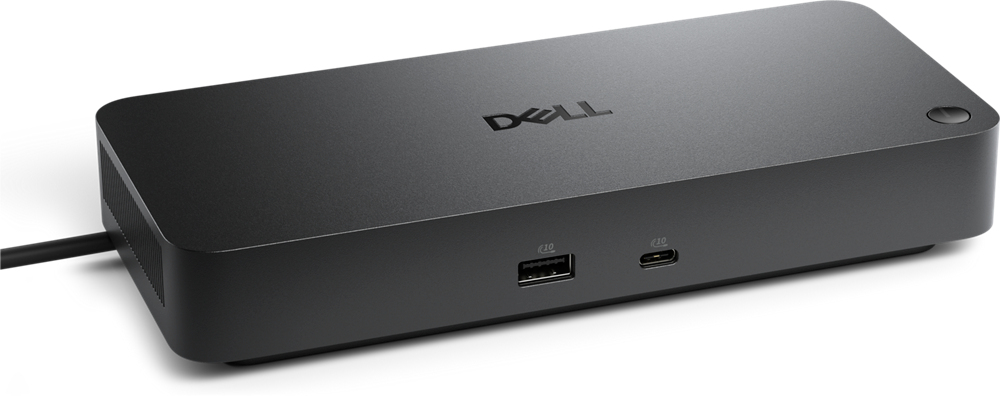
Simplify firmware updates
Reduce IT complexity by deploying a single firmware file across workspaces. Minimise end-user disruption with silent firmware updates that are executed upon dock disconnection.
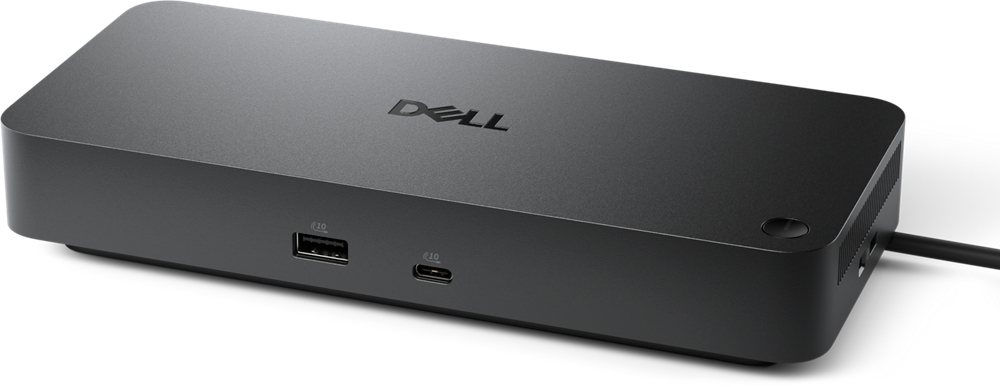
Work with confidence
Enhance your docking experience with universally compatible features including MAC Address Pass-Through and Power Button Sync, for a better docking experience across brands.
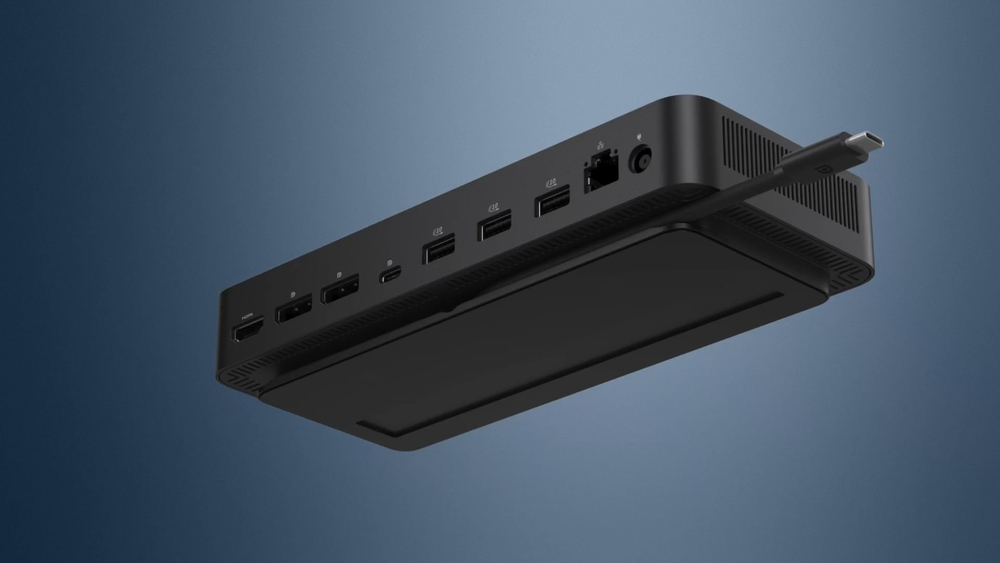
Connect your way
Configure your workspace to your liking with an ambidextrous USB-C cable that can be routed left or right.

STARTECH
StarTech.com USB-C Multiport Adapter, USB-C to 4K 30Hz HDMI or 1080p VGA, USB Type-C Mini Dock with 100W Power Delivery Passthrough, 3-Port USB 3.0 Hub 5Gbps, GbE, 12" Long Attached Cable - Works w/ Thunderbolt 3 (DKT30CHVPD2) - Docking station - USB-C - HDMI, VGA - 1GbE

STARTECH
StarTech.com USB C Multiport Adapter, USB-C to 4K 60Hz HDMI 2.0, 100W Power Delivery Pass-through, SD/MicroSD, 2-Port USB 3.0 Hub, GbE, USB Type-C Mini Dock, 12" (30cm) Long Attached Cable - Works w/Thunderbolt 3 (DKT30CHSDPD1) - Docking station - USB-C / Thunderbolt 3 - HDMI - 1GbE
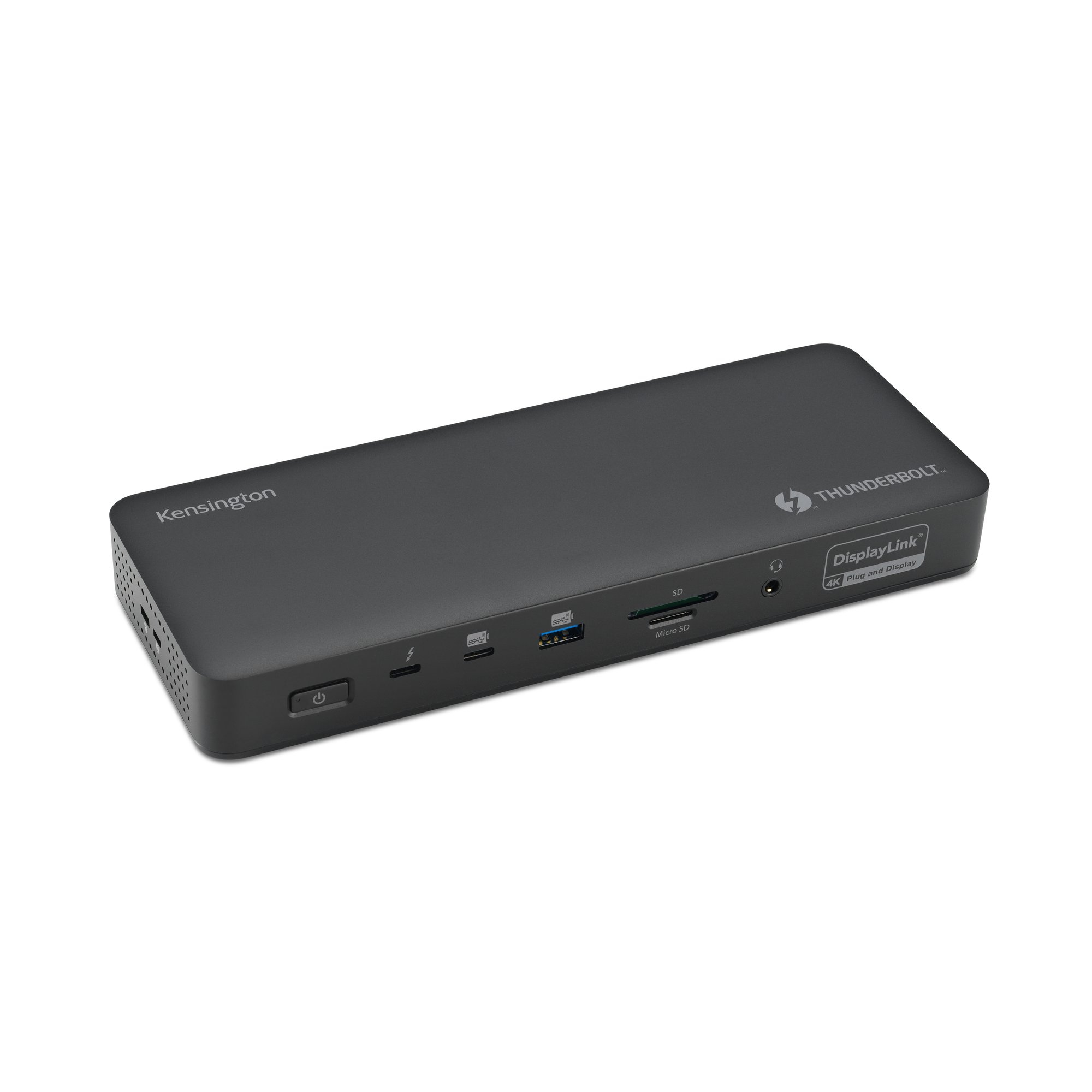
Kensington
Kensington SD5920T EQ - Docking station - for laptop - USB4 / Thunderbolt 4 - 2 x HDMI, 3 x DP, 2 x Thunderbolt 4 - 1GbE, 2.5GbE - 149.1 Watt - Europe
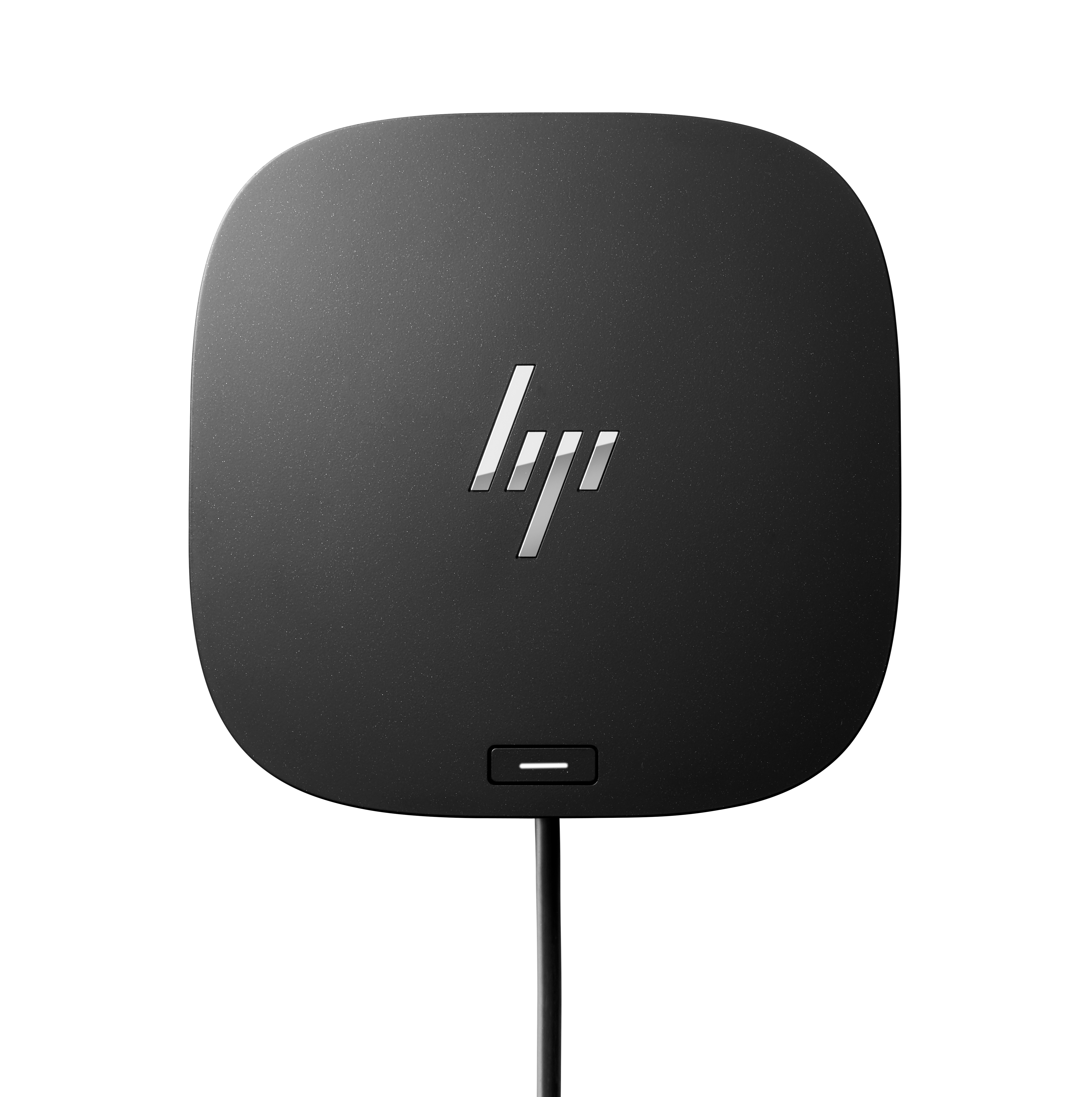
HP
HP USB-C/A Universal Dock G2 - Docking station - USB-C - HDMI, 2 x DP - 1GbE - 100 Watt - United Kingdom