- Azure Cloud
A Beginner's Guide to Microsoft Azure for Small Businesses
28 Jan, 2026

£131.63 inc. VAT
AI-generated summary
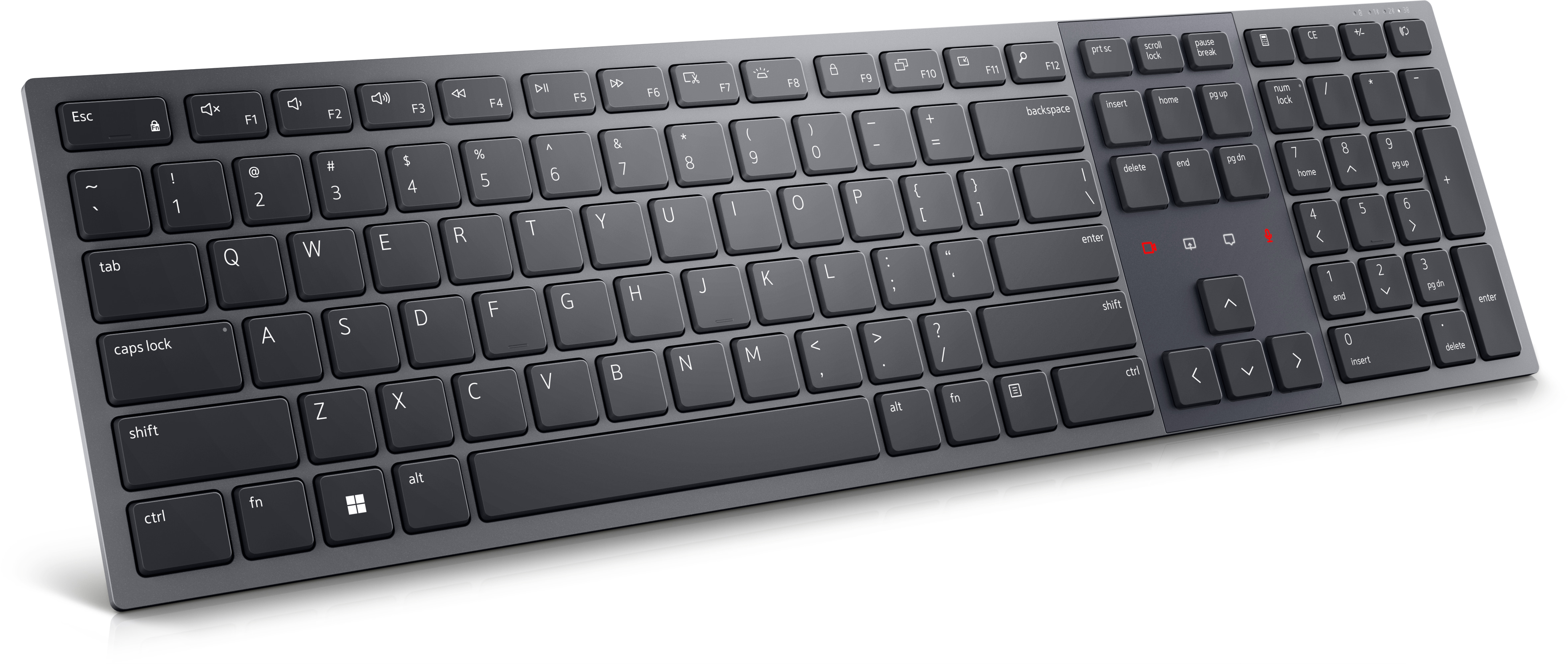
The Dell Pro Premium Collaboration Keyboard (KB900) for £109.69 ex-VAT feels like one of those “premium office, fewer headaches” purchases. In day-to-day UK office life it’s the kind of keyboard that’s genuinely built for meetings and hybrid work rather than just typing—more comfortable and solid than the usual corporate bundles, and the collaboration-focused layout makes it less annoying when you’re constantly jumping between calls. If your team lives in Teams/Zoom all day, this is the sort of accessory that reduces friction rather than adding “cool” features no one uses.
That said, I wouldn’t buy it just for general typing. If you don’t need the dedicated collaboration controls, you’re paying for convenience you may never exploit. Also, if your organisation standardises on cheaper Dell peripherals, this is a “go only if it truly helps” upgrade—nice to have, but not essential. This suits departments like customer support, sales engineering, and operations teams where meetings are frequent and consistency matters; it’s less compelling for developers or admin staff who only care about comfort and price and already have a decent keyboard.

Collaborate effortlessly
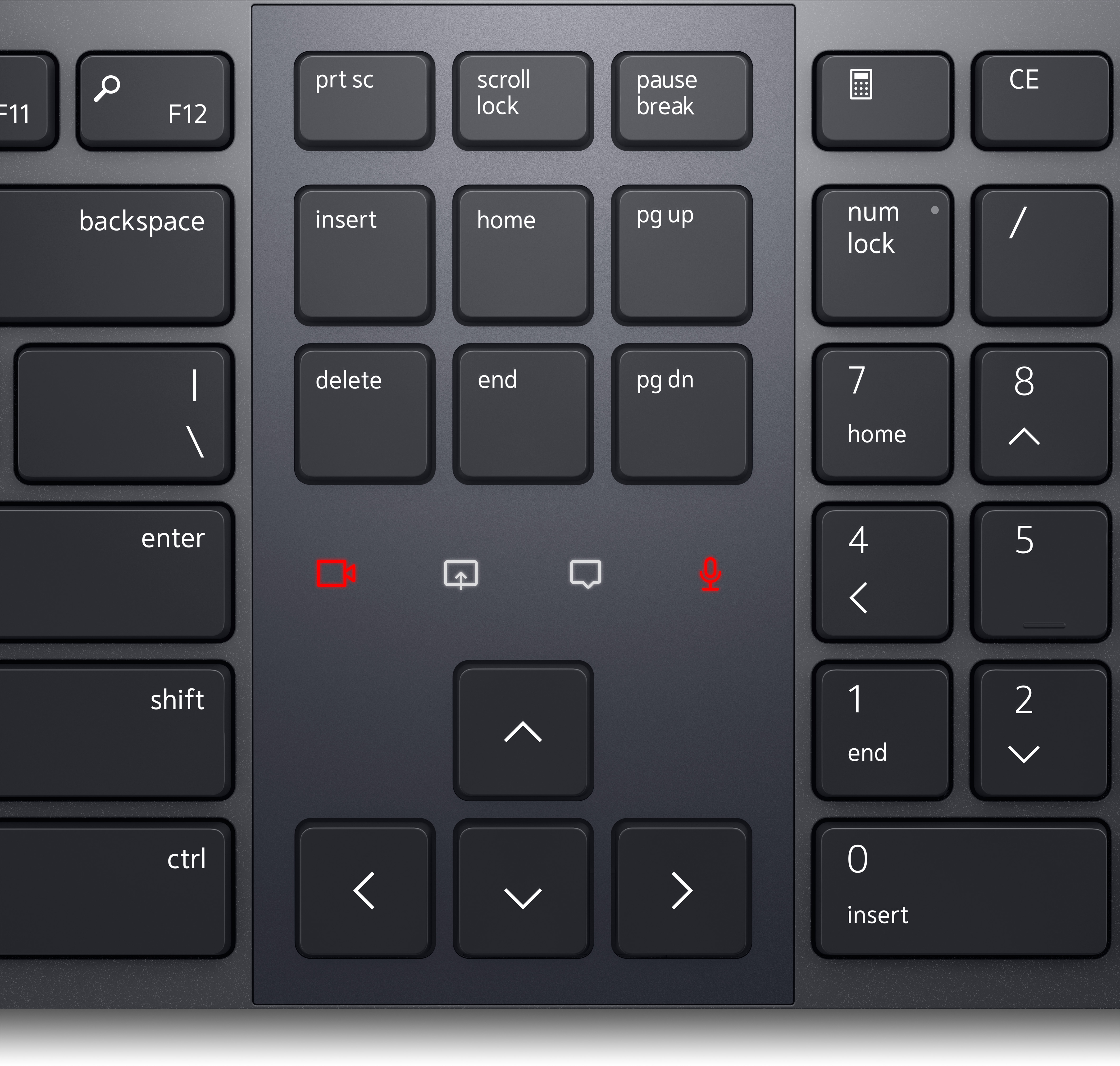
Make the most of every meeting with the world's first Zoom-certified keyboard. The innovative touch controls for Zoom let you mute and unmute your microphone, toggle video on and off, share your sc...
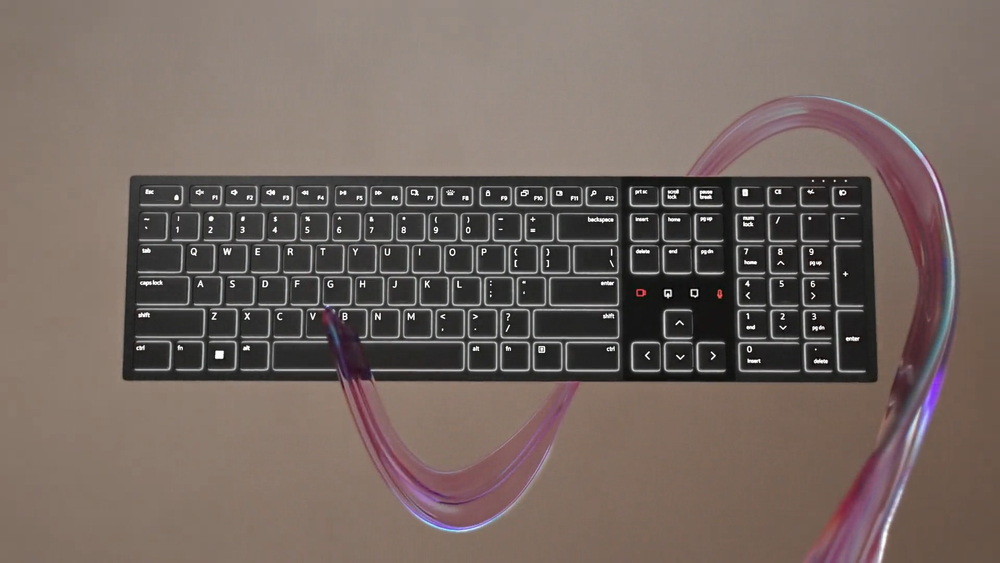
Intelligent illumination
Smart backlighting with hand-proximity-detection lights up the keys as you get close, helping you to work better in any environment. Turns off in brighter conditions to conserve battery power.
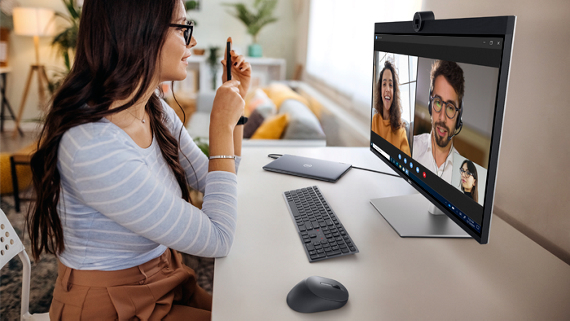
Optimal angle
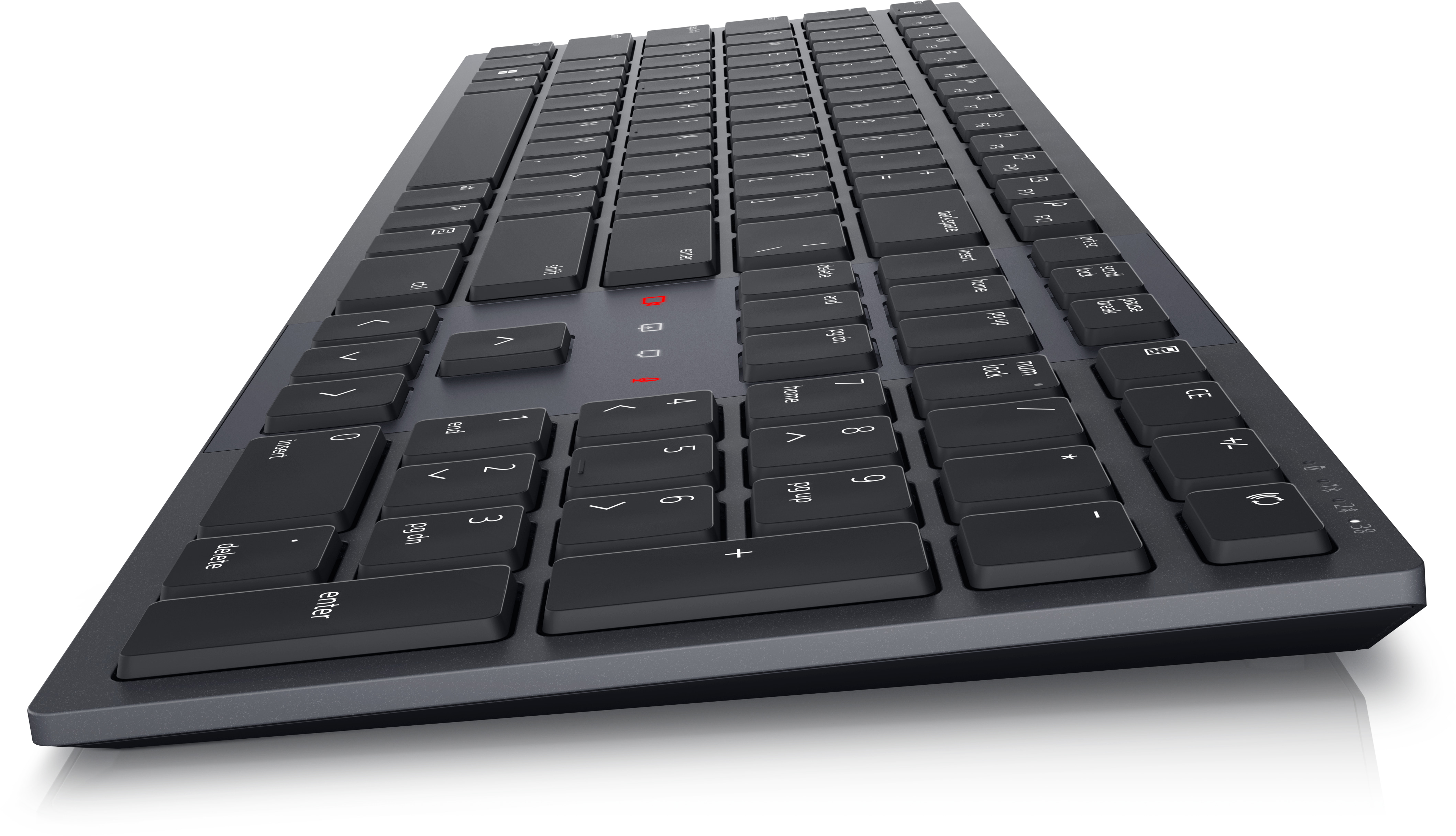
Durable, rubber-padded tilt legs keep your keyboard planted in place at the perfect angle for comfortable typing.

Ultra-quiet typing
Get optimal type-feel without the noise thanks to the scissor-switch key design. Engineered to be satisfying and silent at the same time.
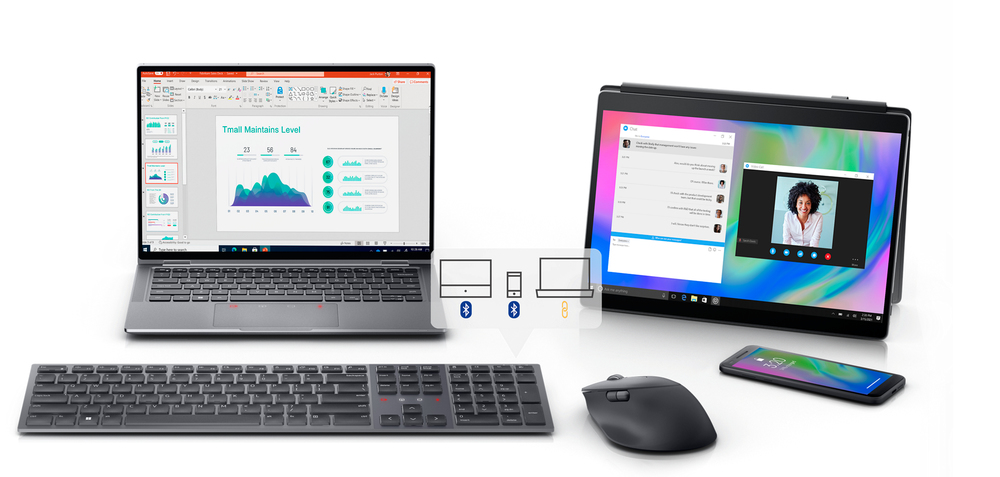
Seamless and secure connection
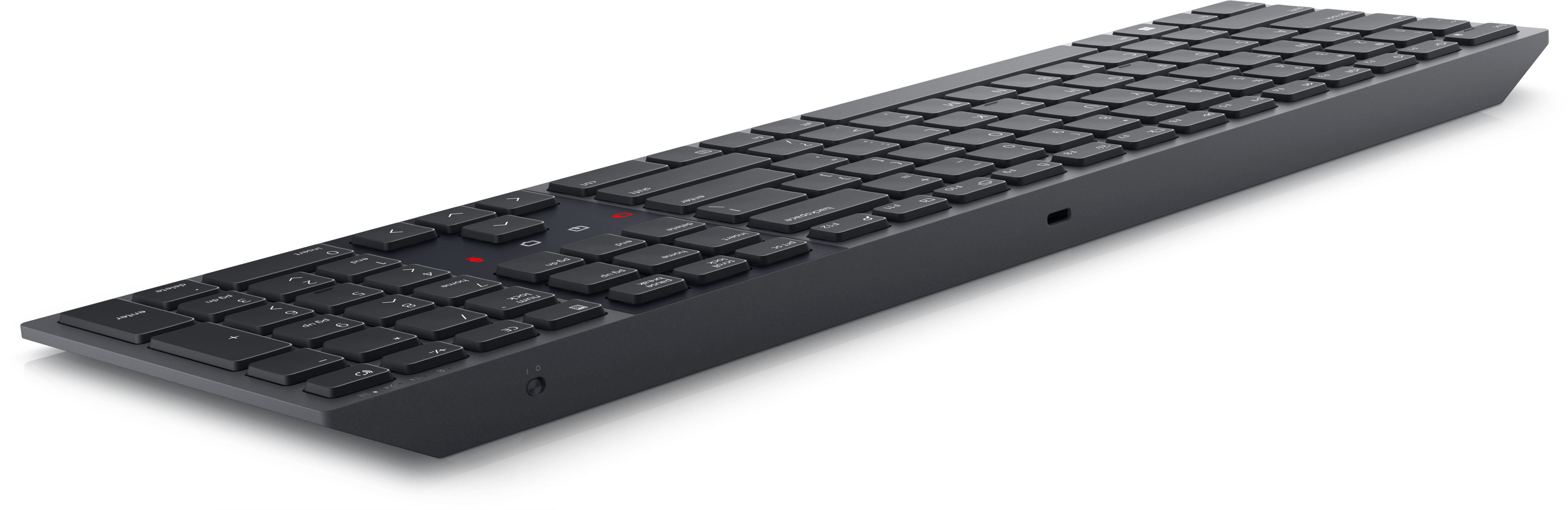
The dual mode RF 2.4 GHz and Bluetooth® 5.1 connectivity lets you effortlessly connect and switch with up to 3 devices (two connections via Bluetooth and one connection via RF dongle).
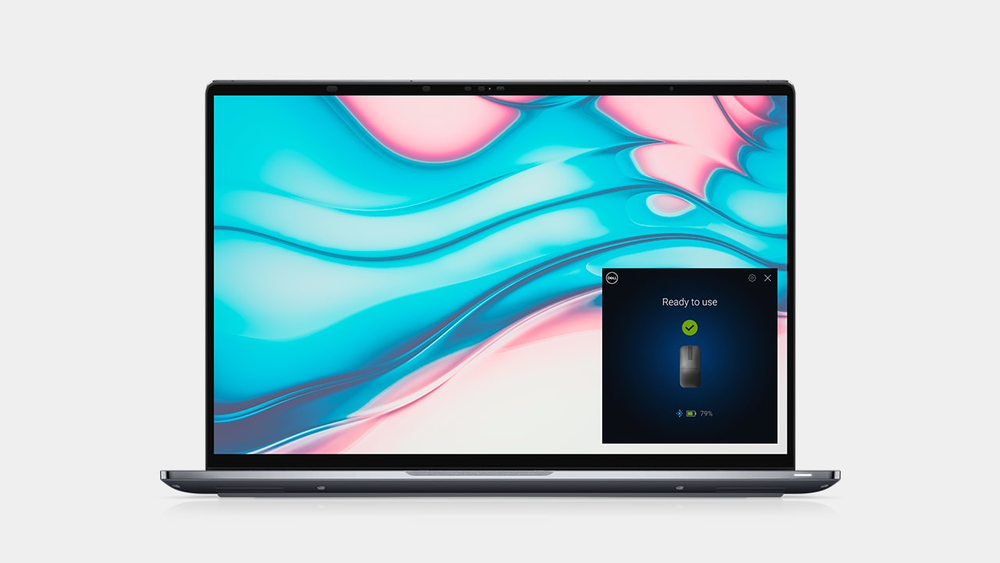
Dell Pair
Dell Pair is the simple and secure way to connect with your accessories. This software meets the strongest security standard for Bluetooth Low Energy pairing of keyboard. Accessories are detected a...
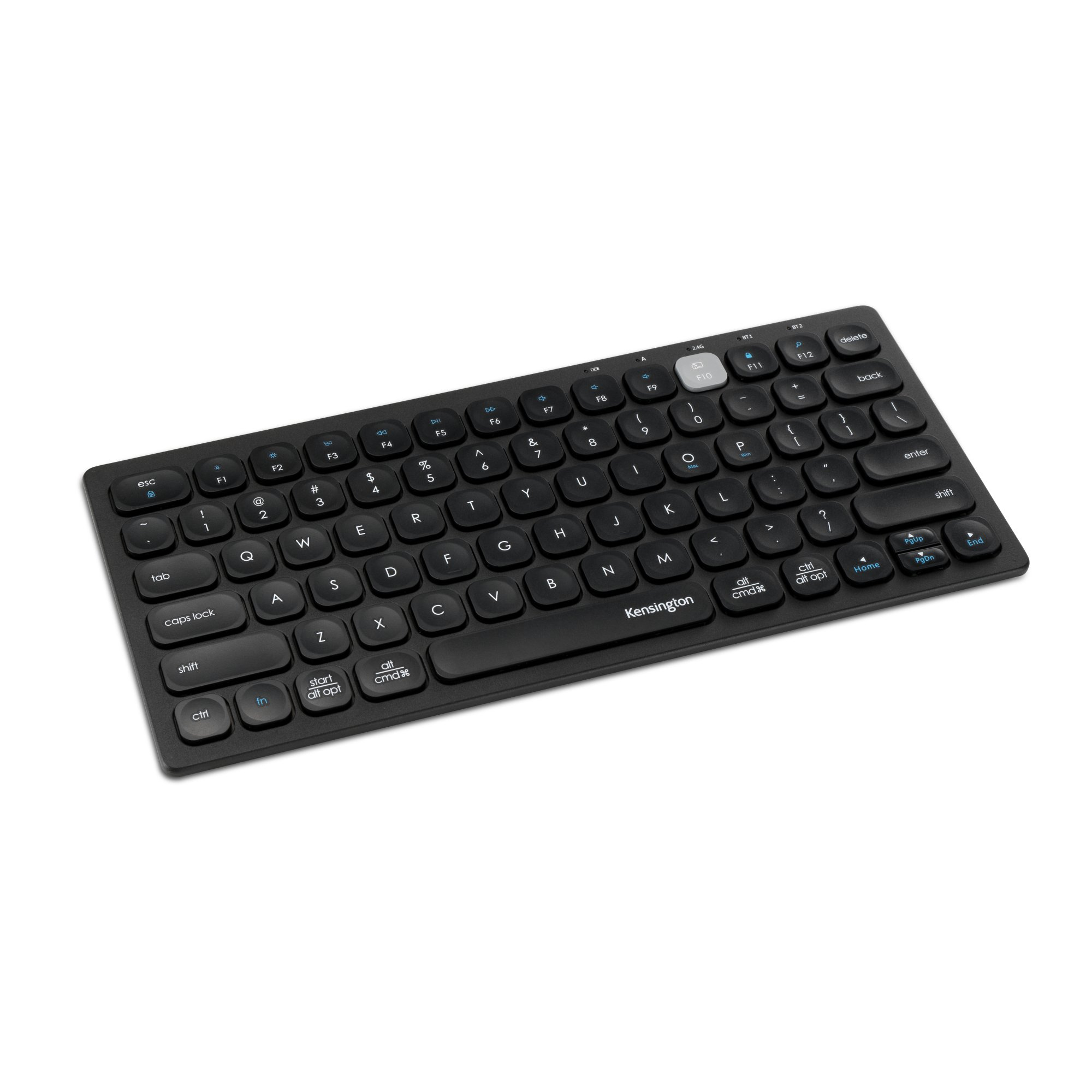
Kensington
Kensington Multi-Device Dual Wireless Compact Keyboard - Keyboard - wireless - 2.4 GHz, Bluetooth 3.0, Bluetooth 5.0 - English - black
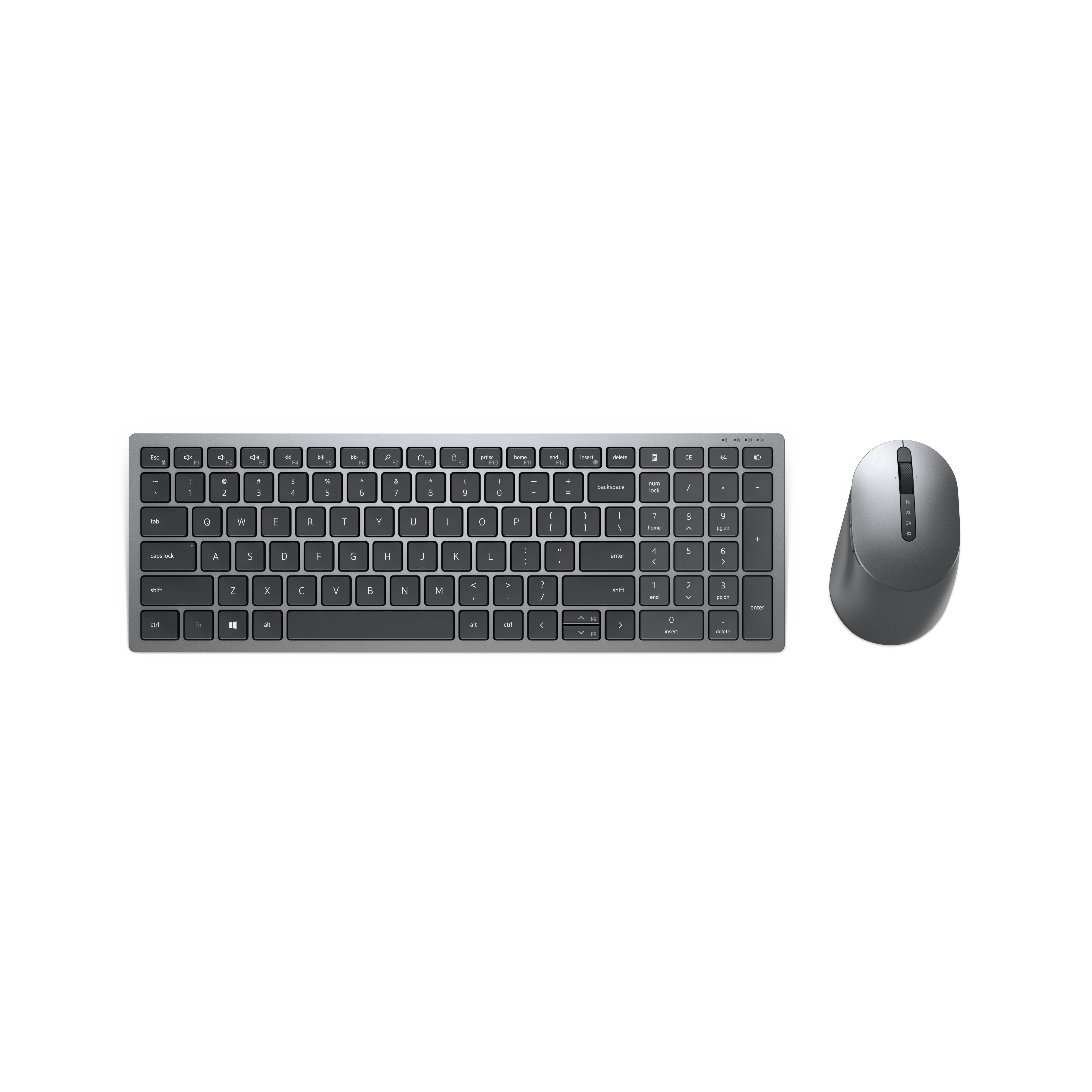
Dell
Dell Pro Plus Compact Keyboard and Mouse - KM7120W - Keyboard and mouse set - wireless - 2.4 GHz, Bluetooth 5.0 - UK - titan grey - with 3 years NBD Advance Exchange
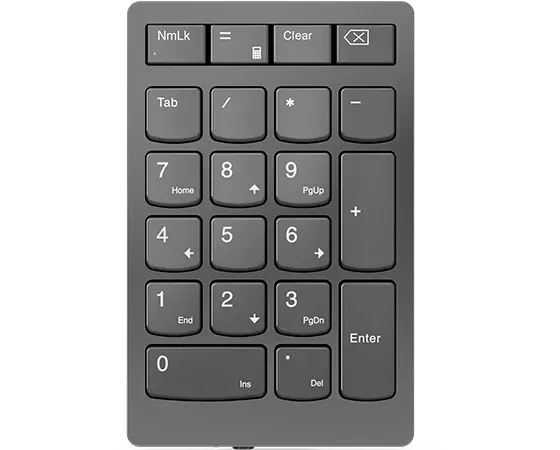
Lenovo
Lenovo Go Wireless Numeric Keypad - Keypad - wireless - 2.4 GHz - key switch: Scissor-Key - storm grey - retail

Lenovo
Lenovo Keyboard Pack - Keyboard and folio case (stand cover) - with trackpad - POGO pin - grey - for Tab P11 (2nd Gen) ZABF, ZABG, ZABL, ZABM