- Cloud Email
Microsoft 365 Administration Tips to Save Time and Money
26 Mar, 2026
£275.96 inc. VAT
AI-generated summary
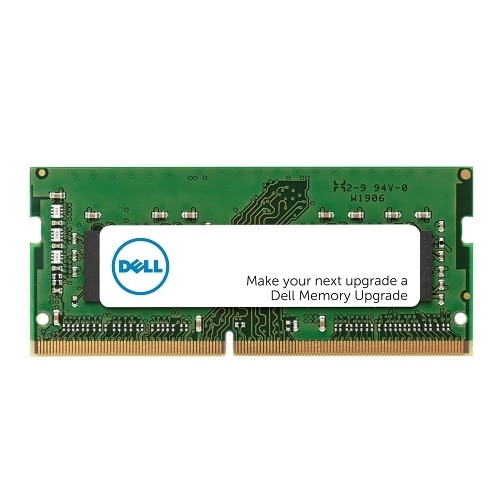
If you’ve got a Dell laptop or small-form-factor system that specifically takes DDR5 SO-DIMMs, this kind of 32GB stick is a sensible, low-drama upgrade. £229.96 ex-VAT is “not cheap,” but it’s the kind of pricing you often see with branded modules, and the real win is compatibility—these Dell-specified parts are usually trouble-free in IT-managed fleets. For everyday work (multi-tab browsing, Office/Teams, light content work) or for users who hit memory limits in heavier apps, going to 32GB can noticeably reduce swapping and stutter.
That said, I wouldn’t buy it blindly. If your machine can support more than one module and you can add a matching second stick, you’ll often get better performance and more headroom than a lone “1x32GB” setup. Also, if you’re upgrading a device that only benefits from capacity (not really RAM-hungry workloads), you may find the spend doesn’t translate into much day-to-day difference. Best fit: Dell environments where you value known compatibility, and users running memory-hungry workloads. If you’re flexible on brand and your BIOS isn’t fussy, you might be able to source cheaper equivalent DDR5 SO-DIMM elsewhere—but that’s the tradeoff: savings versus certainty.
Kingston
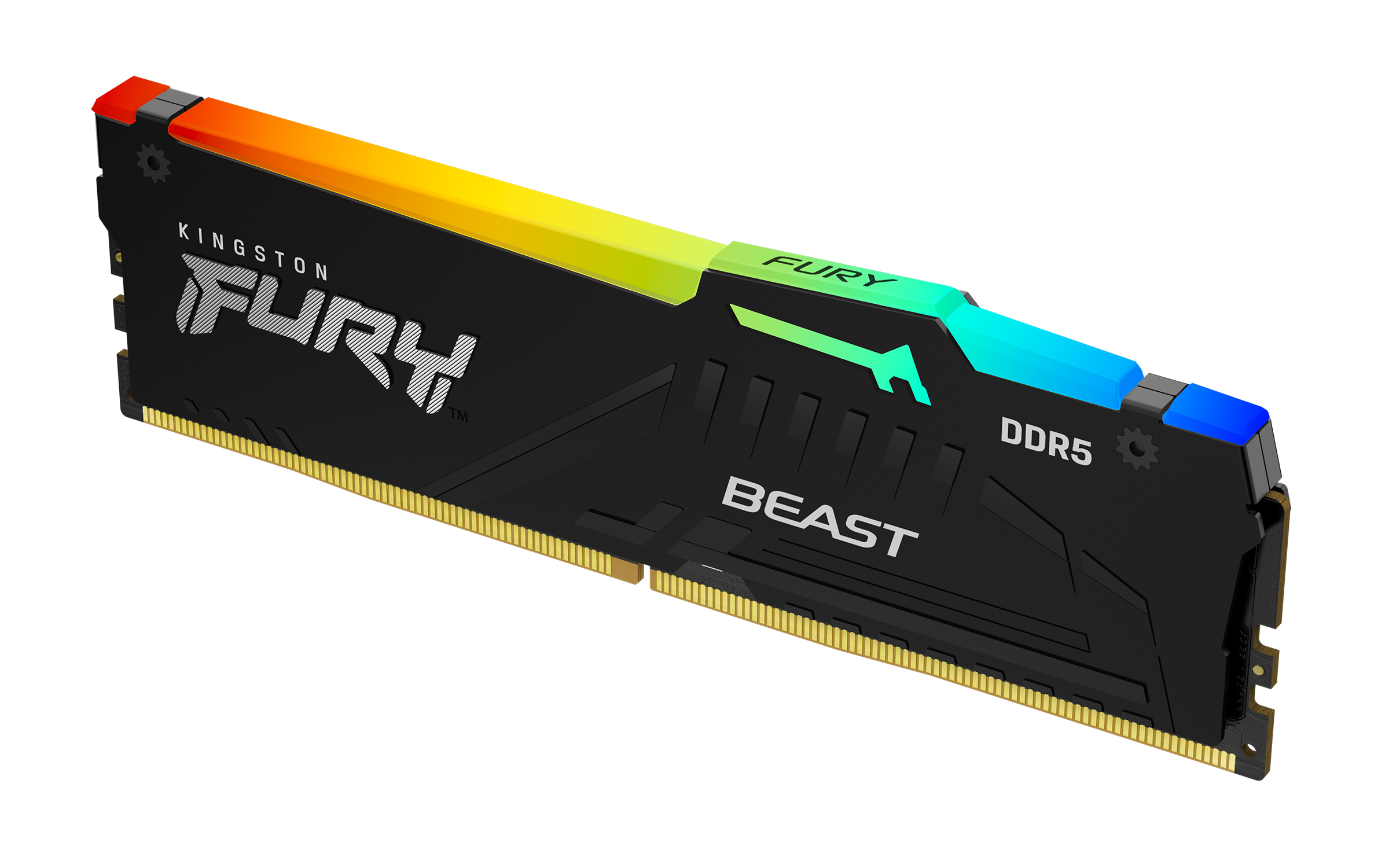
Kingston FURY Beast RGB - DDR5 - module - 16 GB - DIMM 288-pin - 6000 MT/s / PC5-48000 - CL36 - 1.35 V - unbuffered - on-die ECC - black
Kingston
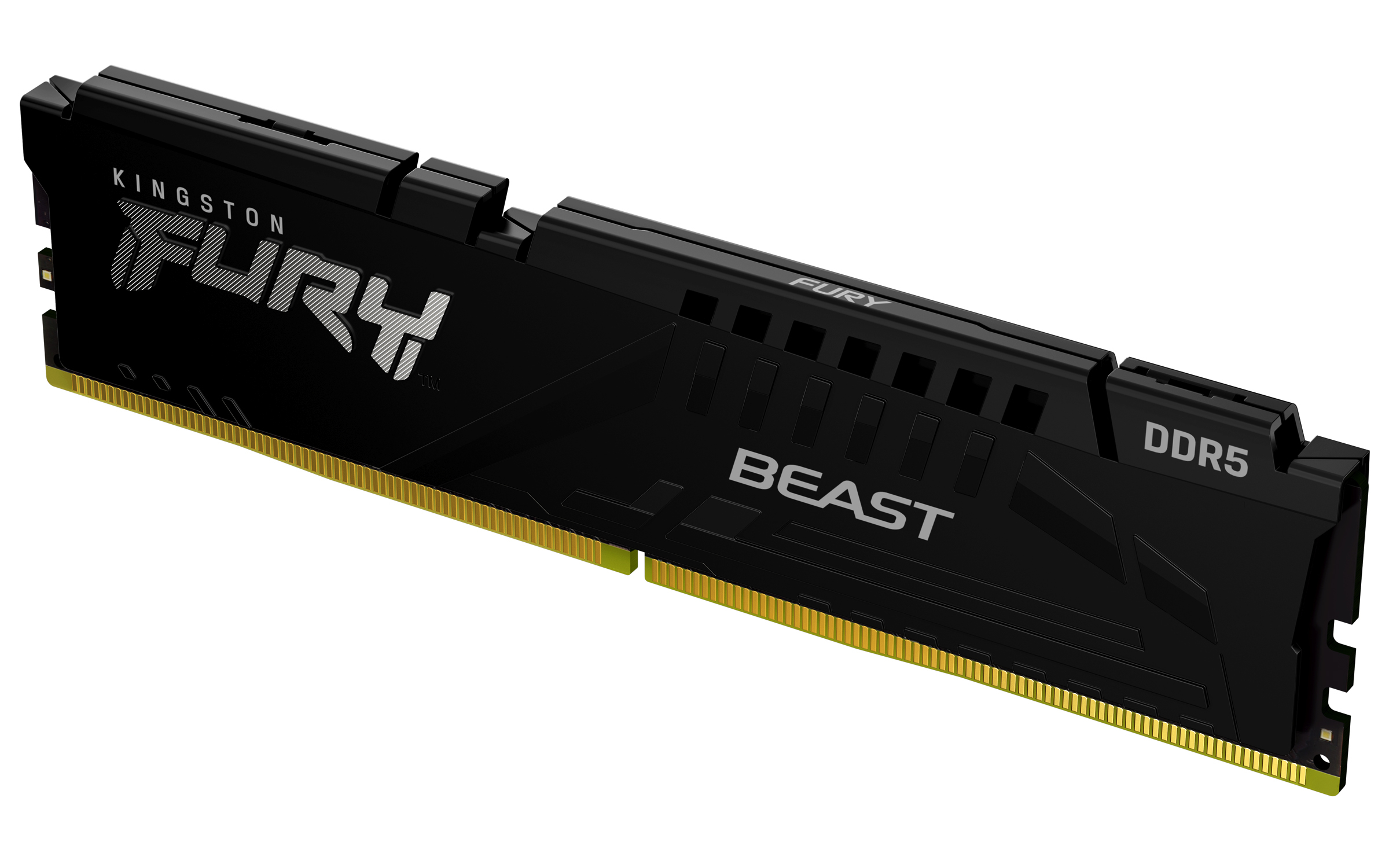
Kingston FURY Beast - DDR5 - module - 16 GB - DIMM 288-pin - 5600 MT/s / PC5-44800 - CL36 - 1.25 V - unbuffered - on-die ECC - black
Kingston
Kingston FURY Beast RGB - DDR5 - module - 32 GB - DIMM 288-pin - 3000 MHz / PC5-48000 - CL36 - 1.25 V - unbuffered - on-die ECC - black
Kingston
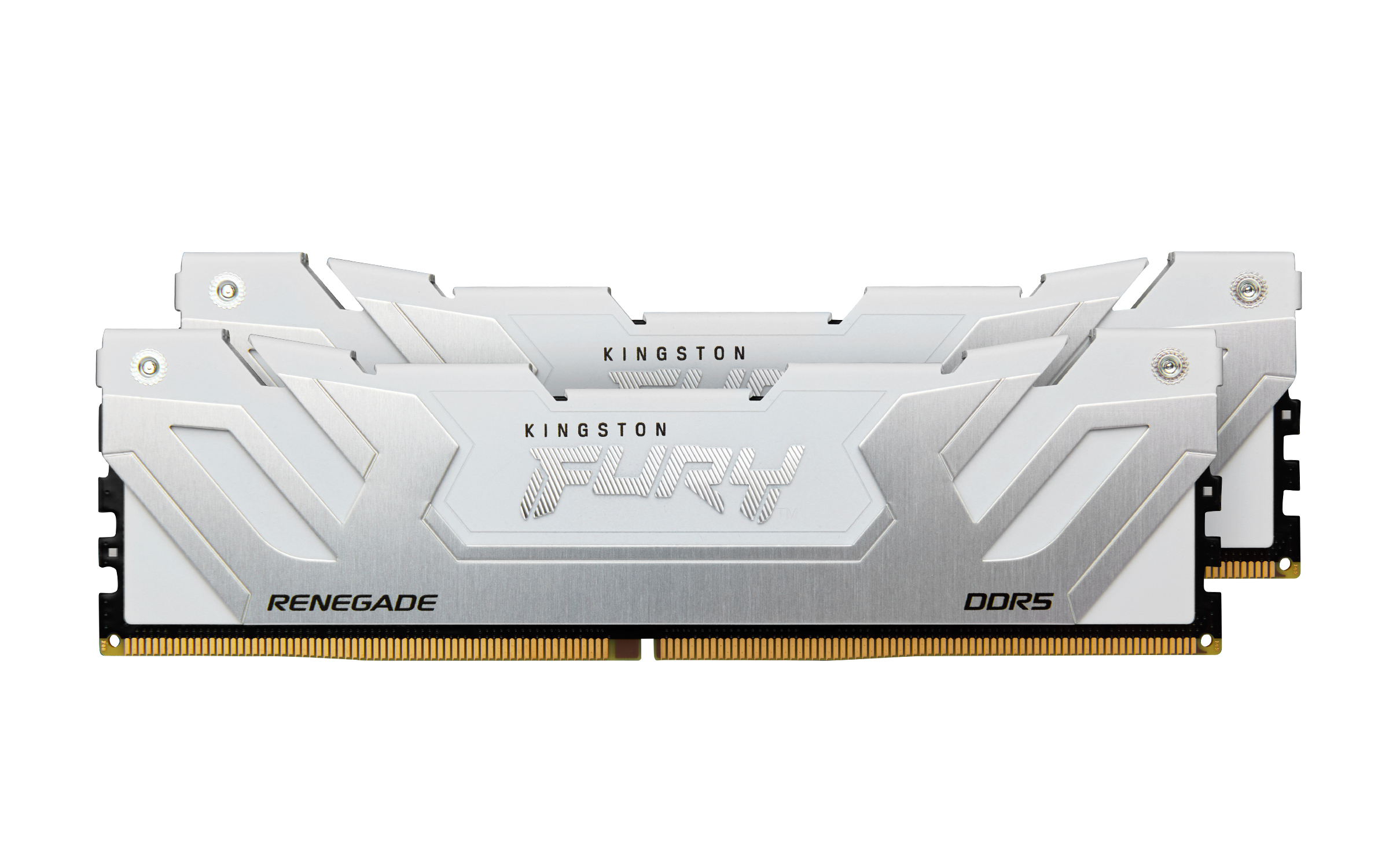
Kingston FURY Renegade - DDR5 - kit - 48 GB: 2 x 24 GB - DIMM 288-pin - 8800 MT/s / PC5-70400 - CL42 - 1.4 V - clocked unbuffered - on-die ECC - white & silver