- Cyber Security
How to Set Up Security Awareness Training for Your Team
2 Oct, 2025
£228.23 inc. VAT
AI-generated summary
Crucial’s Pro Overclocking DDR5 (16GB) at 6400 is a pretty clear “enthusiast-leaning” kit, not a “buy it and forget it” option. For most businesses, that’s the first reason to pause: if you’re deploying desktops/servers for reliability and consistent performance, higher-frequency DDR5 kits often mean more BIOS fiddling, and you’ll only benefit if your CPU + motherboard combo is known to handle that speed comfortably. At **£188.39 ex-VAT for a single 16GB module**, the value is only really there if you specifically need to push performance and you’re confident the platform will run it stable at the rated speed.
Who *should* buy it: power users, creators, and small teams building high-end workstations where you’ll actually leverage the memory bandwidth (e.g., heavy compilation, certain media workloads, and “tune-and-validate” environments). Who *shouldn’t*: IT teams standardising fleets, anyone running mission-critical workloads that prioritise stability over peak benchmarks, and businesses buying memory as a simple upgrade without testing. If you’re after a safe, predictable upgrade for everyday office apps, I’d go for a more mainstream DDR5 kit at a lower spec—same job, fewer headaches.

Kingston
Kingston FURY Beast - DDR4 - kit - 128 GB: 4 x 32 GB - DIMM 288-pin - 3600 MHz / PC4-28800 - CL18 - 1.35 V - unbuffered - non-ECC - black
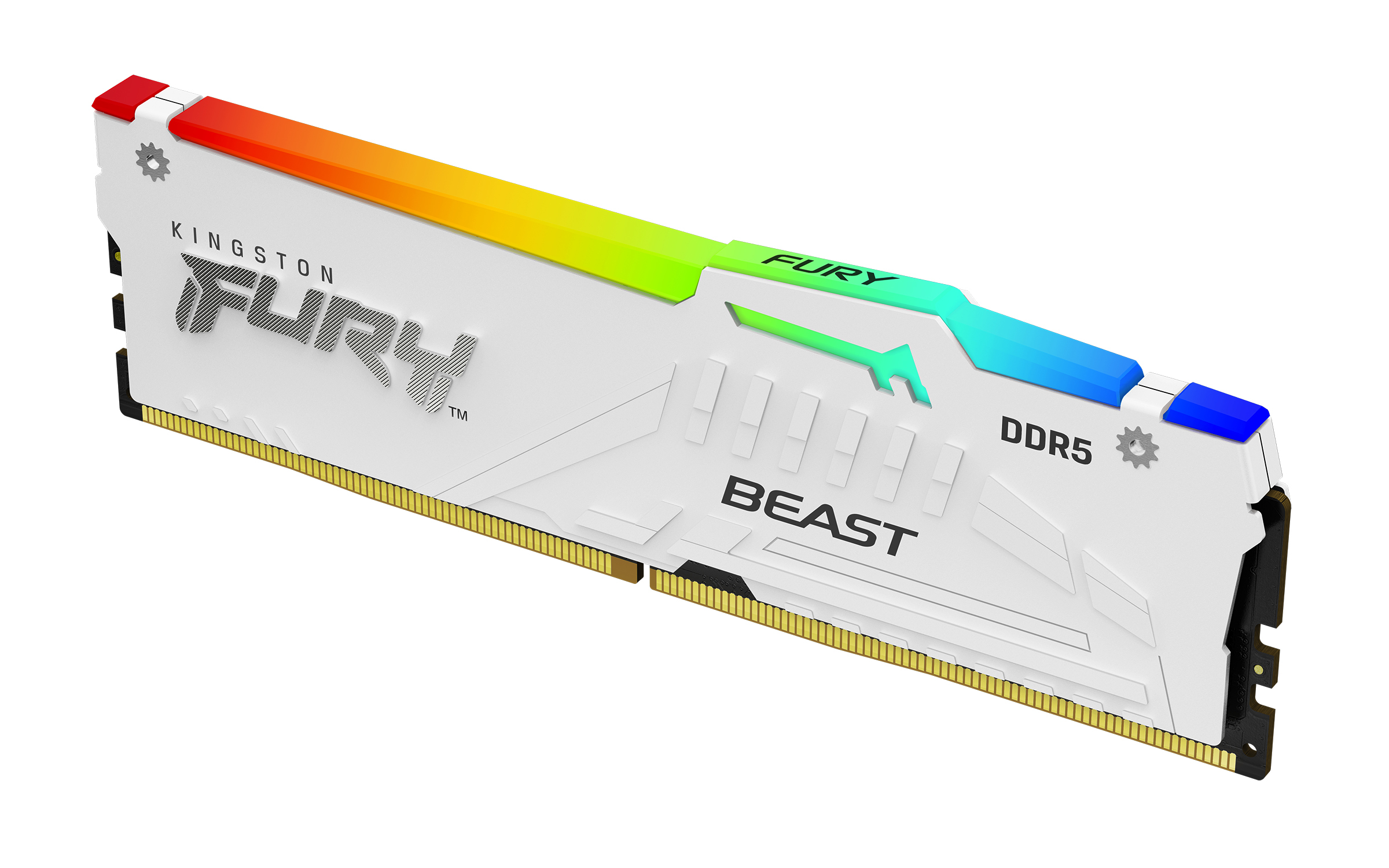
Kingston
Kingston FURY Beast RGB - DDR5 - module - 16 GB - DIMM 288-pin - 6000 MT/s / PC5-48000 - CL36 - 1.35 V - unbuffered - on-die ECC - white
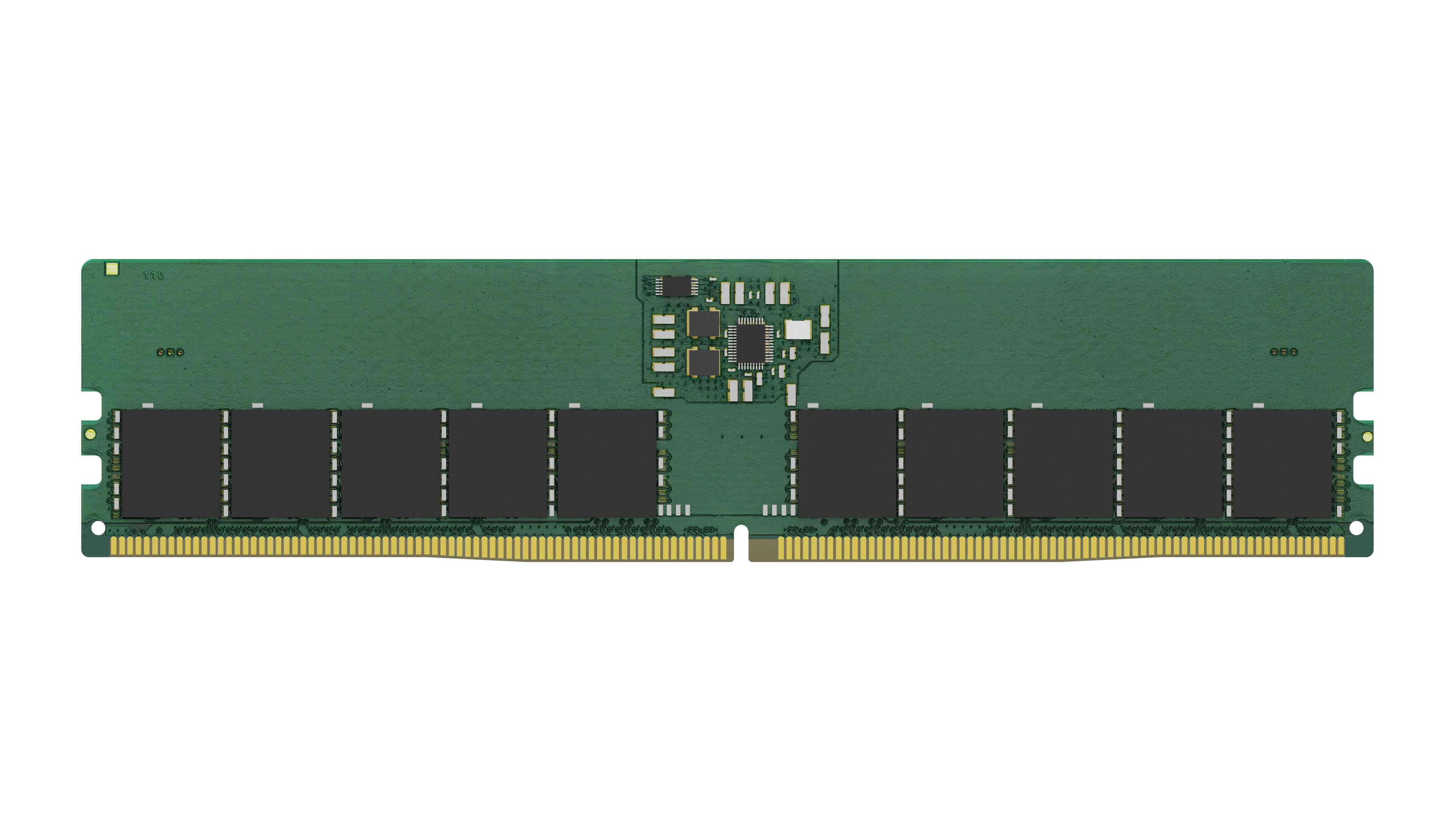
Kingston
Kingston - DDR5 - module - 16 GB - DIMM 288-pin - 5600 MT/s / PC5-22400 - CL46 - 1.1 V - unbuffered - ECC
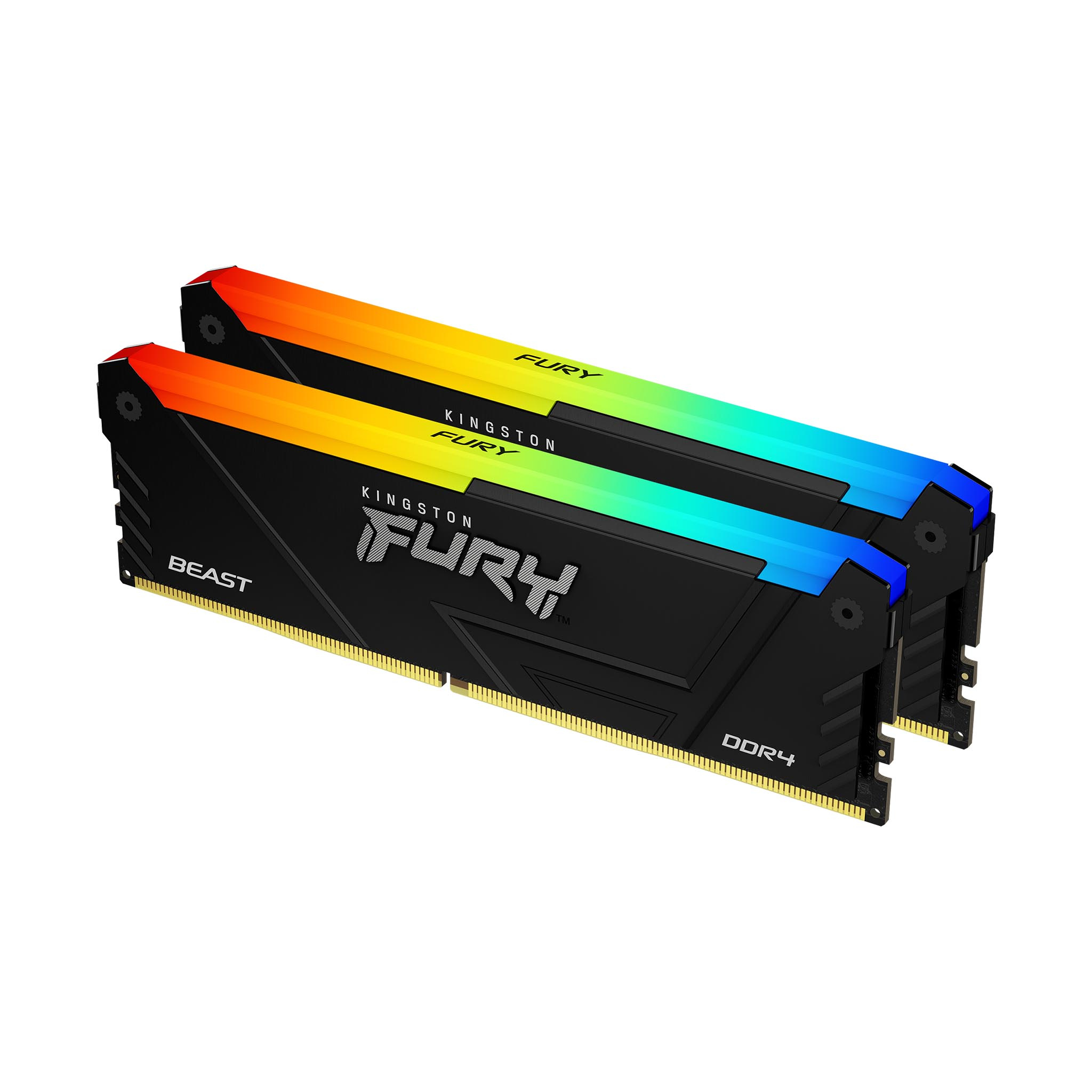
Kingston
Kingston FURY Beast RGB - DDR4 - kit - 16 GB: 2 x 8 GB - DIMM 288-pin - 3600 MT/s / PC4-28800 - CL17 - 1.35 V - unbuffered - non-ECC - black