- Network Admin
Network Hardware Lifecycle: When to Replace Equipment
12 Feb, 2026
£136.18 inc. VAT
AI-generated summary
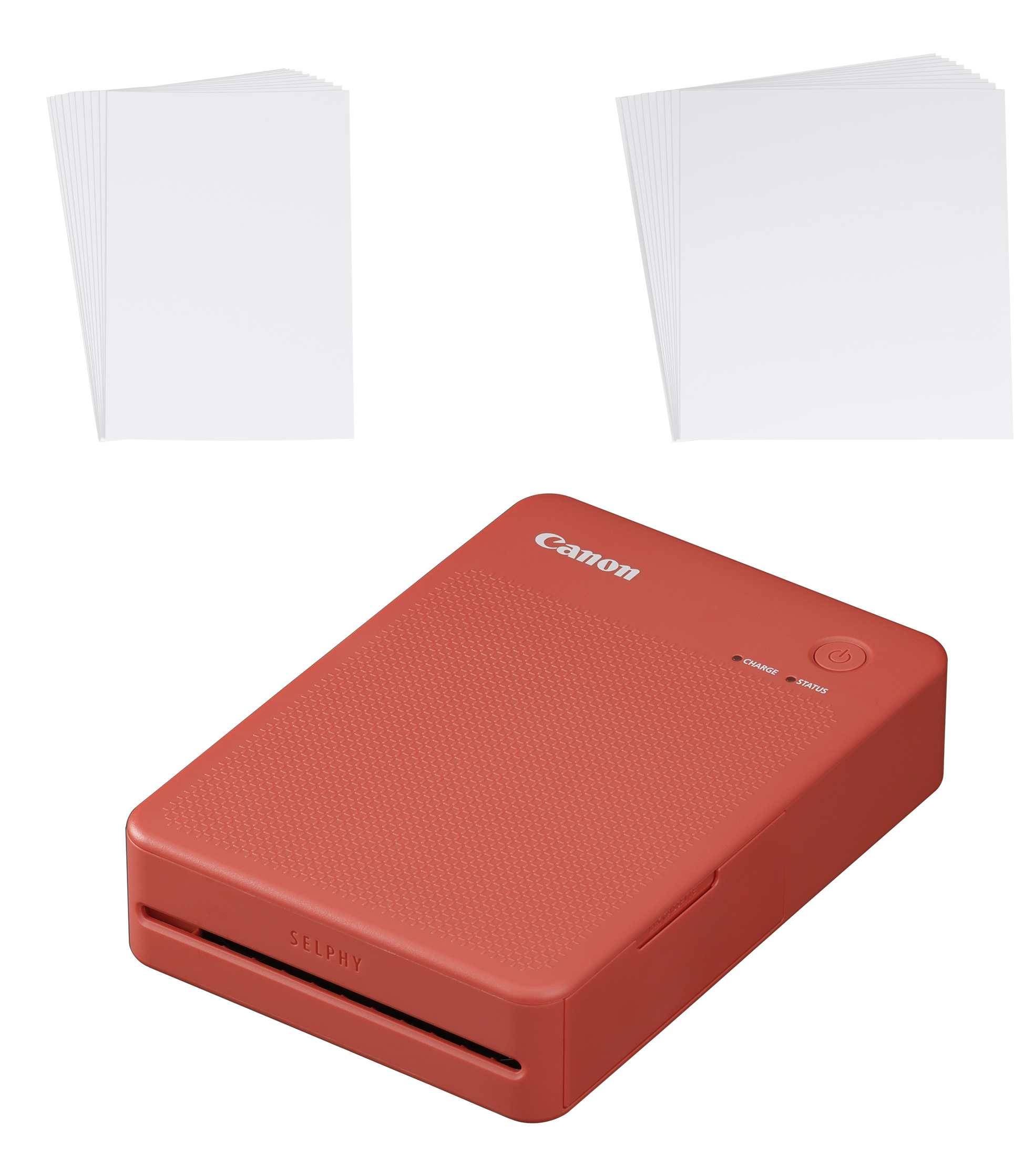
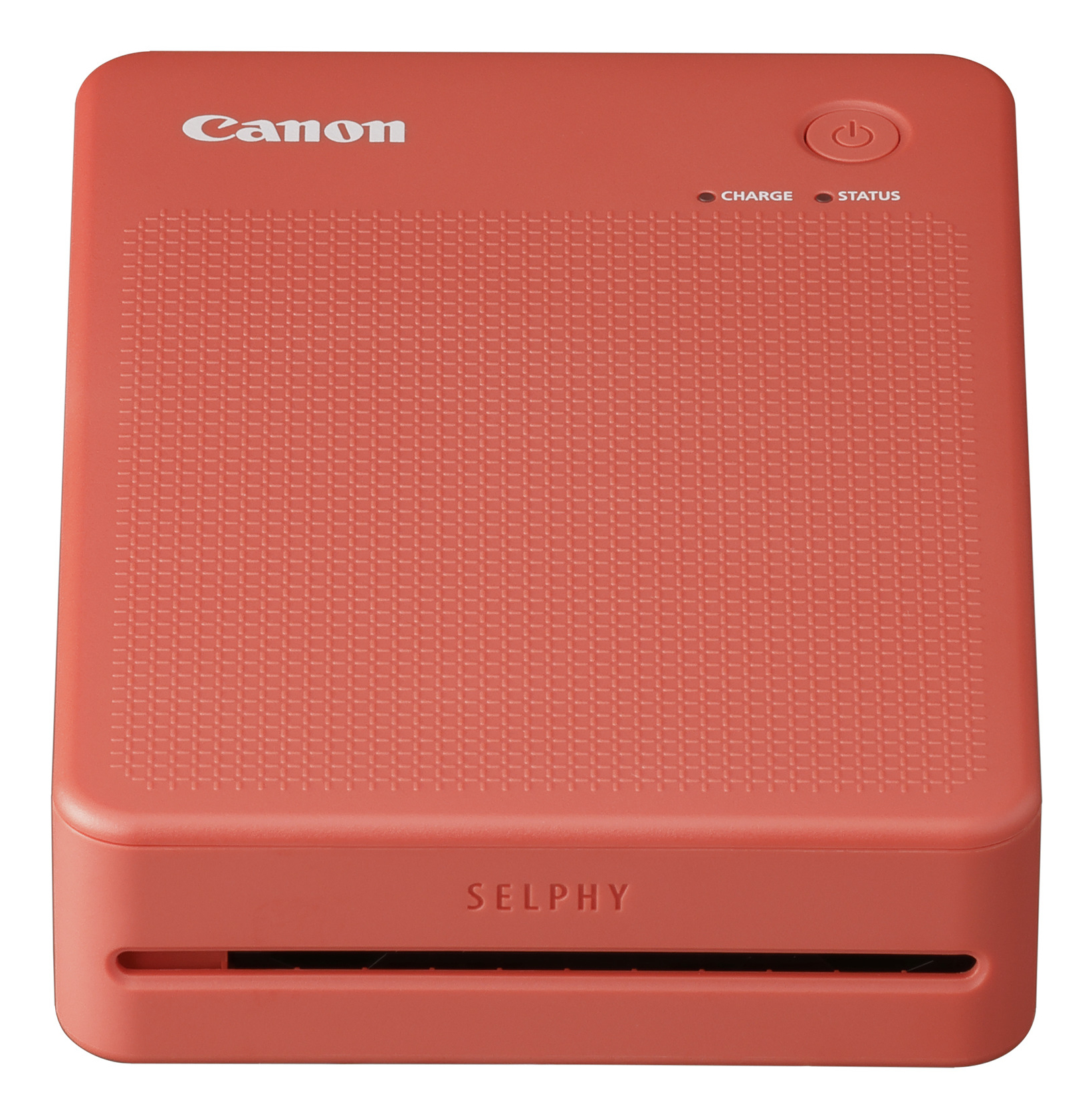
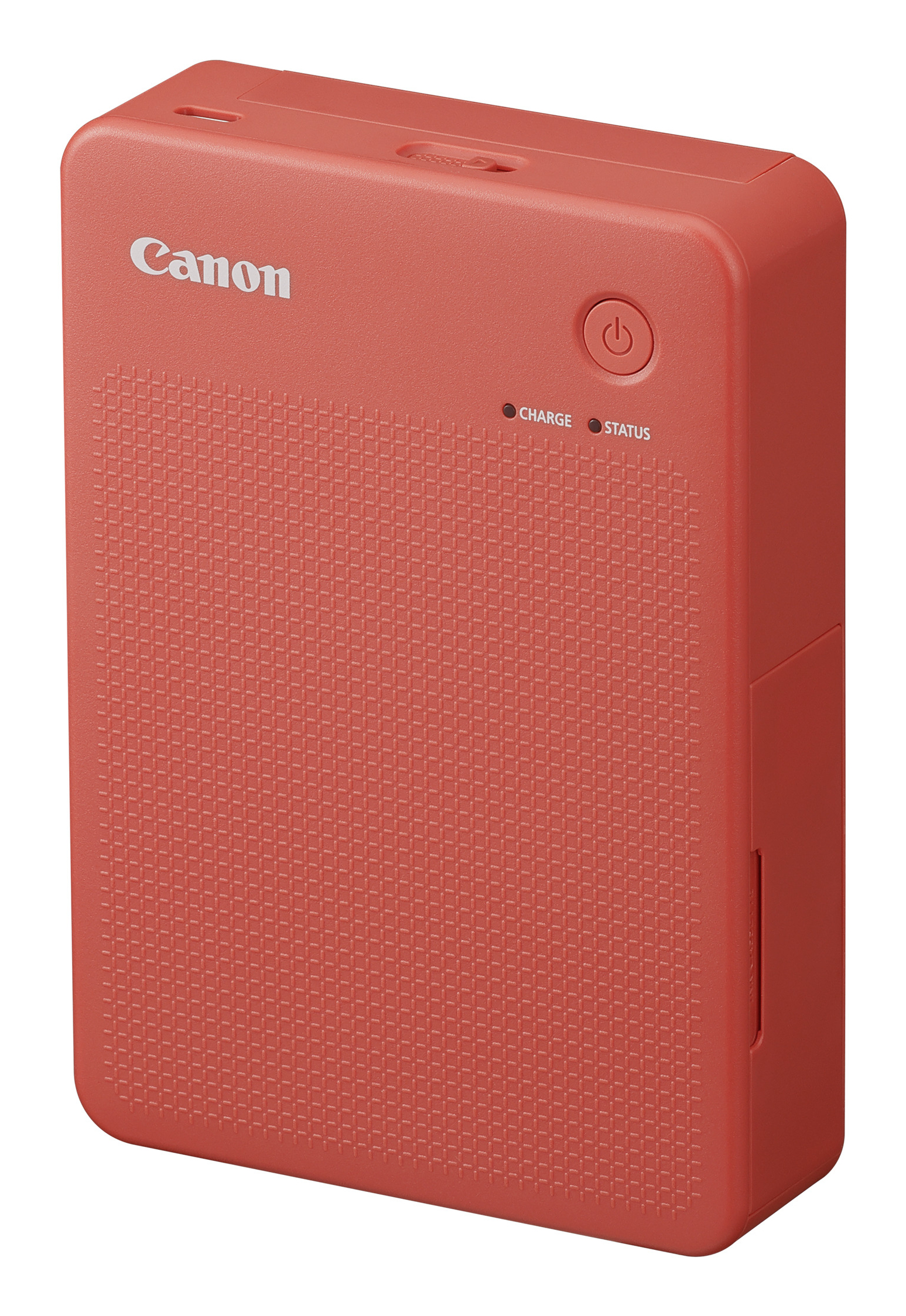
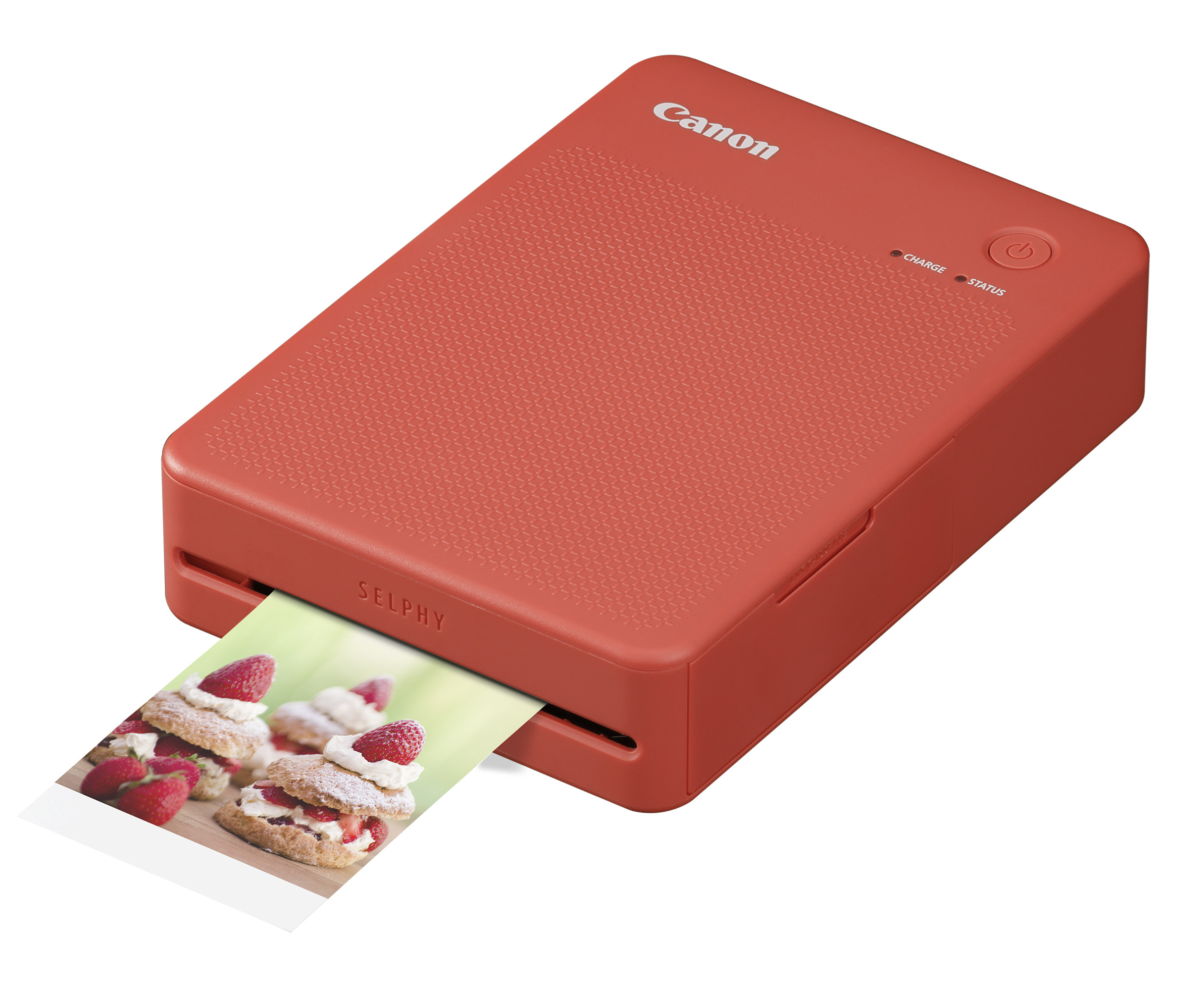
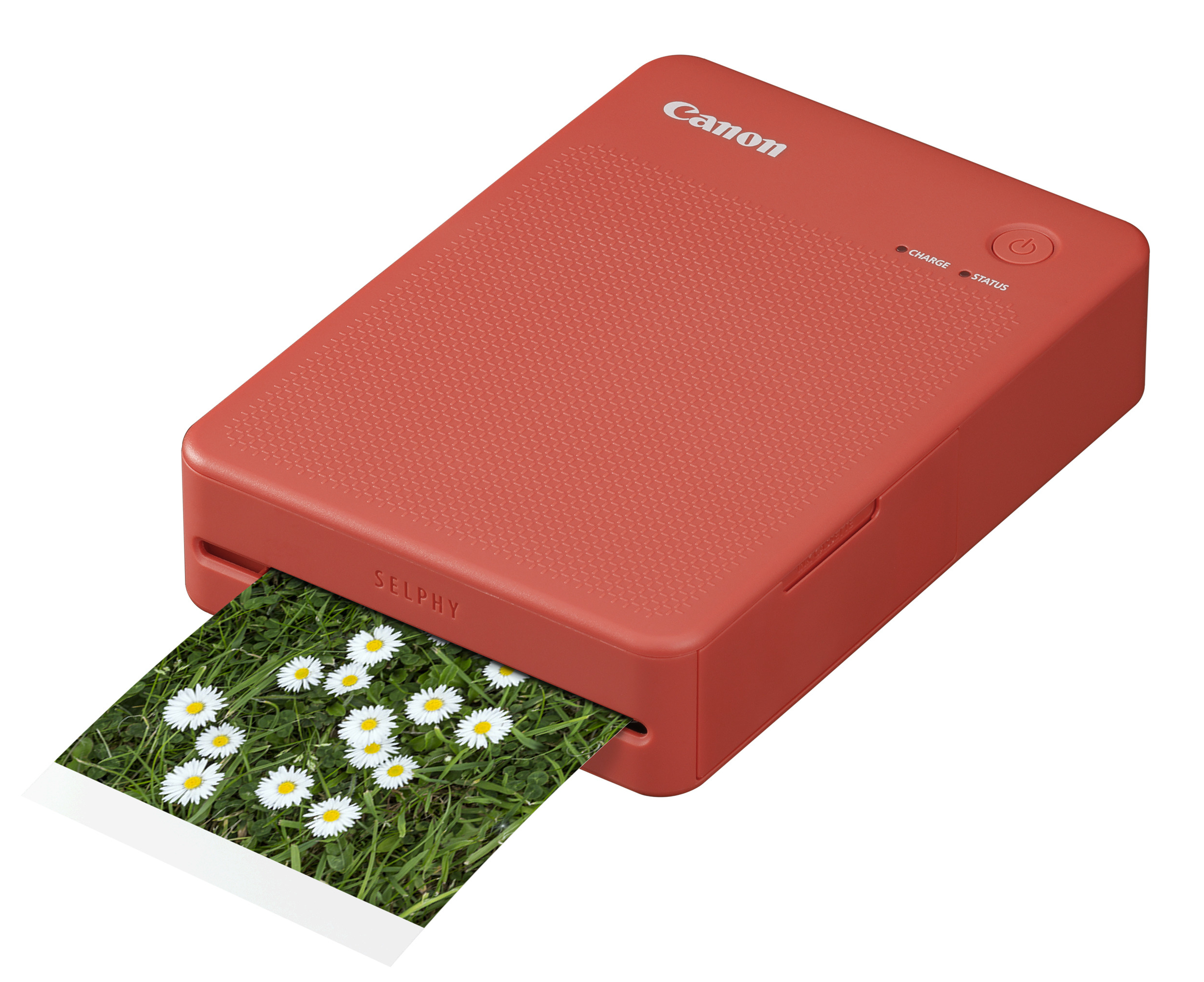
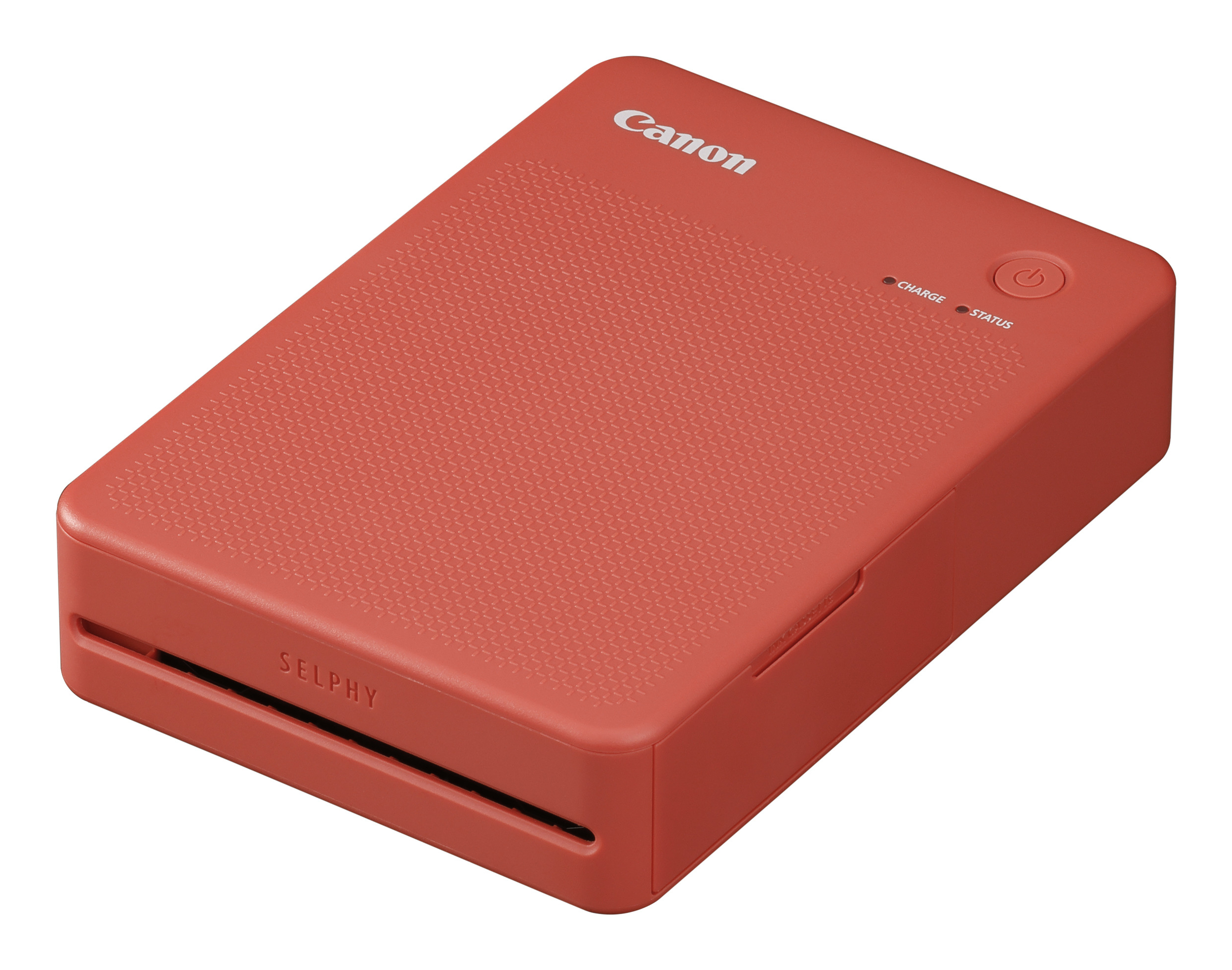
The Canon SELPHY QX20 is one of those “plug it in and print nice photos” machines, not a proper office printer. If you need quick, small, high-quality prints for a wedding, events, guestbooks, or just because you want tangible photos without messing around, it’s very good for the money. The dye-sublimation output looks consistently sharp and colourful, and the Wi‑Fi/Central app workflow is genuinely painless compared with inkjet print-from-phone chaos. For £113.48 ex‑VAT, the value is in convenience and predictable photo quality rather than raw throughput.
That said, I wouldn’t buy it for general business printing, documents, or anything you need in bulk—small format means you’ll burn money on consumables and time. Dye-sublimation is also less forgiving if you’re printing lots of black-and-white text, spreadsheets, or anything that isn’t photo-oriented. In short: buy it if your use case is “short runs of great-looking prints from a phone/laptop,” and skip it if you need a versatile everyday printer.

Epson
Epson SureColor SC-P900 SC P900 SCP900 SCP 900 - Printer - colour - ink-jet - A3 Plus - 5760 x 1440 dpi - capacity: 120 sheets - LAN, USB host, USB 3.0, Wi-Fi(ac)
Canon
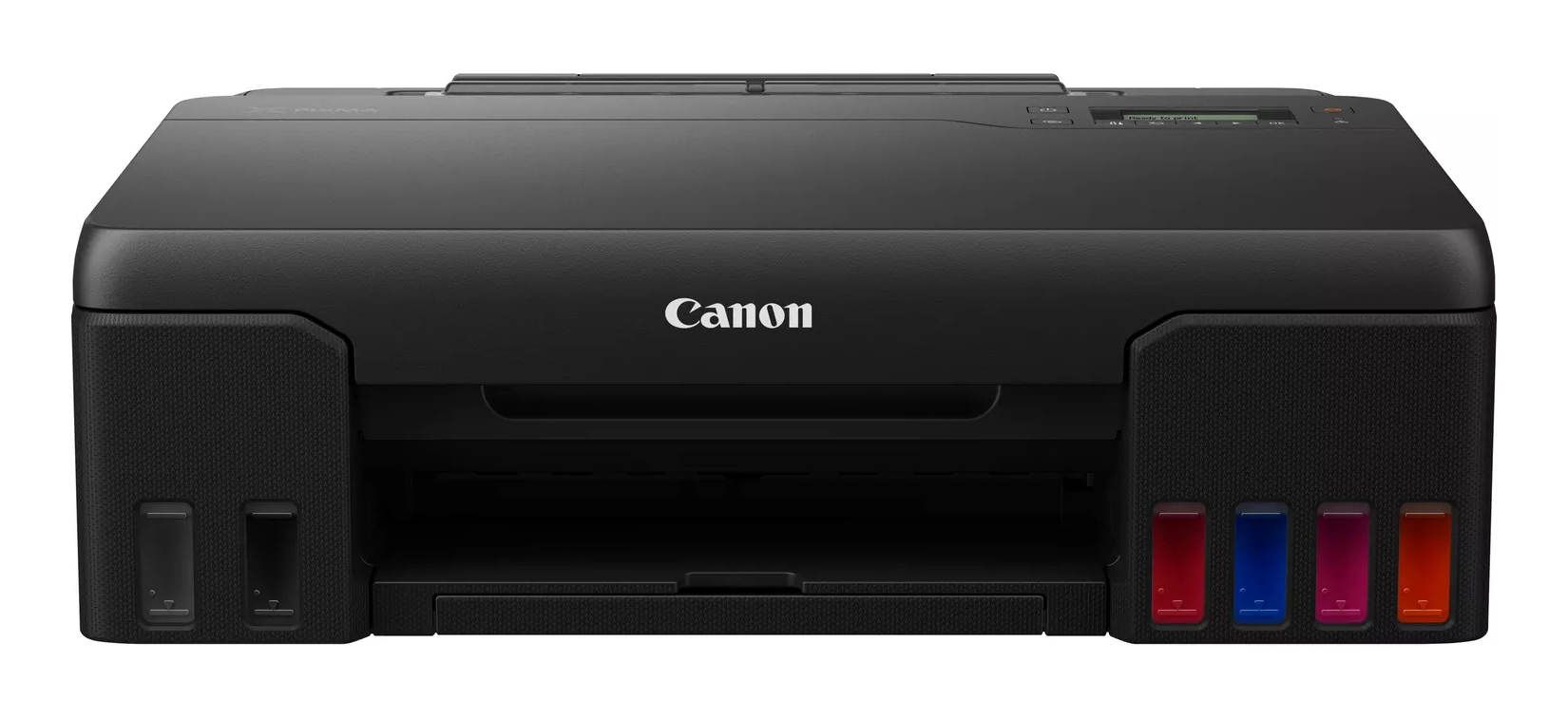
Canon PIXMA G550 G 550 - Printer - colour - inkjet - refillable - A4/Legal - up to 3.9 ipm (mono) / up to 3.9 ipm (colour) - capacity: 100 sheets - USB 2.0, Wi-Fi(n)
Epson
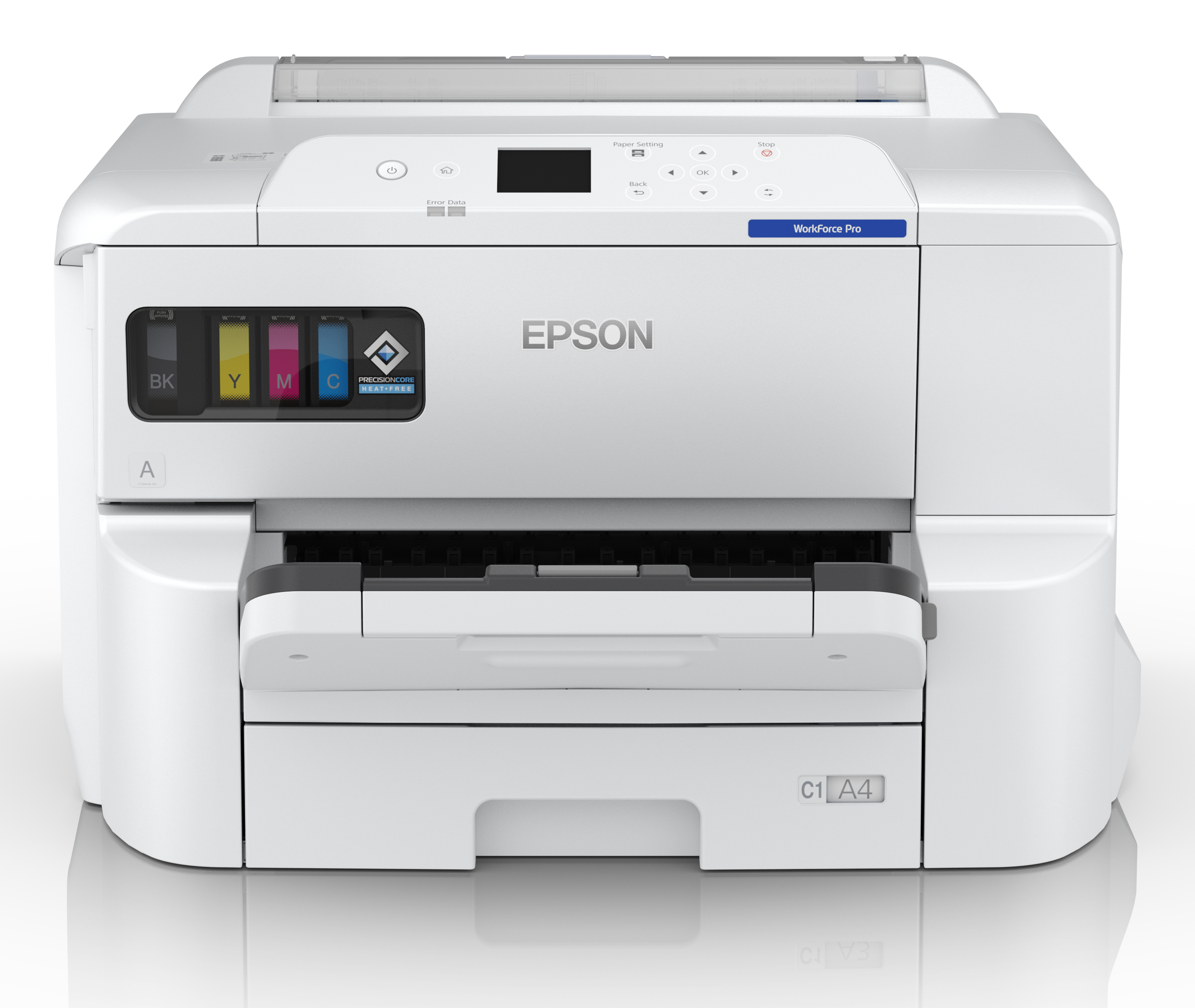
Epson WorkForce Pro EP-C7000DW A3+ Duplex Printer. 25ppm. 4,800 x 1,200 DPI. 500 - 5,000 pages per month max 75,000. 64 g/m - 200 g/m. 250 Sheet Tray. 85 sheet multipurpose tray. USB, Gigabit Lan, WIFI. Windows and MacOS
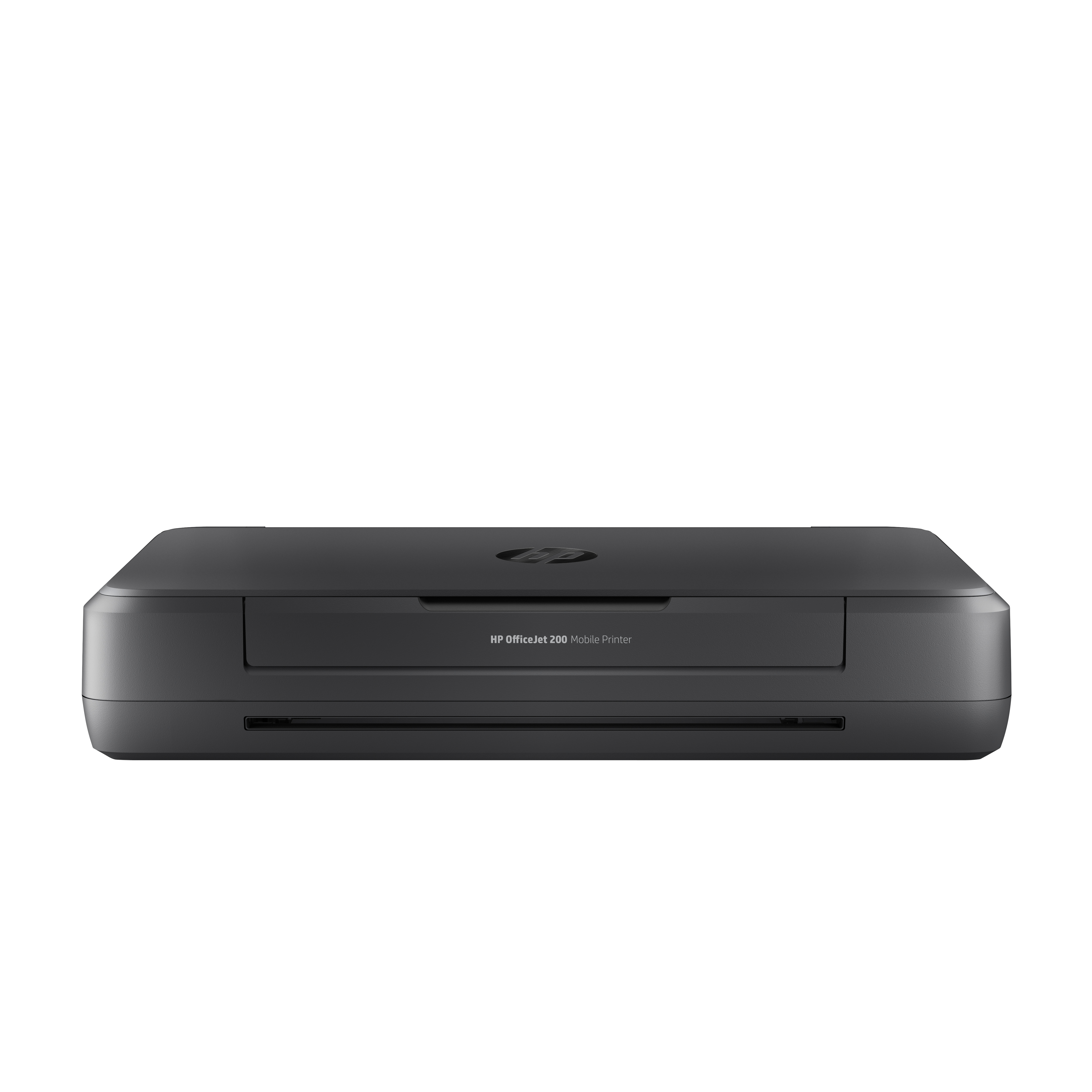
HP
HP Officejet 200 Mobile Printer - Printer - colour - ink-jet - A4/Legal - 1200 x 1200 dpi - up to 20 ppm (mono) / up to 19 ppm (colour) - capacity: 50 sheets - USB 2.0, USB host, Wi-Fi