- IT Office Moves
How to Plan IT for an International Office Relocation
18 Mar, 2026
£546.72 inc. VAT
AI-generated summary
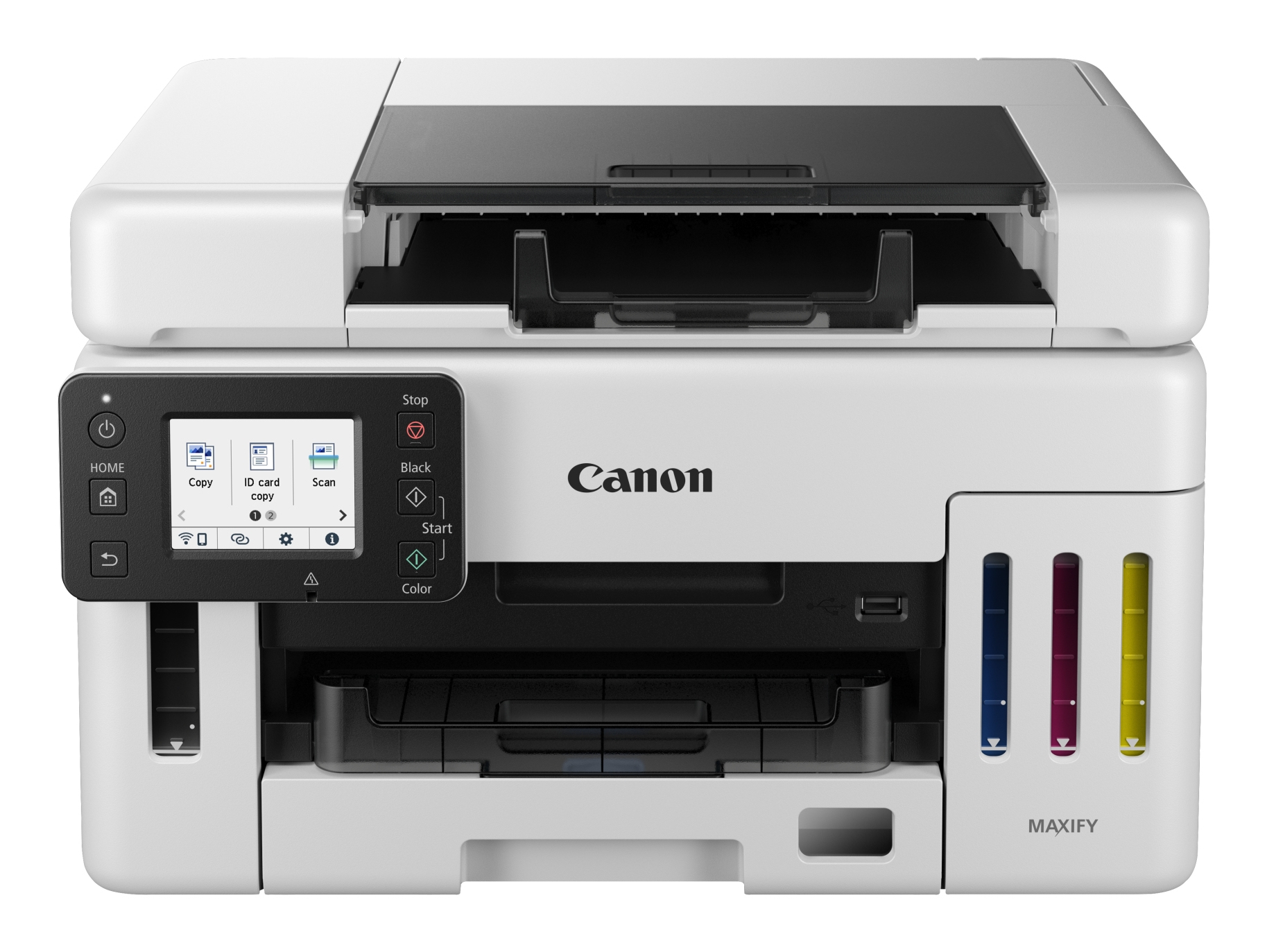
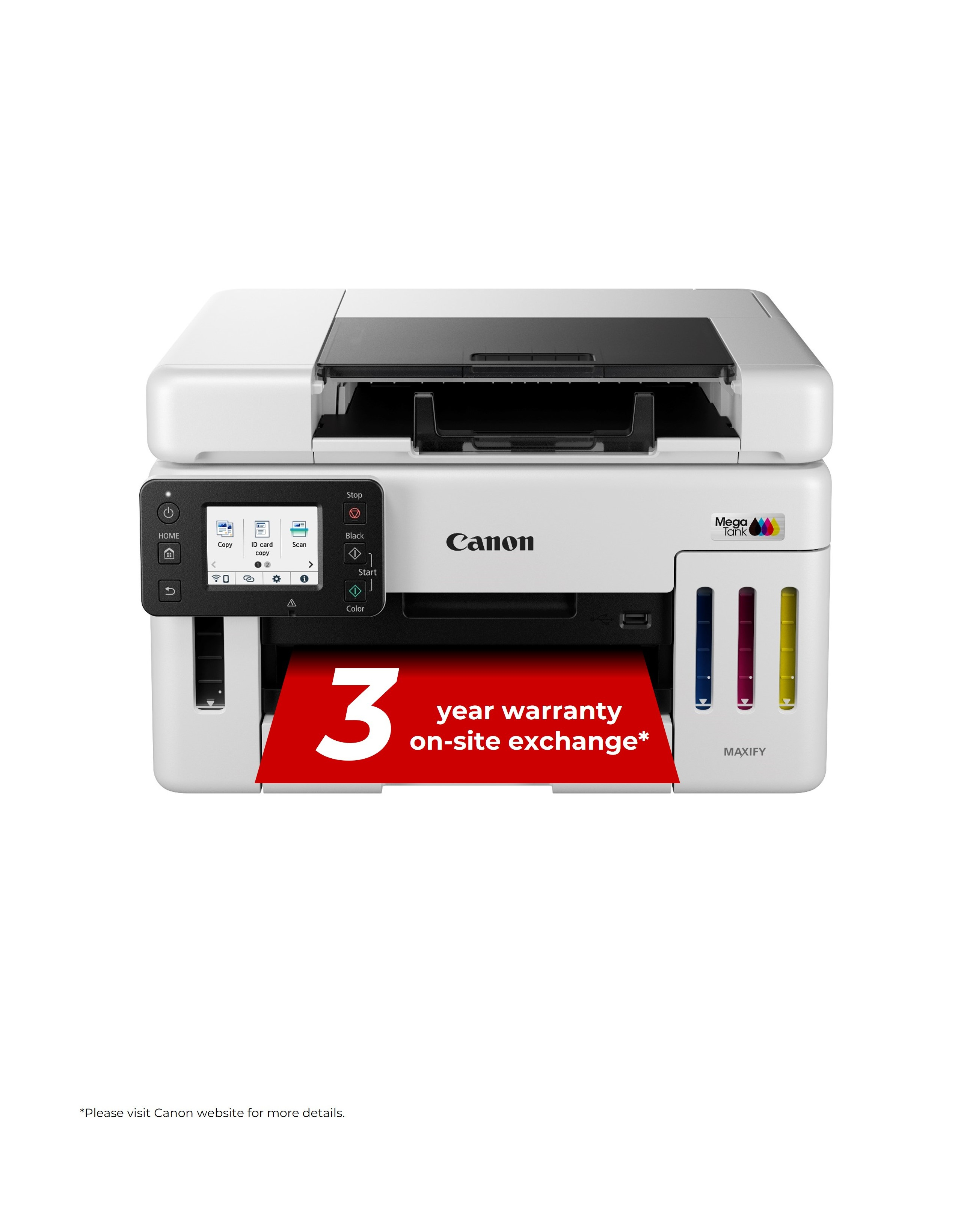
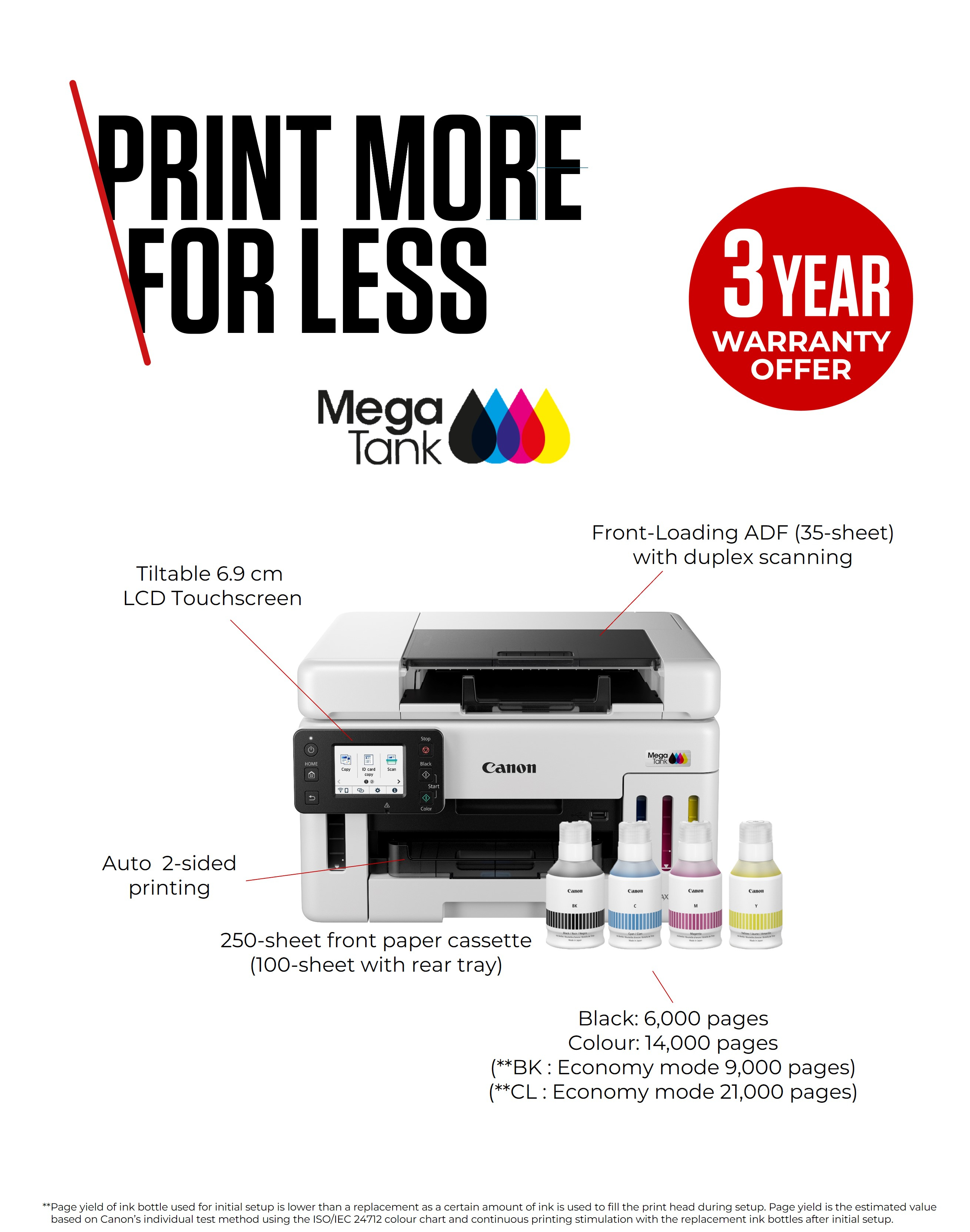
At £455.60 ex-VAT, the Canon MAXIFY GX6550 sits in a “proper office kit” price bracket, so I’d only recommend it if you’re printing enough volume to actually make use of its refillable-tank setup. In day-to-day UK office life, refillable tank printers tend to win on predictable running costs and fewer “panic buys” of cartridges. If your team prints lots of A4 documents, forms, invoices, or spreadsheets with occasional colour, this kind of MAXIFY model is generally a sensible way to keep per-page costs under control without having to babysit ink.
That said, I wouldn’t buy it just for occasional printing or a mostly-colour workload. Tank printers still have their quirks—printhead maintenance, ink management, and occasional alignment/cleaning cycles—so if you’re not printing regularly, you may end up paying money to manage a machine rather than benefit from it. It also isn’t the “set and forget” choice for ultra-fast, heavy-duty production like some laser workflows. If you’ve got a small office or busy department that wants Wi‑Fi convenience and consistent document output, this is the kind of printer that can make sense; if you’re low-volume or hate downtime, look at a simpler cartridge/laser option instead.
Front-only operation and compact printing
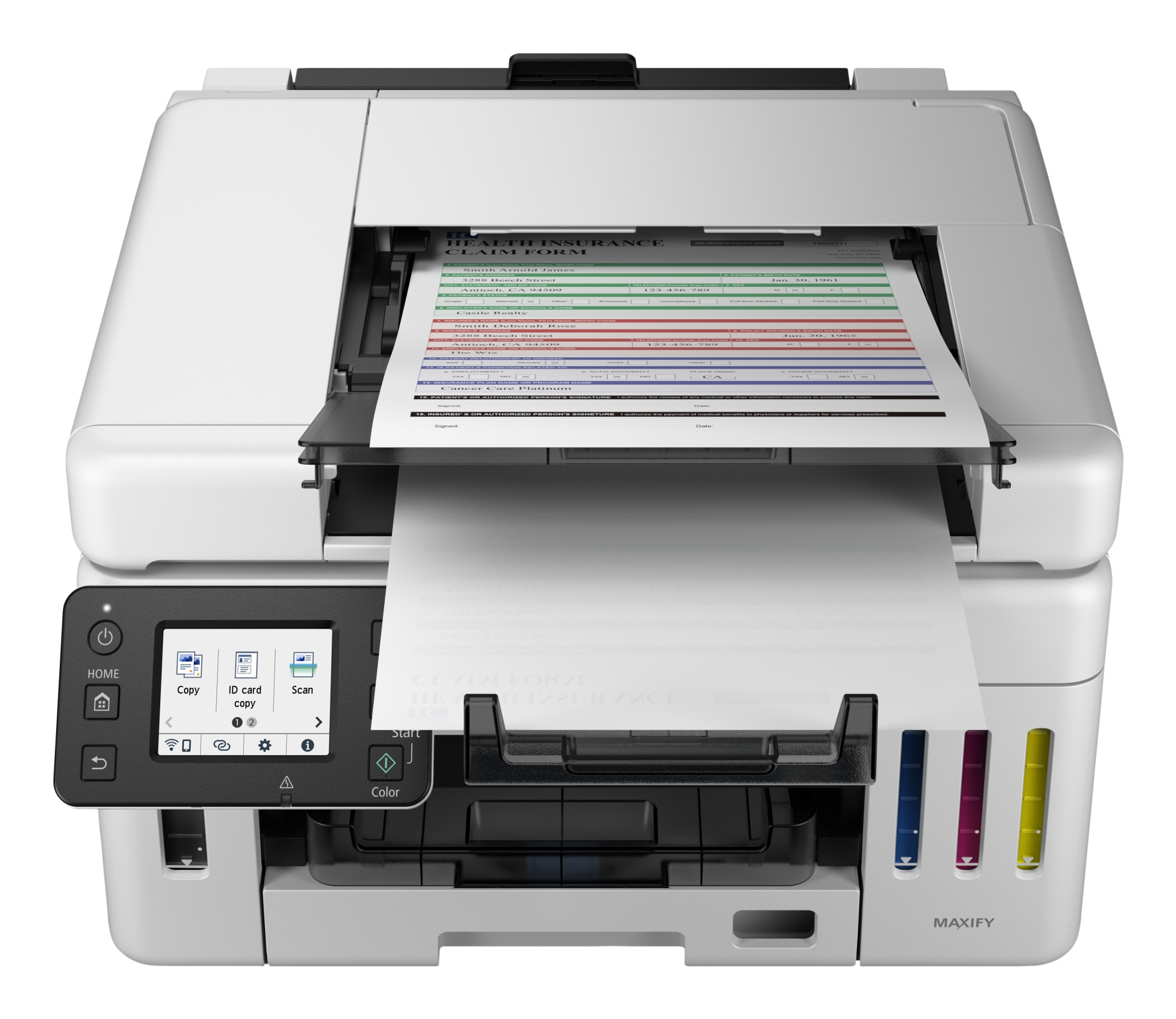
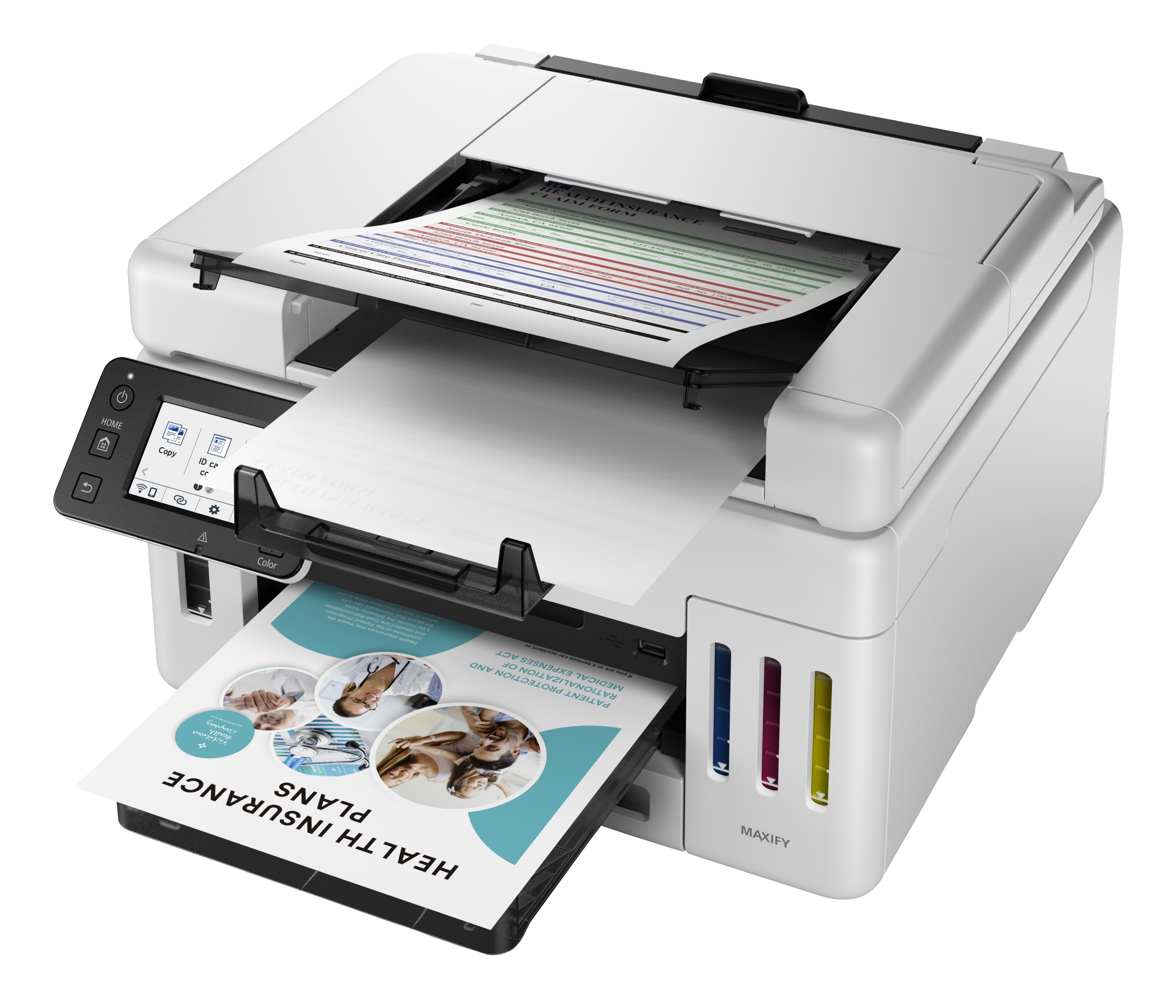
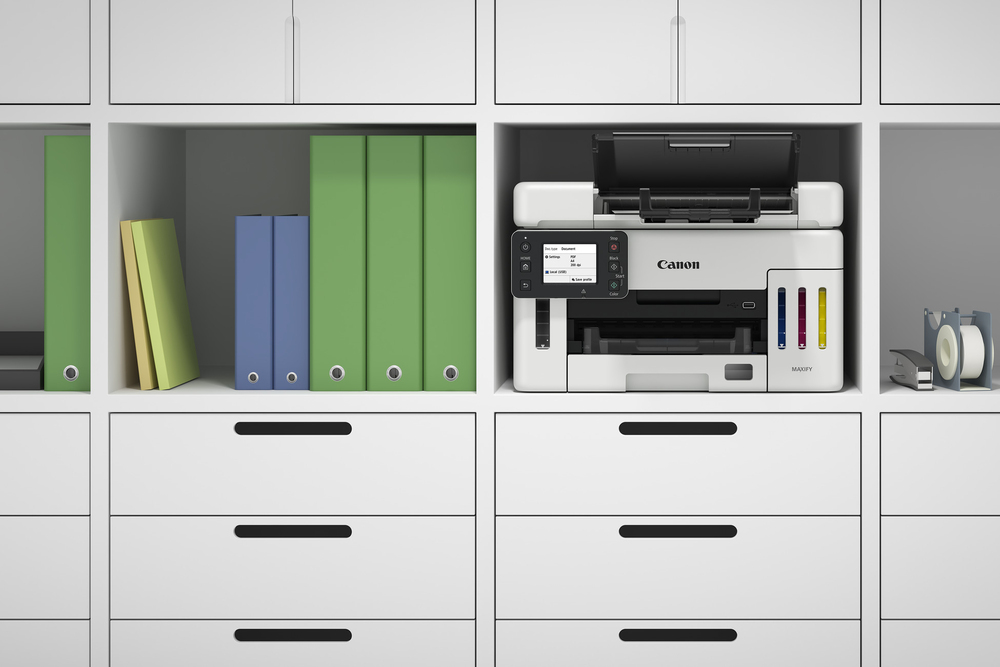
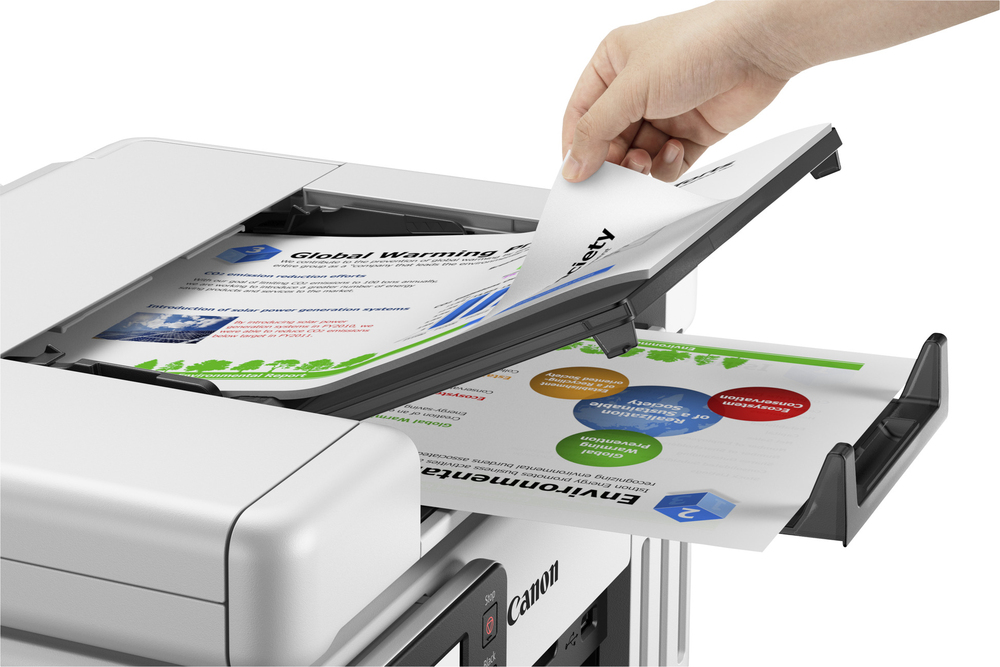
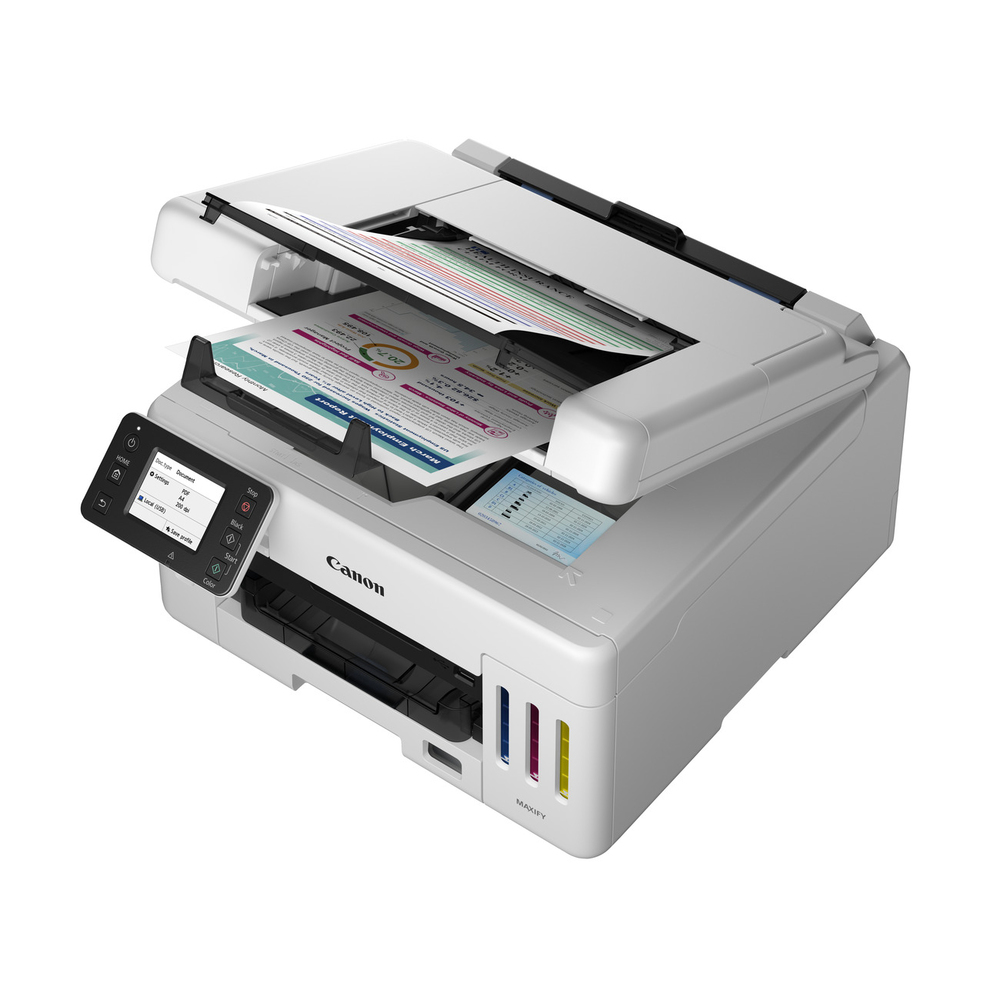
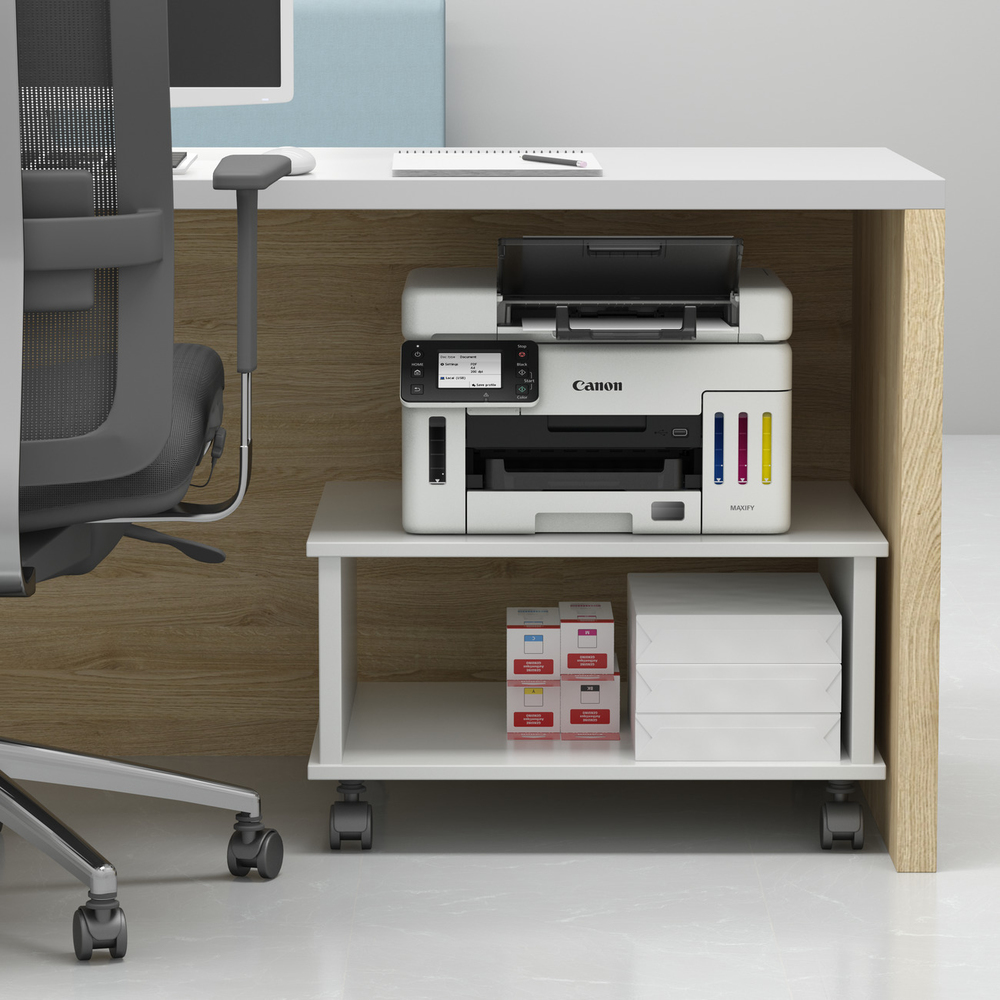
Operate the printer entirely from the front thanks to its front-loading duplex 35-sheet ADF with translucent tray, ideal for confined spaces such as under counters or desks.
Simple, fast card scanning
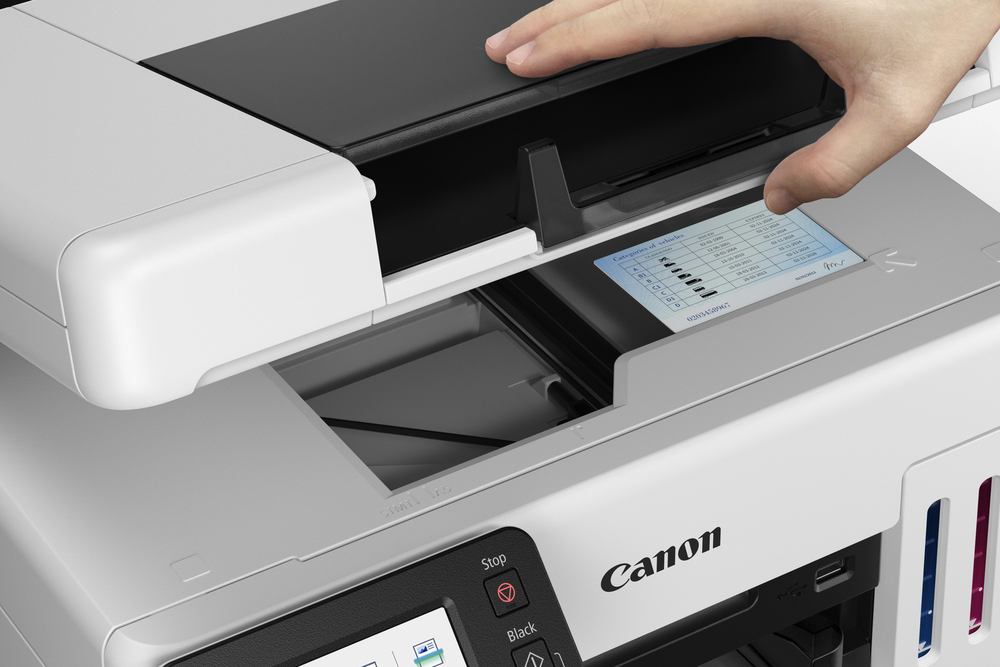
Scan ID cards and small documents quickly and easily with a smart design that removes the need to fully open the scanner.
Low costs that stay low
Benefit from low cost printing with huge yields of 14,000 pages from a set of colour ink bottles or 6,000 pages from a black ink bottle. Switch to Economy mode for even greater savings.
Durable double-sided documents
Print stand-out documents at speeds of 24 ipm in black and 15.5 ipm in colour. Pigment-based inks deliver documents that are marker, friction and water resistant.
Compact yet highly capable
Make light work of busy schedules with a 6.9cm/2.7” colour LCD touch screen, 250 sheet cassette and 100 sheet rear feed. Handle diverse media – even print banners up to 1.2m in length.
Get connected
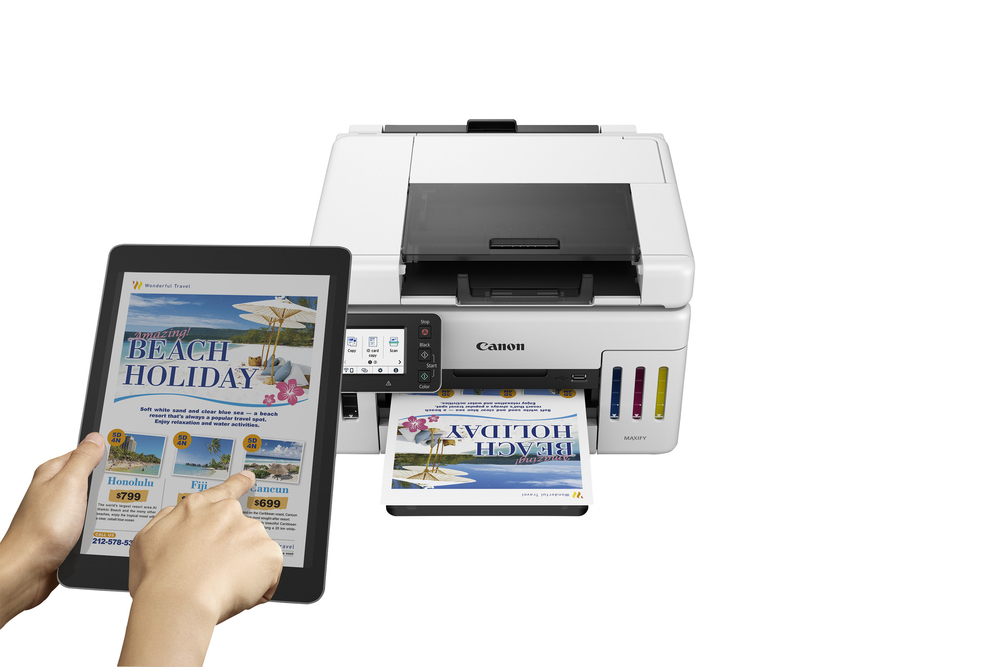
Enhanced security keeps the printer safe on your network, while Wi-Fi allows cable-free printing from the Canon PRINT app, AirPrint, Mopria and the cloud.
Epson
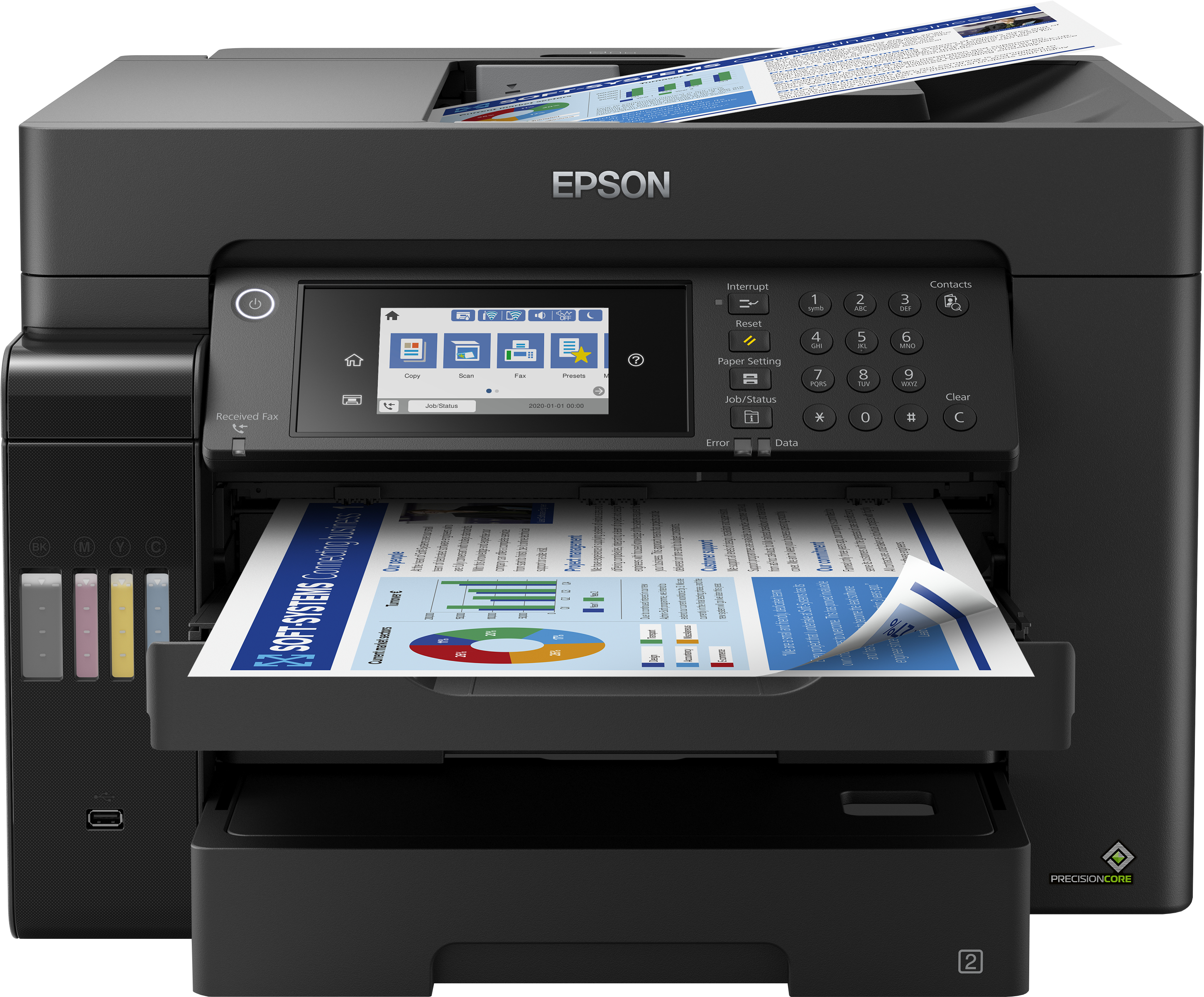
Epson EcoTank ET-16655 Colour A3 Multifuncion Printer. Up to 25ppmipm. Print/Copy/Scan. Duplex. 2 Trays. One set of replacement inks prints up to 7,500 pages in black and 6,000 pages in colour

Epson
Epson EcoTank ET-4800 ET 4800 ET4800 - Multifunction printer - colour - ink-jet - refillable - A4 (media) - up to 10 ppm (printing) - 100 sheets - 33.6 Kbps - USB, LAN, Wi-Fi - black
Canon
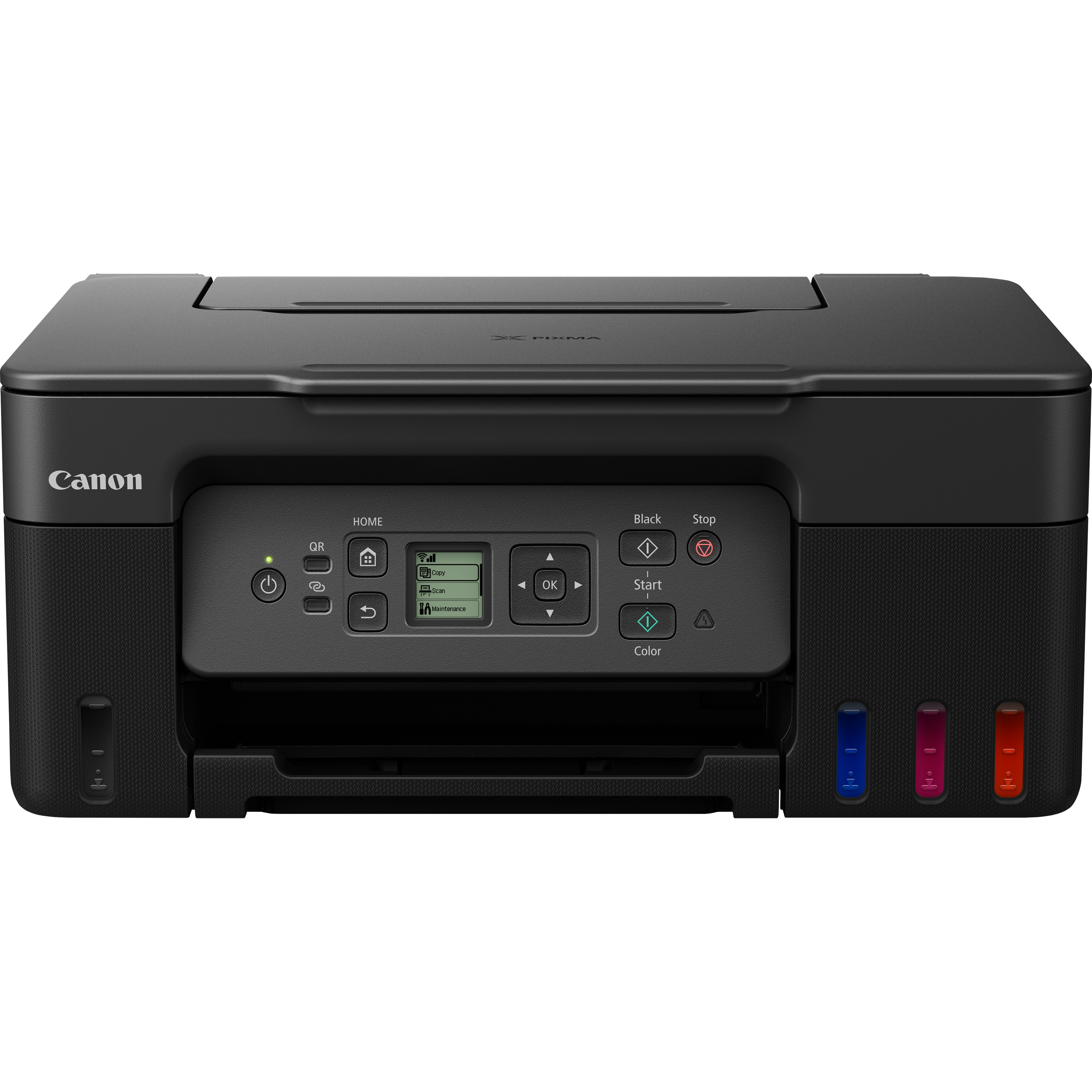
Canon PIXMA G3570 G 3570 MegaTank - Multifunction printer - colour - inkjet - refillable - Legal (216 x 356 mm) (original) - A4/Legal (media) - up to 11 ipm (printing) - 100 sheets - USB 2.0, Wi-Fi(ac) - black
Epson
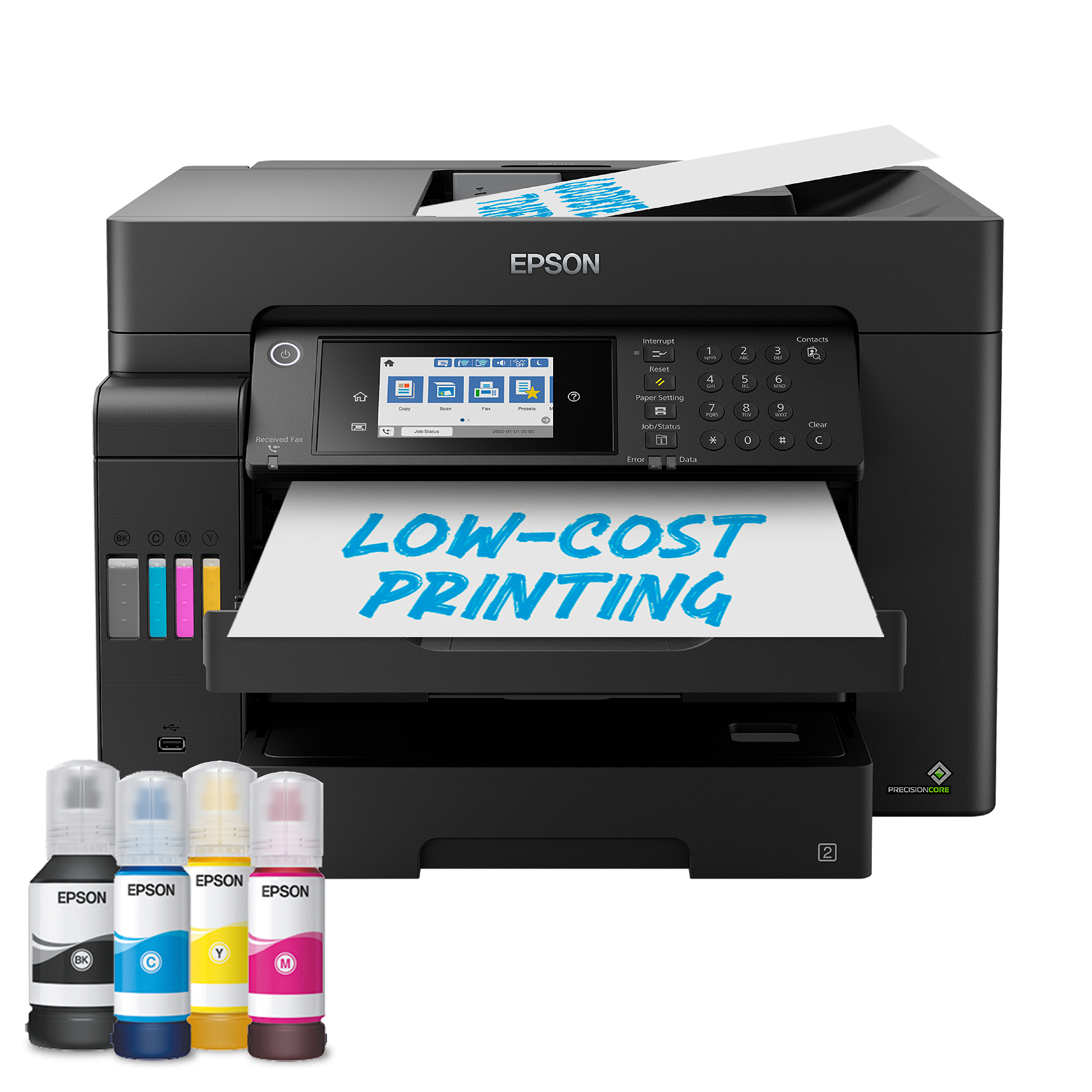
Epson EcoTank ET-16605 Colour A3 Multifuncion Printer. Up to 25ppmipm. Print/Copy/Scan. Duplex. 2 Trays. One set of replacement inks prints up to 7,500 pages in black and 6,000 pages in colour