- Internet & Connectivity
Understanding Internet Peering and Why It Matters
18 Mar, 2026
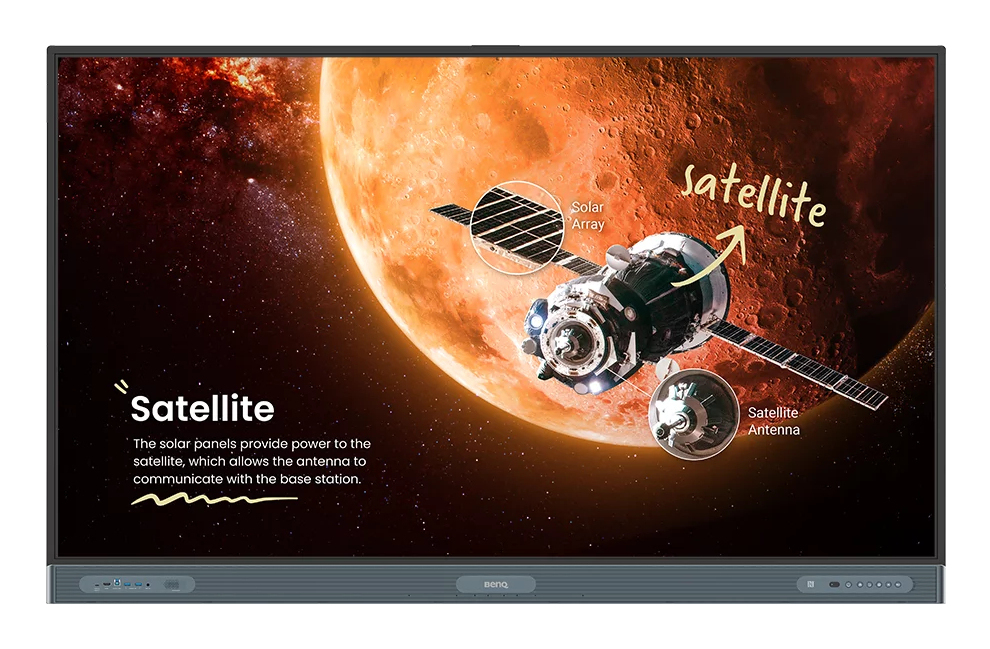
£3725.72 inc. VAT
AI-generated summary
The BenQ Board Pro RP7504 is the kind of big, premium interactive display that makes sense when you’re genuinely going to run lots of collaboration sessions, not just “project slides” twice a month. At 75", the footprint is right for meeting rooms and training spaces where people need to see content clearly from a few seats back. The appeal of BenQ here is the usual: it feels built for real work (annotation, touch responsiveness, and day-to-day reliability), and the software experience tends to be less painful than some cheaper rivals once your team starts using it properly.
That said, at £3,104.77 ex-VAT, it’s not a casual purchase. You should only buy this if you have (1) users who will actively use the interactive features and (2) a deployment plan—because the value is in the workflow, not the size. If you mainly need a display for presentations, you’d likely get better value spending less on a non-interactive screen (or a smaller interactive) and putting the budget into better content/control—especially if you’re cost-sensitive. Also check your room setup: 75" can be brilliant or just awkward depending on seating distance and mounting height, so measure before committing.
**Who should buy:** teams in UK SMEs/education/enterprise with frequent workshops, whiteboarding, and training, where staff will actually touch and annotate daily. **Who shouldn’t:** organisations buying mainly for “future-proofing” or occasional meetings—unless you’re confident usage will be high, the premium won’t feel justified.
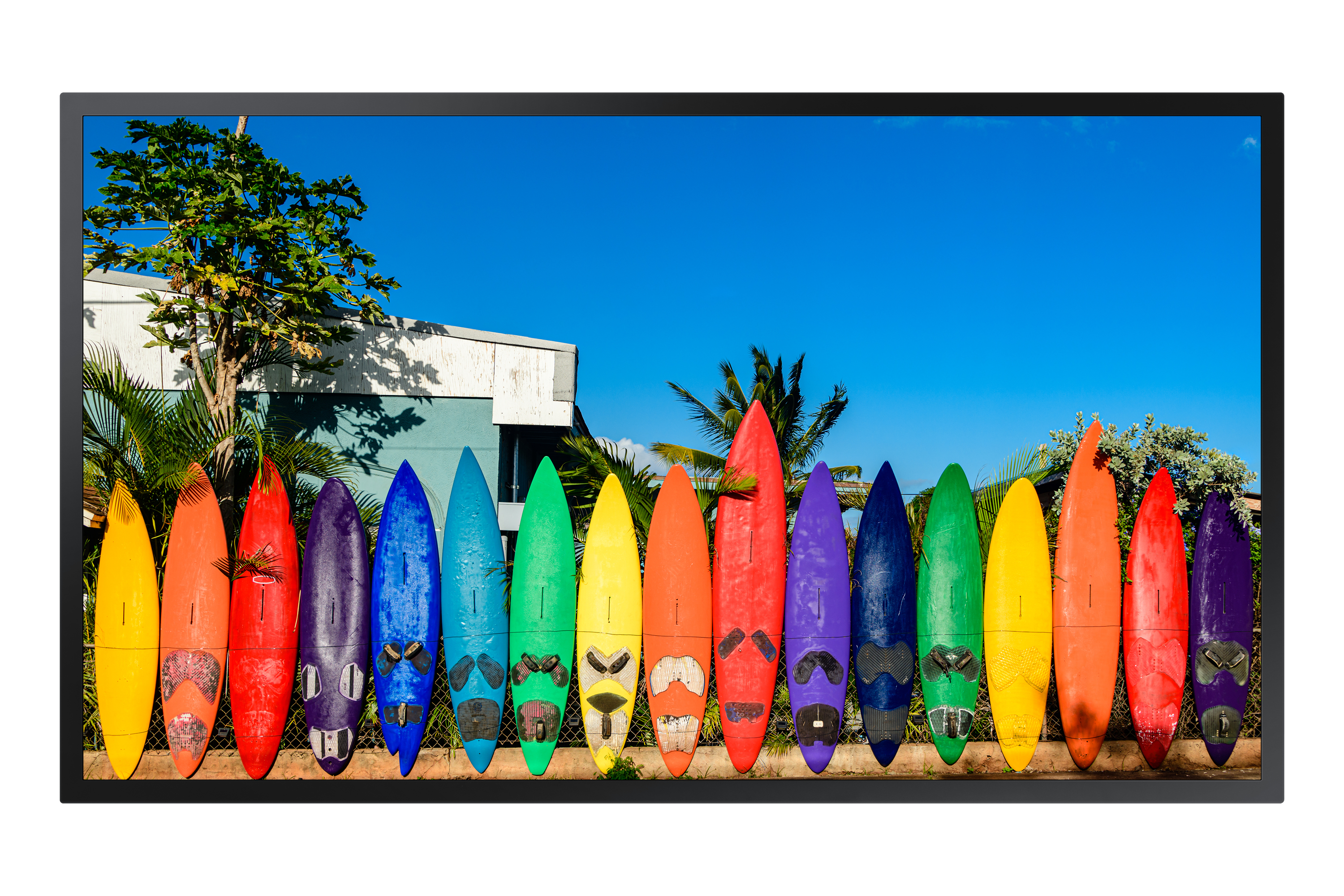
Samsung
Samsung OM55B - 55" Diagonal Class OMB Series LED-backlit LCD display - digital signage - Tizen OS - 4K UHD (2160p) 3840 x 2160
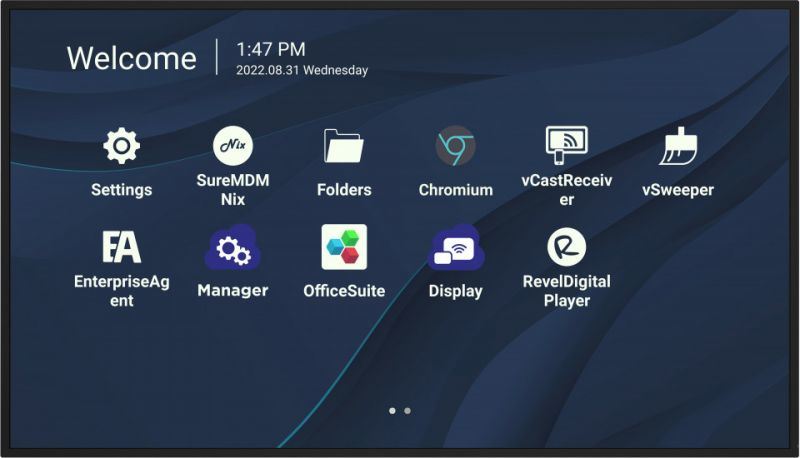
ViewSonic
ViewSonic CDE9830 - 98" Diagonal Class CDE30 Series LED-backlit LCD display - digital signage - with built-in SoC media player - Android - 4K UHD (2160p) 3840 x 2160 - Direct LED

Samsung
Samsung QB55C-N - 55" Diagonal Class QBC Series LED-backlit LCD display - Crystal UHD - digital signage - Tizen OS - 4K UHD (2160p) 3840 x 2160
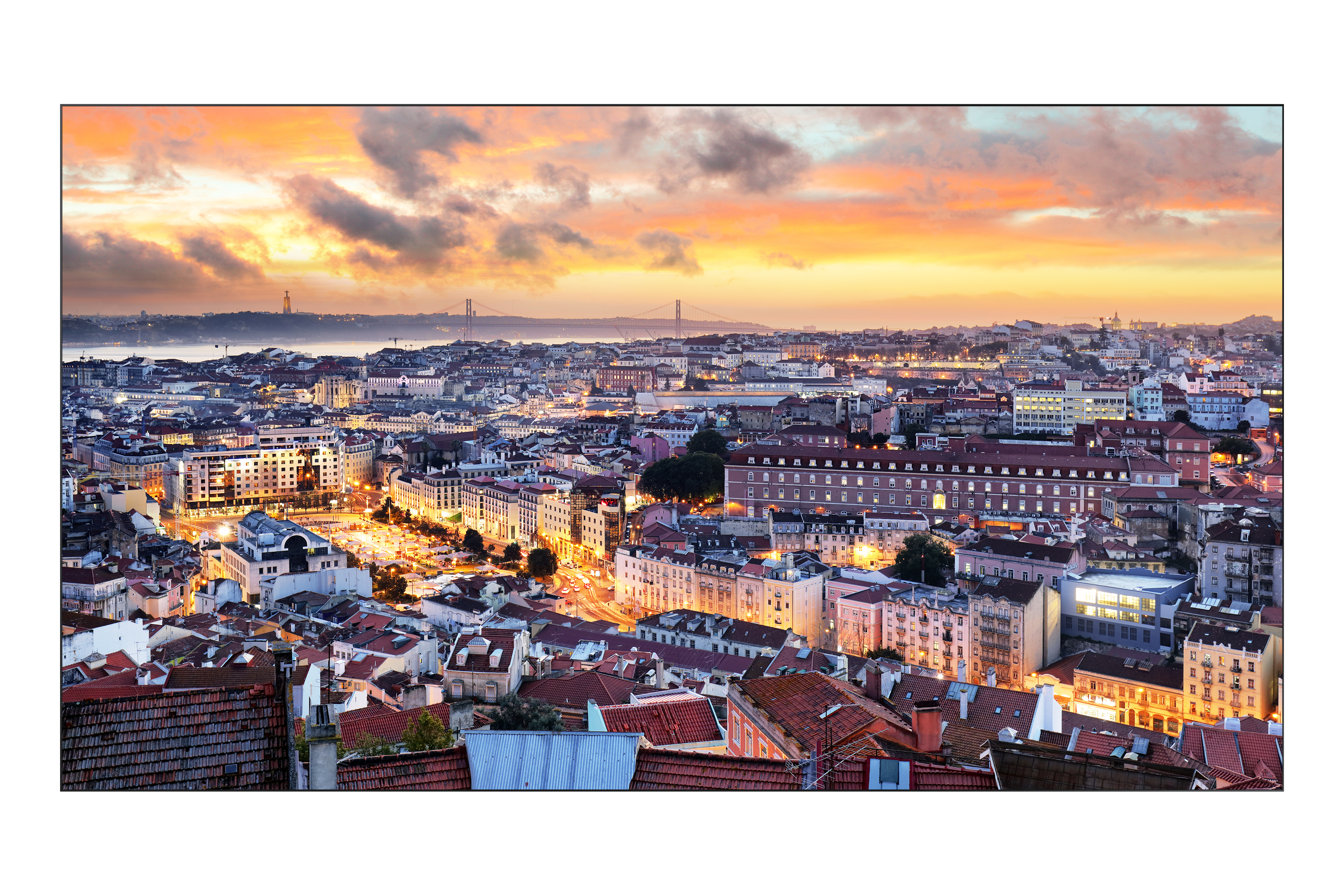
Samsung
Samsung VH55C-E - 55" Diagonal Class VHB-E Series LED-backlit LCD display - digital signage - 1080p 1920 x 1080 - black