- Virtual CIO
How to Conduct a Technology Needs Assessment
26 Oct, 2025

£396.96 inc. VAT
AI-generated summary
The ASUS ZenScreen MB16AMTR is a decent “second screen” option, but at **£330 ex-VAT** it needs to earn its keep. A 15.6” touchscreen portable monitor is genuinely handy for sales calls, on-site demos, field work, and anyone who lives in meetings with a laptop—touch can make quick reviews and sign-off workflows easier than hunting for a mouse. The ZenScreen line is also well known for being lightweight and travel-friendly, so if you actually carry a screen around, it makes more sense than a larger, heavier portable setup.
That said, I wouldn’t buy it if your main goal is productivity at your desk. On size alone, you’re not getting the comfortable workspace you’d expect for the money, and touchscreen adds cost without always adding value in a business setting. If you’re tempted because it’s “Full HD,” just remember it’s still a small panel—great for brief work and reference, less great for hours of spreadsheet/BI work. If you need a portable touch display specifically and will use it regularly, it’s a sensible tool. If not, you can almost certainly get a bigger, more ergonomic non-touch business monitor for the same budget and be happier day-to-day.
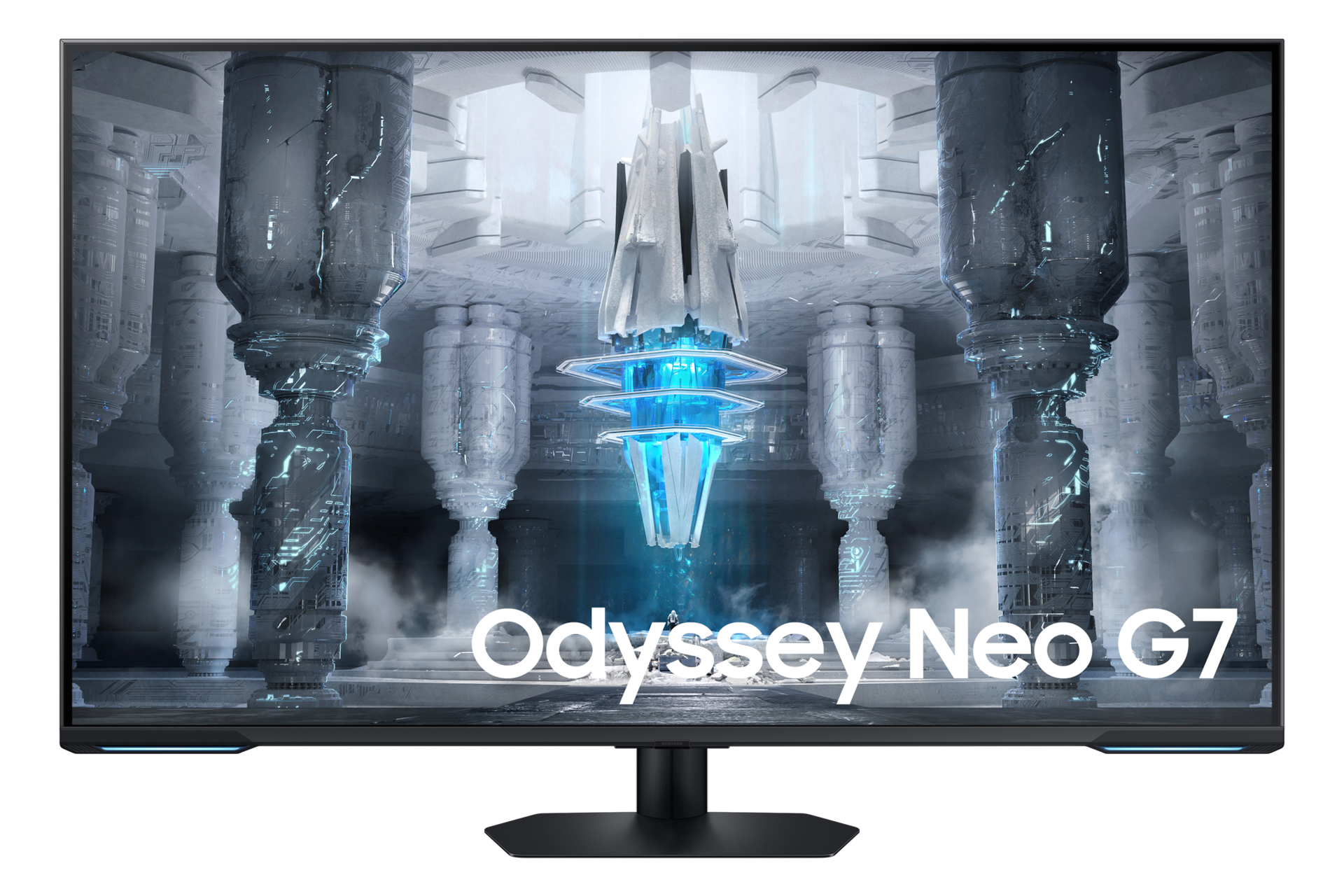
Samsung
Samsung Odyssey Neo G7 S43CG700NU - G70NC Series - QLED monitor - Smart - gaming - 43" - 3840 x 2160 4K @ 144 Hz - VA - 400 cd/m� - 4250:1 - DisplayHDR 600 - 1 ms - 2xHDMI, DisplayPort - speakers - black, white
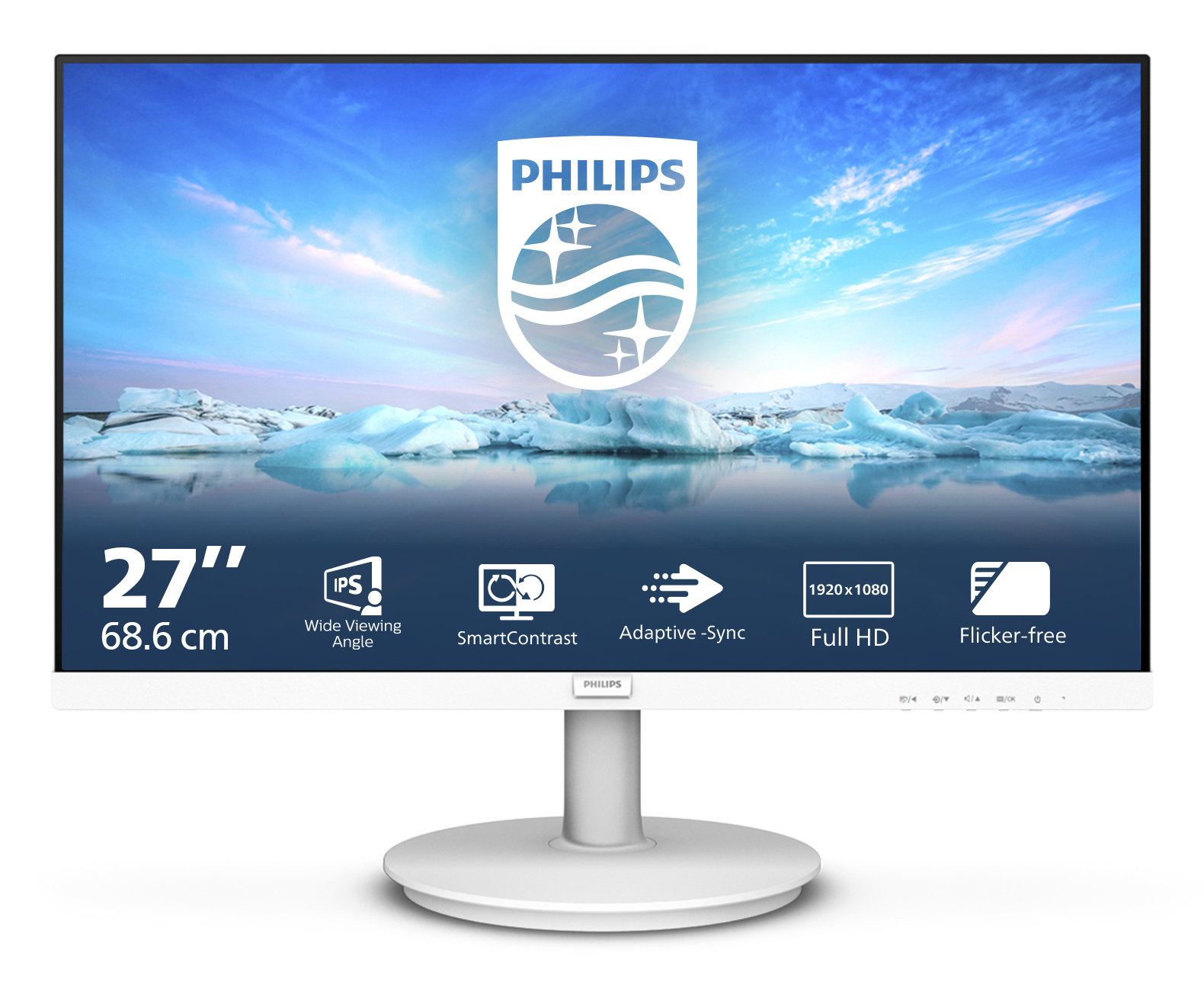
Philips
Philips V-line 271V8AW - LED monitor - 27" - 1920 x 1080 Full HD (1080p) @ 75 Hz - IPS - 250 cd/m� - 1000:1 - 4 ms - HDMI, VGA - speakers - textured white
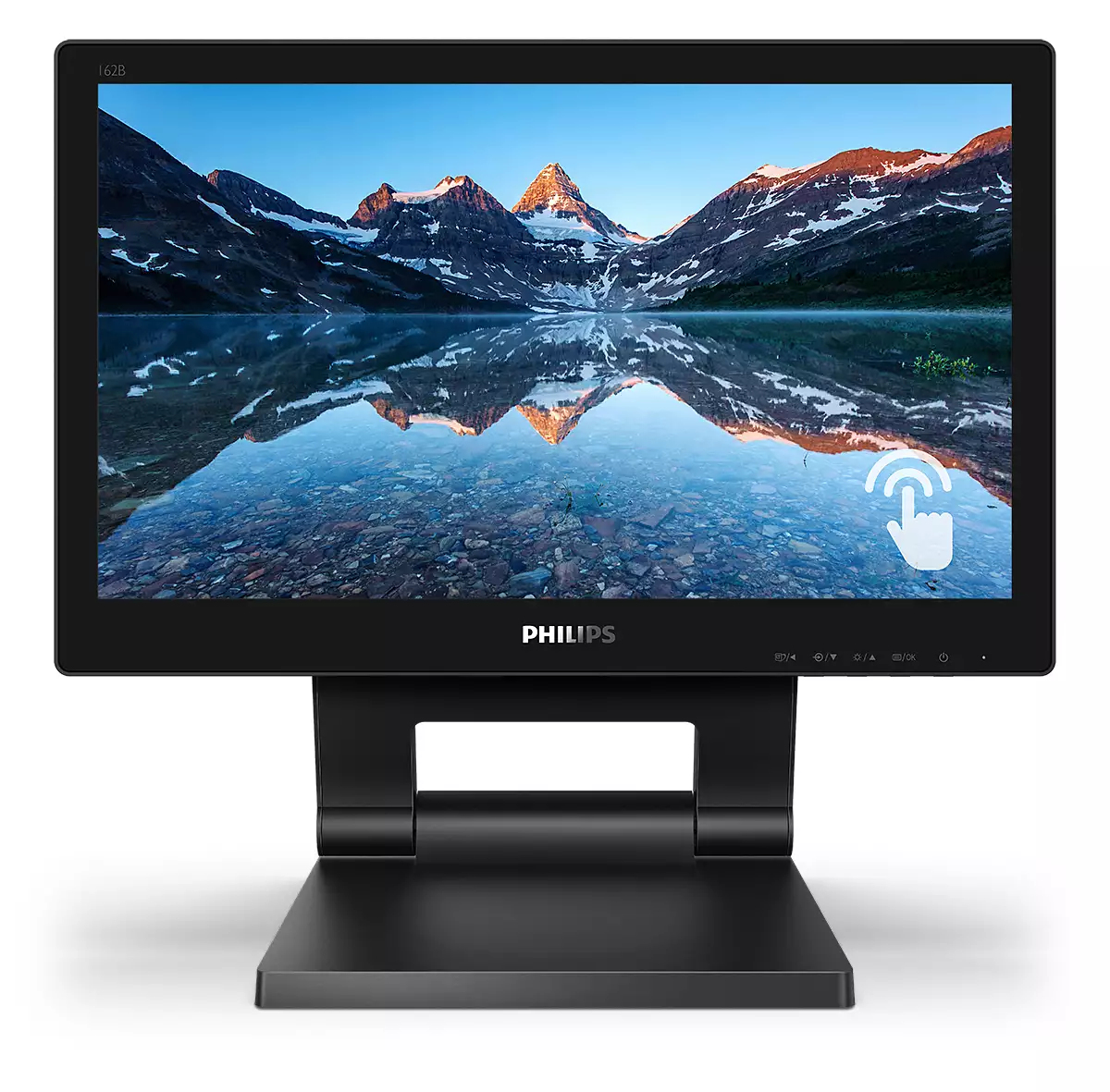
Philips
Philips B Line 162B9T - LED monitor - 16" (15.6" viewable) - touchscreen - 1366 x 768 @ 60 Hz - TN - 220 cd/m� - 500:1 - 4 ms - HDMI, DVI, DisplayPort, VGA - speakers - black texture
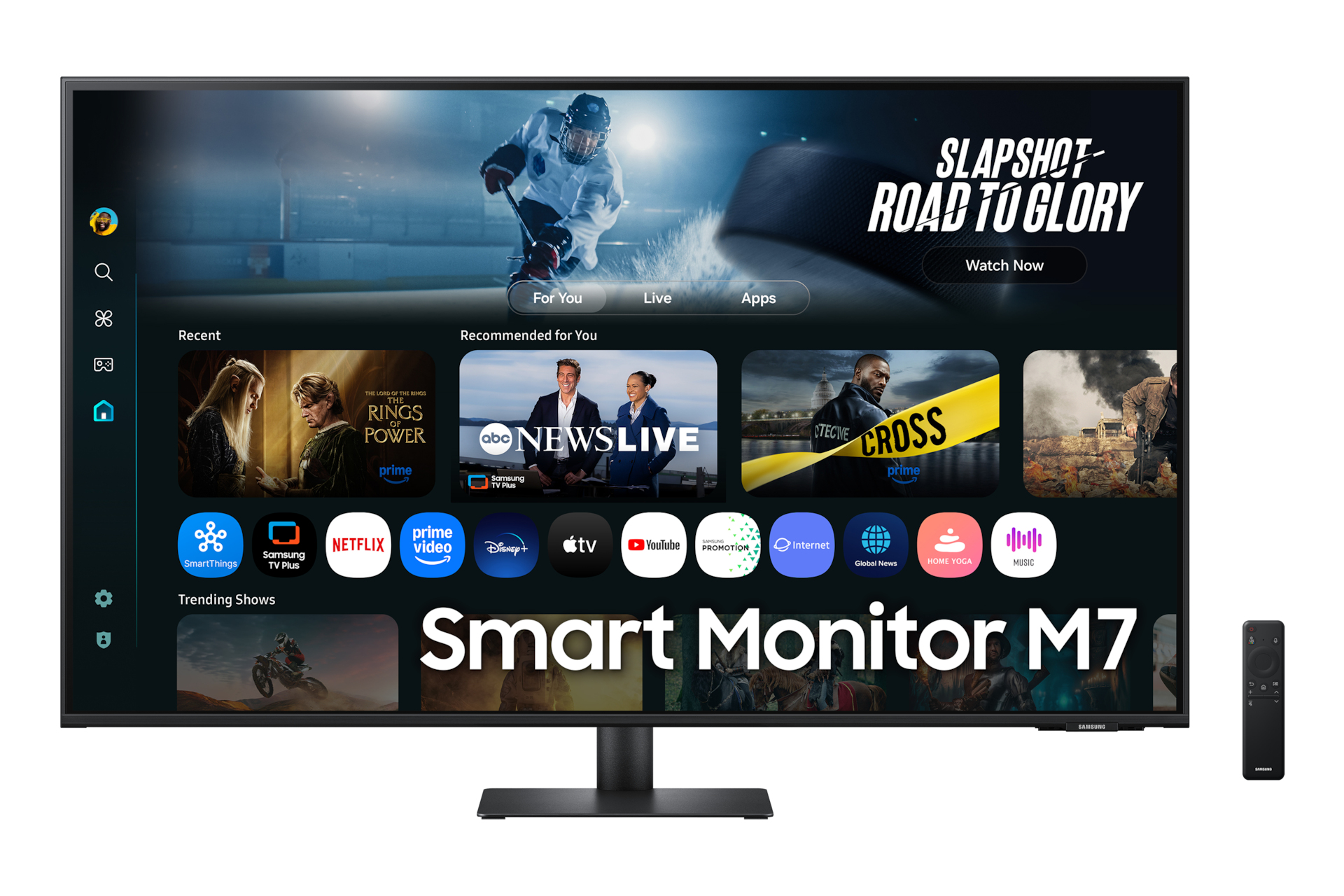
Samsung
Samsung S43FM702UU - M70F Series - LED monitor - Smart - 43" - 3840 x 2160 4K UHD (2160p) @ 60 Hz - VA - 300 cd/m� - 5000:1 - HDR10 - 4 ms - 2xHDMI, USB-C - speakers - black