- Cloud Backup
The Guide to Disaster Recovery Planning for SMEs
11 Mar, 2026
£46.86 inc. VAT
AI-generated summary
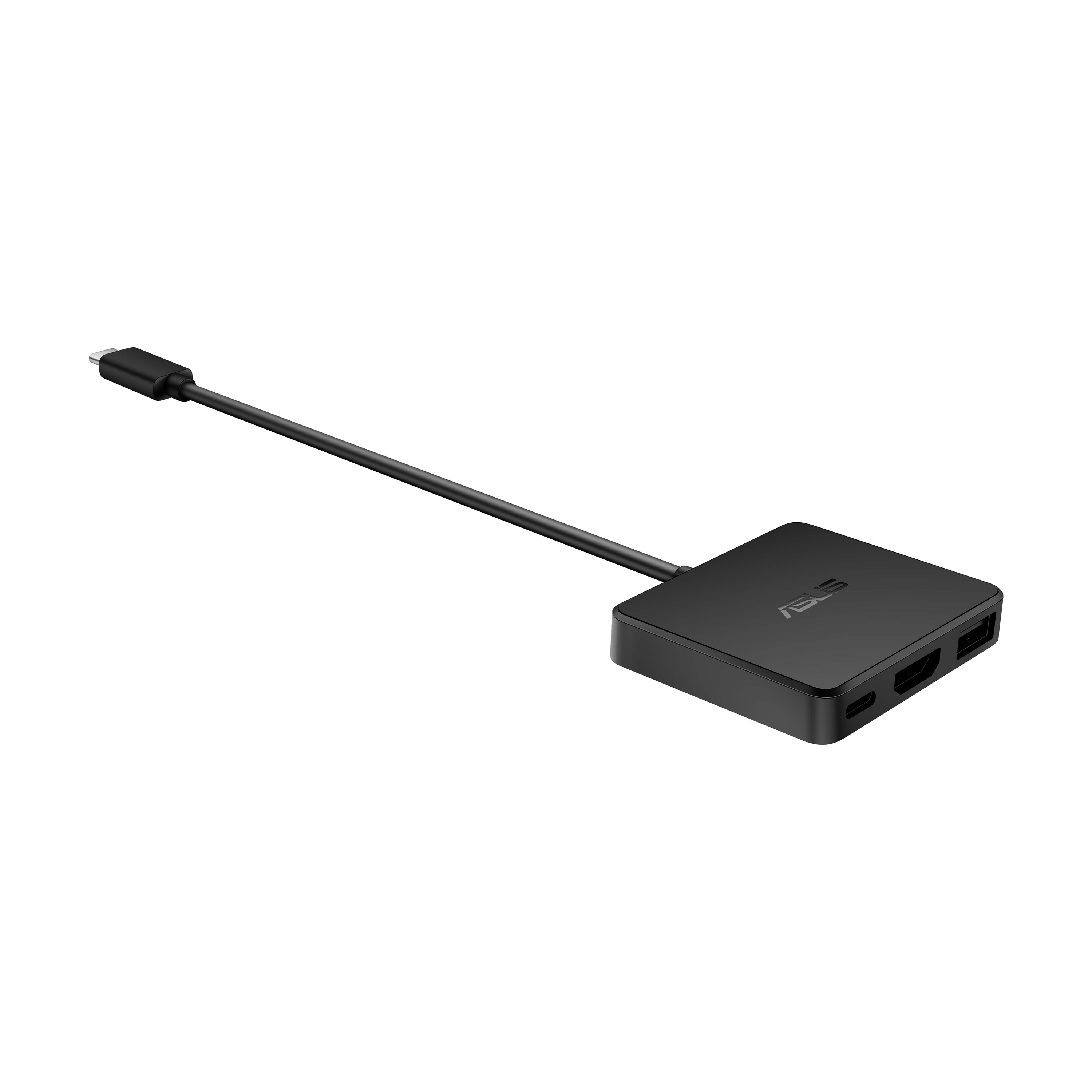
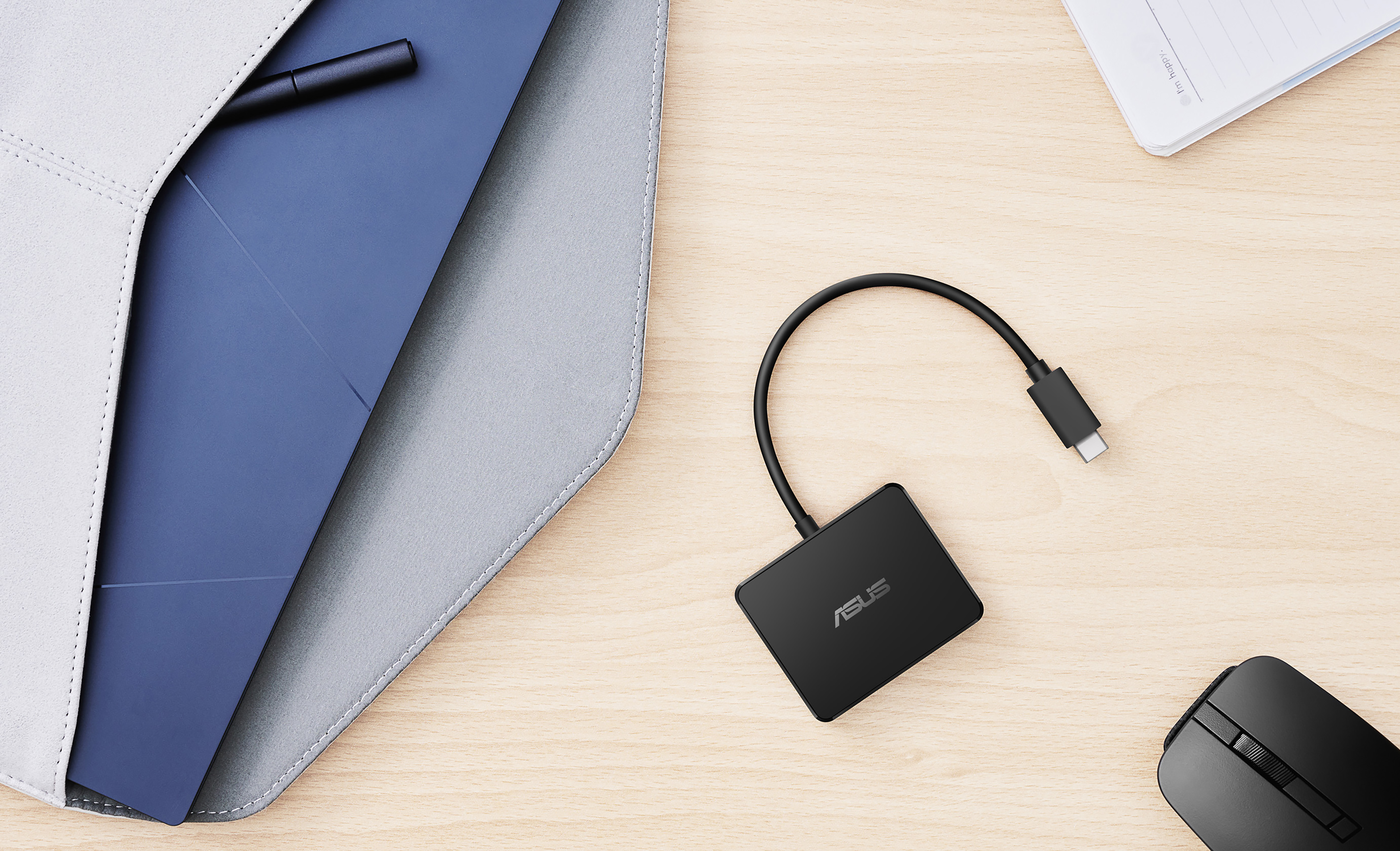
For £38.88 ex-VAT, this ASUS mini USB‑C dock is the kind of “always useful” accessory that earns its keep in offices where people bounce between a few desks or meeting rooms. It’s ideal if you mainly need extra ports off a laptop’s USB‑C without carrying a full docking station—think quick plug-in for peripherals (keyboard/mouse, basic storage, dongles) and a bit of breathing room on ports. The fact it’s wired rather than a bulky dock also means fewer moving parts and less hassle when you’re swapping setups.
That said, don’t buy it expecting “dock replacement” benefits. Mini docks like this can be great for everyday convenience, but they’re not the same league as true business docking stations for multi-monitor reliability, charging throughput, or stable performance under heavier day-to-day workloads. If you’ve got demanding peripherals, multiple displays, or you want one-cable-to-the-desk simplicity, you’ll likely be disappointed and end up spending more later anyway. If your goal is budget expansion of ports for a single-screen user (or mostly peripherals) and you want good value per desk, then yes—this is a sensible buy.
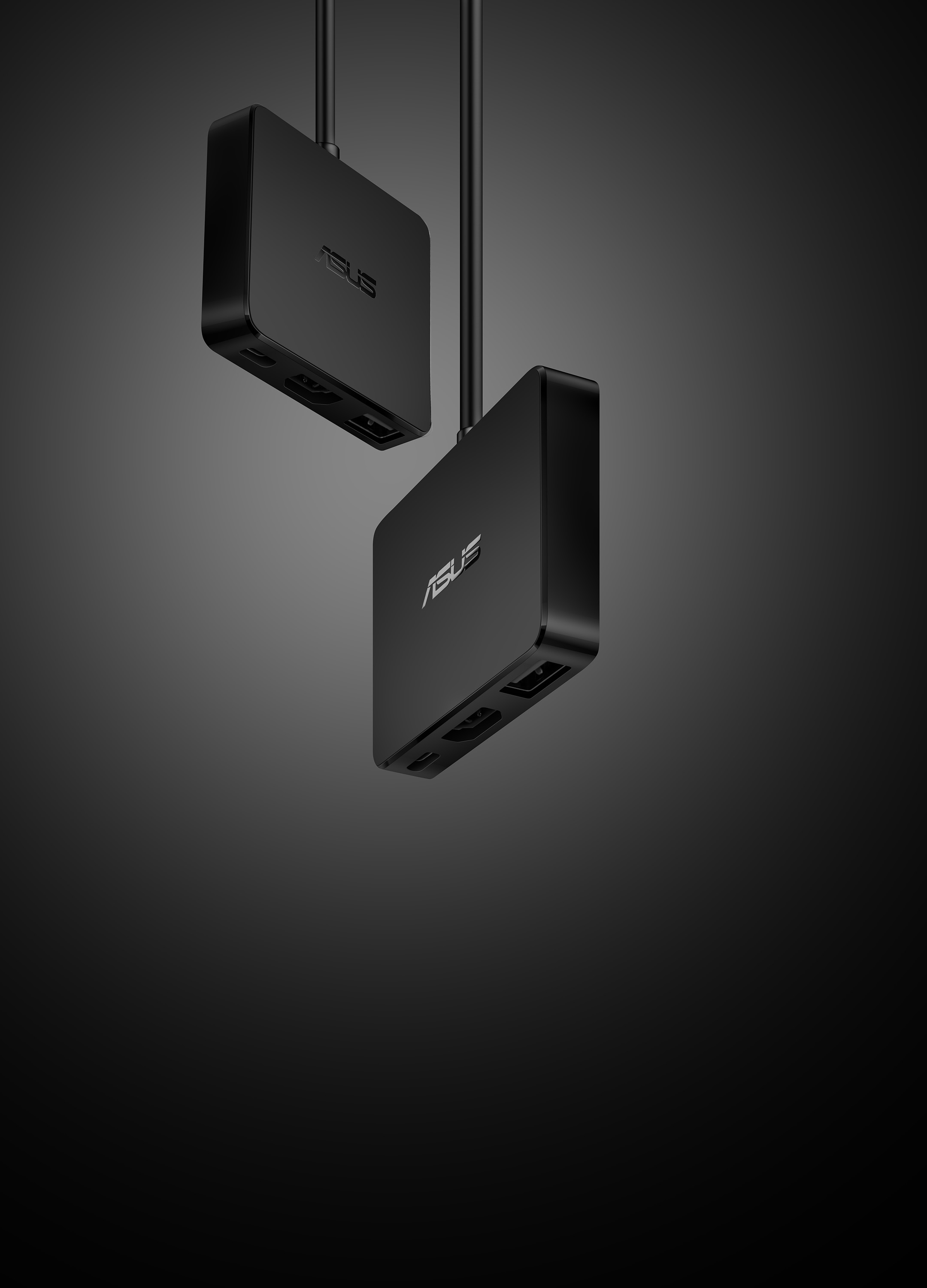
Small in Size. Big on Features.
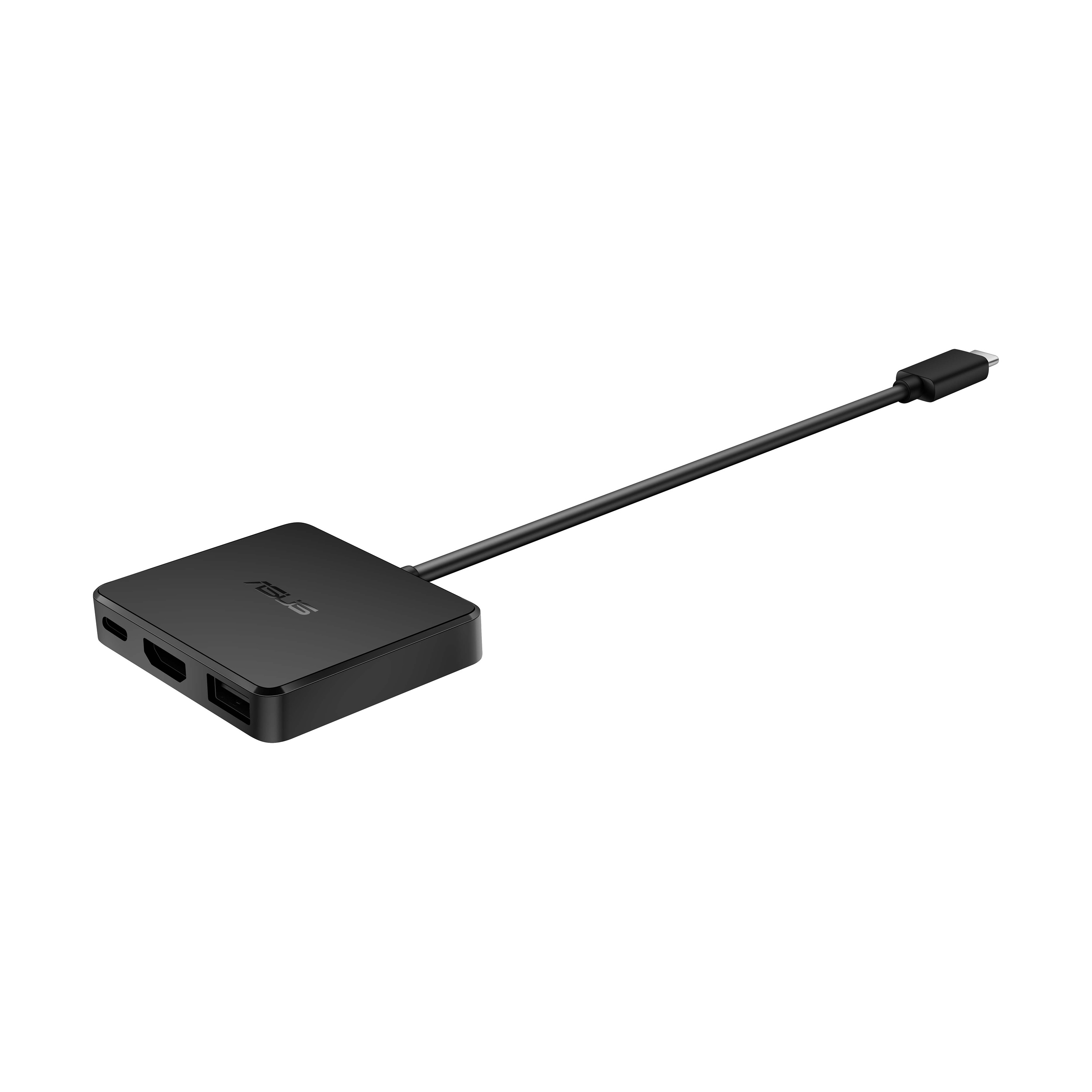
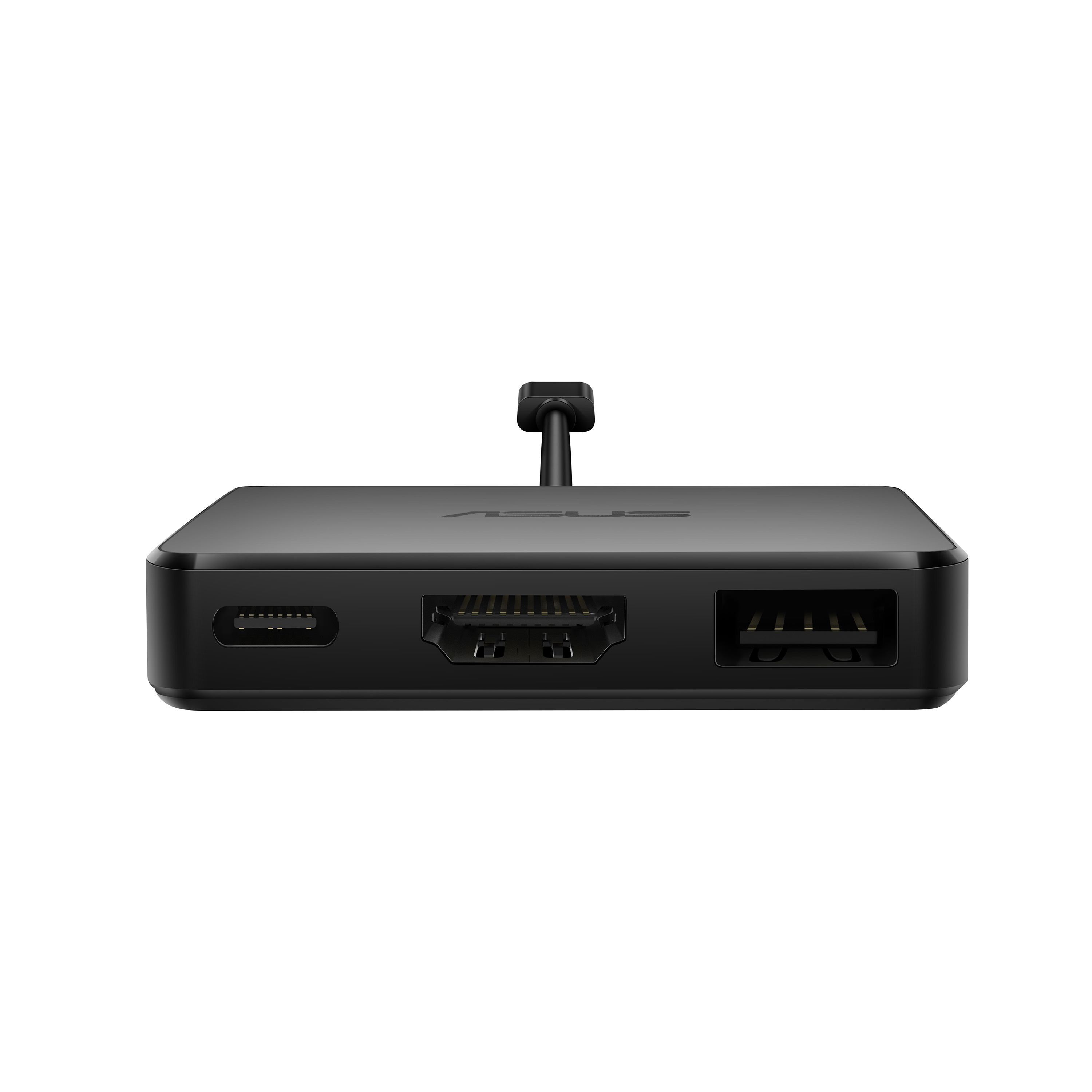
ASUS USB-C Mini Dock is a compact and lightweight USB-C® dock that gives PCs and laptops additional expandability options. It features a HDMI® with 4K output, USB Type-A and USB-C for up to 10 Gbps...
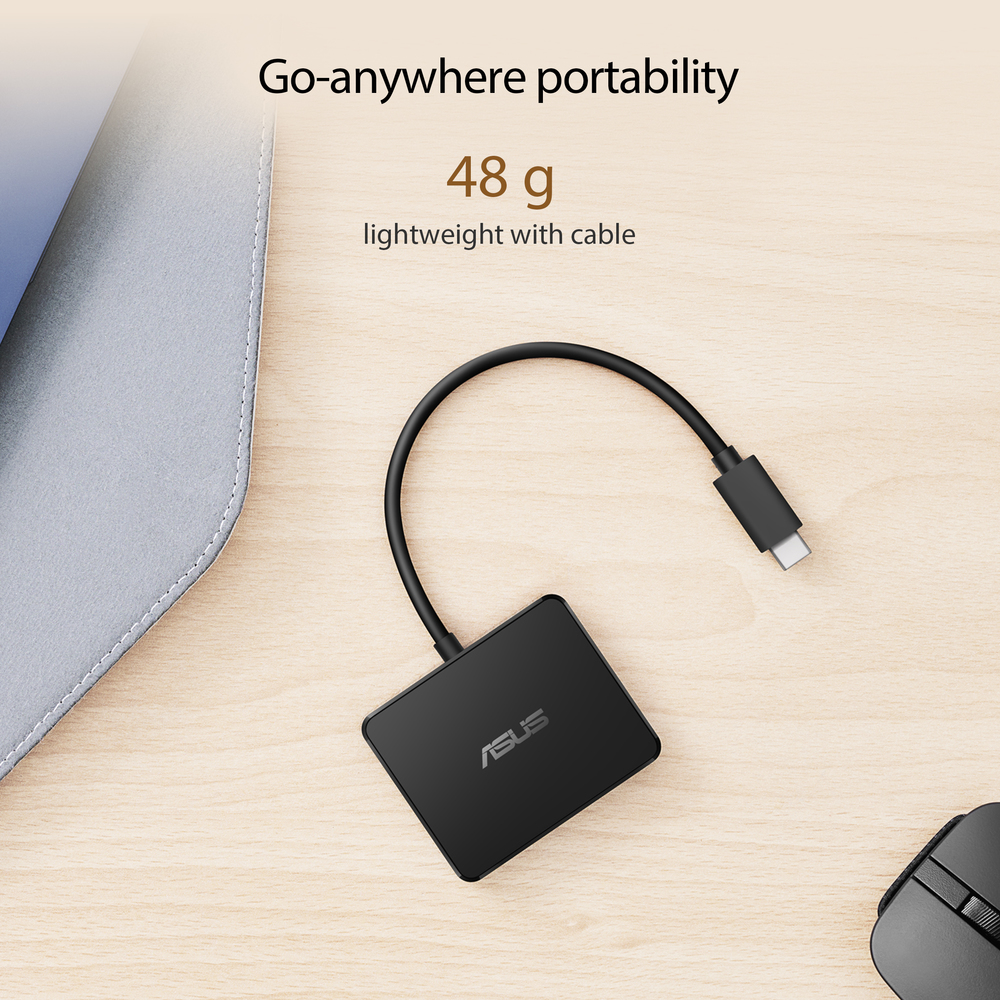
Go-anywhere portability
ASUS USB-C Mini Dock has a slim 11.35 mm profile and weighs just 48 g, making it perfect for on-the-go productivity.
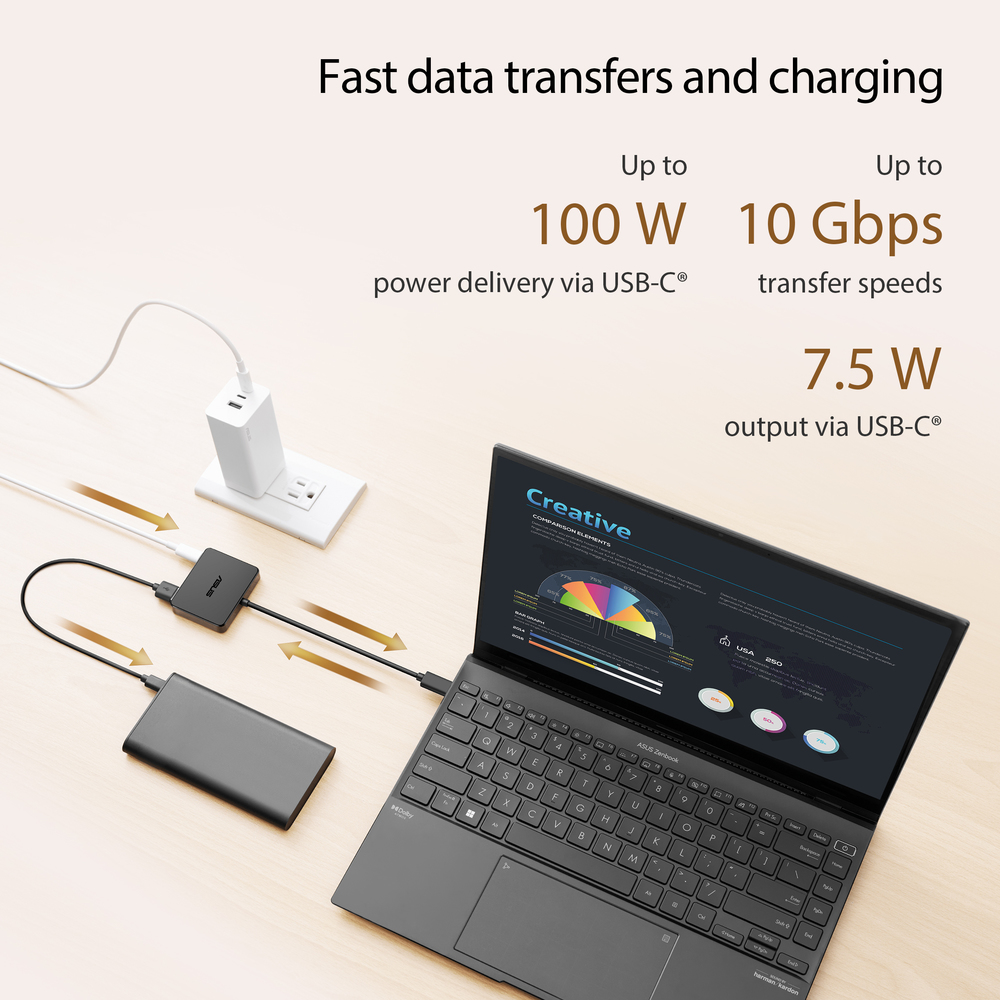
Fast data transfers and charging
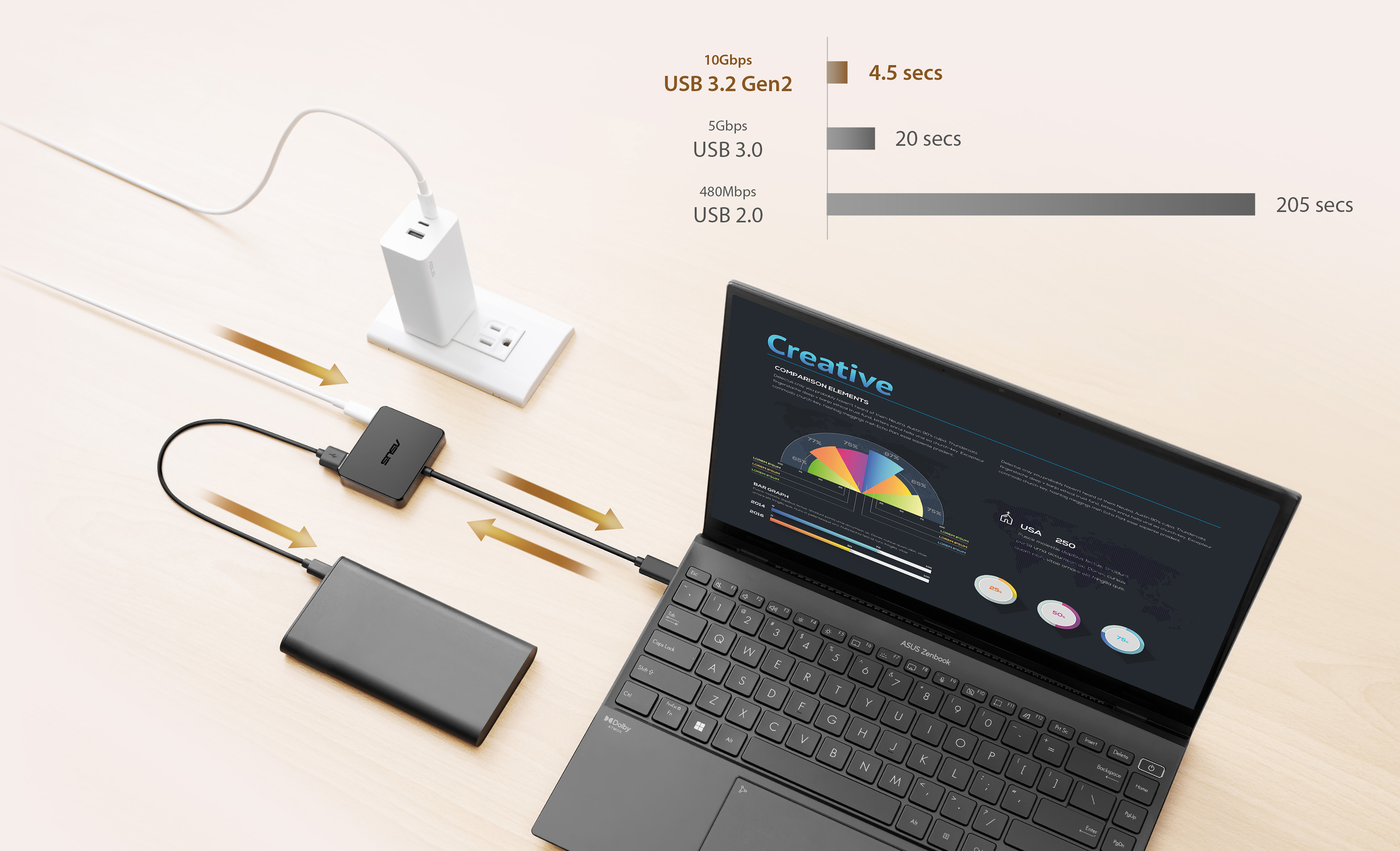
ASUS USB-C Mini Dock features 100 W power delivery passthrough via USB-C® — that’s enough to rapidly charge the latest laptops. ASUS USB-C Mini Dock offers up to 10 Gbps data transfer speeds via US...
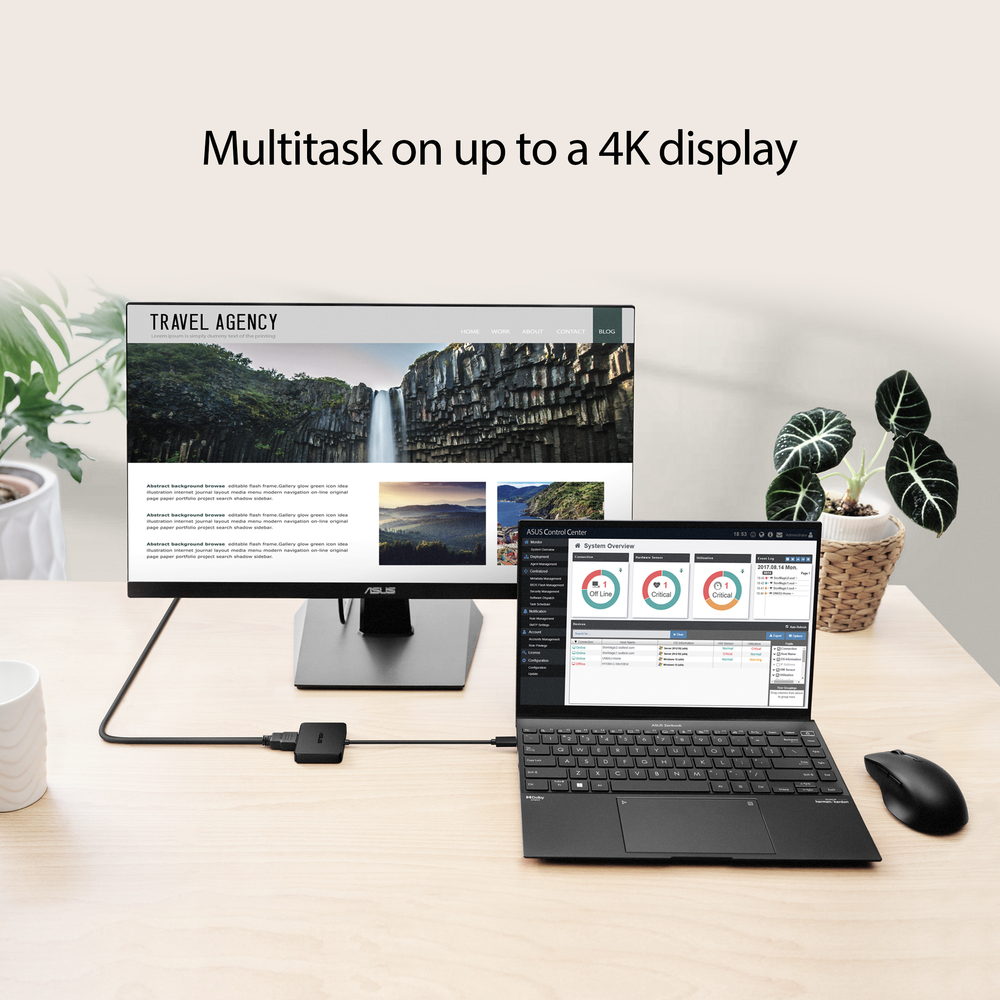
Multitask on up to a 4K display
ASUS USB-C Mini Dock is able to support 2K video at 144 Hz, or up to a single 4K display, via HDMI to extend workspace for efficient multitasking.
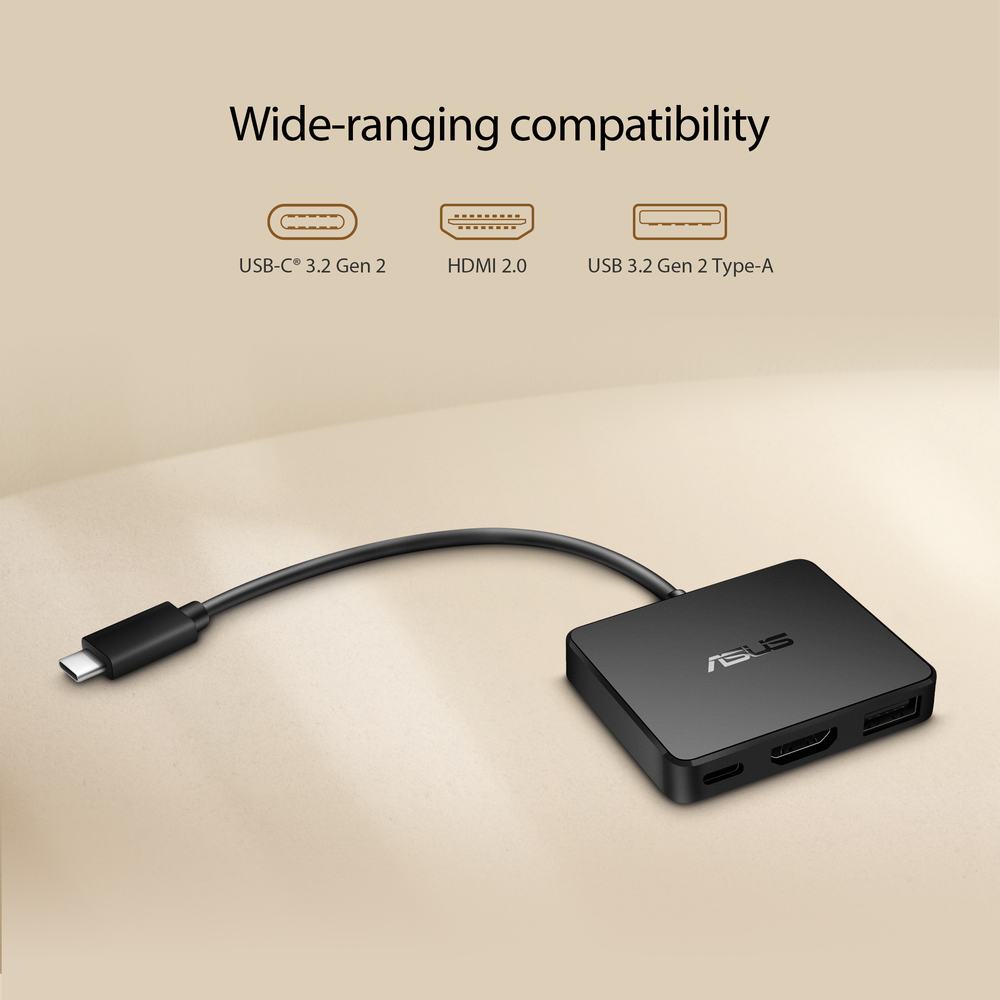
Wide-ranging compatibility
ASUS USB-C Mini Dock features an USB-C® port, USB Type-A port, and a HDMI port. Each I/O port has been tested to ensure product durability. Included overload force tests, durability tests, vibratio...
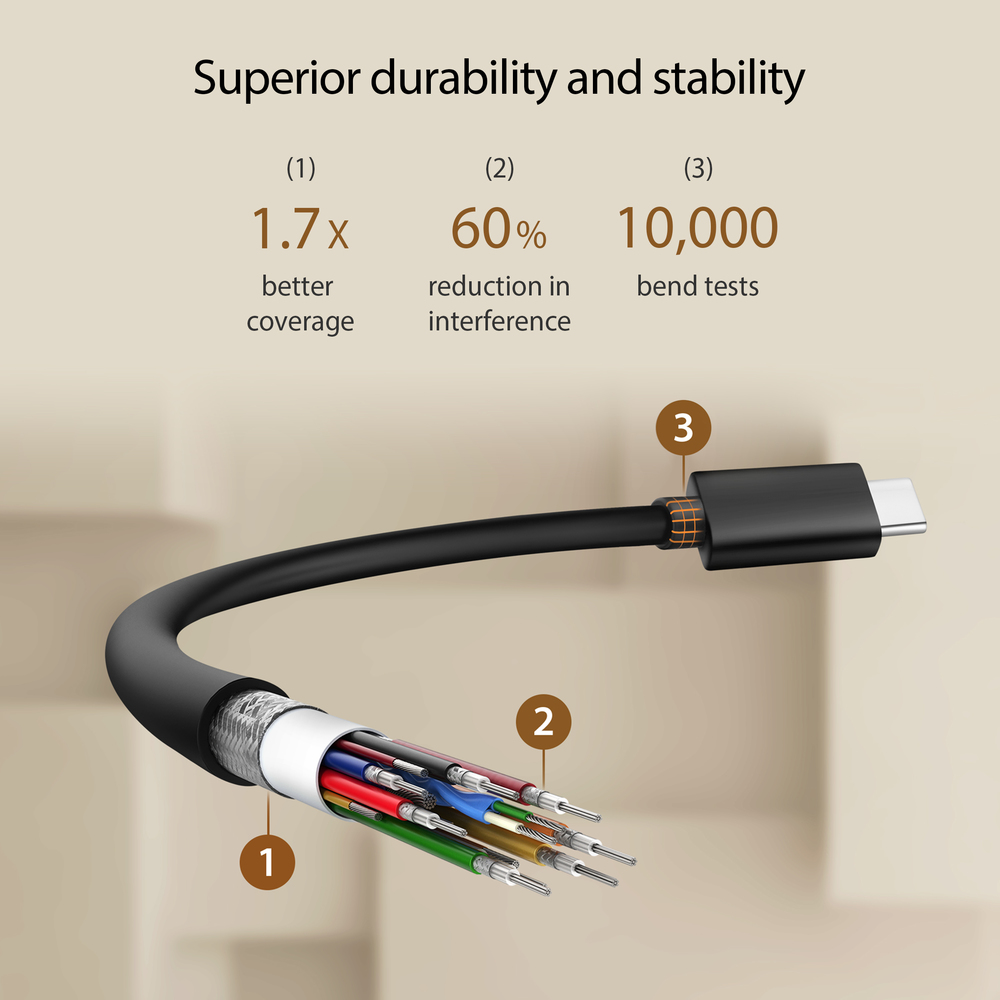
Superior durability and stability
For improved strength and resilience ASUS USB-C Mini Dock has a connecting cable that’s shielded by an aluminum braid that provides up to 1.7x better coverage than standard cables. This minimizes t...

TARGUS HARDWARE
HyperDrive Next - Storage enclosure - SSD - M.2 - M.2 NVMe Card / PCIe 4.0 (NVMe) - USB4

STARTECH
StarTech.com USB C Multiport Adapter with HDMI, VGA, Gigabit Ethernet & USB 3.0, USB C to 4K HDMI or 1080p VGA Display Mini Dock Hub, USB Type-C Travel Docking Station for USB-C Laptops - Portable USB-C Dock (DKT30CHVCM) - Docking station - USB-C - VGA, HDMI - 1GbE
TARGUS HARDWARE
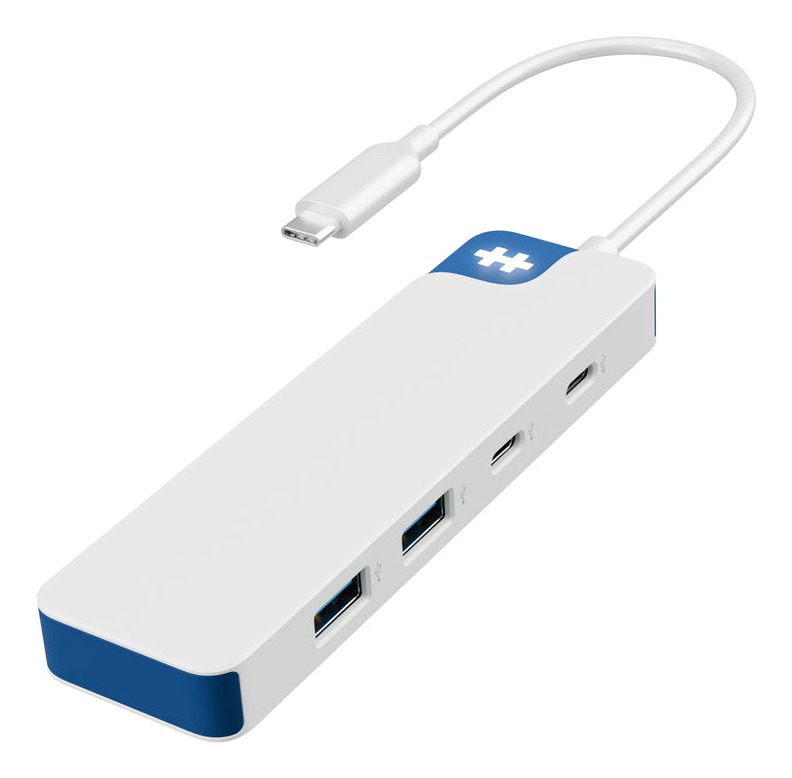
HyperDrive Flex 4 Port USB-C Hub Blue
Dell
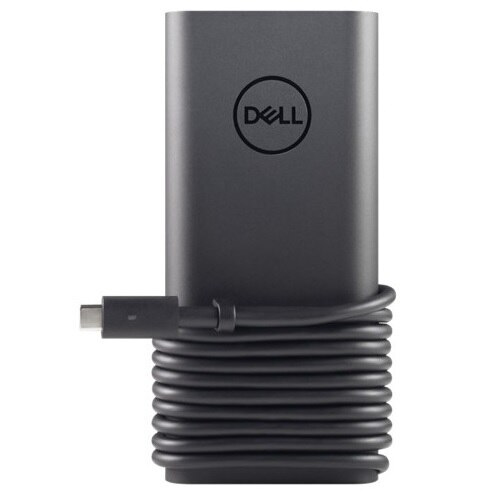
Dell - Kit - power adapter - 130 Watt