- IT Support
How to Choose the Right IT Support Provider for Your Business
15 Jan, 2026
£373.67 inc. VAT
AI-generated summary
For £311 ex-VAT, the ASUS Fanless Chromebox CF40 is a sensible pick **if** your “digital signage” use case is mostly simple: static images, scheduled slides, basic web-based content, and a reliable Wi‑Fi/Ethernet connection. The fanless angle matters in real life—less noise, fewer moving parts, and it tends to stay stable when it’s left running for hours every day. Chrome OS also reduces admin headaches compared to Windows in many office/retail deployments, especially if you already manage devices through Google tooling.
That said, I wouldn’t buy it for signage that’s heavy on anything demanding—think complex modern web pages, lots of concurrent media playback, or video-heavy loops with strict performance consistency. With the modest compute and storage, you can end up constrained by how much you can preload/cache, and you may fight “it works… until it doesn’t” behaviour when content gets more ambitious. Also, because it’s Chrome OS, you’re more locked into the app/web ecosystem—great for the right scenarios, frustrating if you need bespoke Windows software or specialist signage players.
**Who should buy:** small to medium deployments, proof-of-concept, or low-to-medium content signage where reliability and low maintenance are the priority. **Who should not:** anyone expecting it to behave like a full Windows media server/player for demanding creatives, or anyone who needs offline-first, media-rich playback without limitations. If you tell me what software/content format you’re using (web app vs local files, video type, number of screens), I can give a clearer “yes/no” on whether this will hold up.
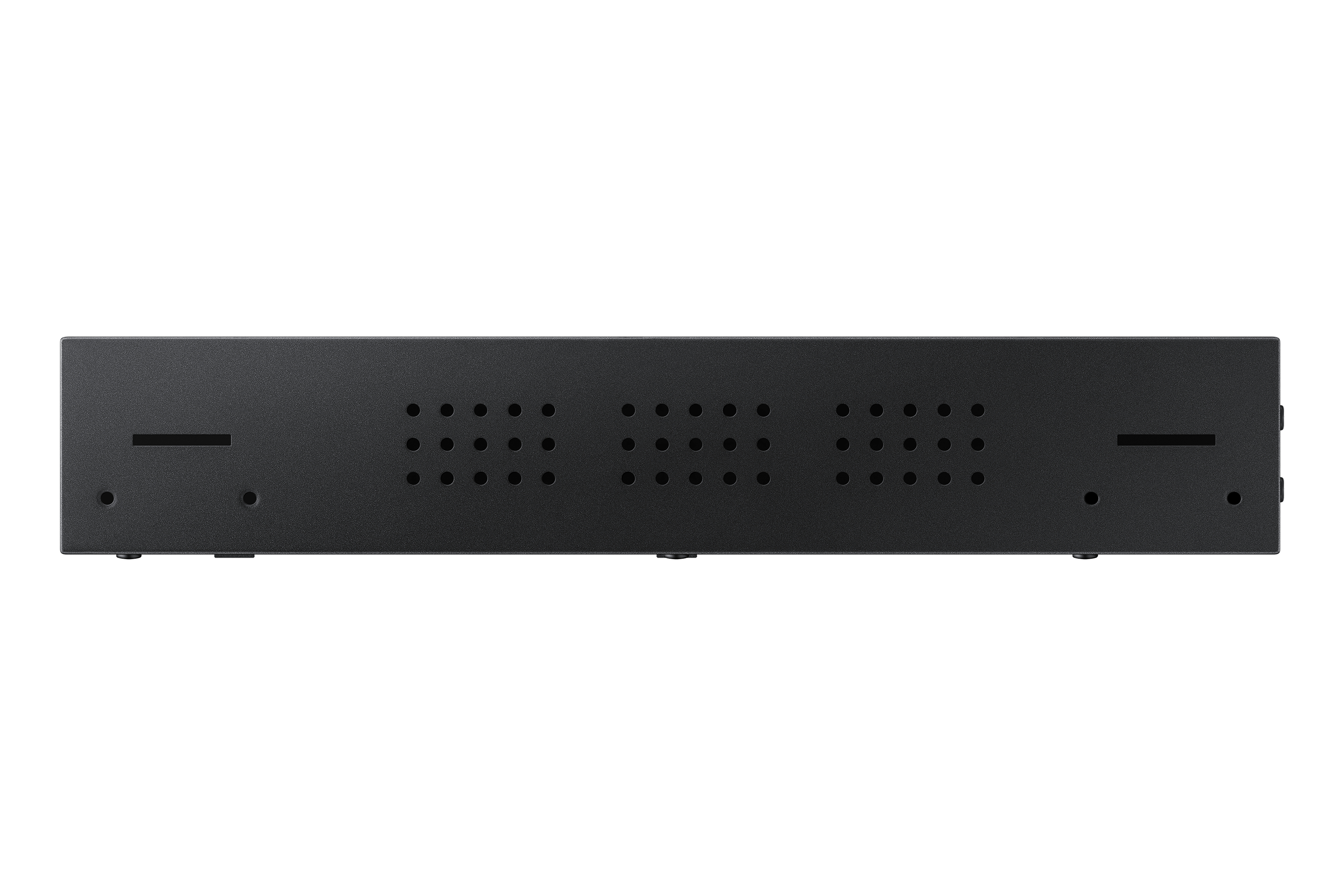
Samsung
Samsung SBB-CS4B - Digital signage player - 4K UHD (2160p) - HDR
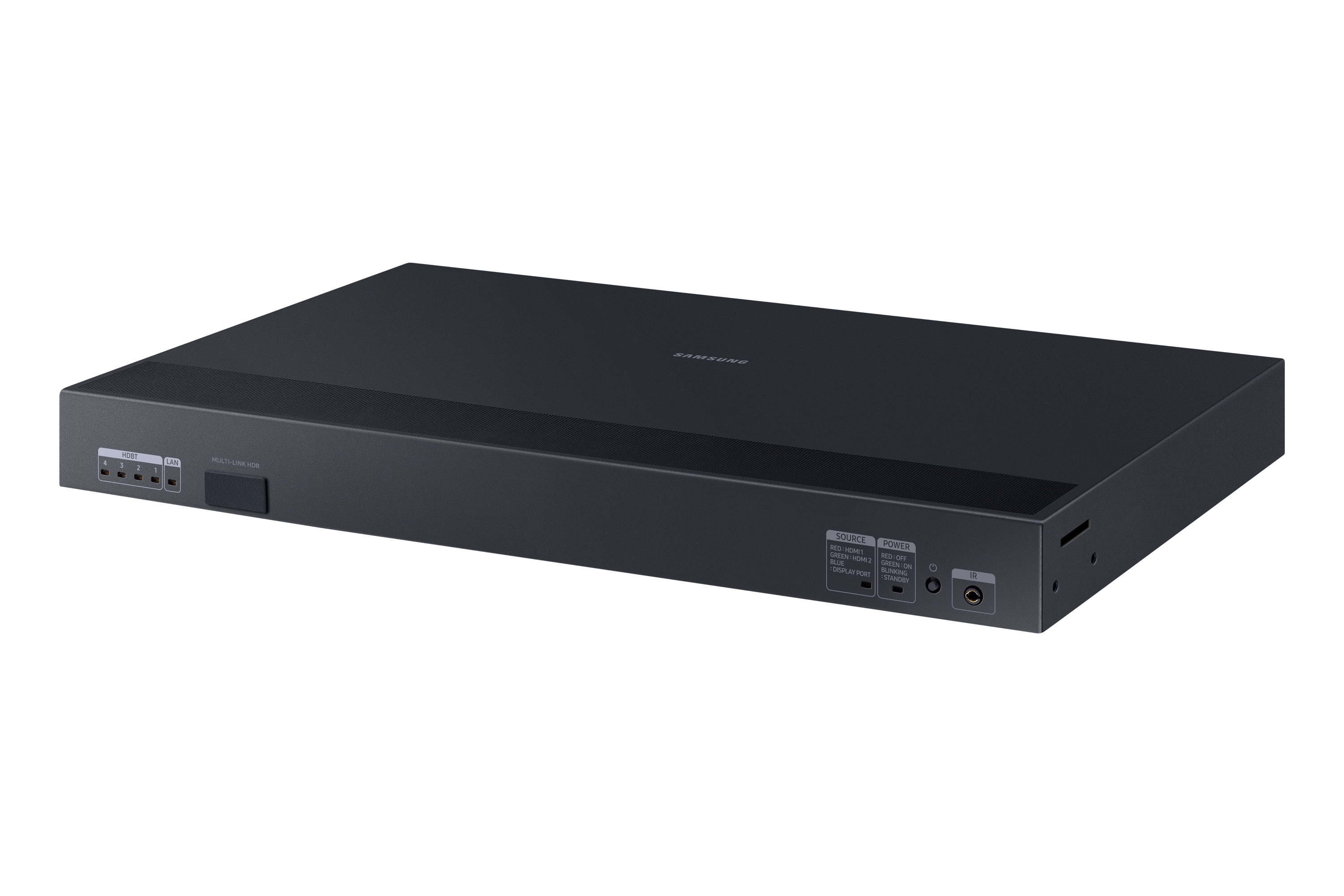
Samsung
Samsung LED S-Box SNOW-JMU - Digital signage player - Tizen OS 4.0
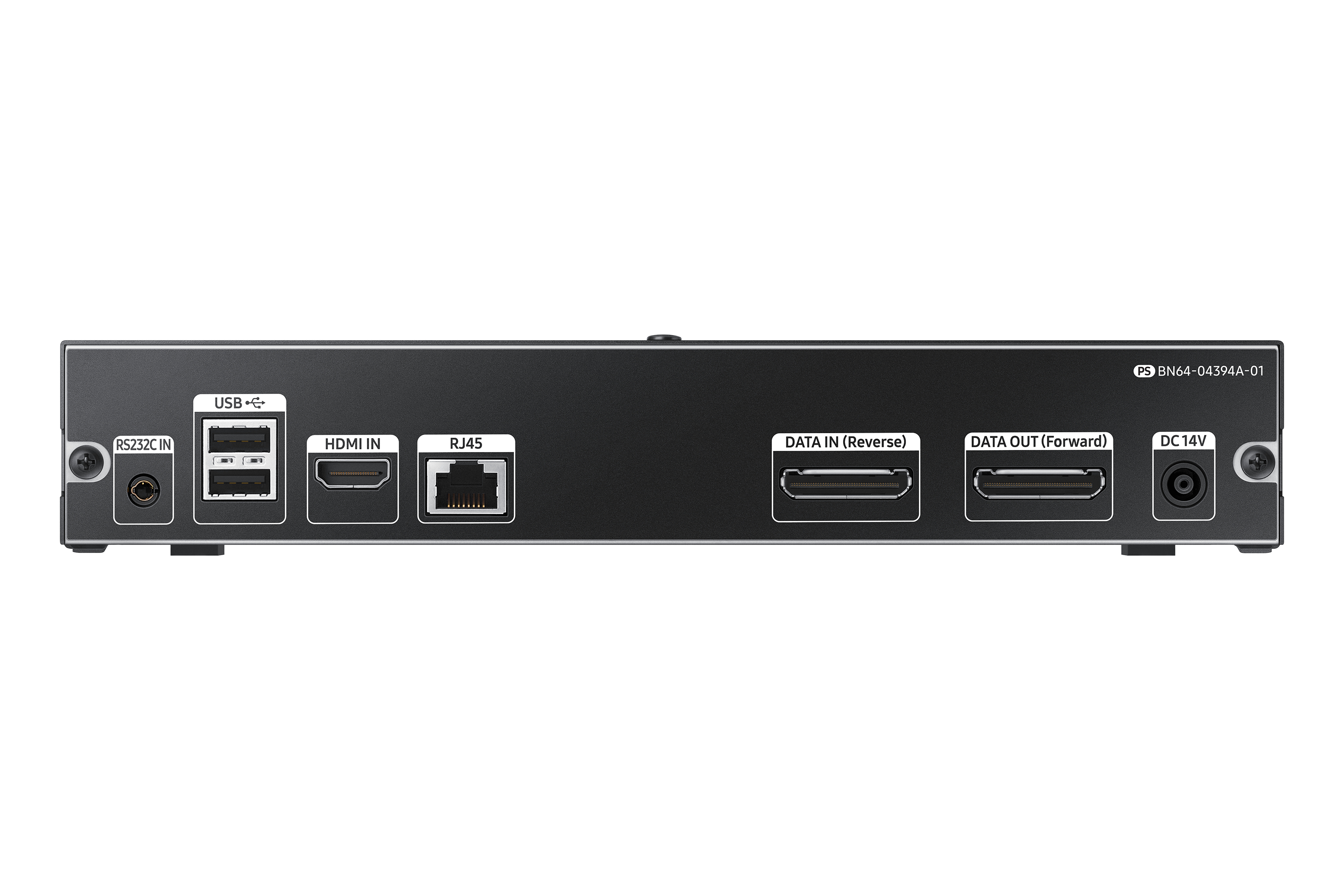
Samsung
Samsung Smart LED S-Box SNOW-RAF - Digital signage player
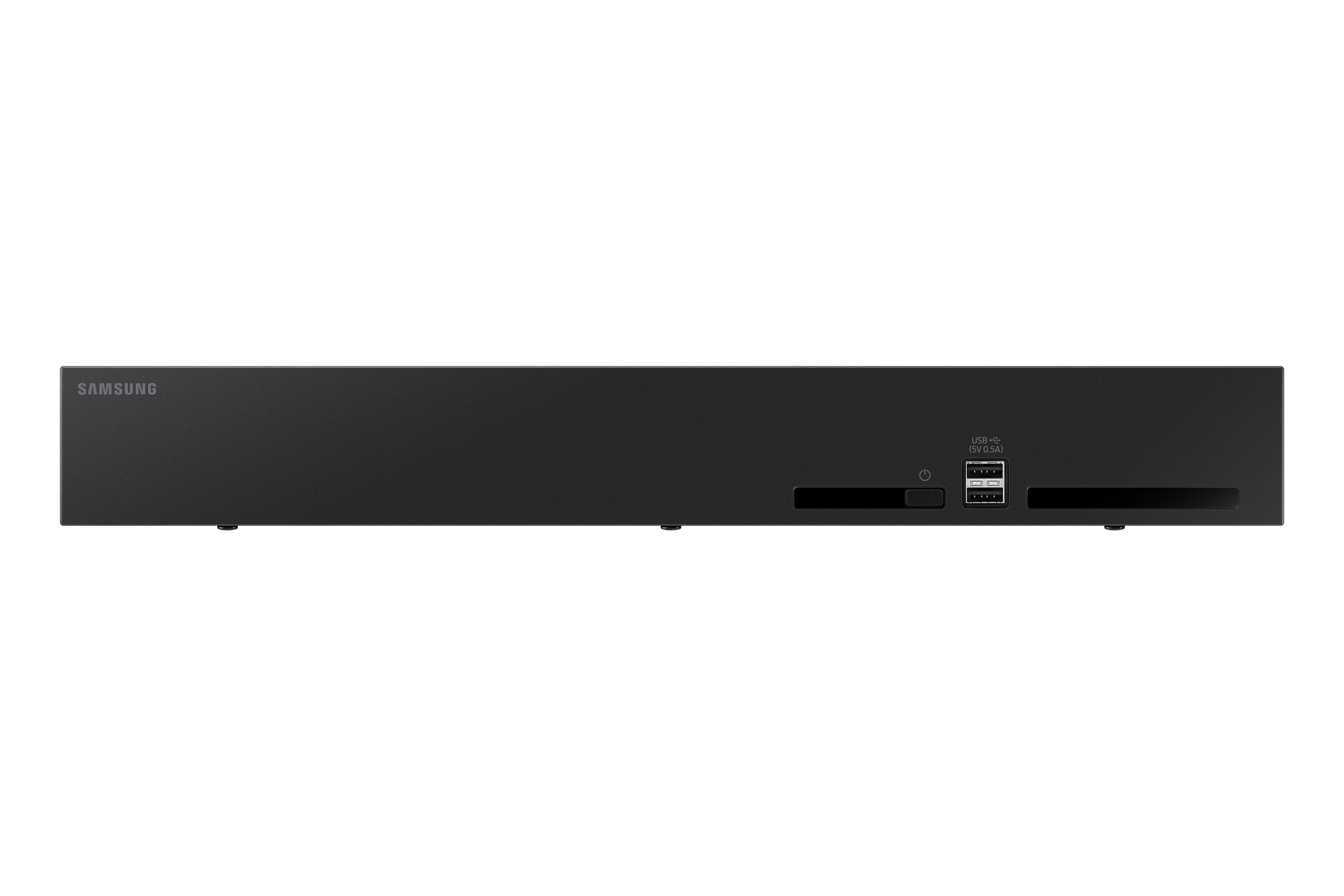
Samsung
Samsung MBOXACE - Digital signage player