- Virtual CIO
5 Strategic IT Decisions Every Growing Business Needs to Make
3 Mar, 2026
£101.18 inc. VAT
AI-generated summary
The Apple Magic Mouse is one of those products that looks great on a desk and feels “Apple” right up until you actually have to use it for hours. The multi‑touch surface is genuinely slick for basic gestures (scrolling, swipes, quick navigation), and it pairs easily with Macs via Bluetooth. If you’re a lighter day-to-day user—email, browsing, light office work—and you like Apple’s whole ecosystem, it can be a nice, polished, minimal setup. For £84.28 ex‑VAT, though, it’s not exactly a bargain considering what you give up on ergonomics and day-long comfort.
The main reason I’d hesitate is the shape and surface: it’s not the most comfortable mouse for long sessions, and the “touch” design can be touchy when you rest your fingers or accidentally brush the gestures. Also, if you do lots of precision work, scrolling-heavy workflows, or you’re picky about tracking and button feel, you may find better value in a more conventional, ergonomically shaped mouse—especially from Logitech or Microsoft—where you’ll spend less and feel more supported over time.
**Who should buy:** Mac users who want a clean, gesture-friendly mouse for office-style tasks and don’t mind paying for the experience. **Who shouldn’t:** anyone doing long workdays, heavy spreadsheets/design, or anyone who prefers tactile, predictable inputs over gesture surfaces. If you’re unsure, I’d try one in person first—comfort is the dealbreaker with this model.
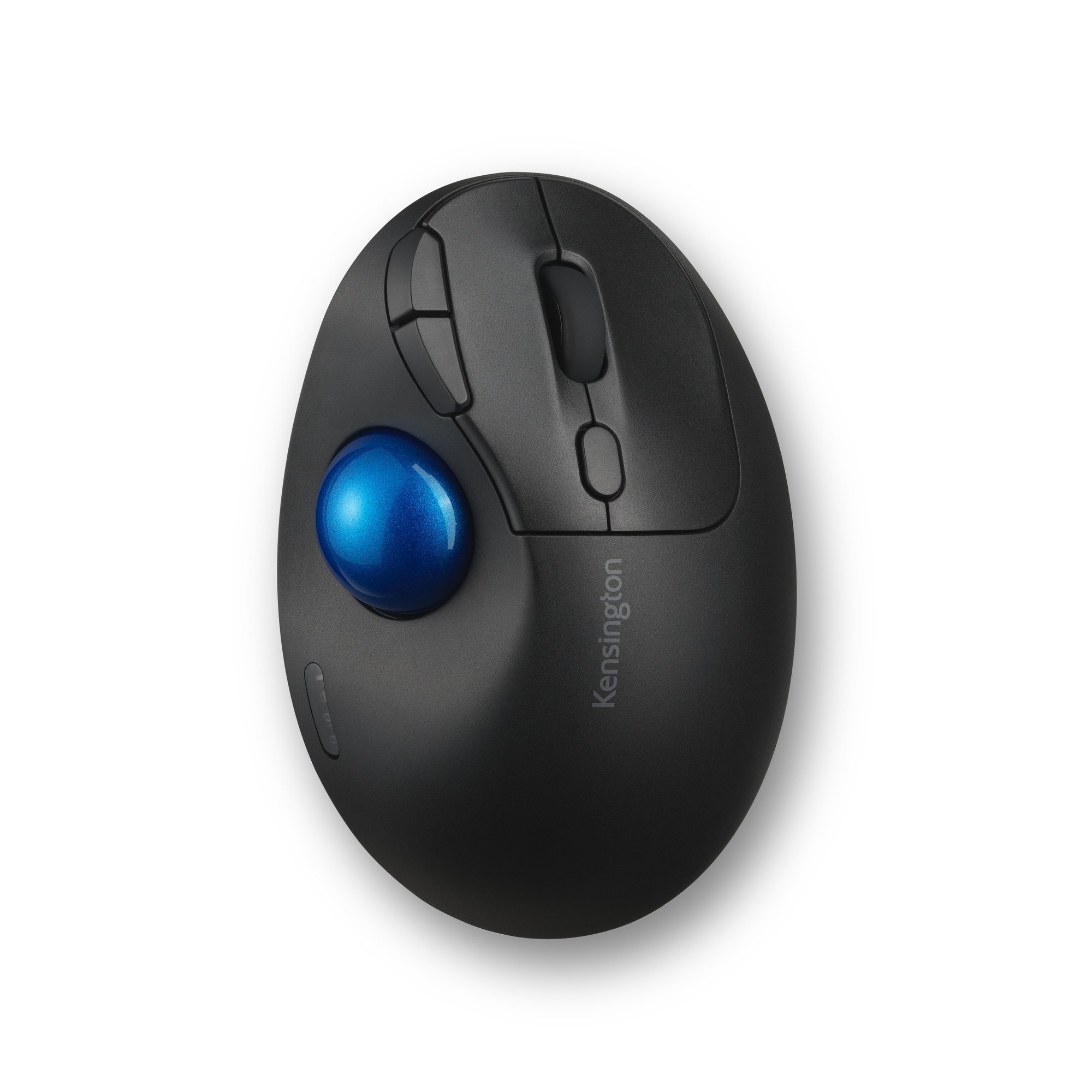
Kensington
Kensington Pro Fit Ergo TB450 EQ - Trackball - ergonomic - optical - 7 buttons - wireless - 2.4 GHz, Bluetooth - USB wireless receiver
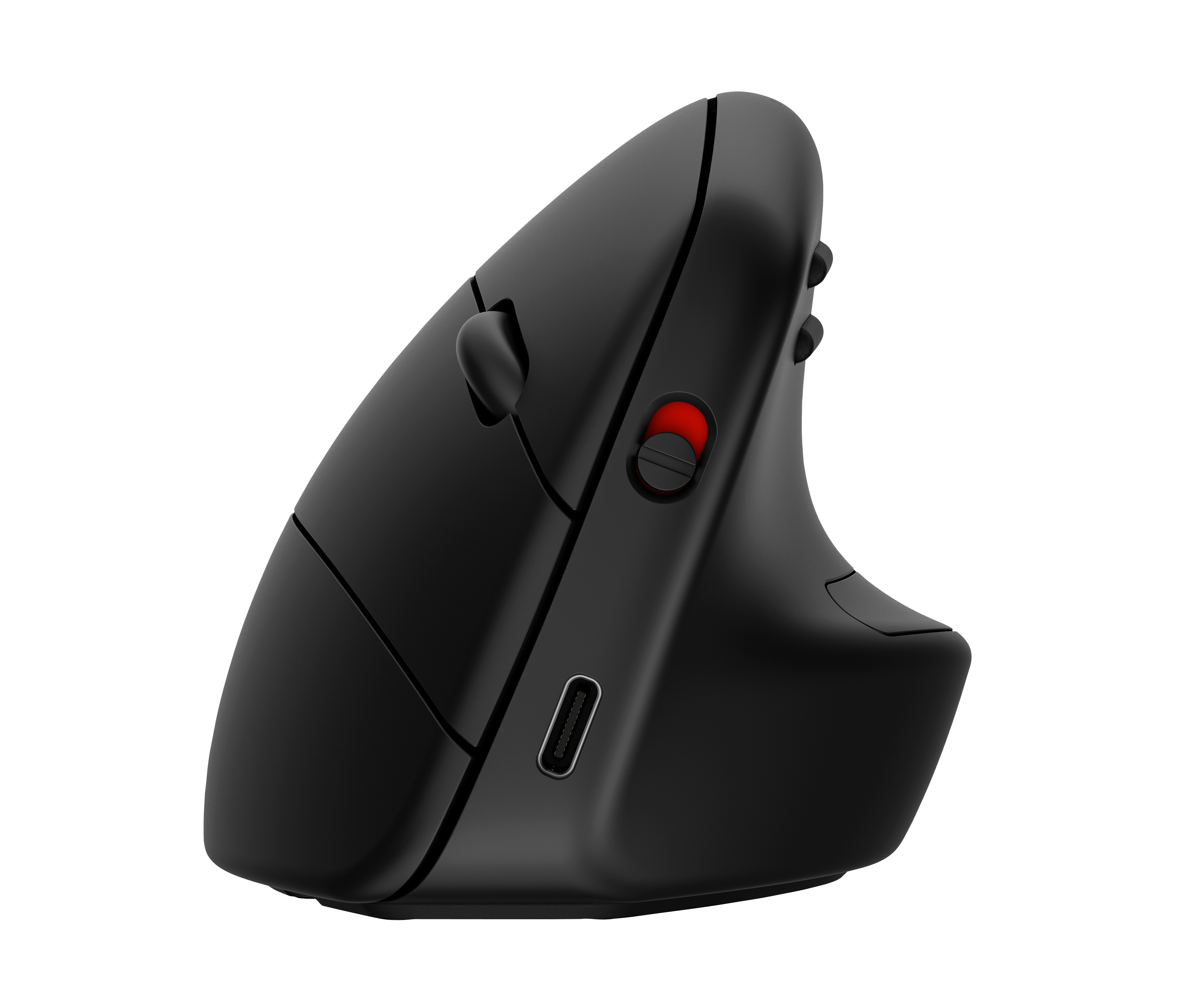
HP
HP 925 - Vertical mouse - ergonomic - 6 buttons - wireless - Bluetooth 5.3, 2.4 GHz - USB wireless receiver - black - 100% paper-based packaging
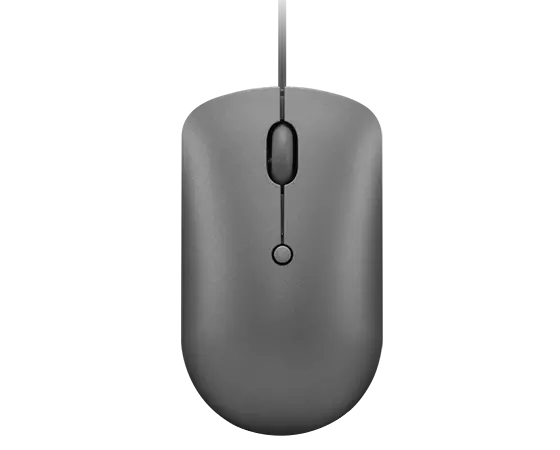
Lenovo
Lenovo 540 - Mouse - compact - optical - 4 buttons - wired - storm grey - retail
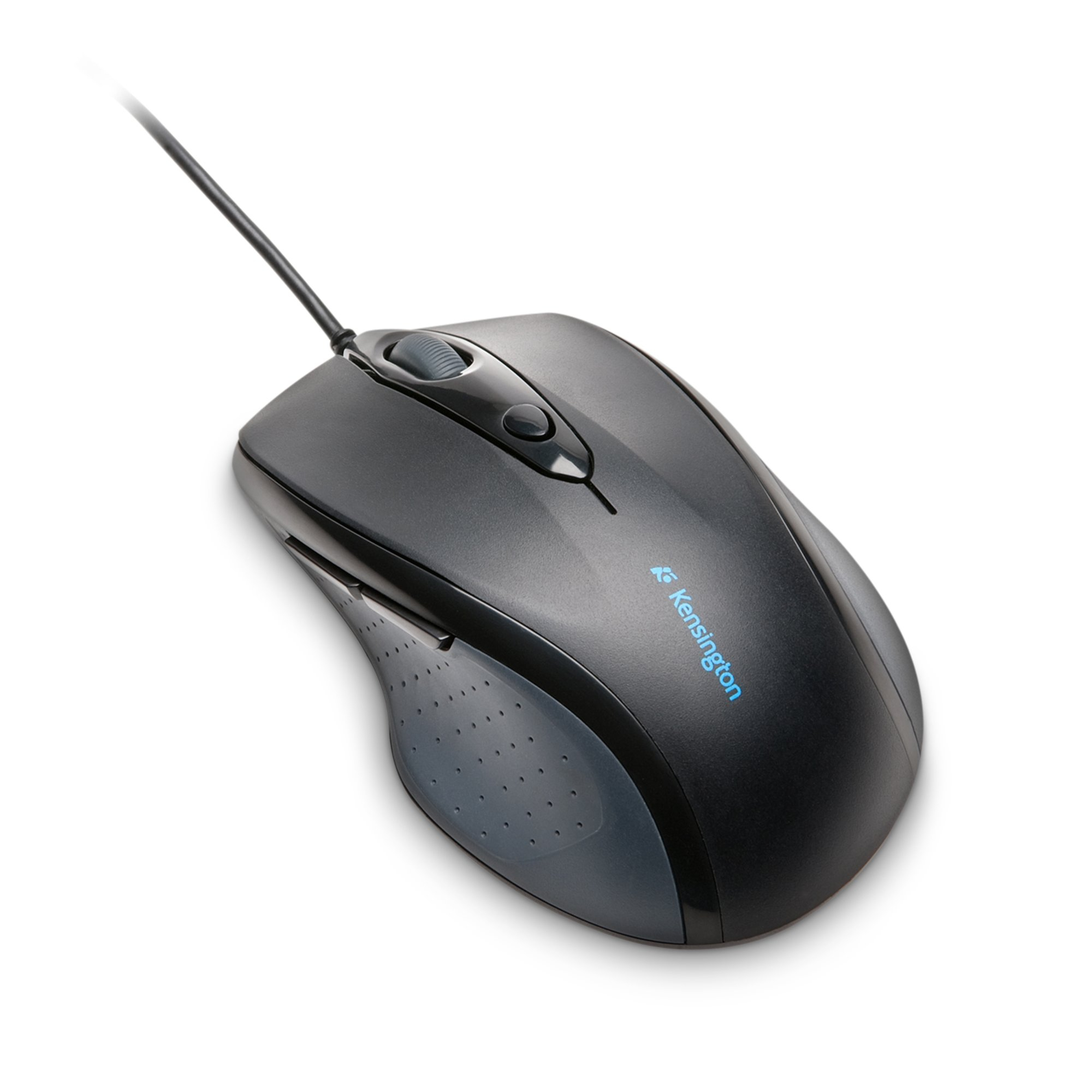
Kensington
Kensington Pro Fit Full Sized Wired Mouse USB/PS2